Short-form feeds reward speed and volume, and a growing set of AI video editors are built around that reality. Some turn long recordings into vertical clips, some generate footage from a prompt, and some focus on captions and cleanup. This list covers seven tools worth knowing if your output lives on TikTok, Reels, Shorts, and similar channels. The order is a plain list, not a quality ranking.
How We Picked These Tools
Each tool here appears on its own homepage with features aimed at social video: clipping, captions, reframing, avatars, or prompt-based generation. Every claim below is drawn from the company's own site, and prices appear only where the source text states them. No tool is presented as better than another; the aim is to show what each one does and who it suits.
| Provider | Best For |
|---|---|
| CapCut | Creators who want an all-in-one editing studio with templates and AI generation |
| VEED | Marketers and teams making branded social video and ads |
| Kapwing | Creative teams that need collaborative editing and repurposing |
| OpusClip | Creators and teams turning long recordings into vertical shorts |
| Captions | Creators who want prompt-driven editing with minimal manual work |
| Submagic | Creators and businesses publishing shorts on a regular schedule |
| Vizard | Podcasters, coaches, and marketers repurposing long-form video |
The 7 Tools in Focus
#1 CapCut
 A screenshot of the CapCut website.
CapCut is an AI-powered photo and video editor positioned for creating trending content across platforms. It bundles a timeline editor with AI tools like auto captions, background removal, text to speech, and prompt-based video and image generation. A guided workflow called EditPilot helps turn a creative direction into edits on the timeline. It also offers templates and a library of AI models to switch between. It suits creators who want a broad editing studio in one place.
#2 VEED
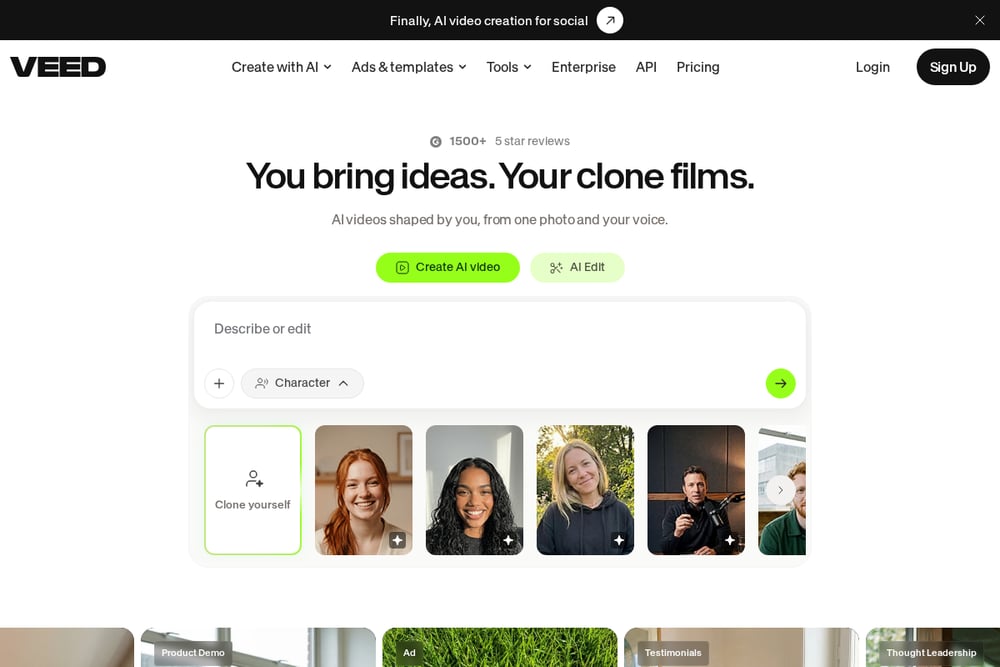 A screenshot of the VEED website.
VEED frames itself around AI video creation made for social, with generation, avatars, and voice tools alongside a browser-based editor. It offers an AI video generator, text to video, image to video, and AI avatars with lip sync. On the editing side it provides auto subtitles, a video translator, dubbing, and background noise removal. It also has ad and platform-specific templates for Instagram, TikTok, and YouTube. It suits marketers and teams producing branded social video at pace.
#3 Kapwing
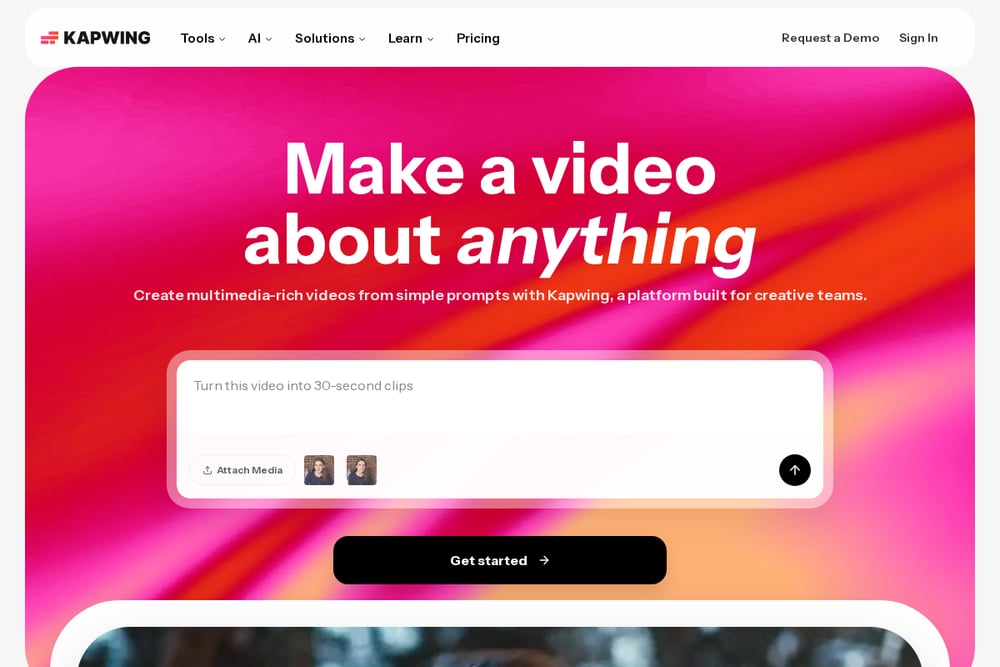 A screenshot of the Kapwing website.
Kapwing is a video platform built for creative teams, combining a drag-and-drop timeline editor with a set of AI tools. Its Repurpose Studio turns a video into social-ready clips, and a Clip Maker generates short clips from one video. It also offers a video generator that builds a project from a prompt, plus smart cut for removing silences and clean audio for noise reduction. Subtitling, dubbing, and resizing round out the social workflow. It suits teams that want collaborative editing and repurposing in one place.
#4 OpusClip
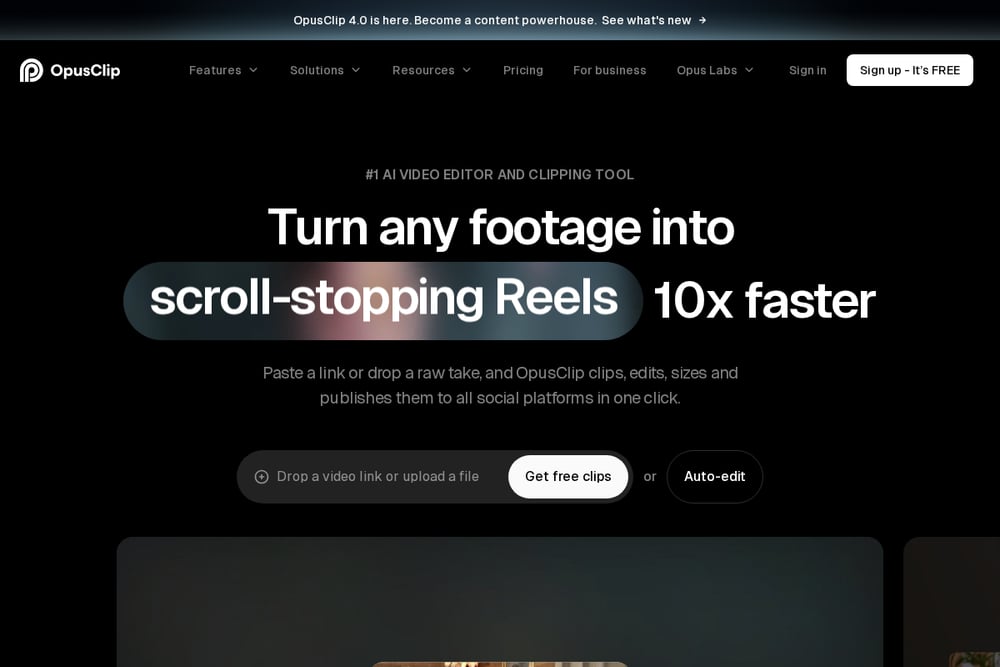 A screenshot of the OpusClip website.
OpusClip focuses on turning long footage into short clips, with AI clipping, captioning, reframing, and publishing in one flow. You can paste a link or upload a file, and it clips, edits, sizes, and publishes to social platforms. Its ClipAnything model is described as handling many genres beyond podcasts, and ReframeAnything resizes video while tracking moving subjects. It also offers animated captions, AI B-roll, a social scheduler, and brand templates. It suits creators and teams converting long recordings into a steady stream of shorts.
#5 Captions
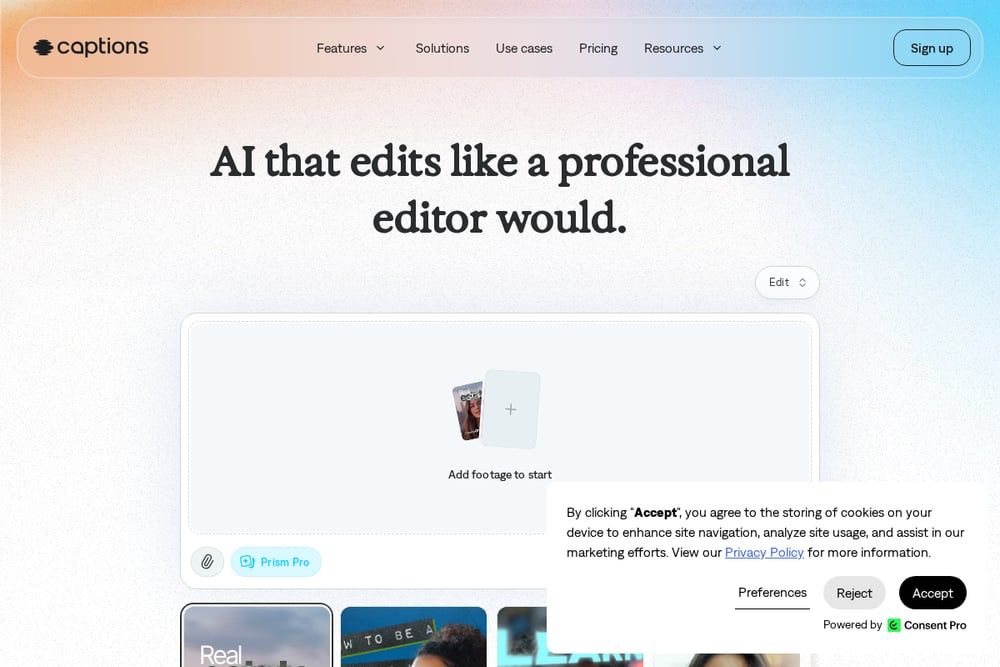 A screenshot of the Captions website.
Captions is an AI video editor built around editing footage with prompts and automated finishing. Its AI Edit can cut scenes and overlay B-roll in a chosen style, and a chat-based editor lets you make changes by describing them. It also offers AI avatars and digital twins, automatic captions, translation, eye contact correction, denoising, and pause trimming. It works for vertical and horizontal video and is aimed at social content, ads, and podcast clips. It suits creators who want minimal hands-on editing.
#6 Submagic
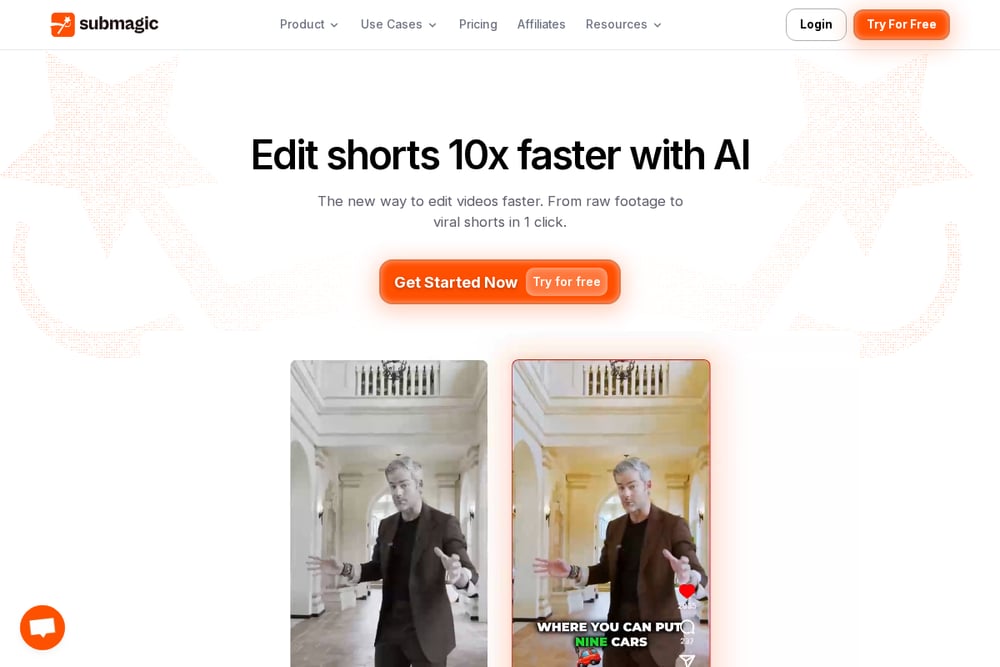 A screenshot of the Submagic website.
Submagic is built around editing shorts faster, with AI captions, auto-editing, and clip extraction as its core. It adds captions, removes silences, inserts B-roll, and finds key moments automatically, and Magic Clips repurposes one video into multiple shorts. It also offers AI avatars for creating videos without filming, plus scheduling and publishing from the editor. Output is optimized for TikTok, Reels, and Shorts. It suits creators and businesses that publish short-form content consistently.
#7 Vizard
 A screenshot of the Vizard website.
Vizard turns long videos into short clips for TikTok, Instagram, YouTube Shorts, and similar channels. Its AI clipping finds highlights and reframes them vertically, centering key subjects without manual resizing. An editor adds text-based trimming, caption translation, one-click ratio changes, and brand templates. It also offers a Vizard Agent for prompt-based creation and a team workspace for collaboration. It suits podcasters, coaches, and marketers repurposing long-form content.
Which One Should You Choose?
Start with the shape of your source material. If you already record long videos, look at tools built around clipping and reframing, such as OpusClip, Submagic, or Vizard. If you would rather generate footage from a prompt or an avatar, VEED, Captions, and CapCut lean that way. If collaboration and repurposing across a team matter, Kapwing's workspace and Repurpose Studio are worth a look. Then check the finishing details you rely on most, like auto captions, translation, silence removal, or scheduling, and confirm they appear in the tool's own feature list. Try a free tier or trial before committing.
Final Thoughts
There is no single answer here, because these tools solve different parts of the short-form workflow. Some clip and reframe existing footage, some generate new video from prompts or avatars, and some concentrate on captions and cleanup. The practical move is to match the tool to how you actually produce content, then test the features you will use every day. Treat this list as a starting point for that comparison rather than a verdict.
Know a company that belongs on this list? Email us at editorial@peekwire.com.