Collecting payments through forms is a practical way to sell products, take deposits, or accept donations without building a separate checkout. This list covers form builders that support payment collection, based on what each company says about its own features. The order is a plain list, not a quality ranking.
How We Picked These Tools
We included companies whose provided source pages mention payment collection or payment integrations. Each item lists facts quoted directly from the company's page. No company is ranked as better or worse.
| Provider | Best For |
|---|---|
| Typeform | Teams wanting conversational forms with built-in payment and scheduling |
| Jotform | Businesses needing multiple payment integrations in one form builder |
| Formstack | Organizations using Salesforce that need forms with payment integrations |
| Paperform | Small businesses selling services or products through forms |
| Fillout | Teams wanting AI-assisted form building with payment support |
| Cognito Forms | Organizations needing forms with calculations and payment processing |
| Tally | Individuals and teams wanting a free, simple form builder with payments |
The 7 Tools in Focus
#1 Typeform
 A screenshot of the Typeform website.
Typeform offers conversational forms that adapt to each respondent. Its Growth Flow features include instant lead capture, where you can accept payments with Stripe and PayPal directly in your forms. It also supports e-signatures and scheduling with Google Calendar and Calendly. This suits teams that want engaging forms combined with payment collection and follow-up automation.
#2 Jotform
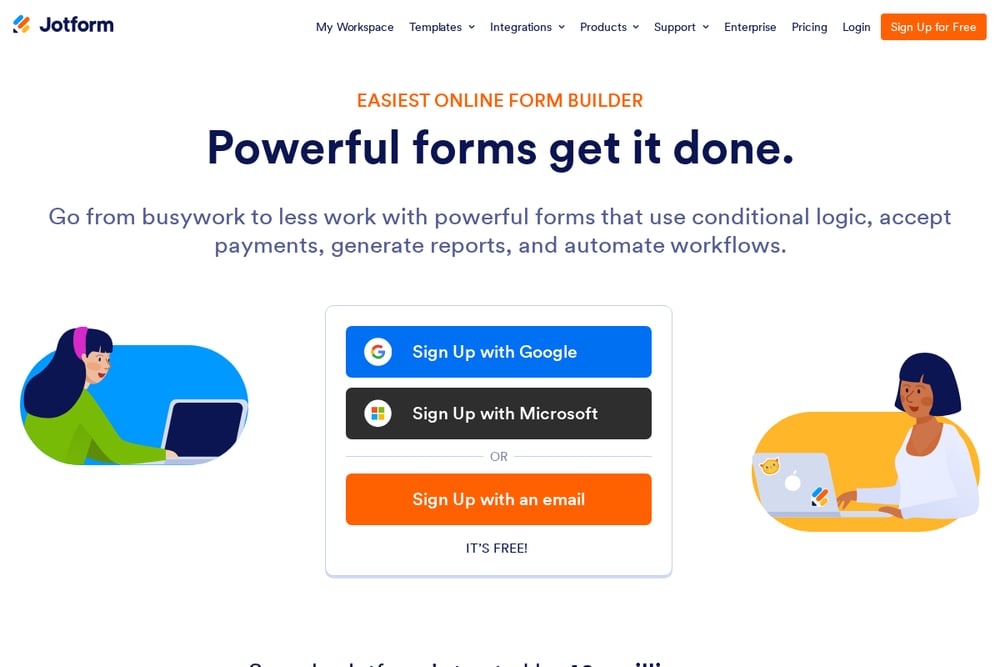 A screenshot of the Jotform website.
Jotform is an online form builder that supports conditional logic, payments, reports, and workflows. It provides payment integrations such as Square, PayPal, and Stripe, so you can collect payments directly through your forms. The builder is drag-and-drop and requires no coding. It suits businesses that want a flexible form tool with multiple payment options.
#3 Formstack
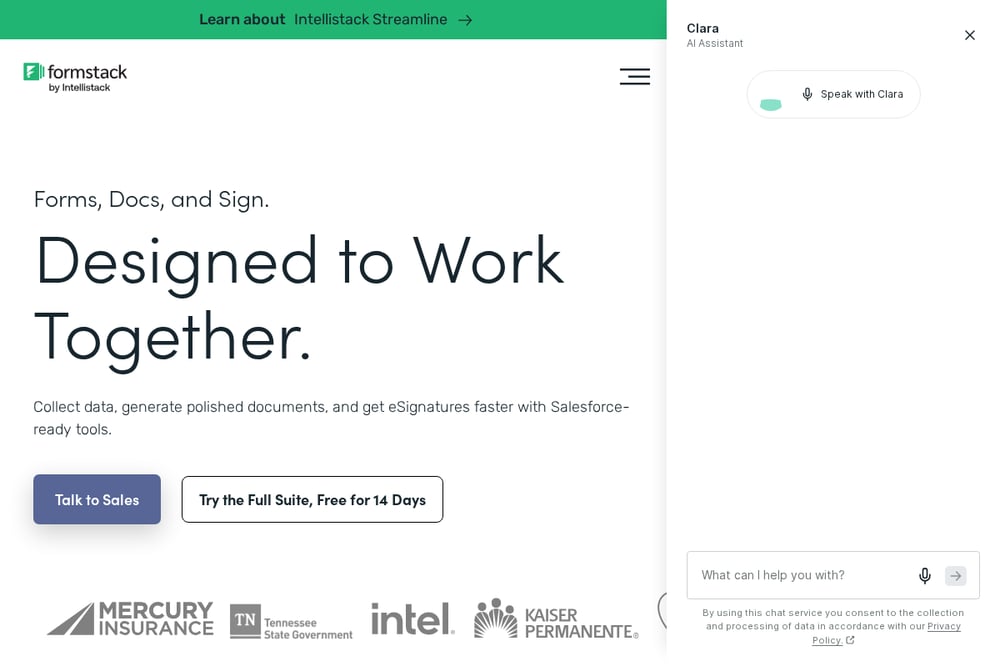 A screenshot of the Formstack website.
Formstack provides forms, documents, and e-signatures designed to work together, with a focus on Salesforce-ready tools. It lists payments among its integration categories, including PayPal and Stripe. The platform aims to simplify data capture through to signature. It suits organizations that need forms connected to Salesforce and payment systems.
#4 Paperform
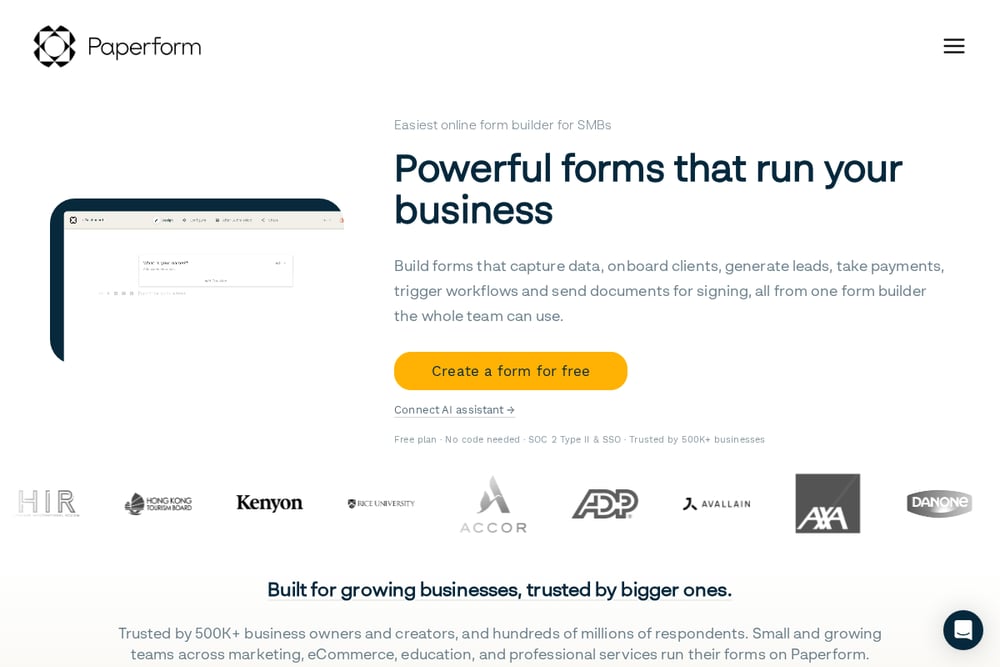 A screenshot of the Paperform website.
Paperform is an online form builder that combines design with digital smarts. It supports payment forms, order forms, subscription forms, and calculator forms, allowing you to take payments directly inside your forms. The company says you can process payments through Paperform without integrating another tool. It suits small and growing teams that want to sell services or products through forms.
#5 Fillout
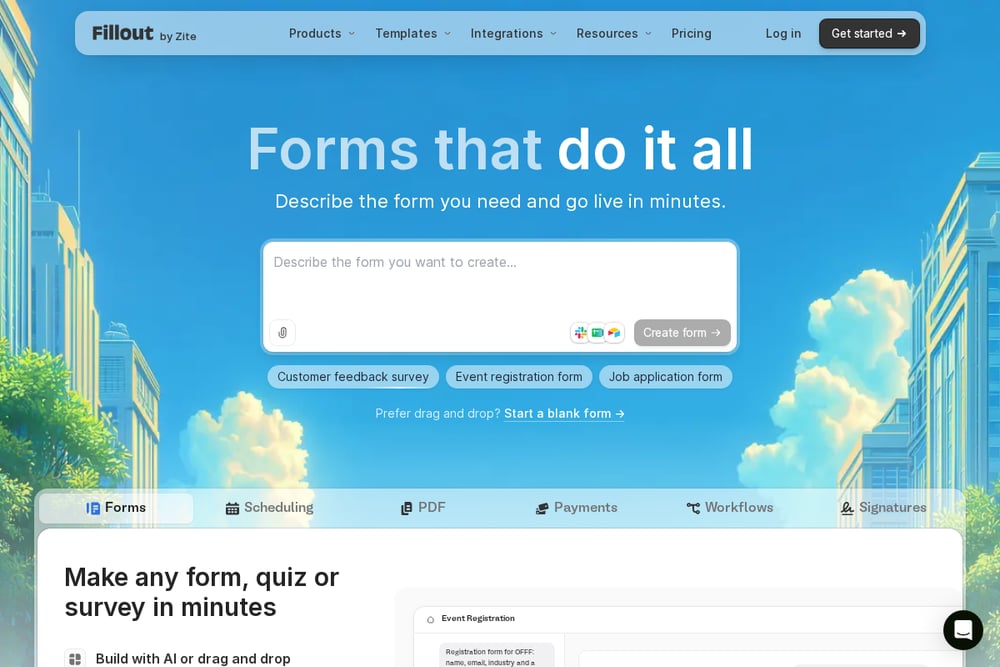 A screenshot of the Fillout website.
Fillout is a form builder that lets you create forms with AI or drag and drop. It includes payments as a form type and supports building forms with file uploads and payments. The platform emphasizes branding, integrations, and collaboration. It suits teams that want a modern form builder with payment capabilities and customization.
#6 Cognito Forms
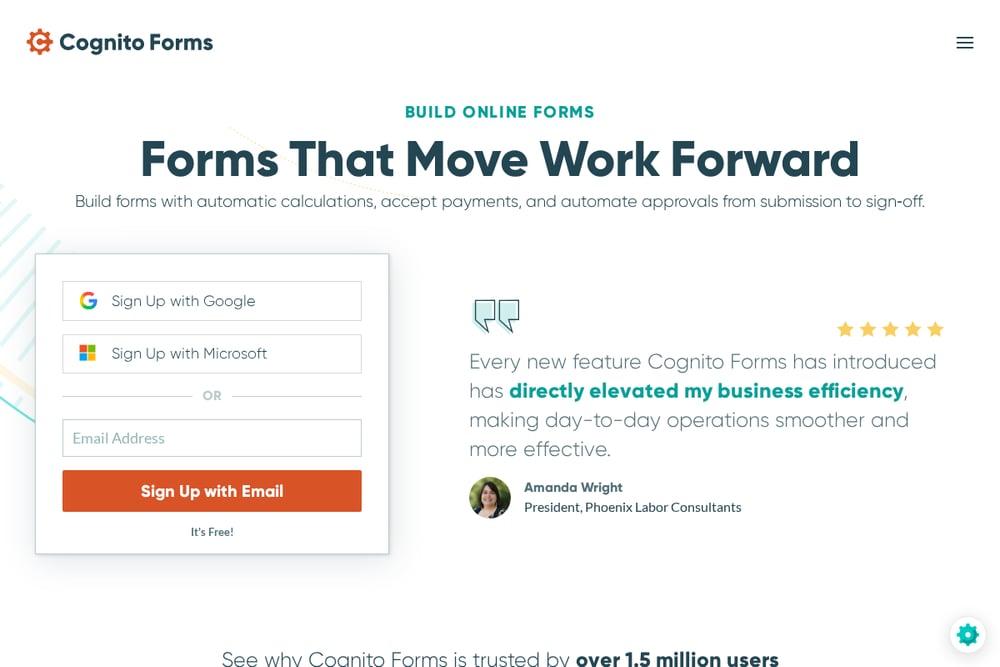 A screenshot of the Cognito Forms website.
Cognito Forms is an online form builder that supports data collection, workflow automation, and online payments. It offers Cognito Pay for accepting card payments and managing payment activity directly within the platform. It also supports integrations with payment partners. It suits organizations that need forms with calculations, approvals, and payment processing.
#7 Tally
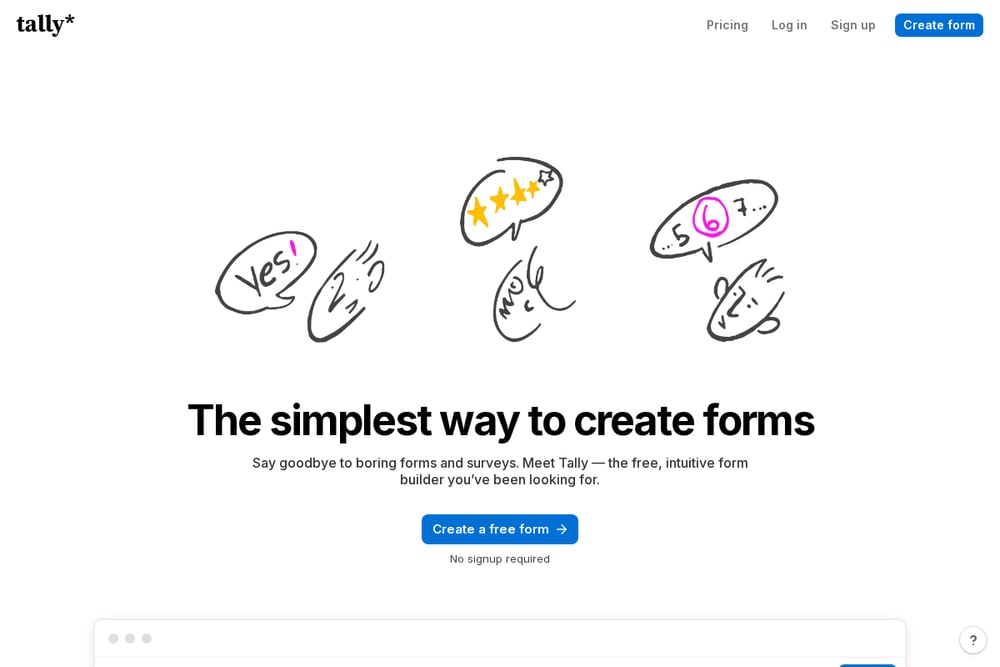 A screenshot of the Tally website.
Tally is a form builder that works like a text document, letting you type questions and insert blocks. It supports accepting payments and creating checkout forms without code. The platform offers unlimited forms and submissions for free within fair usage guidelines. It suits individuals and teams that want a simple, free form builder with payment collection.
Which One Should You Choose?
Consider which payment providers you already use and whether the form builder integrates with them. Check if you need additional features like calculations, e-signatures, or workflow automation. Think about your budget and whether a free plan or trial is available. Also consider the level of design customization and branding you require.
Final Thoughts
Each form builder on this list offers a different approach to collecting payments through forms. Some focus on integrations with popular payment processors, while others provide built-in payment processing. The right choice depends on your existing tools, budget, and the complexity of your payment needs. This list is meant to inform, not to rank companies as better or worse.
Know a company that belongs on this list? Email us at editorial@peekwire.com.