Restaurant scheduling is its own beast. Front of house and back of house, tips, late-night rushes, shift swaps, and labor rules all collide in the same week. This list looks at seven scheduling tools that show up in restaurant conversations, and describes what each one does and who it tends to suit. It is a plain list, not a ranking. No company here is being called the best, and the order is just how the items are laid out.
How We Picked These Tools
Each tool was picked because its own source page speaks directly to restaurant or shift-based work and describes scheduling, time tracking, or related workforce features. Every claim below is tied to an exact quote from the company's provided page. Nothing is scored, and no tool is placed above another in quality. Prices appear only where the company's own page states them word for word.
| Provider | Best For |
|---|---|
| 7shifts | Restaurants that want scheduling connected to hiring, training, and pay |
| Deputy | Shift-based businesses that want scheduling and compliance in one system |
| Homebase | Small hourly restaurant teams that want scheduling and payroll together |
| Sling | Restaurants that want simple scheduling plus team communication |
| When I Work | Hourly teams that want scheduling, attendance, and messaging in one app |
| Fourth | Restaurant groups that want scheduling tied to broader operations |
| Connecteam | Smaller restaurant teams that want scheduling and communication in one simple app |
The 7 Tools in Focus
#1 7shifts
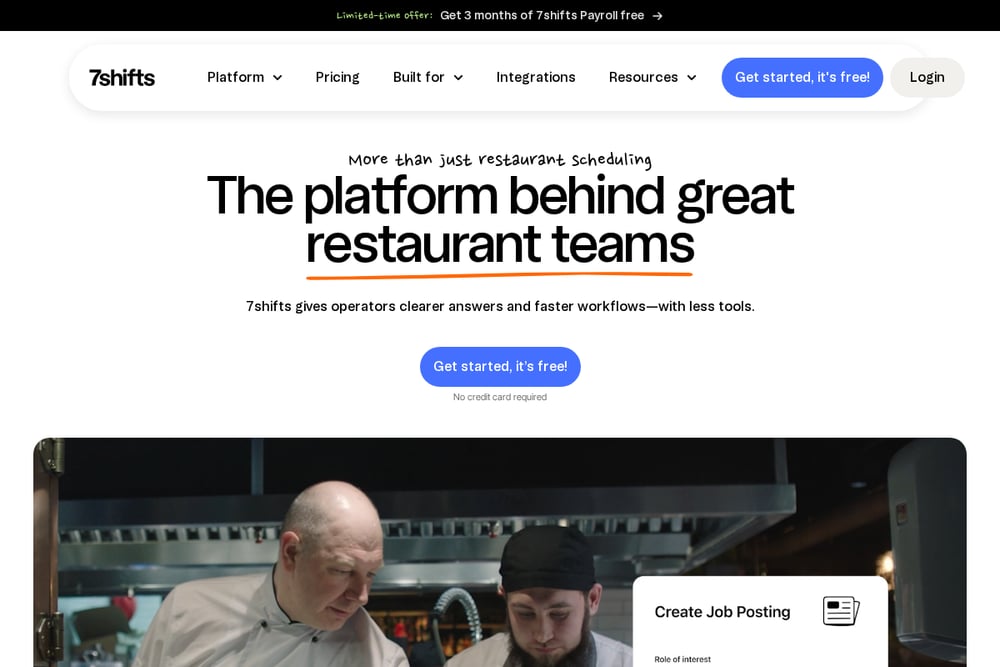 A screenshot of the 7shifts website.
7shifts presents itself as a platform for restaurant teams rather than scheduling alone, connecting hiring, training, scheduling, pay, and retention in one place. Its scheduling features include shift swaps with manager approval, built-in labor compliance, and labor cost savings tools. The company lists restaurant types such as full service, quick service, pizzerias, bars, and franchises among the operations it is built for. It suits restaurants that want scheduling tied closely to hiring, training, and payroll workflows.
#2 Deputy
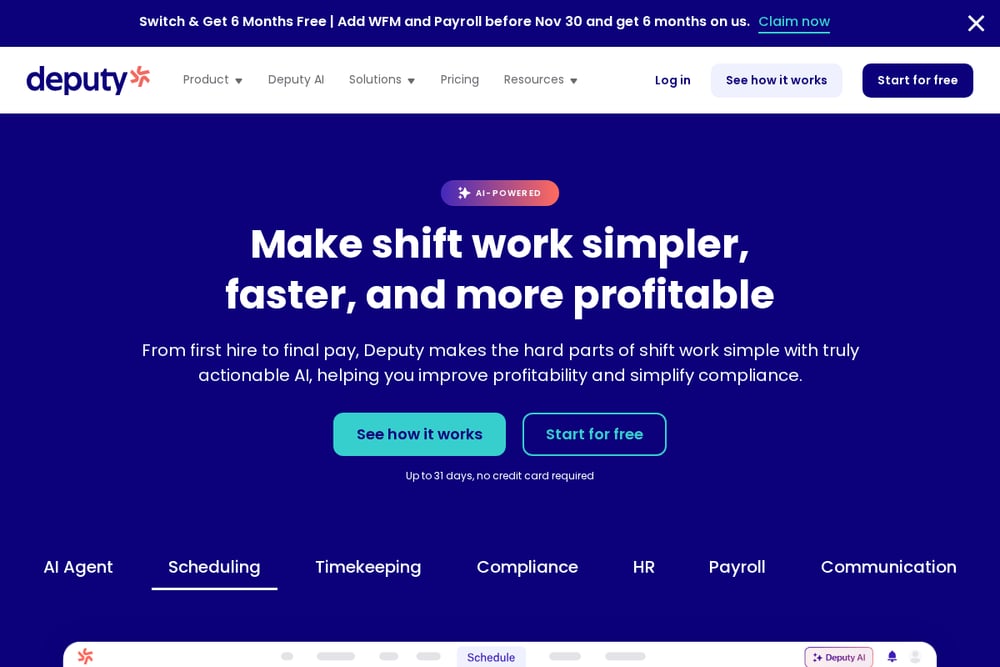 A screenshot of the Deputy website.
Deputy frames its product around shift work, from first hire to final pay, with scheduling, timekeeping, compliance, HR, payroll, and communication as connected pieces. Its scheduling pitch covers creating and sharing schedules from any device, tracking wage costs live, and letting staff swap shifts and clock in without training. It also emphasizes automating compliance requirements like breaks, Fair Workweek, overtime, and custom pay rules. It suits shift-based businesses, including restaurants, that want scheduling and compliance handled together.
#3 Homebase
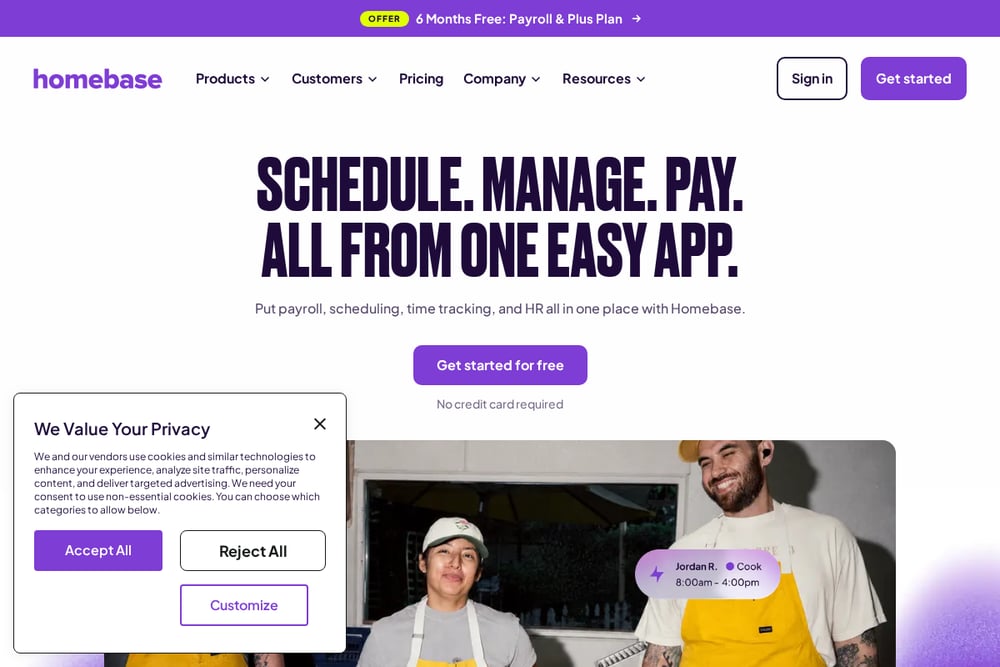 A screenshot of the Homebase website.
Homebase bundles scheduling, time tracking, payroll, hiring, HR, and team messaging into one app aimed at small businesses with hourly teams. Its scheduling features include automated scheduling, availability settings, and a view of every shift mapped out. The company explicitly names restaurants among the hourly, shift-based small businesses it is built for. It also offers a free Basic plan for small teams, with paid plans starting at a stated monthly price per location. It suits small restaurant teams that want scheduling, clock-in, and payroll in one place.
#4 Sling
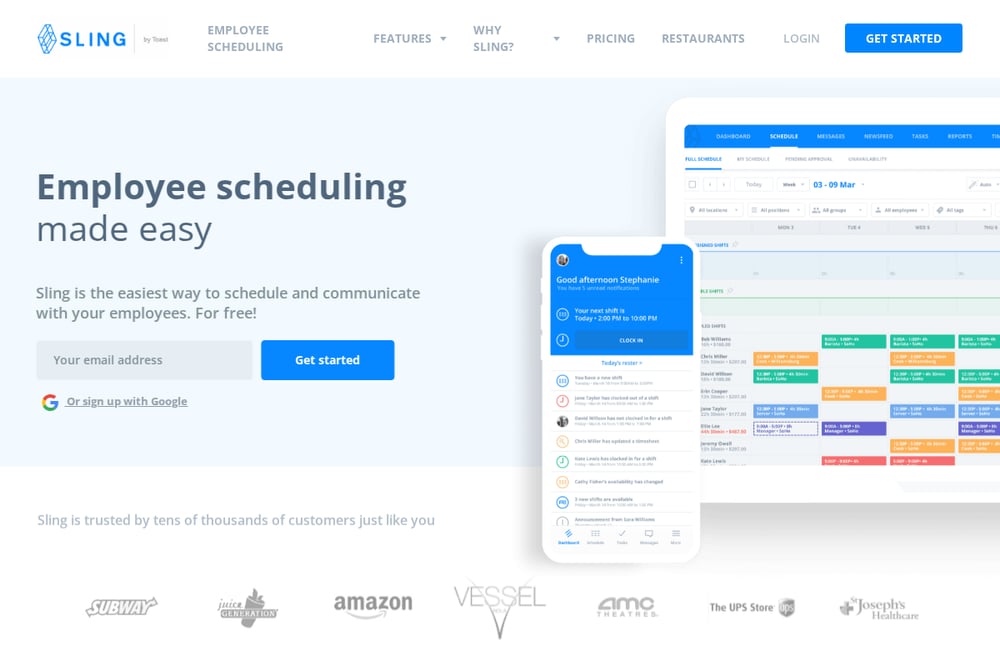 A screenshot of the Sling website.
Sling, now Sling by Toast, focuses on employee scheduling and communication, with labor cost optimization, task management, time clock, and multi-location support alongside it. Its scheduling tools cover time off, availability, shift trade requests, overtime warnings, and overlapping shift alerts. The company lists restaurants among the industries it serves and includes restaurant customer quotes on its page. It suits restaurants that want straightforward scheduling and team messaging in one place.
#5 When I Work
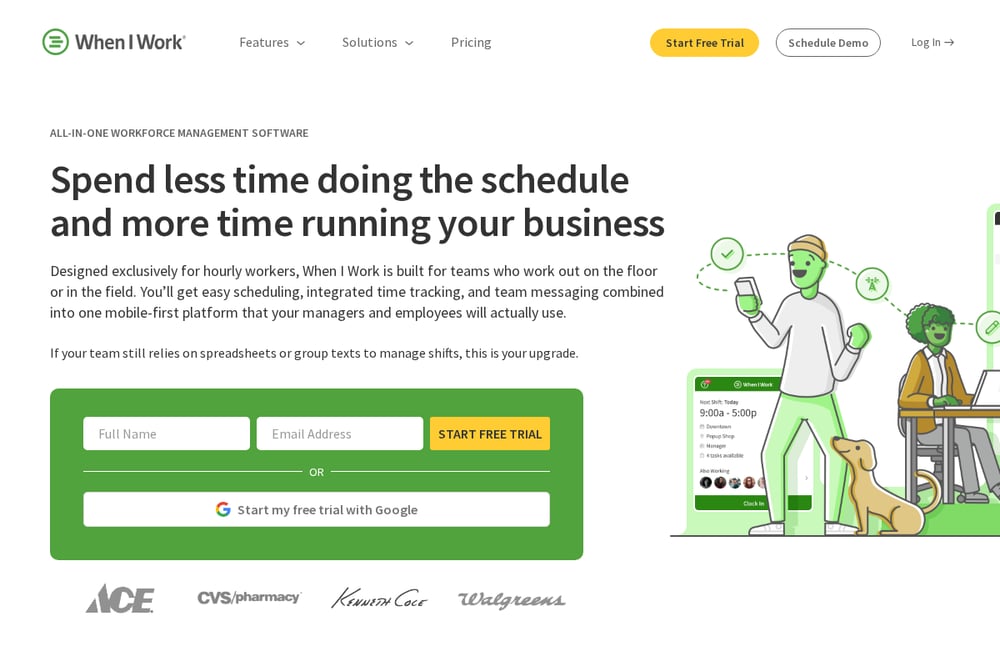 A screenshot of the When I Work website.
When I Work is built for hourly workers, combining employee scheduling, time clock, team messaging, and integrations in a mobile-first platform. Its scheduling features include building schedules in minutes, offering OpenShifts to fill gaps, one-click auto scheduling, and predictive labor forecasting. It also supports multi-location oversight and GPS-enforced geofencing for clock-ins. It suits restaurants and other shift-based operations that want scheduling, attendance, and messaging in one app.
#6 Fourth
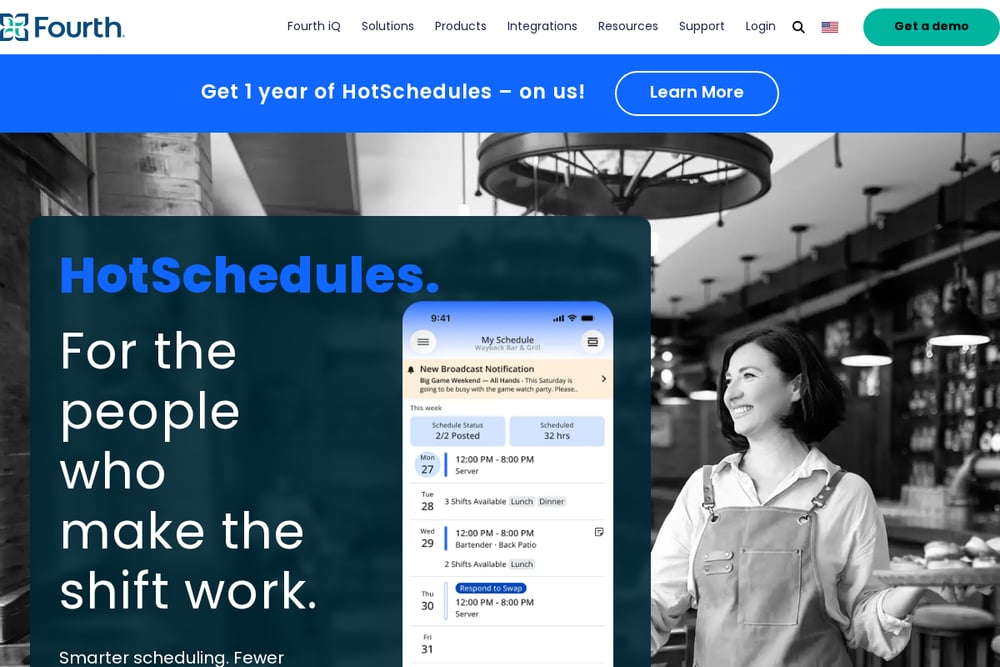 A screenshot of the Fourth website.
Fourth offers workforce management under its HotSchedules brand, with scheduling, schedule scoring, task management, labor compliance, time and attendance, tipping management, and payroll for restaurants. Its page describes HotSchedules as smarter scheduling with fewer surprises, keeping teams covered and managers in control. It also connects workforce tools with inventory, analytics, and forecasting products aimed at restaurant operations. It suits restaurant groups that want scheduling tied into broader back-of-house and labor operations.
#7 Connecteam
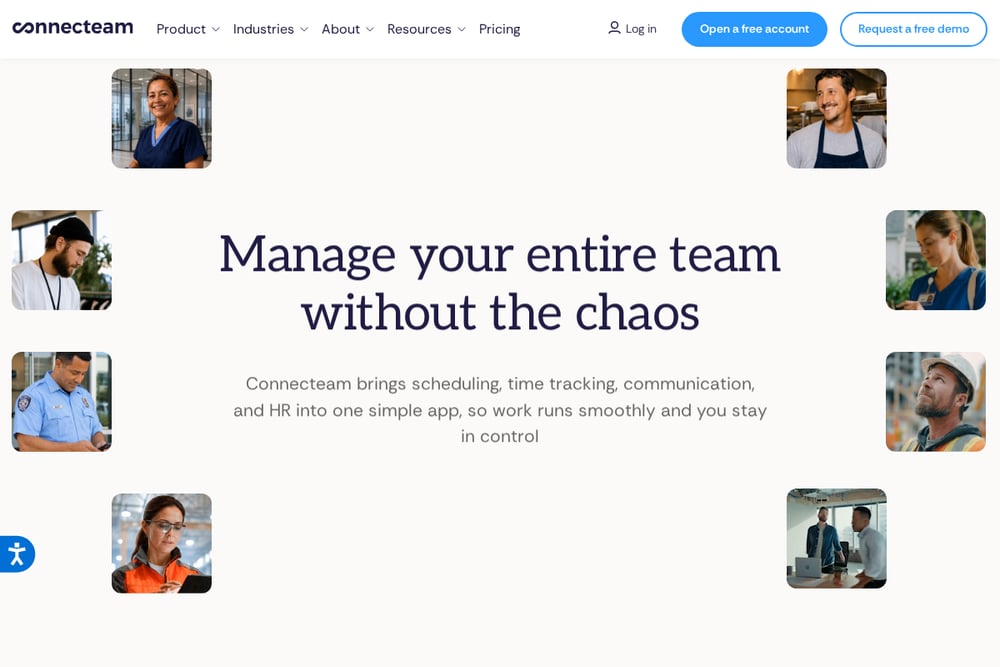 A screenshot of the Connecteam website.
Connecteam brings scheduling, time tracking, communication, and HR into one app, with an AI-assisted scheduling flow that produces a ready-to-use schedule from a prompt. Its operations hub includes time clock, scheduling, forms and checklists, task management, and a communications hub. The company lists food and beverage among its industries and notes that the product is free for teams under a stated size. It suits smaller restaurant teams that want scheduling, tasks, and communication in a single simple app.
Which One Should You Choose?
Start with the shape of your restaurant. A single location with a small hourly crew has different needs than a multi-location group with separate front and back of house teams. Look at whether scheduling is the main need or whether you also want time tracking, tips, payroll, or compliance in the same place. Check how shift swaps and availability requests are handled, since those come up constantly in restaurants. If labor rules matter to you, look for tools that describe compliance features. If budget is tight, look at what each company says about free plans or starting prices on its own page. Then match the tool to the workflow you already run.
Final Thoughts
These seven tools all touch restaurant scheduling, but they lean in different directions. Some treat scheduling as one part of a wider restaurant operations platform, while others keep the focus on scheduling, time tracking, and team communication. The right fit depends on your size, your locations, and how much of the surrounding work you want in the same app. Use the quotes above as a starting point, then check each company's own page for the details that matter to your restaurant.
Know a company that belongs on this list? Email us at editorial@peekwire.com.