QuickBooks is a common starting point, but it is not the only option. Many businesses look for different pricing, different workflows, or different levels of support. This list covers seven accounting tools that people often consider as alternatives. Each entry describes what the tool does and who it tends to suit, using details from the companies' own pages. No tool is ranked as better or worse; the numbers are just a reading order.
How We Picked These Tools
We looked for accounting software that appears on the companies' own websites and that offers features relevant to small businesses, freelancers, or growing teams. We included tools that cover core accounting tasks such as invoicing, expense tracking, bank reconciliation, and reporting. We also considered whether the company provides clear information about its pricing, features, and target users. The list is not exhaustive, and inclusion does not imply endorsement.
| Provider | Best For |
|---|---|
| Xero | Small businesses and growing teams that want an all-in-one cloud accounting system |
| FreshBooks | Freelancers and small businesses that need invoicing and expense tracking in one place |
| Zoho Books | Growing businesses that want accounting software within a broader suite of integrated apps |
| Wave | Small business owners looking for an affordable, unified accounting and invoicing tool |
| Kashoo | Small business owners who want simple, all-inclusive accounting software |
| ZipBooks | Small businesses and freelancers seeking simple, intelligent accounting software |
| Bench | Business owners who want bookkeeping done for them by a dedicated professional |
The 7 Tools in Focus
#1 Xero
 A screenshot of the Xero website.
Xero is a cloud-based accounting platform that brings invoicing, payroll, and reporting together. It includes features for sending invoices, accepting online payments, paying bills, and reconciling bank transactions. The company also offers JAX, an AI finance partner that automates routine work and provides financial insights. Xero provides a mobile app and integrates with a large app marketplace. It suits small businesses, sole traders, and growing companies that want an all-in-one system with room to add tools.
#2 FreshBooks
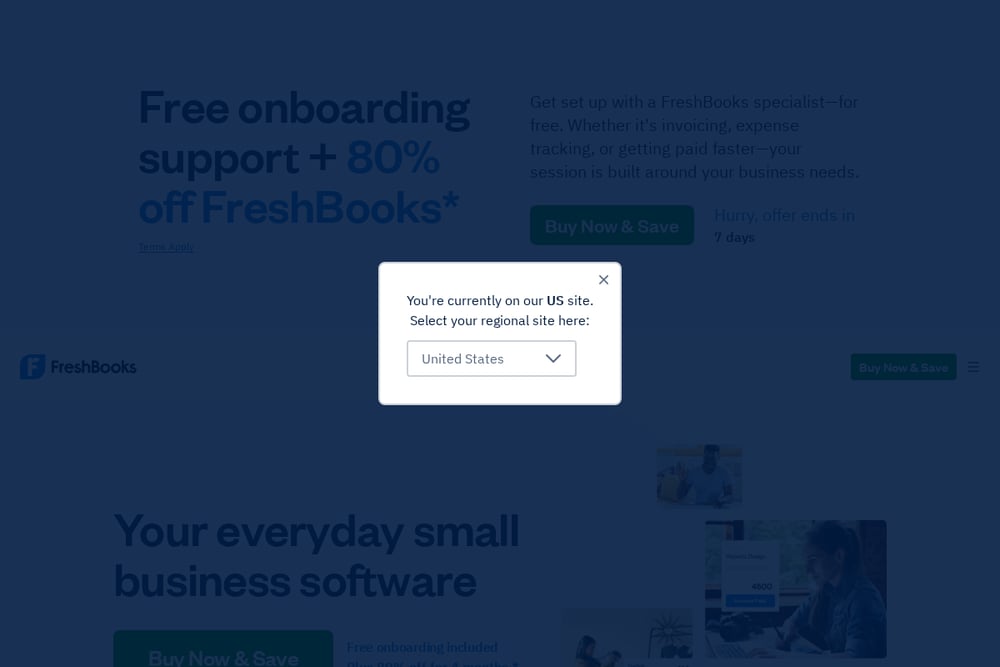 A screenshot of the FreshBooks website.
FreshBooks is small business software that covers invoicing, expenses, and payroll. It lets users create professional invoices, track time and expenses, and accept online payments. The platform also includes features for proposals, projects, and team management. FreshBooks offers a mobile app and integrates with other tools through its app store. It is designed for freelancers, solopreneurs, and small businesses with employees or contractors.
#3 Zoho Books
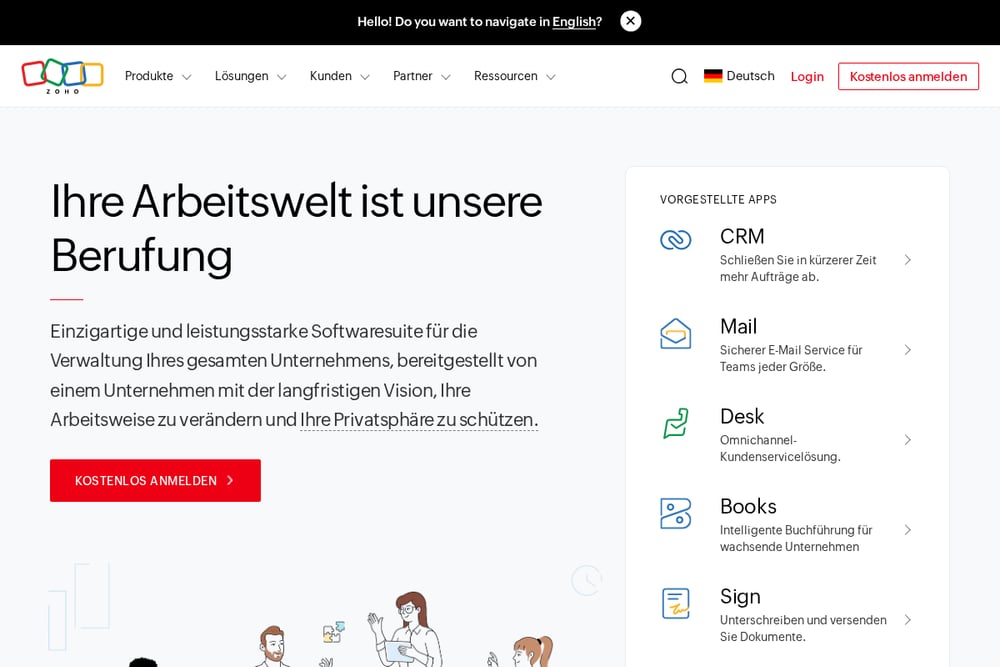 A screenshot of the Zoho Books website.
Zoho Books is part of the Zoho suite of business applications. It is described as a powerful finance platform for growing businesses. Zoho Books handles accounting tasks and can connect with other Zoho apps for CRM, email, HR, and project management. The broader Zoho One suite includes many integrated applications. Zoho Books suits businesses that want a finance tool within a larger ecosystem of connected software.
#4 Wave
 A screenshot of the Wave website.
Wave provides small business software that combines accounting, invoicing, payments, and payroll. It tracks income and expenses, scans receipts, and offers a mobile app for managing finances on the go. Wave also provides options for professional bookkeeping and advisory services. The platform is designed to be affordable and user-friendly for small businesses. It suits small business owners who want a unified system for their financial tasks.
#5 Kashoo
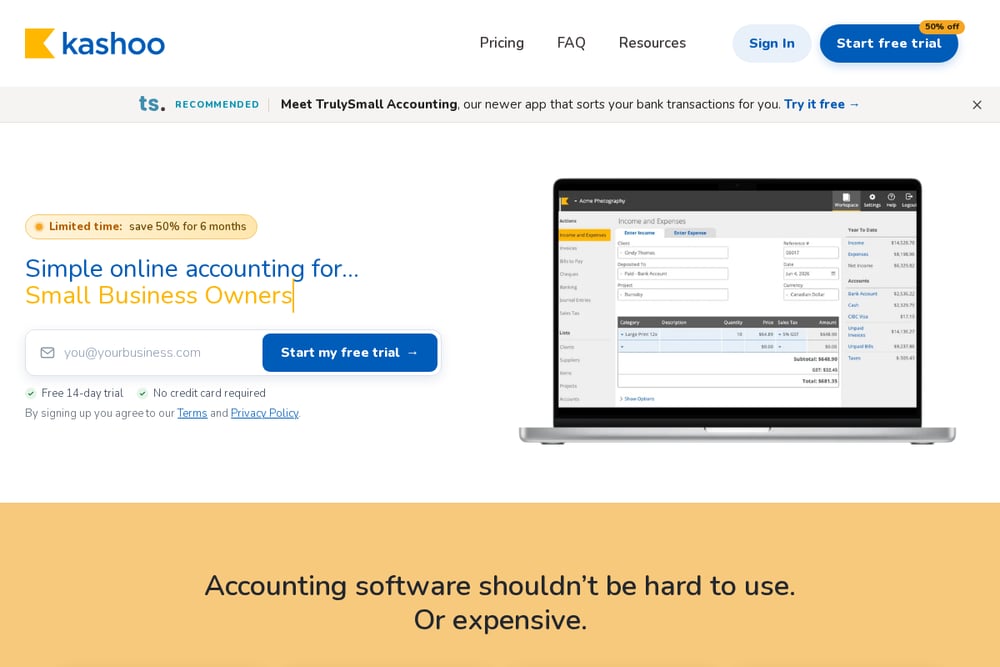 A screenshot of the Kashoo website.
Kashoo is simple online accounting software for small business owners. It offers invoicing, expense tracking, bank reconciliation, and reporting. The platform includes unlimited users at no extra cost and supports bank feeds through Plaid, CSV, and OFX imports. Kashoo also integrates with Square and Stripe for payments. It suits small businesses that want straightforward accounting without multiple pricing tiers.
#6 ZipBooks
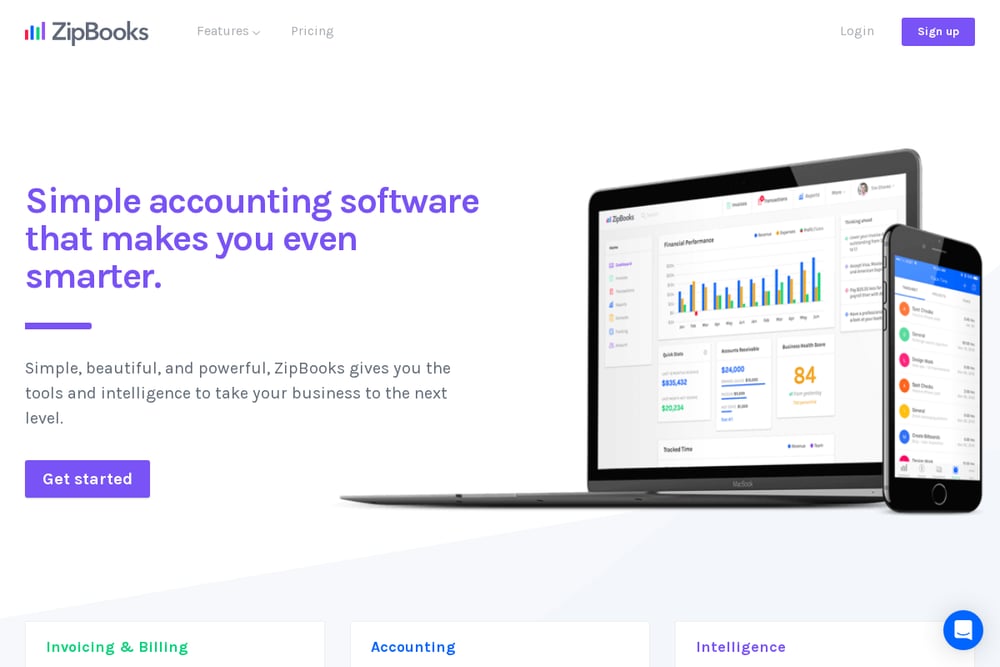 A screenshot of the ZipBooks website.
ZipBooks is accounting software that focuses on simplicity and intelligence. It offers invoicing and billing, expense management, and a suite of reports. The platform includes features like auto-categorization, bank connection, time tracking, and team management. ZipBooks also provides smart insights to help users understand their business performance. It suits small businesses and freelancers who want an intuitive accounting tool with built-in intelligence.
#7 Bench
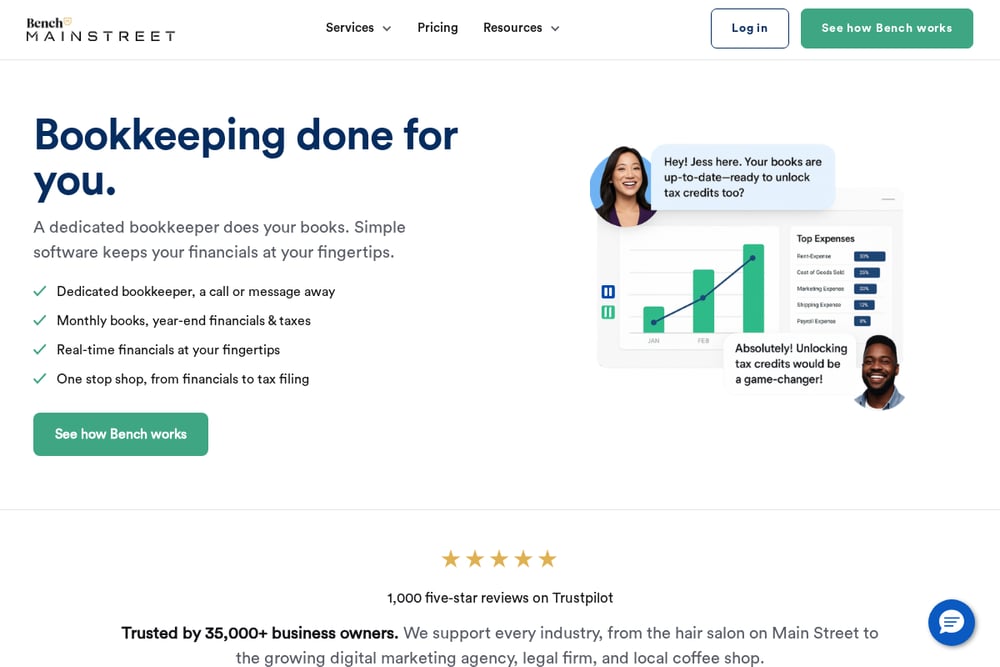 A screenshot of the Bench website.
Bench provides bookkeeping services done for you by a dedicated bookkeeper. It combines human expertise with simple software to keep financials up to date. Bench offers monthly bookkeeping, year-end financials, and optional tax filing and advisory services. The service is designed for business owners who prefer to outsource their bookkeeping rather than do it themselves. It suits businesses that want a hands-off approach to their books.
Which One Should You Choose?
Start by listing the accounting tasks you handle most often, such as invoicing, expense tracking, or payroll. Then consider whether you want to do the work yourself or have it done for you. Look at each tool's feature set and pricing to see what fits your budget and workflow. Think about whether you need integrations with other software you already use. Finally, take advantage of free trials where available to test the interface and see if it feels comfortable for your daily work.
Final Thoughts
The accounting software landscape offers many options beyond QuickBooks. Some tools focus on all-in-one platforms, others on simplicity, and some provide done-for-you services. Each business has different needs, so the right choice depends on your priorities. Use the details above to compare features and pricing, and consider trying a few options before deciding. No single tool is best for everyone; the goal is to find the one that fits how you work.
Know a company that belongs on this list? Email us at editorial@peekwire.com.