Freelancers need accounting software that handles invoicing, expenses, and taxes without adding busywork. This list covers seven tools worth knowing in 2026, each with different strengths for solo work. No tool is ranked as best; the order is simply a list. Every fact below comes from the company's own pages.
How We Picked These Tools
We looked for tools that explicitly mention freelancers or solo work, offer core accounting features like invoicing and expense tracking, and provide clear pricing or free trials. Each entry includes at least two verified facts with exact quotes from the source pages. No company is called best or ranked by quality.
| Provider | Best For |
|---|---|
| Kashoo | Freelancers who want one simple plan with unlimited users |
| Xero | Freelancers who want a full-featured accounting platform |
| FreshBooks | Freelancers who want easy invoicing and expense tracking |
| Wave | Freelancers who want an affordable all-in-one finance tool |
| Zoho Books | Freelancers who want a finance platform within a larger suite |
| FreeAgent | Freelancers who need tax and payroll features |
| Bonsai | Freelancers who want client and billing management together |
The 7 Tools in Focus
#1 Kashoo
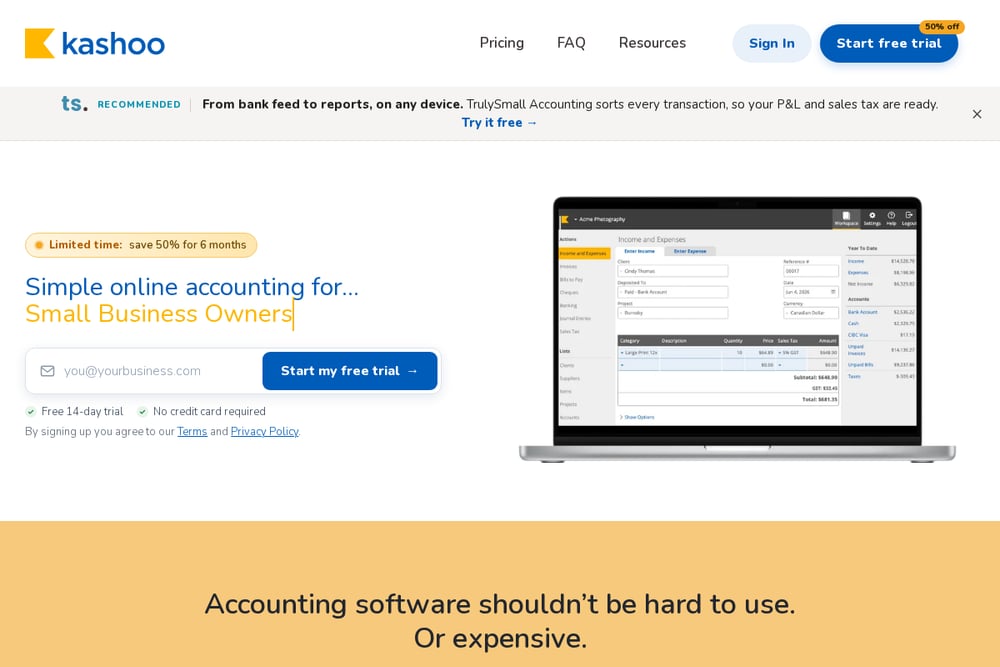 A screenshot of the Kashoo website.
Kashoo is simple online accounting for small business owners. It offers one plan with unlimited invoices, online payments, expense tracking, and sales tax. Bank feeds connect through Plaid, and you can invite your accountant and staff for free. It suits freelancers who want an all-in-one accounting tool without multiple tiers.
#2 Xero
 A screenshot of the Xero website.
Xero is an all-in-one accounting platform for small businesses. It covers invoicing, payroll, and reporting in one place. The Starter plan is good for sole traders, new businesses, and the self-employed. Xero also offers a free trial and connects with many apps. It suits freelancers who want a broad feature set and room to grow.
#3 FreshBooks
 A screenshot of the FreshBooks website.
FreshBooks is everyday small business software with invoicing, expense tracking, and payroll. It offers a 30-day free trial and free onboarding support. The platform is designed for freelancers, solopreneurs, and businesses with employees or contractors. It suits freelancers who want an easy-to-use tool for billing and expenses.
#4 Wave
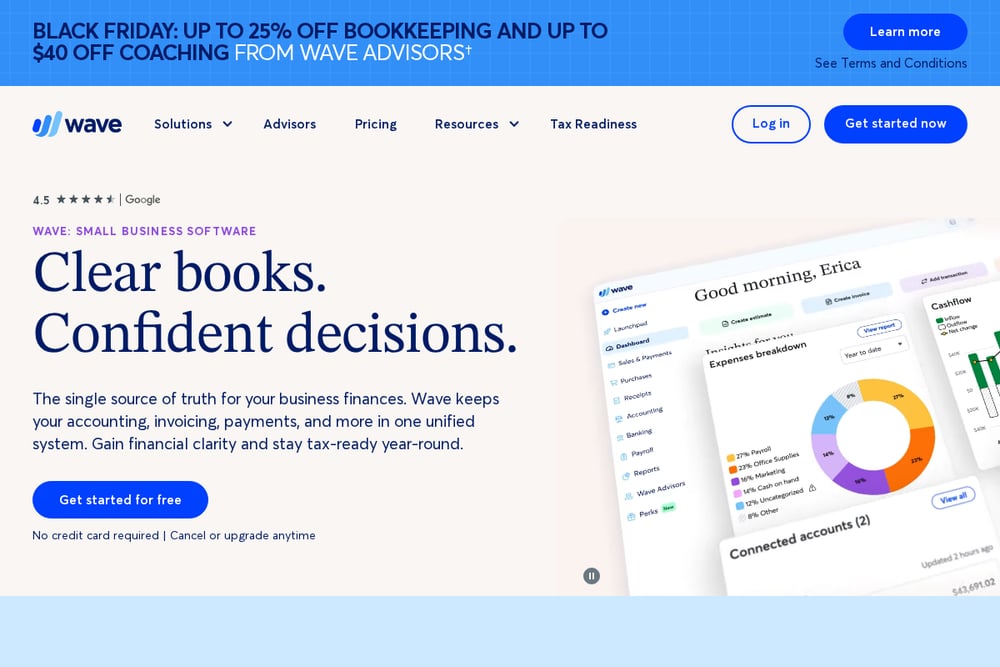 A screenshot of the Wave website.
Wave is small business software that keeps accounting, invoicing, payments, and payroll in one system. It offers no-sweat accounting, easy invoicing, and secure online payments. Wave also provides access to advisors for bookkeeping and payroll help. It suits freelancers who want an affordable, unified tool for finances.
#5 Zoho Books
 A screenshot of the Zoho Books website.
Zoho Books is a powerful finance platform for growing businesses, part of the Zoho suite. It is designed to manage finances and integrate with other Zoho apps. The platform is presented as part of an all-in-one suite for business management. It suits freelancers who want a finance tool within a broader software ecosystem.
#6 FreeAgent
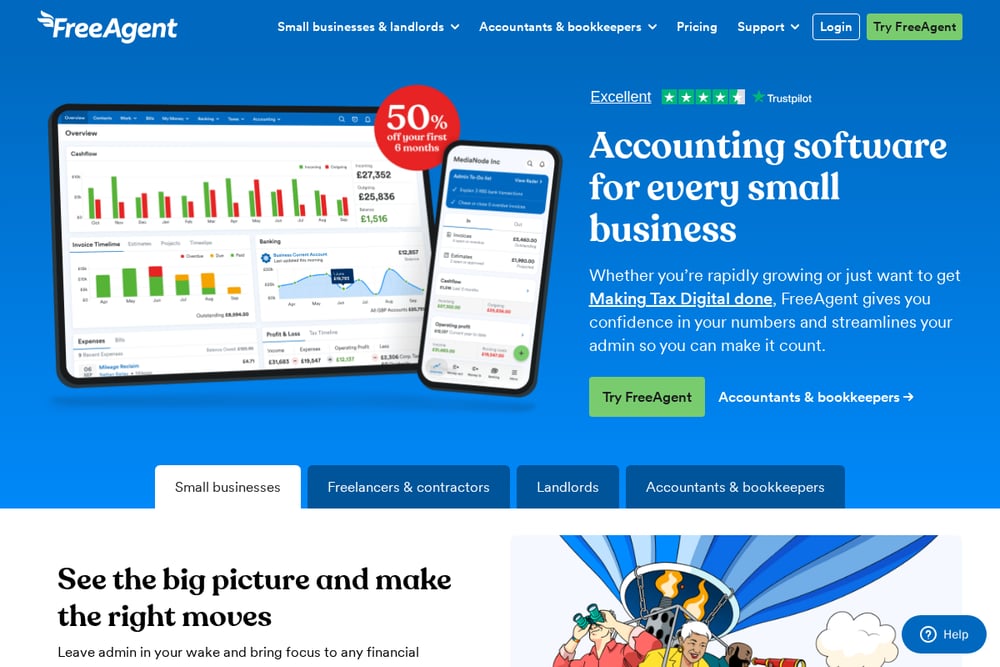 A screenshot of the FreeAgent website.
FreeAgent is accounting software for small businesses and freelancers. It helps with invoicing, taxes, Making Tax Digital, payroll, and expenses. The platform is designed to simplify solo finances for freelancers and contractors. It suits freelancers who need to handle tax and payroll in one place.
#7 Bonsai
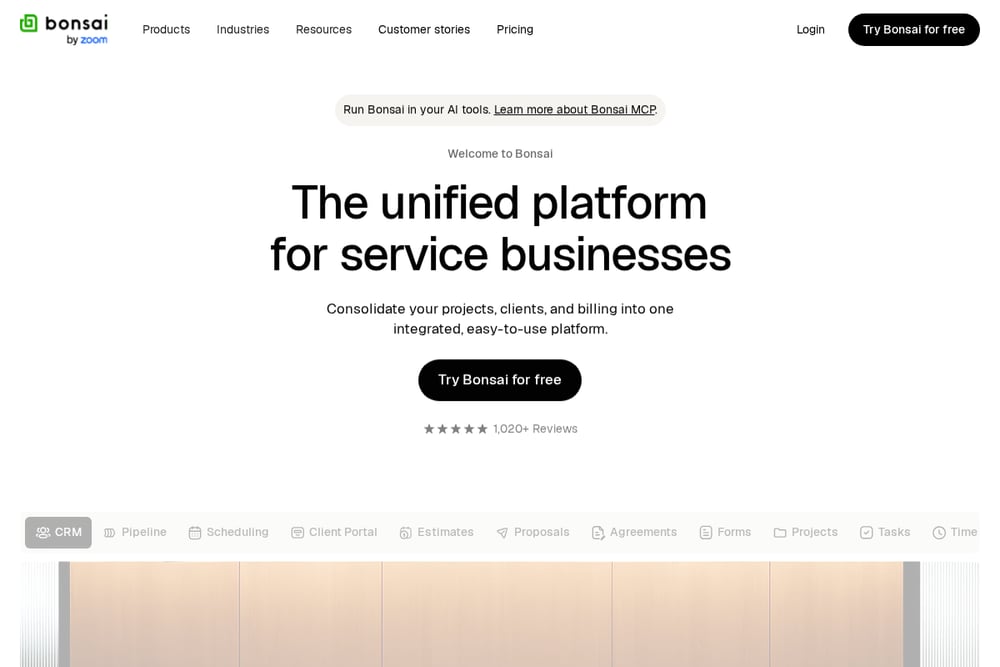 A screenshot of the Bonsai website.
Bonsai is a unified platform for service businesses that combines projects, clients, and billing. It includes invoicing, payments, expenses, and bookkeeping. The platform is built for freelancers and firms to streamline client work and finances. It suits freelancers who want to manage clients and billing in one place.
Which One Should You Choose?
Start by listing what you need most: invoicing, expense tracking, tax support, or client management. Check whether a free trial is available so you can test the workflow. Consider if you want a single plan or tiered pricing. Look for features like bank feeds, online payments, and payroll if relevant. Match the tool to your comfort with technology and your budget.
Final Thoughts
Each tool on this list offers a different mix of features for freelancers. Some focus on simple accounting, others on client management or tax support. There is no single best choice; the right fit depends on your workflow and priorities. Use the facts and quotes above to compare and decide which tool to try first.
Know a company that belongs on this list? Email us at editorial@peekwire.com.