Software engineers diagram constantly: architecture, flows, sequences, state machines, and the occasional whiteboard sketch. The tools below each take a different angle on that work, from code-first rendering to AI-assisted drafting to privacy-focused storage. This list is a plain roundup, not a ranking. Every tool here has a distinct fit, and the right one depends on how your team works.
How We Picked These Tools
We picked tools that appear in the provided source pages and that speak directly to engineering diagramming needs: code-based diagrams, architecture mapping, wireframes, and collaborative canvases. Each entry includes at least two facts quoted exactly from its source page. No tool is called best or ranked by quality; the numbers are just list order.
| Provider | Best For |
|---|---|
| draw.io | Engineers who want privacy-first, no-lock-in diagramming |
| Mermaid Chart | Developers who prefer diagram-as-code and IDE integration |
| Eraser | Engineers mapping architecture from code and cloud |
| Whimsical | Engineers who wireframe and document with their team |
| Creately | Engineers who want diagrams built from existing data |
| Miro | Engineering teams collaborating on a shared canvas |
| Excalidraw | Engineers exploring a lightweight sketching tool |
The 7 Tools in Focus
#1 draw.io
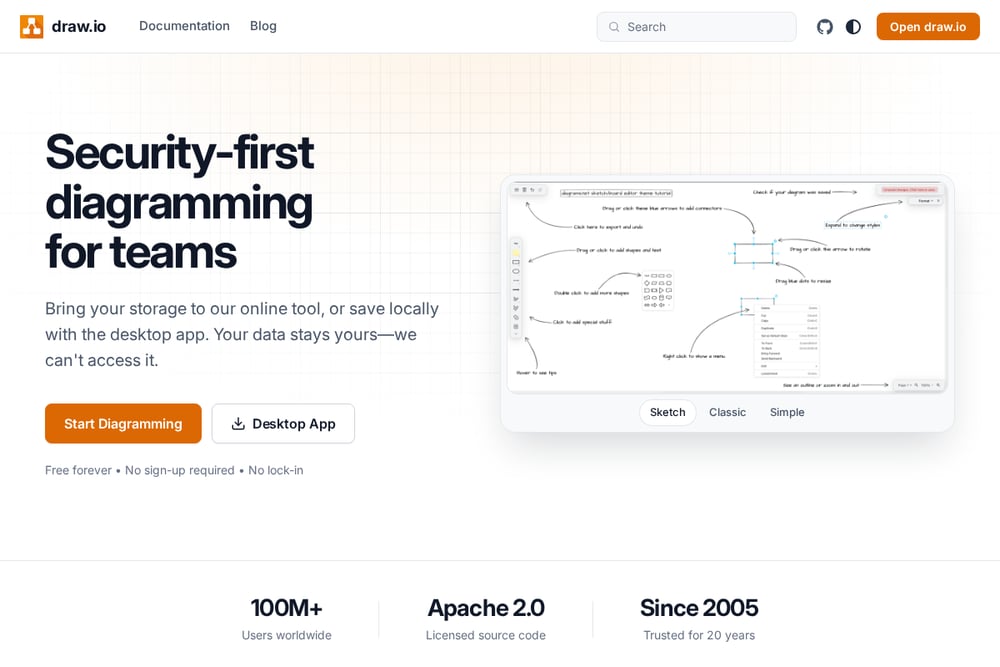 A screenshot of the draw.io website.
draw.io is a diagramming tool built around privacy and portability. It lets you bring your own storage or save locally with the desktop app, and it states that your data stays yours. The tool is free forever with no sign-up required, and its source code is Apache 2.0 licensed. It suits engineers who want professional diagramming without lock-in and who care about where their files live.
#2 Mermaid Chart
 A screenshot of the Mermaid Chart website.
Mermaid Chart is built by the team behind Mermaid.js and keeps those open-source roots growing. You can write diagrams in Mermaid syntax and watch them lay themselves out, or prompt inside the canvas and let AI draft the diagram. It renders in your IDE, embeds in docs and wikis, and connects to tools like Claude, VS Code, and Cursor through an MCP server. It suits developers and technical teams who think in code and want diagrams that live where they work.
#3 Eraser
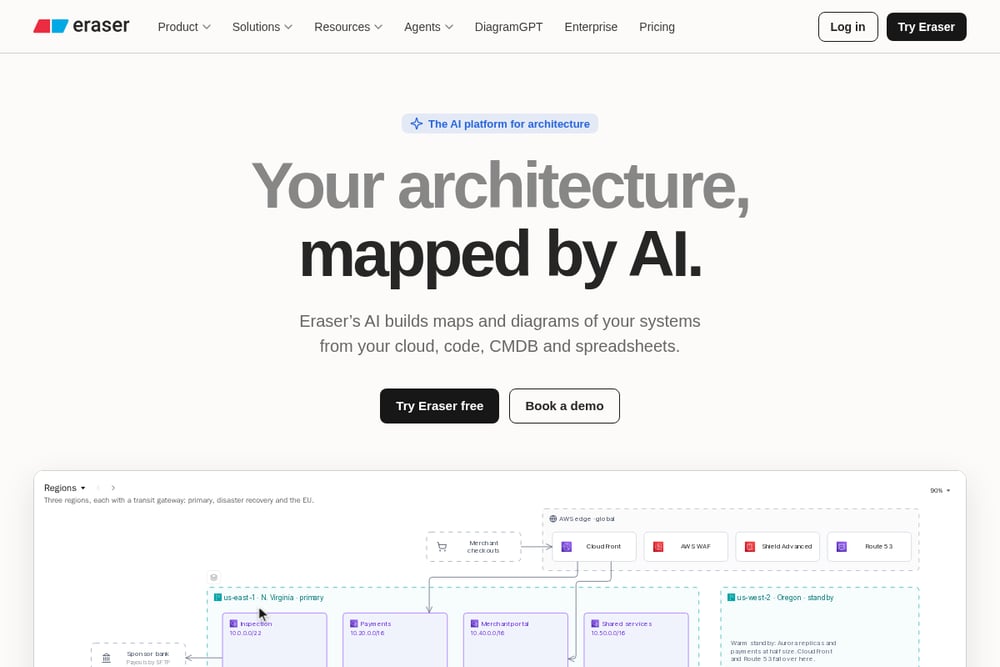 A screenshot of the Eraser website.
Eraser is an AI platform for architecture that builds maps and diagrams from your cloud, code, CMDB, and spreadsheets. It accepts prompts, Terraform, or design docs as input and turns them into layouted diagrams on a full canvas. Eraserbot produces codebase diagrams that update themselves, and the tool offers an MCP server plus an open-source agent toolkit. It suits software engineers and architects who want architecture diagrams grounded in real systems.
#4 Whimsical
 A screenshot of the Whimsical website.
Whimsical is a whiteboard-style workspace for product builders that combines diagrams, wireframes, docs, and boards on an infinite canvas. It offers AI flowcharts, AI mind maps, and AI wireframes that turn a prompt into editable output. The tool emphasizes speed, multiplayer editing, and templates, and it includes version history and comments. It suits engineers who need to shape UI with wireframes and document implementation alongside their team.
#5 Creately
 A screenshot of the Creately website.
Creately is a visual workspace with products for org planning, process mapping, cloud architecture, compliance, and diagramming. It starts from data you already have, such as a staff spreadsheet, procedure documents, or a cloud account, and draws the chart or diagram for you. Its Blueprint product connects to AWS and shows what is actually running, while Workspace covers flowcharts, mind maps, UML, and whiteboards. It suits engineers who want diagrams tied to live systems and existing data sources.
#6 Miro
 A screenshot of the Miro website.
Miro is an intelligent canvas for team collaboration where people and agents think, plan, and build together. It supports diagrams, prototypes and wireframes, Mermaid diagrams, and a range of templates for technical design and documentation. Miro connects to the tools teams already use and offers an MCP server so agents can work on the canvas. It suits engineering teams that want a shared visual space spanning diagrams, workshops, and planning.
#7 Excalidraw
 A screenshot of the Excalidraw website.
Excalidraw is a diagramming tool listed here for engineers who want a lightweight sketching option. The provided source page is minimal, so this entry sticks to what is visible rather than guessing at features. It is worth knowing as a name in the diagramming space, but check its own documentation for current capabilities before adopting it. It may suit engineers who prefer a simple, sketch-style canvas.
Which One Should You Choose?
Start with how your team already works. If diagrams should live in code and render in your IDE, look at code-first tools. If you need architecture maps grounded in cloud accounts and repositories, look at AI architecture platforms. If the work is collaborative and visual, a shared canvas fits better. Check storage and privacy requirements, integration with your existing stack, and whether you need wireframes alongside diagrams. Try the free tiers where available and confirm current features on each vendor's site.
Final Thoughts
There is no single right answer here. draw.io leans privacy and portability, Mermaid Chart leans code and IDE integration, Eraser leans AI architecture mapping, Whimsical leans wireframes and product docs, Creately leans data-driven diagrams, Miro leans team collaboration, and Excalidraw is a name to explore for lightweight sketching. Match the tool to your workflow rather than to a ranking.
Know a company that belongs on this list? Email us at editorial@peekwire.com.