Zoom calls generate a lot of talk. These tools turn that talk into notes, summaries, and action items. Here are seven AI meeting note takers worth knowing if Zoom is where your meetings happen.
How We Picked These Tools
We looked for tools that explicitly support Zoom, either through native integration or bot-free capture. Each entry includes verified facts from the company's own pages. The list is not a ranking of quality; it is a starting point for your own evaluation.
| Provider | Best For |
|---|---|
| Otter.ai | Teams seeking a searchable meeting knowledge base |
| Fireflies.ai | Enterprises needing a multi-app AI assistant |
| Fathom | Teams wanting bot-free, accurate summaries |
| tl;dv | Collaborative teams automating meeting workflows |
| Avoma | Revenue teams needing an all-in-one platform |
| Jamie | Privacy-focused professionals in regulated industries |
| Sembly AI | Professional teams needing end-to-end meeting workflows |
The 7 Tools in Focus
#1 Otter.ai
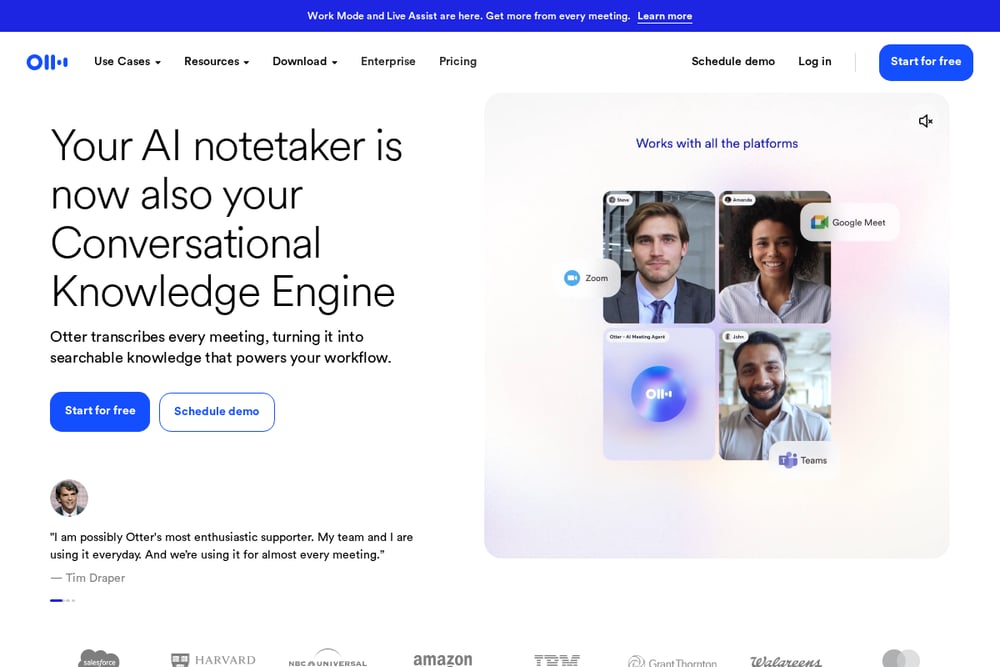 A screenshot of the Otter.ai website.
Otter.ai records and transcribes meetings, then turns them into searchable notes with summaries and action items. It offers a desktop app for bot-free recording and can join calls as a bot. Otter also provides pre-call briefings and live coaching during calls. It suits teams that want a conversational knowledge engine built from their meetings.
#2 Fireflies.ai
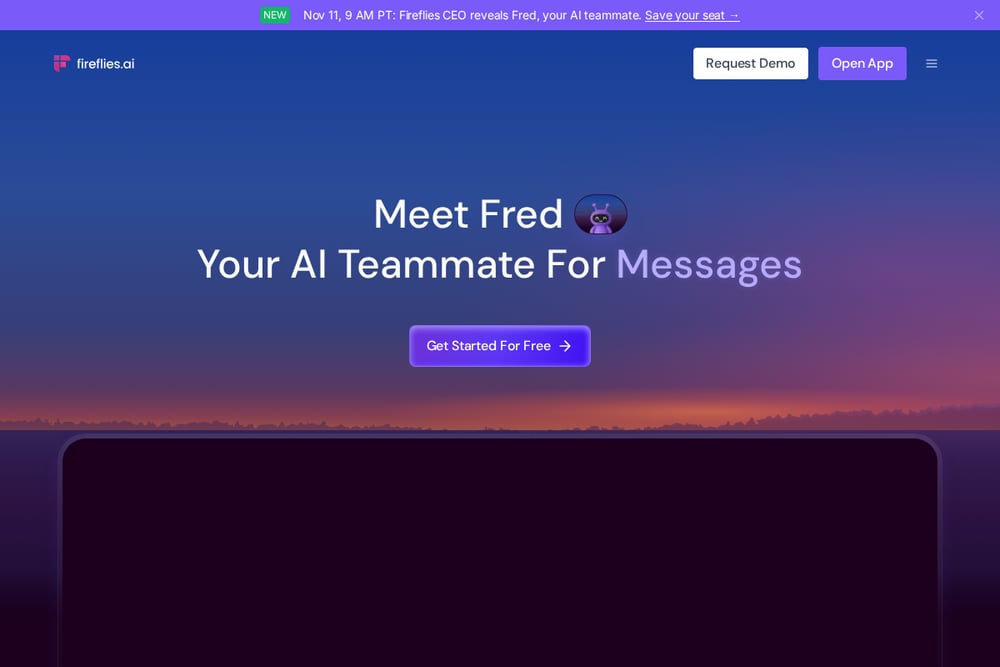 A screenshot of the Fireflies.ai website.
Fireflies.ai is an AI notetaker that records, transcribes, and summarizes meetings across platforms including Zoom. It also offers email and Slack assistants, plus a knowledge base for searching across work apps. Fireflies emphasizes enterprise security and compliance. It suits organizations that want a broad AI teammate for meetings and beyond.
#3 Fathom
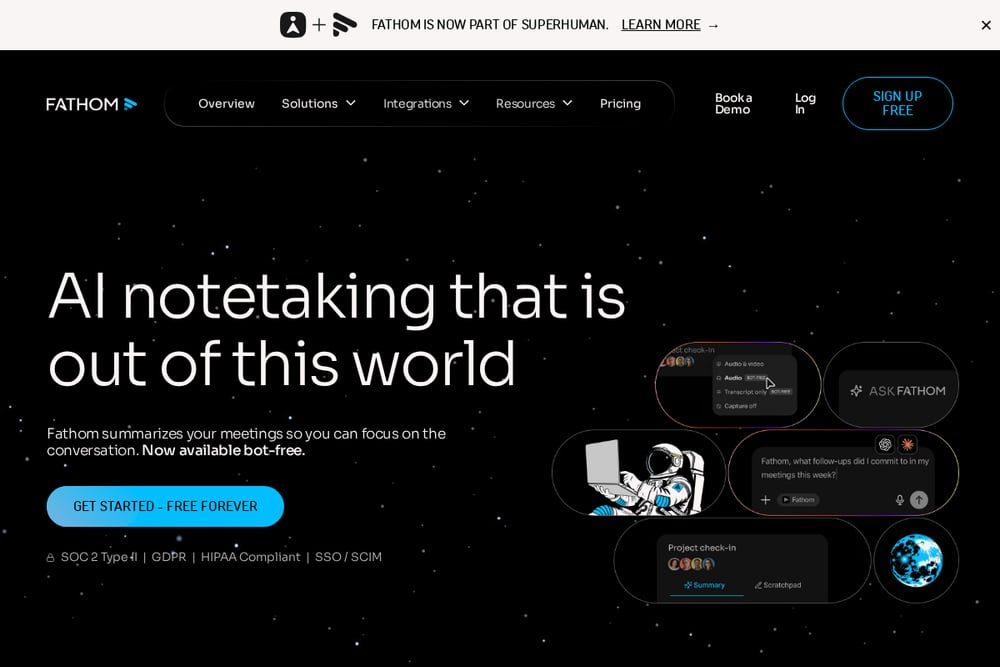 A screenshot of the Fathom website.
Fathom summarizes meetings and offers bot-free notetaking. It provides instant AI summaries, searchable transcripts, and action items. Fathom integrates with tools like Slack, Salesforce, and HubSpot. It suits teams and individuals who want accurate notes without manual effort.
#4 tl;dv
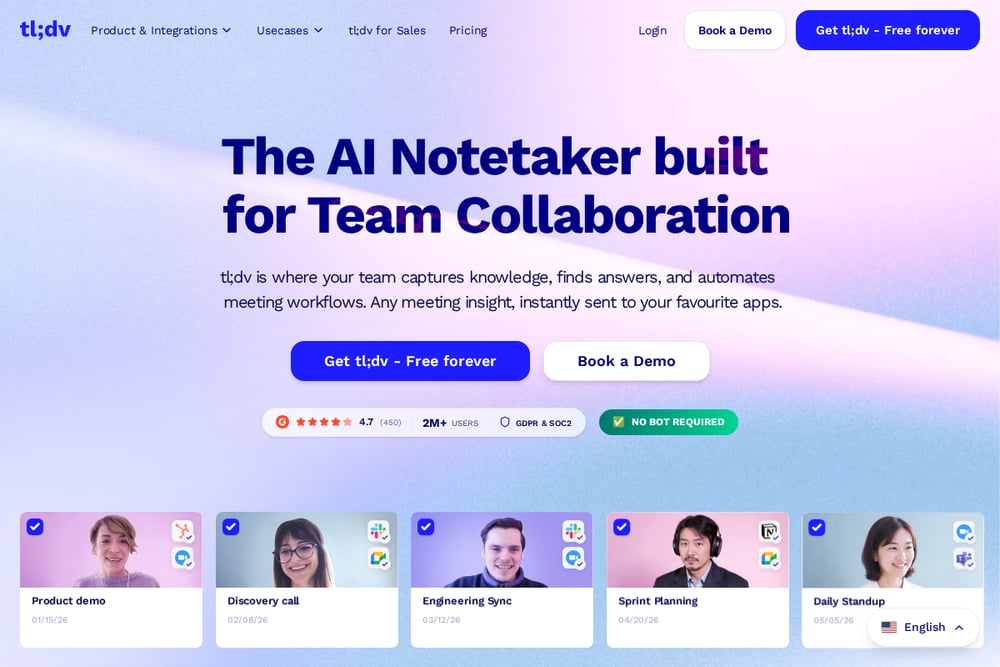 A screenshot of the tl;dv website.
tl;dv is an AI notetaker built for team collaboration. It captures meeting knowledge, automates workflows, and sends insights to other apps. tl;dv offers AI-generated summaries, CRM logging, and sales coaching features. It suits teams that want to turn meetings into shared knowledge and automated follow-ups.
#5 Avoma
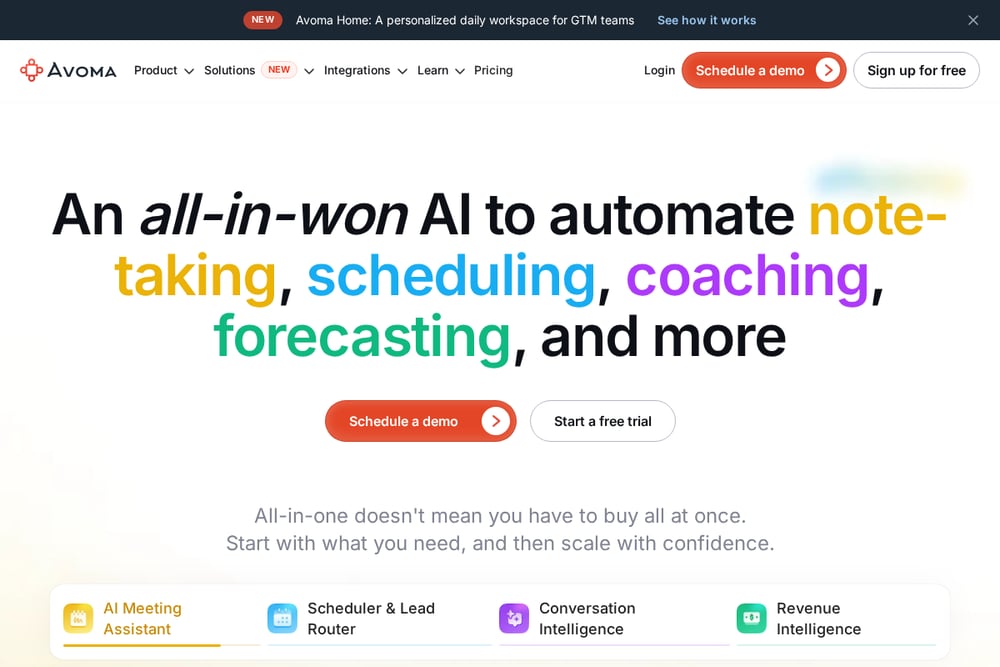 A screenshot of the Avoma website.
Avoma is an AI meeting assistant that records, transcribes, and summarizes meetings. It also offers scheduling, conversation intelligence, and revenue intelligence features. Avoma integrates with Zoom and other conferencing tools. It suits revenue teams that want an all-in-one platform for meetings and sales workflows.
#6 Jamie
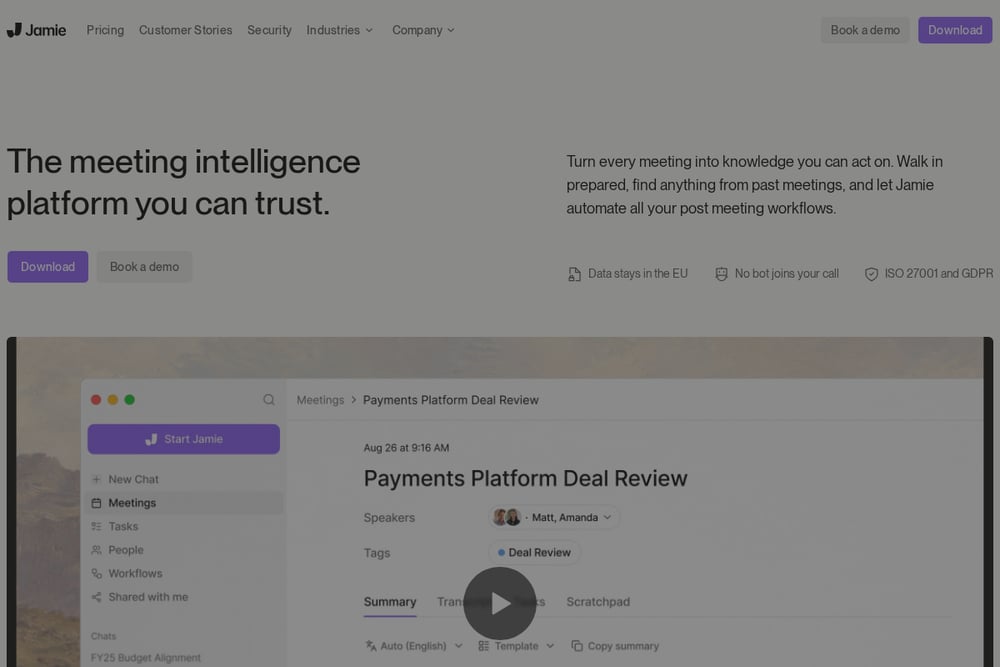 A screenshot of the Jamie website.
Jamie is a meeting intelligence platform that runs on your device without a bot joining calls. It works across online platforms including Zoom and also captures in-person meetings. Jamie offers pre-meeting briefings, notes, chat across meetings, and workflow automation. It suits professionals in high-stakes fields who prioritize privacy and data residency.
#7 Sembly AI
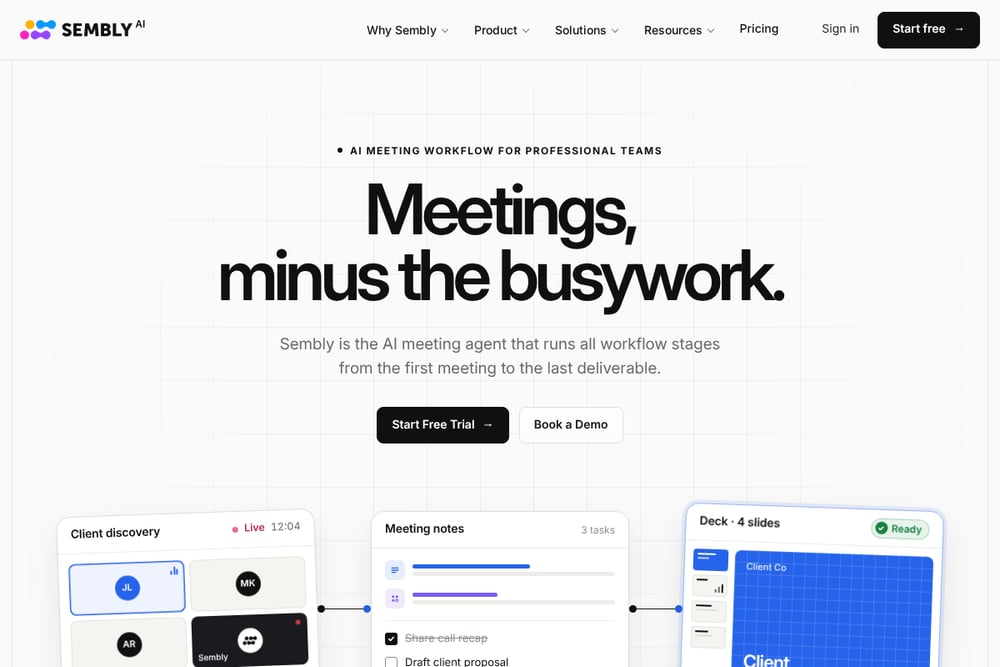 A screenshot of the Sembly AI website.
Sembly AI is an AI meeting workflow tool that records, transcribes, and summarizes meetings. It extracts key items and tasks, and can create on-brand decks and documents. Sembly automatically records Zoom and other conferences from your calendar. It suits professional teams that want an end-to-end workflow from meeting to deliverable.
Which One Should You Choose?
Start by checking whether the tool integrates directly with Zoom or offers bot-free capture. Consider whether you need just notes and summaries or a broader workflow with CRM sync, scheduling, or coaching. Think about privacy requirements, such as data residency and whether recordings are stored. Finally, match the tool's strengths to your team's primary use case, whether that is sales, collaboration, or professional services.
Final Thoughts
The right AI meeting note taker for Zoom depends on how your team works. Some tools focus on accurate summaries and bot-free recording, while others add workflow automation, sales intelligence, or privacy controls. Use the facts above to compare what each tool actually does, then trial the ones that fit your needs.
Know a company that belongs on this list? Email us at editorial@peekwire.com.