Podcasters deal with hours of spoken audio that needs to become transcripts, show notes, clips, and captions. The tools in this list each approach that job differently, from text-based editing to automated content repurposing. Here are seven AI transcription tools worth knowing for podcasters in 2026, described by what they do and who they suit.
How We Picked These Tools
We looked for tools that explicitly support podcasting or spoken-word content and that offer transcription as a core capability. Each entry is backed by facts quoted from the company's own site. The order is a plain list, not a quality ranking.
| Provider | Best For |
|---|---|
| Descript | Podcasters who want text-based editing and production in one tool |
| Riverside | Podcasters who need high-quality remote recording and built-in hosting |
| Rev | Podcasters who want human-verified transcripts and captions |
| Sonix | Podcasters who need transcription, translation, and subtitles together |
| Podcastle | Podcasters who want AI-assisted editing and clip creation |
| Castmagic | Podcasters who want to turn episodes into written content at scale |
| Happy Scribe | Podcasters who need multilingual transcription and subtitles |
The 7 Tools in Focus
#1 Descript
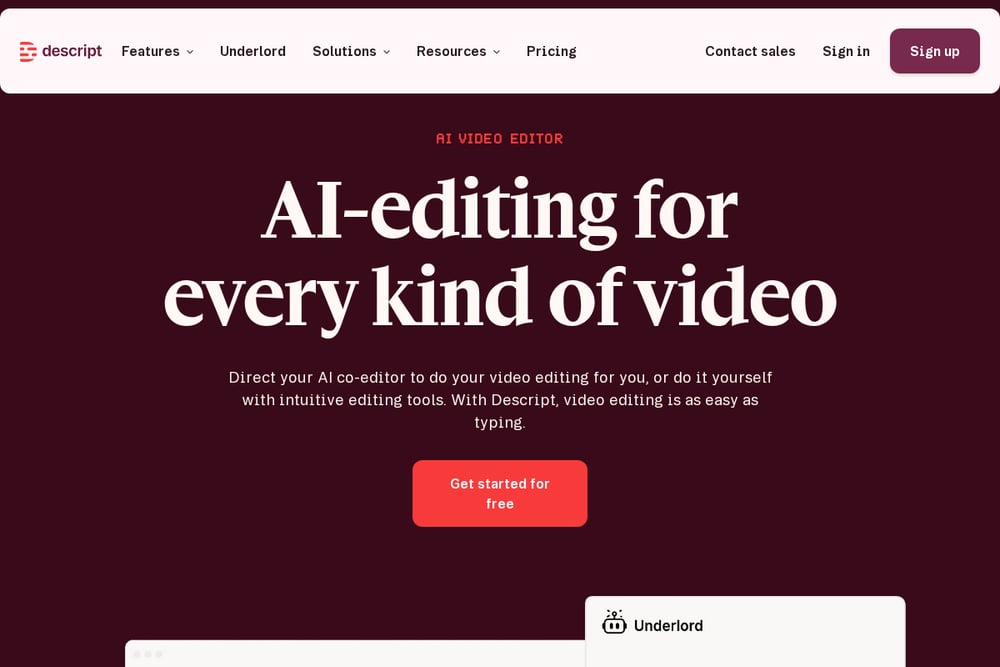 A screenshot of the Descript website.
Descript is an AI-powered editor that transcribes recordings and lets you edit audio and video by editing the text. It includes multitrack audio editing, remote recording, and AI features like Studio Sound and filler-word removal. Podcasters can record, transcribe, edit, make clips, and publish in one place. It suits creators who want an all-in-one workflow for spoken-word content.
#2 Riverside
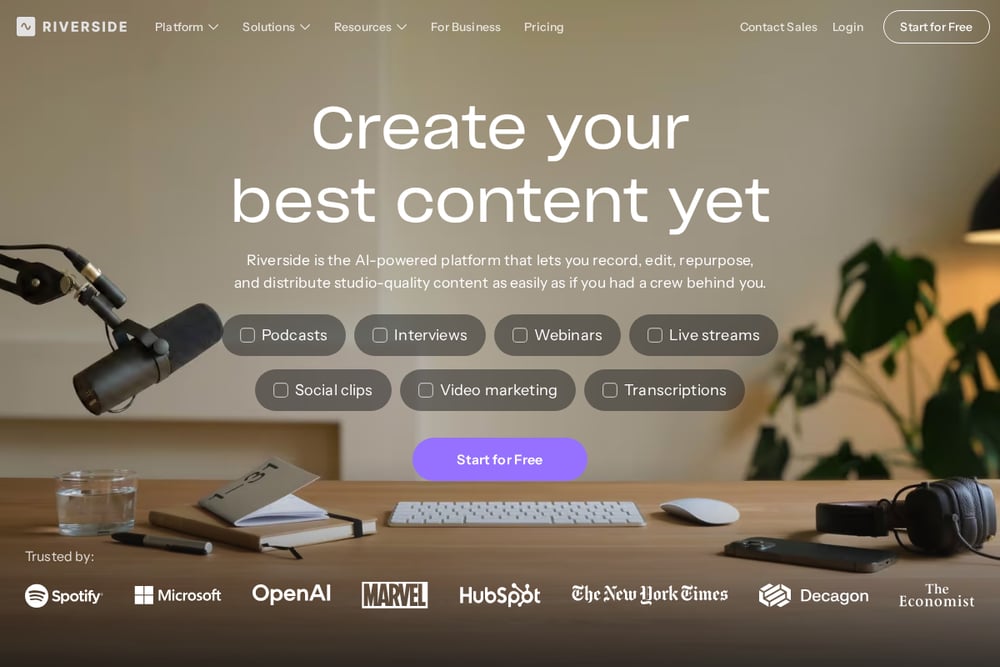 A screenshot of the Riverside website.
Riverside is an AI-powered platform for recording, editing, repurposing, and distributing content. It records separate tracks in up to 4K video and uncompressed audio, and offers a text-based editor plus AI tools for transcripts, show notes, and clips. Podcast hosting and analytics are built in. It suits podcasters who want studio-quality remote recording and an end-to-end content flow.
#3 Rev
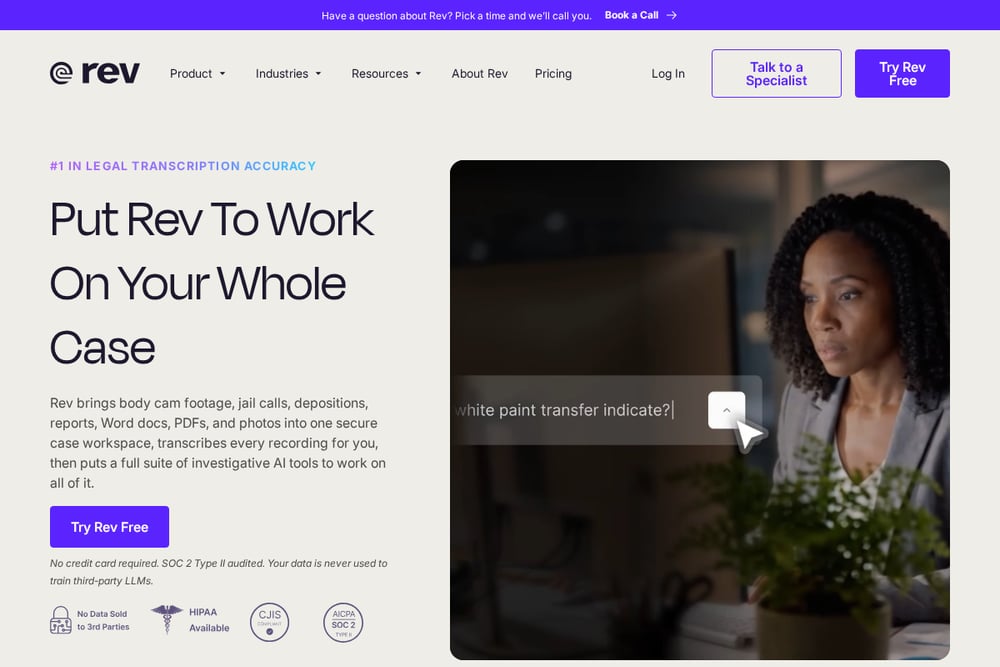 A screenshot of the Rev website.
Rev provides human-verified transcription and captions alongside AI tools. Its human transcription is described as highly accurate with fast turnaround, and it offers a transcript editor for clipping key moments. Rev also has an API for speech-to-text. It suits podcasters who need reliable transcripts and captions, especially when accuracy is critical.
#4 Sonix
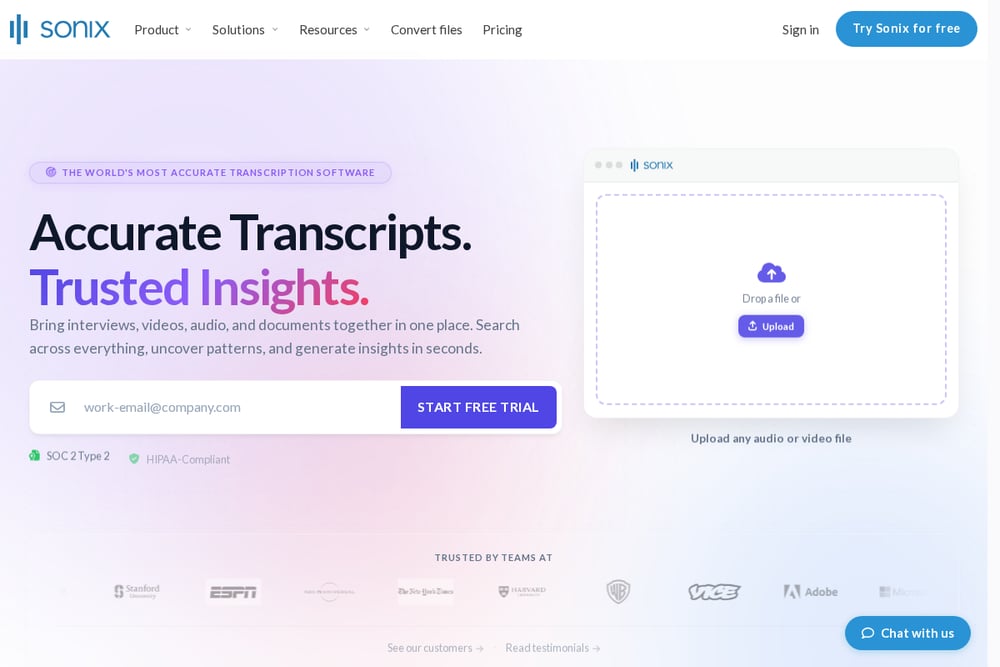 A screenshot of the Sonix website.
Sonix is an AI transcription platform that converts audio and video to text, with translation, subtitles, and AI analysis. It offers a browser-based editor where you edit audio by editing text, plus collaboration tools and integrations. It suits podcasters who want accurate transcripts, translations, and captions in a single platform.
#5 Podcastle
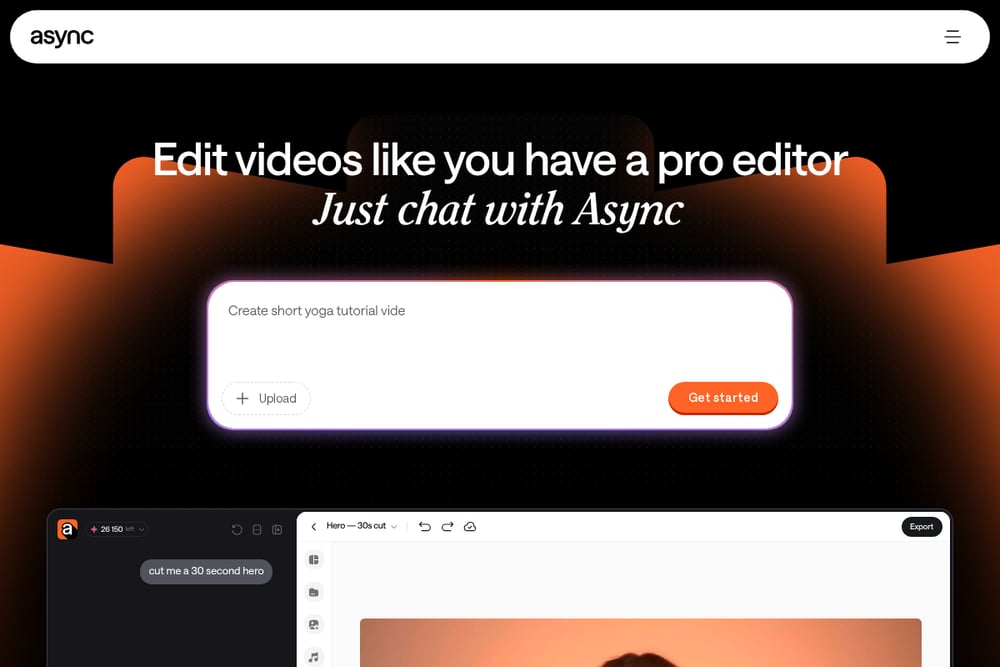 A screenshot of the Podcastle website.
Podcastle is presented as an AI video editor that lets you edit by chatting with AI. It can remove filler words, clean audio, add captions, and generate clips from long recordings. It is built for creators and teams who want to produce and repurpose video and audio content. It suits podcasters who want an AI-assisted editing workflow without deep editing experience.
#6 Castmagic
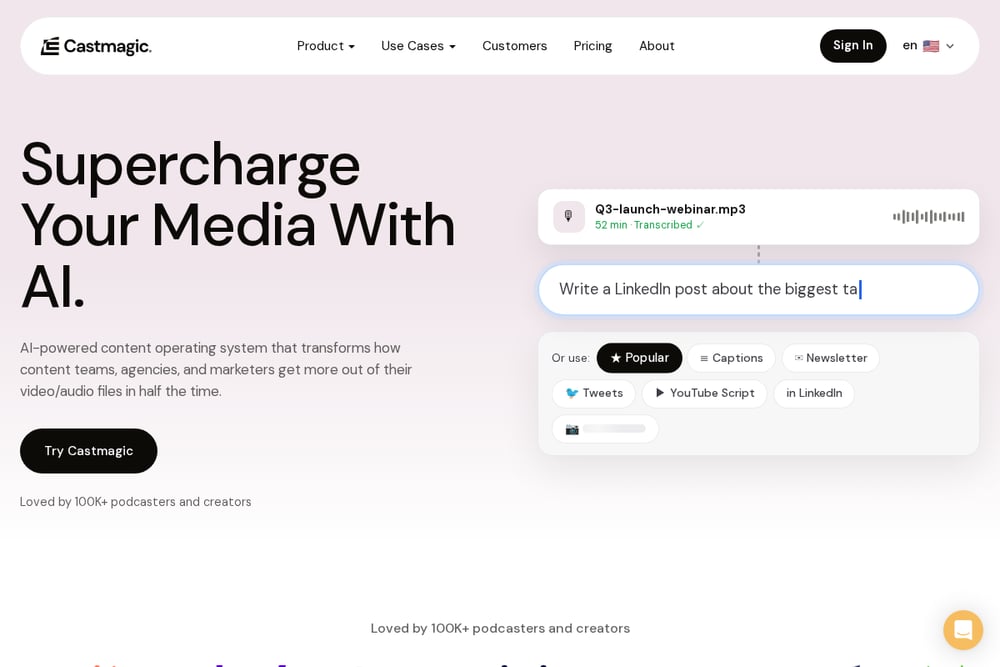 A screenshot of the Castmagic website.
Castmagic is an AI-powered content operating system that transcribes recordings and turns them into written assets like show notes, newsletters, and social posts. It offers speaker-labelled, timestamped transcription and a content pipeline that drafts from each recording. It suits podcasters and content teams who want to repurpose episodes into many formats.
#7 Happy Scribe
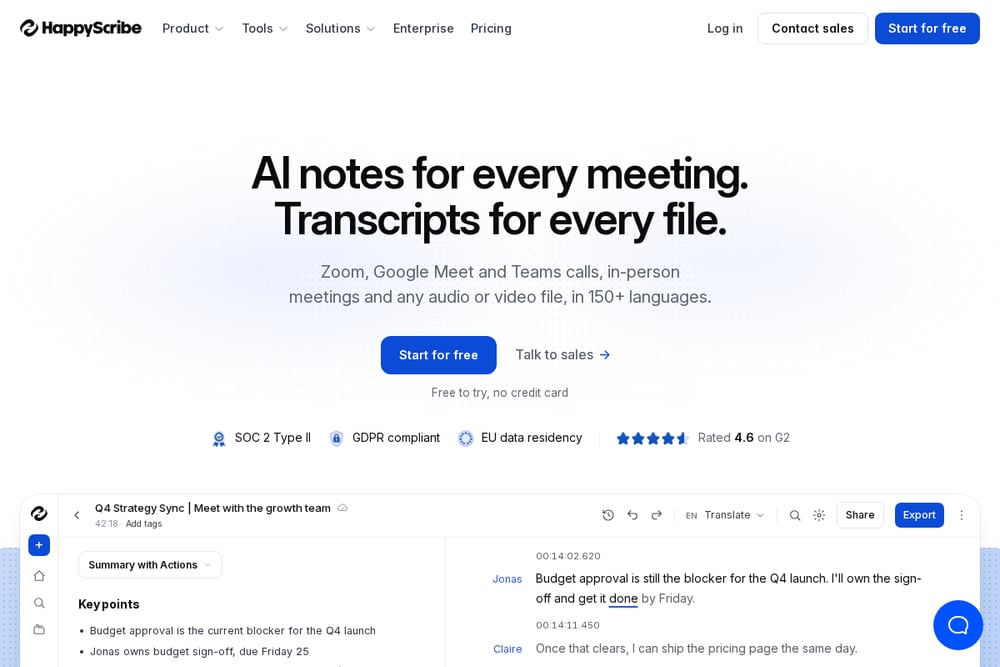 A screenshot of the Happy Scribe website.
Happy Scribe offers AI transcription and subtitles for audio and video, plus an AI notetaker for meetings. It supports many languages and provides speaker diarization and an AI glossary for names and jargon. It suits podcasters who need multilingual transcription and subtitles with options for human verification.
Which One Should You Choose?
Start with your main bottleneck. If editing takes the most time, look for text-based editing and filler-word removal. If you need reliable transcripts for accessibility or records, consider human-verified options. If repurposing episodes into show notes and social posts is the goal, prioritize content-generation features. Check language support and whether hosting or captions are included, then match the tool to your workflow.
Final Thoughts
Each tool here addresses a different part of the podcast production chain, from recording and editing to transcription and repurposing. There is no single best choice; the right fit depends on whether you need editing, accurate transcripts, multilingual captions, or content generation. Use the quoted facts to compare what each tool actually offers and pick the one that matches your process.
Know a company that belongs on this list? Email us at editorial@peekwire.com.