Developer-first startups live or die by how quickly another engineer can make a first successful call. Documentation is part of the product, not a chore that happens after launch. The tools below each approach that problem from a different angle: some lean on Git workflows, some on AI agents reading your docs, some on design-first API modeling. This list is a plain roundup of options worth a look, not a verdict on which one wins. Every claim here comes from the vendors' own pages.
How We Picked These Tools
We looked for tools that explicitly target API documentation, developer portals, or knowledge platforms used by engineering teams. Each entry had to describe a clear workflow for publishing and maintaining API reference content, and each had to have public material we could quote directly. We did not score or compare them against each other. Prices and features are reported as the vendors state them.
| Provider | Best For |
|---|---|
| ReadMe | Startups that want a hosted docs product with Git sync and AI writing help |
| GitBook | Teams that want docs reviewed like code with stale-content detection |
| Mintlify | Small teams that want a free starting tier with Git-backed Markdown docs |
| Redocly | API teams that want their spec scored and tested for agent readiness |
| Stoplight | Teams that want design-first API modeling and portfolio-wide standards |
| Bump.sh | Spec-driven teams that want docs and MCP servers shipped together from Git |
| Document360 | Teams that want API docs inside a broader knowledge base platform |
The 7 Tools in Focus
#1 ReadMe
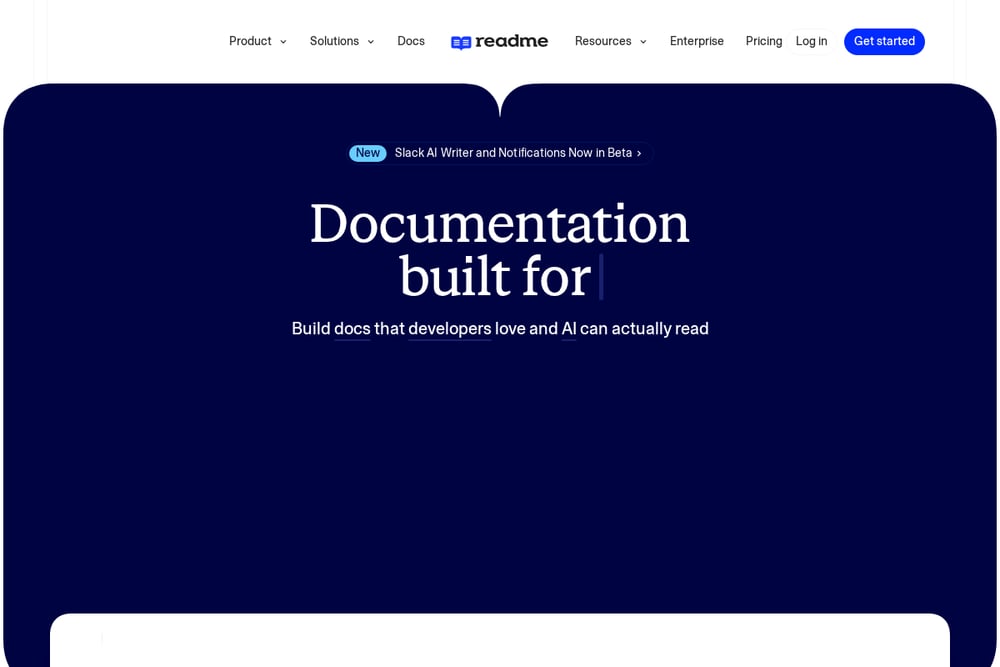 A screenshot of the ReadMe website.
ReadMe positions itself as a full documentation stack for APIs, help centers, and SDK docs. You can write in a browser editor or sync bi-directionally with GitHub, GitHub Enterprise Server, and GitLab, reviewing and merging branches inside the product. It supports OpenAPI files, ReadMe flavored Markdown, and MDX for interactive components. AI features include a writing assistant, a linter that enforces style guides, and branch reviews before merging.
#2 GitBook
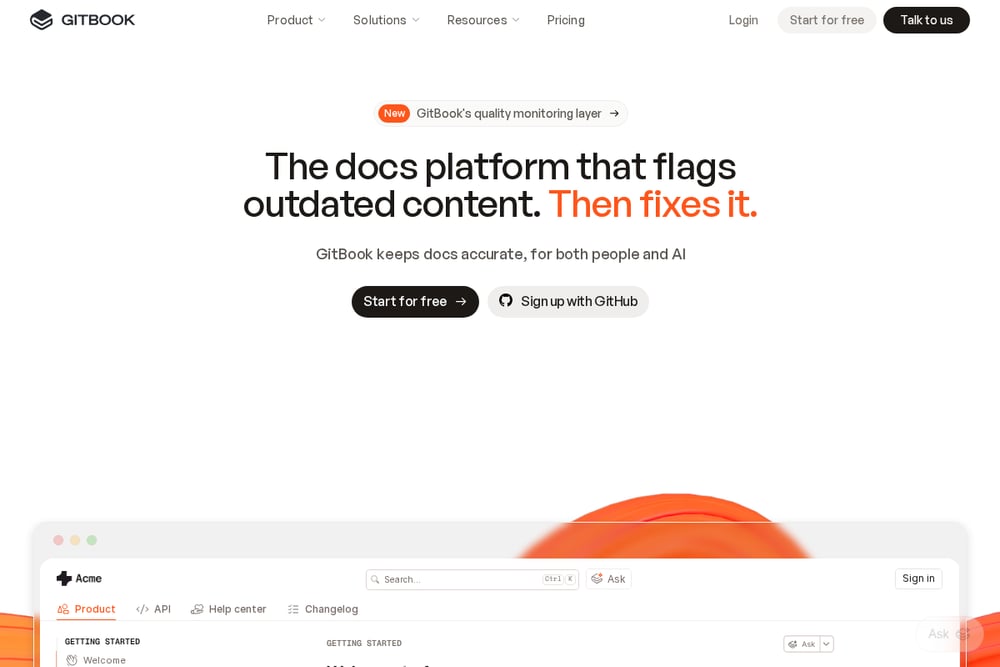 A screenshot of the GitBook website.
GitBook frames itself as a docs platform that flags outdated content and then helps fix it. Teams sync a repository and then branch, review, and merge documentation like a pull request. It adds proactive detection of stale content, an AI assistant that answers questions from your docs, and insights showing where readers get stuck. Enterprise features include SOC 2 and ISO 27001 compliance, SAML SSO, and access controls.
#3 Mintlify
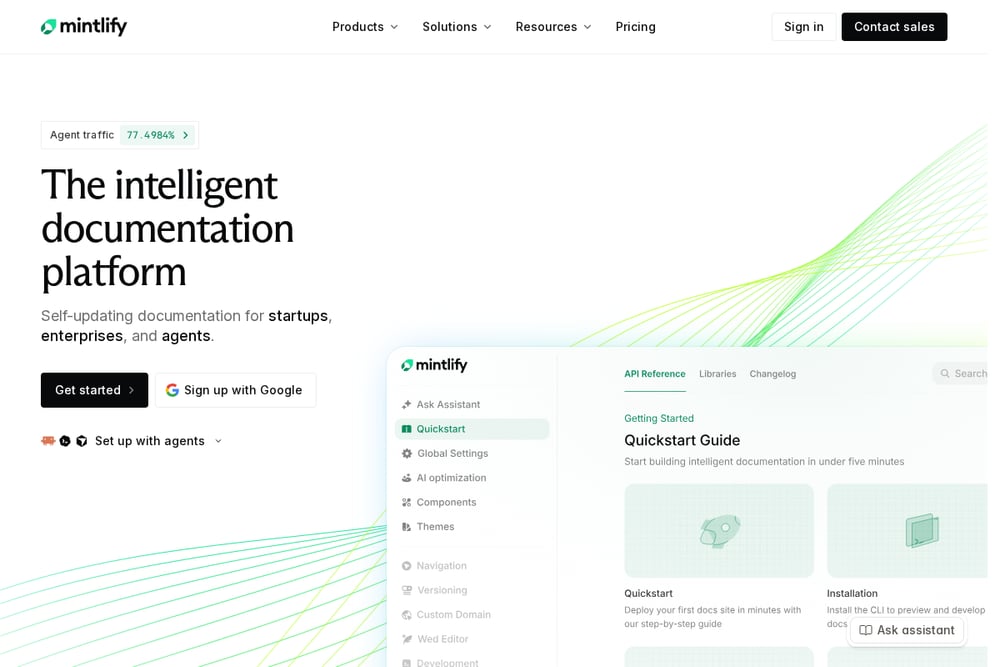 A screenshot of the Mintlify website.
Mintlify describes itself as a self-updating documentation platform for startups, enterprises, and agents. Docs are stored as Markdown or MDX in Git, so you keep the source and can move it later. The Starter tier is free for up to five editors and includes hosting, search, a custom domain, a web editor, authentication, an MCP server, and an API playground. Paid tiers add preview deployments, analytics, and AI features.
#4 Redocly
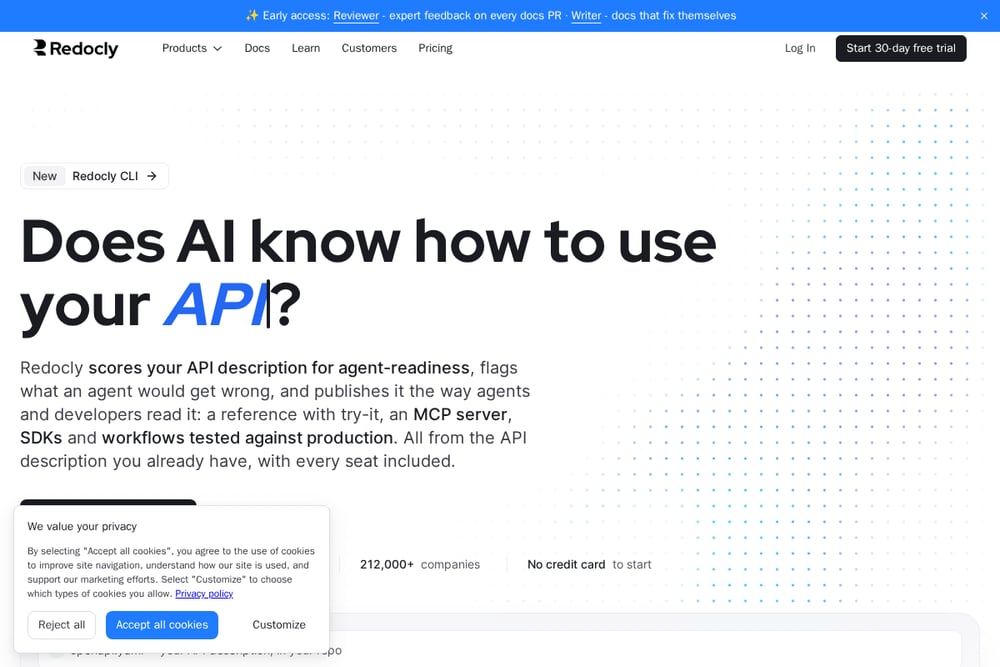 A screenshot of the Redocly website.
Redocly builds its platform around the API description you already have in your repo. It scores that description for agent-readiness on every pull request and flags parts an agent could get wrong. From the same description it publishes reference docs with try-it, an MCP server, SDKs in early access, and Arazzo workflows tested against production. Docs pages can be written in Markdown, Markdoc, or React alongside the spec.
#5 Stoplight
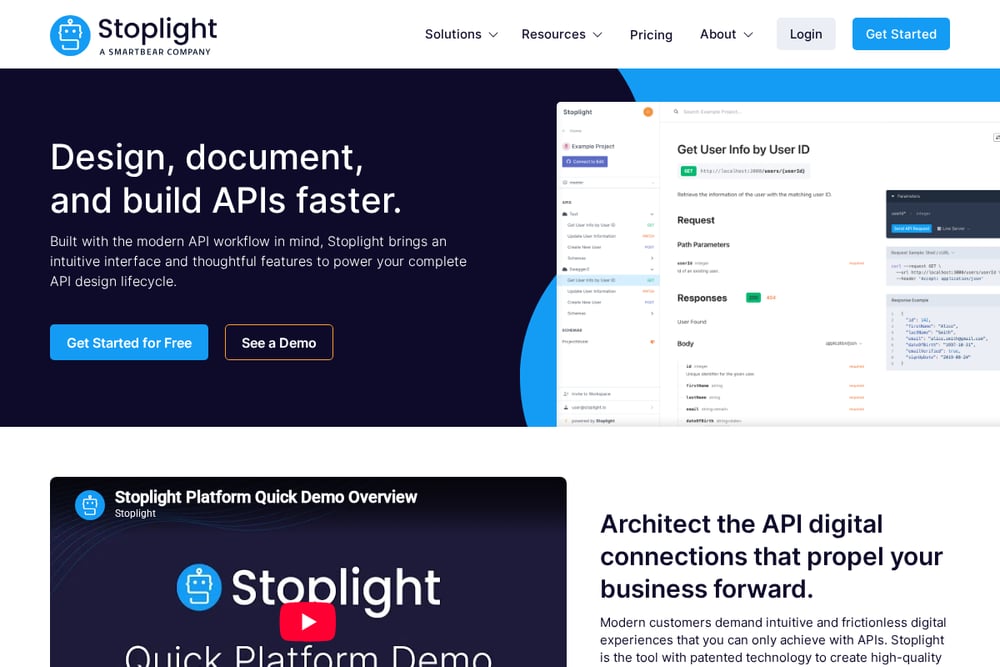 A screenshot of the Stoplight website.
Stoplight is a platform for designing, documenting, and building APIs with a design-first workflow. It emphasizes visibility into an entire API portfolio, OpenAPI standards, and reuse of models and components. The company also maintains open source projects including Spectral, Prism, and Elements. It positions itself around keeping API teams on track and reducing disorganized development efforts.
#6 Bump.sh
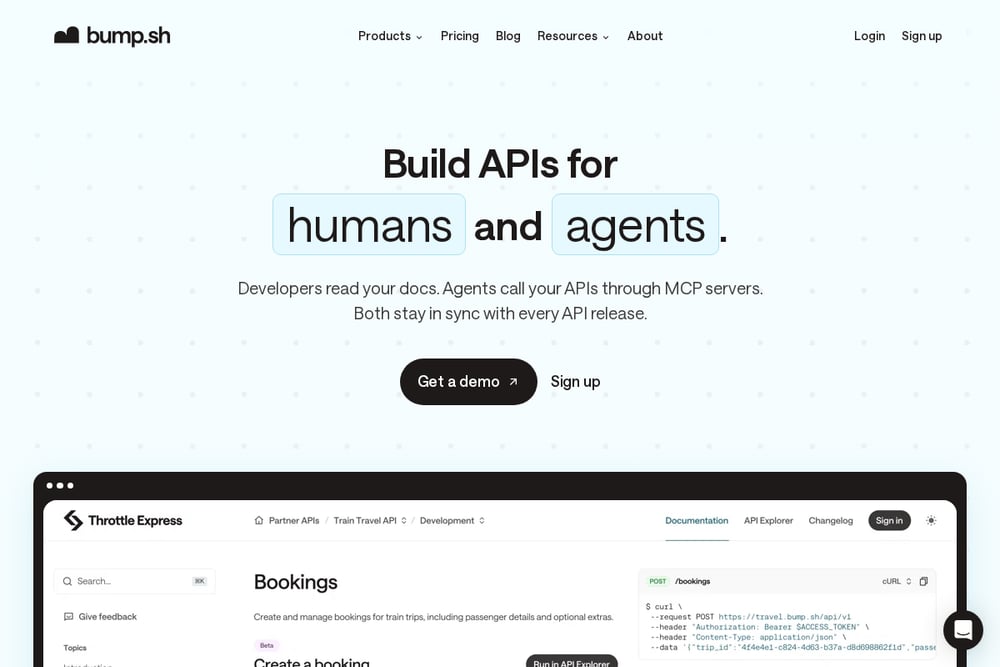 A screenshot of the Bump.sh website.
Bump.sh publishes API doc portals from OpenAPI and AsyncAPI documents, with automated changelog, versioning, and governance. Every commit triggers a deploy, and every change is diffed before it goes live. It also offers a managed MCP platform that turns your API ecosystem into MCP servers with authentication and observability. The workflow is Git-native, with branches, pull requests, and CI checks.
#7 Document360
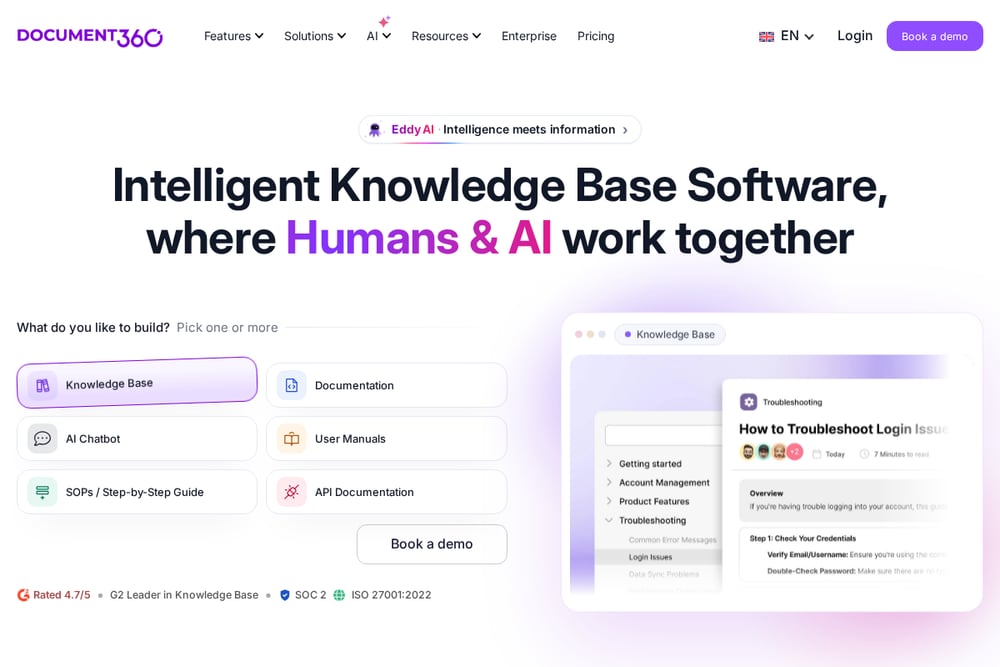 A screenshot of the Document360 website.
Document360 is a knowledge base platform that also covers API documentation alongside internal and external knowledge bases, user manuals, and SOPs. It offers an editor with workflow and review features, analytics, and customization options. AI features include an AI writing agent, AI search, an AI chatbot, and an MCP server that connects the knowledge base to LLMs. It also provides SSO, SCIM, and role-based access.
Which One Should You Choose?
Start with where your source of truth lives. If your API description sits in a repo and you want docs to follow every commit, look at tools built around Git sync and spec-driven publishing. If you want writers working in a browser with review workflows, a hosted editor may fit better. Consider whether you need agent-facing surfaces like an MCP server, since several of these tools now offer one. Check the free tier limits if you are small, and check compliance and SSO requirements if you sell to larger customers. Finally, confirm you can export or keep your content, so the choice stays reversible.
Final Thoughts
There is no single right answer here, and none of these tools is being declared the winner. ReadMe and GitBook lean toward hosted docs with Git-style review. Mintlify offers a free starting tier with Git-backed Markdown. Redocly and Bump.sh build tightly around your API description and agent-readiness. Stoplight emphasizes design-first modeling, and Document360 folds API docs into a wider knowledge base. Match the tool to how your team already writes and ships, and the rest tends to follow.
Know a company that belongs on this list? Email us at editorial@peekwire.com.