Product photos drive clicks and conversions, but studio shoots are slow and costly. AI product photo tools help ecommerce sellers create clean, on-brand visuals at scale. This list covers seven tools worth knowing in 2026, each with different strengths. No tool is declared best; the right fit depends on your catalog, workflow, and team.
How We Picked These Tools
We selected tools that explicitly serve ecommerce sellers and offer AI-powered product photography features. Each tool appears on the list because it provides background removal, scene generation, or batch editing capabilities relevant to online retail. We included a range of options from simple background removers to full design platforms. All facts are drawn from the companies' own websites, and no tool is ranked as superior to another.
| Provider | Best For |
|---|---|
| Photoroom | Ecommerce sellers needing an all-in-one photo and video workflow |
| Picsart | Sellers seeking a versatile creative suite for product content |
| remove.bg | Sellers focused on quick, automated background removal |
| Claid.ai | Ecommerce teams needing scalable, brand-consistent product photography |
| Pebblely | Small sellers wanting easy lifestyle backgrounds for product photos |
| Pixelcut | Sellers needing both image and video editing in one platform |
| Flair.ai | Teams wanting collaborative, template-driven product photoshoots |
The 7 Tools in Focus
#1 Photoroom
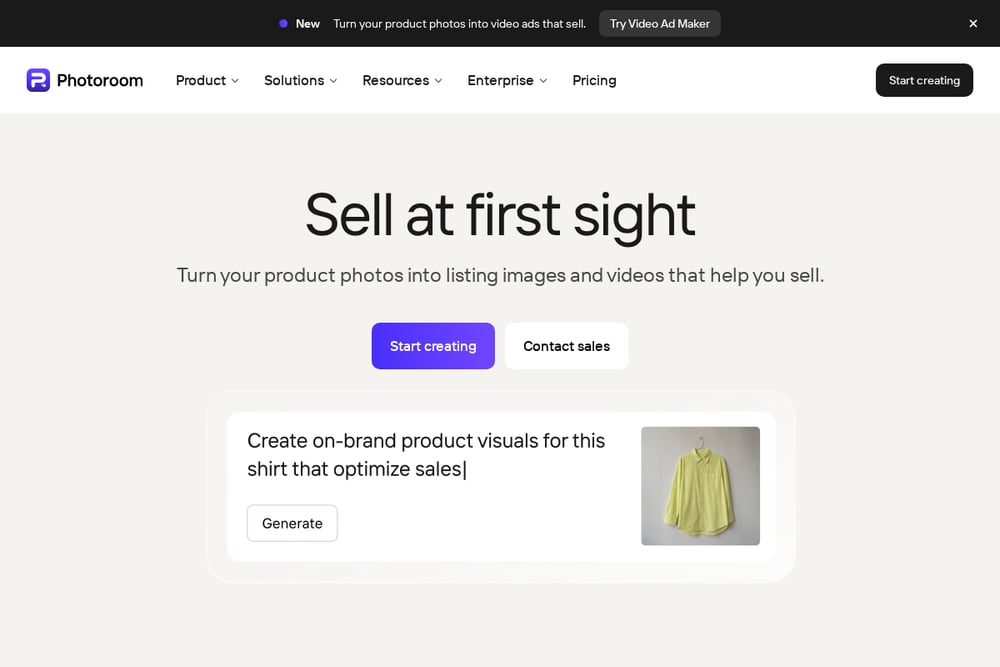 A screenshot of the Photoroom website.
Photoroom provides an AI photo and video solution for ecommerce, from background removal to AI product photography and video ads. It offers batch editing, marketplace sync, and brand libraries to keep visuals consistent. The platform suits sellers who need to produce listing images and ad creatives quickly. It also provides an API for automating image production at scale.
#2 Picsart
 A screenshot of the Picsart website.
Picsart is a creative platform with AI image and video tools, including background removal and product ad templates. It provides access to many AI models and workflow builders for content creation. The platform suits sellers who want a broad set of creative tools in one subscription. It also offers plugins and an API for integrating into existing tools.
#3 remove.bg
 A screenshot of the remove.bg website.
remove.bg is an AI background remover that also includes an AI background generator for creating custom backdrops. It supports bulk editing and integrations with design tools like Figma and Photoshop. The service is suited to ecommerce sellers who need fast, automated background removal for product shots. It also offers an API for developers and a mobile app for editing on the go.
#4 Claid.ai
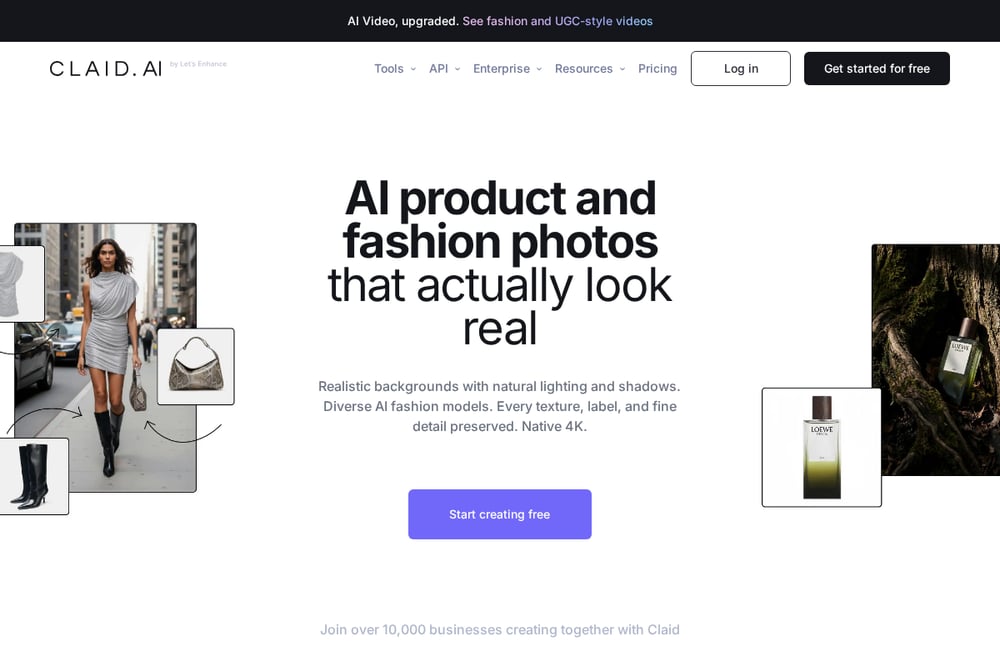 A screenshot of the Claid.ai website.
Claid.ai is an AI photo studio focused on product and fashion photography, with tools for AI photoshoots, background generation, and upscaling. It preserves logos, branding, and product shapes while generating realistic scenes. The platform suits ecommerce businesses that need consistent, high-quality product images at scale. It also provides an API for automating image editing workflows.
#5 Pebblely
 A screenshot of the Pebblely website.
Pebblely creates AI product photos with generated backgrounds, requiring no Photoshop skills. It offers bulk generation and a library of templates for lifestyle scenes. The tool is designed for sellers who want to turn one product image into multiple marketing assets. It suits small businesses and creatives looking for an easy way to produce lifestyle imagery.
#6 Pixelcut
 A screenshot of the Pixelcut website.
Pixelcut is an AI video and image platform with tools for background removal, upscaling, and product showcase imagery. It includes AI product photos and batch editing for handling many files at once. The platform suits sellers who need a mix of image and video editing capabilities. It also offers an API and mobile apps for iOS and Android.
#7 Flair.ai
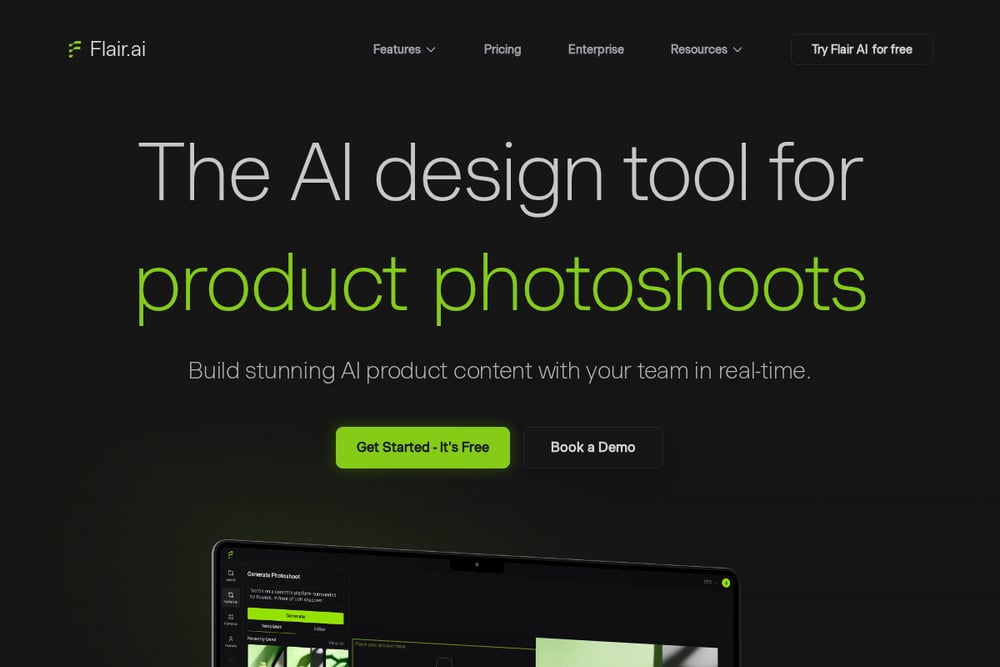 A screenshot of the Flair.ai website.
Flair.ai is an AI design tool for product photoshoots, offering a drag-and-drop canvas to stage scenes with props. It includes on-model photography, AI human models, and ad generation with brand consistency. The platform suits teams that want to collaborate in real-time on product visuals. It also provides templates and an API for integration.
Which One Should You Choose?
Consider your catalog size and workflow. If you need batch editing and video ads, look for tools with those features. For simple background removal, a dedicated remover may suffice. Check whether you need an API for automation or a mobile app for on-the-go edits. Evaluate template libraries and brand consistency features. Most tools offer free trials, so test with your own product images to see which fits your needs.
Final Thoughts
Each tool on this list addresses different ecommerce photography needs, from quick background removal to full AI photoshoots. There is no single best choice; the right tool depends on your volume, team size, and desired output. Use the facts above to compare features and find the tool that aligns with your workflow in 2026.
Know a company that belongs on this list? Email us at editorial@peekwire.com.