Remote teams rely on screen recordings to share context, troubleshoot issues, and communicate asynchronously. The right tool can make those recordings faster to create, easier to share, and more useful to teammates in different time zones. This list covers seven screen recording tools that are worth knowing in 2026, each with different strengths for remote collaboration. No tool is ranked as best; the order is simply a list.
How We Picked These Tools
We selected tools that offer screen recording as a core feature and provide clear information about their capabilities for remote teams. Each tool was evaluated based on its stated features for recording, sharing, and collaboration, as described on its official website. We focused on tools that support asynchronous communication and team workflows. The list is not a ranking of quality; it is a set of options to consider based on your team's needs.
| Provider | Best For |
|---|---|
| Loom | Remote teams that want quick video messages with easy sharing and engagement features. |
| Descript | Teams that want to record and edit video or podcasts with text-based editing and AI assistance. |
| Zight | Support and engineering teams that need to collect visual bug reports and create how-to guides. |
| Tella | Remote teams that need flexible recording and editing for demos, tutorials, and messages. |
| Bubbles | Teams that want to capture and share spontaneous moments from meetings and screen activity. |
| Claap | Sales and customer success teams that want to capture and analyze conversations for CRM accuracy. |
| ScreenPal | Teams that need to create and share instructional videos with editing and hosting in one place. |
The 7 Tools in Focus
#1 Loom
 A screenshot of the Loom website.
Loom is a screen recording and video messaging tool that lets you record your screen and camera, then share videos with a link. It includes an editor for trimming, stitching clips, and adding text and overlays. Loom integrates with tools like Google Workspace and Slack, and offers transcripts and captions in many languages. It is designed for teams that want to communicate asynchronously with video messages.
#2 Descript
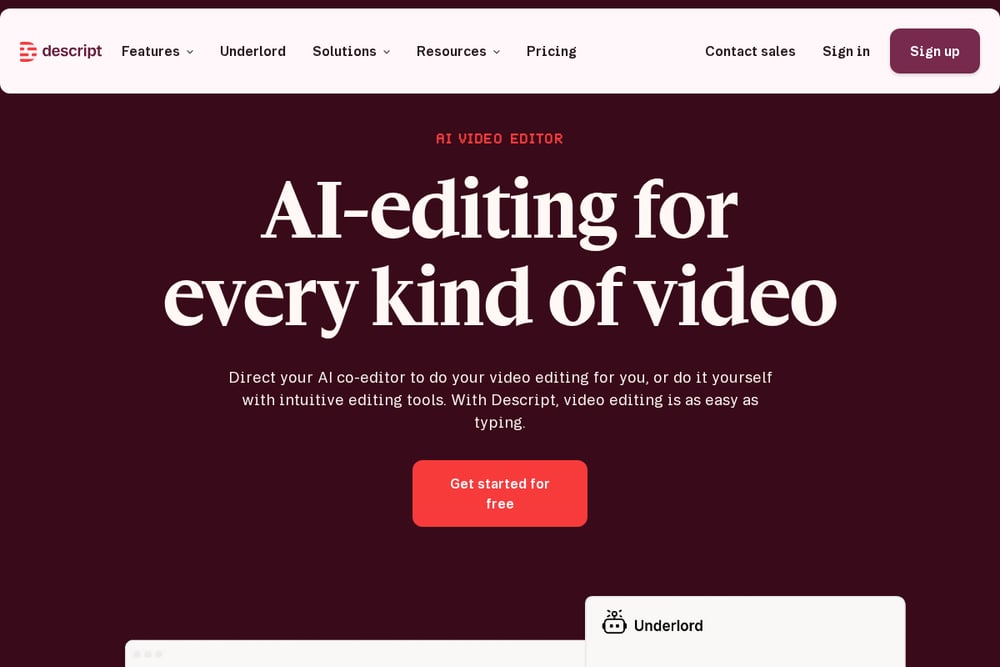 A screenshot of the Descript website.
Descript is an AI-powered video and audio editor that includes screen recording and transcription. It allows you to edit video by editing text, remove filler words, and generate captions. Descript also offers remote recording for podcasts and video, and AI features like Studio Sound for audio cleanup. It suits teams that need both recording and advanced editing in one platform.
#3 Zight
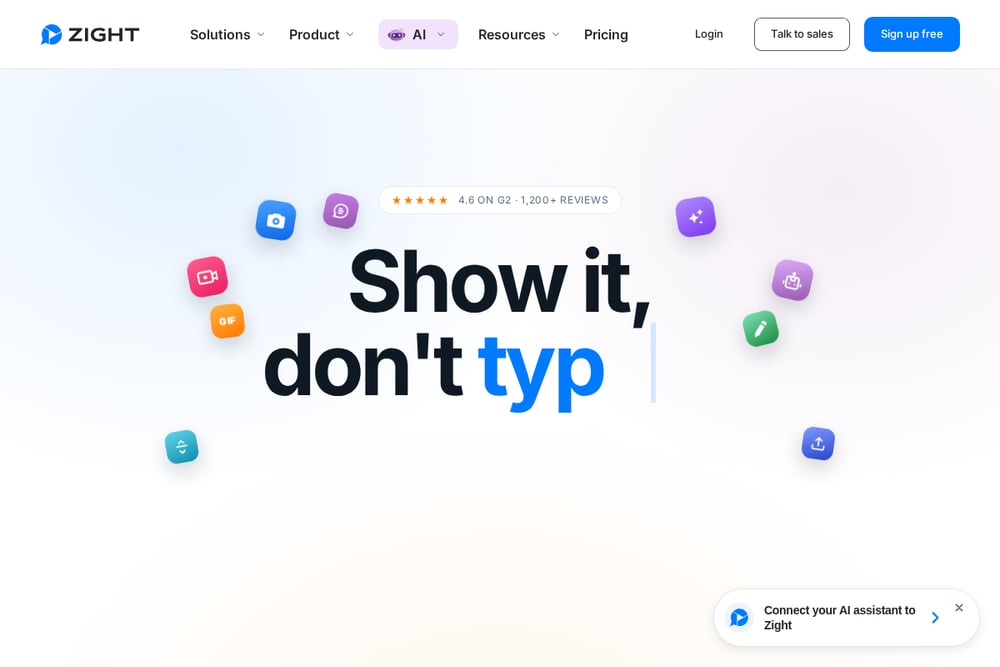 A screenshot of the Zight website.
Zight is a screen recording and screenshot tool that also offers AI-generated guides and step-by-step documentation. It includes features like Request Video, which lets you ask others to record their screen without an account. Zight integrates with support and project tools like Zendesk, Intercom, and Jira. It is built for teams that need to capture and share visual context for troubleshooting and training.
#4 Tella
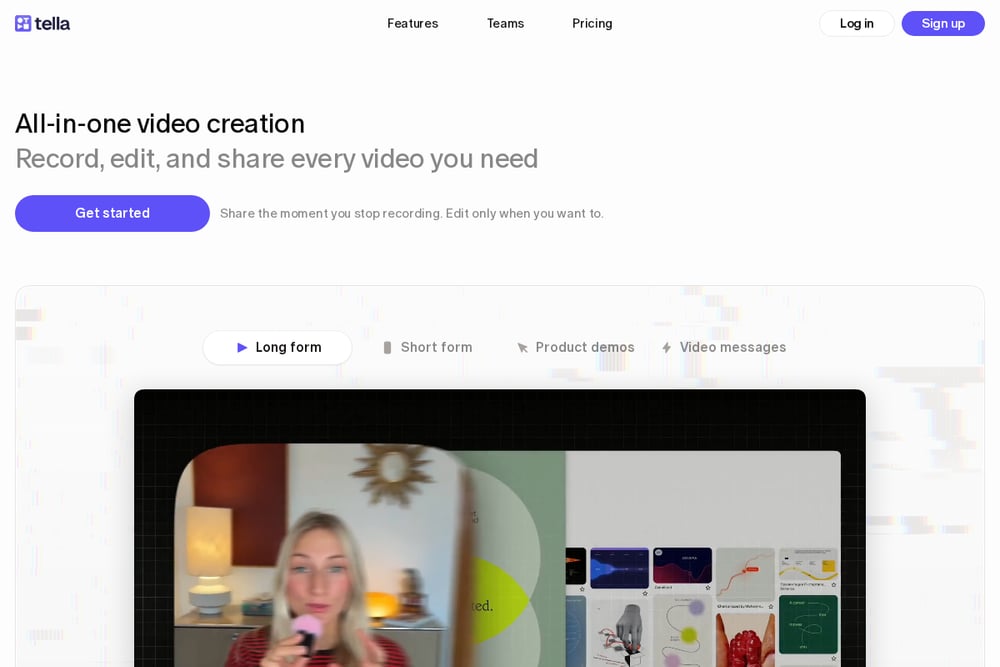 A screenshot of the Tella website.
Tella is an all-in-one video creation tool that combines screen, camera, and audio recording with a full editor. It offers features like transcript editing, dynamic layouts, and 4K export. Tella also includes viewer analytics and team collaboration in a shared workspace. It is designed for teams that want to produce polished videos without switching between multiple tools.
#5 Bubbles
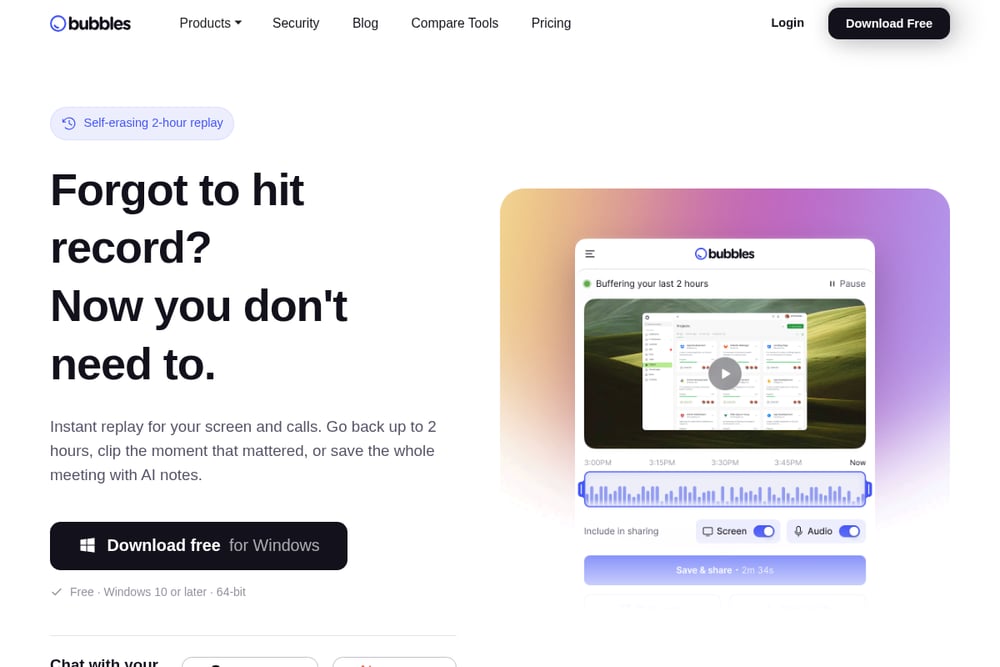 A screenshot of the Bubbles website.
Bubbles is a screen recording tool that keeps a rolling replay of your screen and calls on your computer. It lets you clip moments after they happen and share them with a link. Bubbles also provides AI notes for meetings, turning transcripts into structured summaries. It is suited for teams that want to capture and share moments without hitting record in advance.
#6 Claap
 A screenshot of the Claap website.
Claap is an AI recording tool focused on sales conversations, capturing meetings, calls, and emails. It records from your desktop without a bot and can add a visible bot if preferred. Claap turns conversations into structured data for CRM updates and deal insights. It is designed for revenue teams that want to keep their CRM accurate and scale their playbook.
#7 ScreenPal
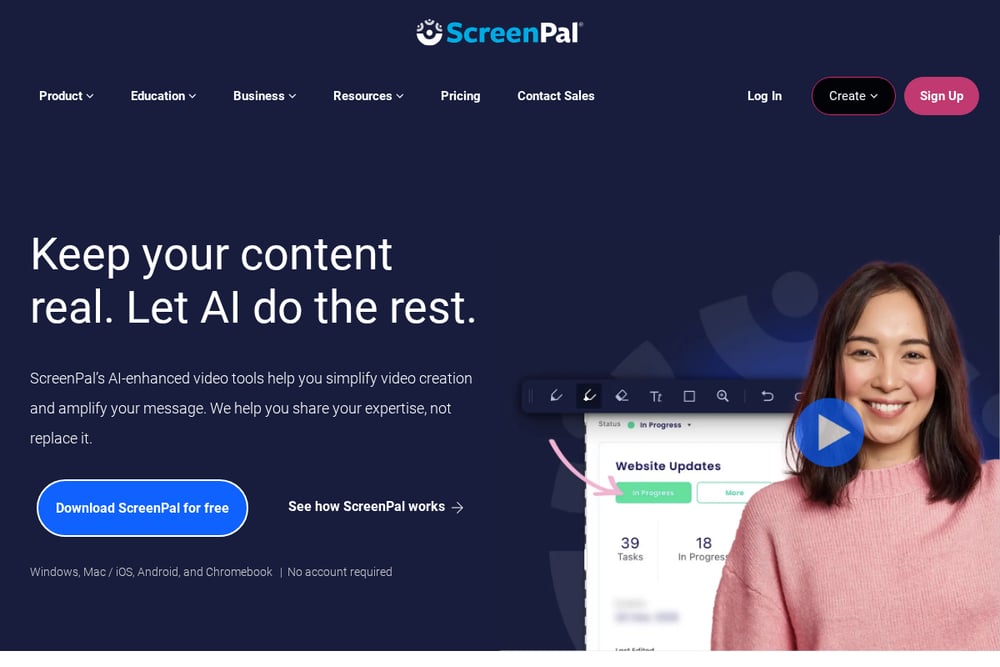 A screenshot of the ScreenPal website.
ScreenPal is an all-in-one video creation and sharing platform that includes screen recording, video editing, and hosting. It offers AI-enhanced tools for transcripts, captions, and translations. ScreenPal also supports interactive video with quizzes and polls. It is suitable for teams that need to create, edit, and share instructional or training videos.
Which One Should You Choose?
Consider how your team communicates. If you need quick video messages with easy sharing, look for tools with strong sharing and engagement features. If you need to edit recordings into polished content, prioritize tools with advanced editing and AI assistance. For support or engineering teams, tools that capture technical details like console logs can be valuable. Sales teams may benefit from tools that integrate with CRM systems. Also, check whether the tool works on your team's devices and integrates with your existing workflow. Many tools offer free trials or free tiers, so you can test them with your team before committing.
Final Thoughts
The seven tools listed here each address different aspects of screen recording for remote teams. Loom and Tella focus on quick, shareable video messages with editing capabilities. Descript and ScreenPal offer deeper editing and production features. Zight and Claap are tailored for support and sales workflows, respectively. Bubbles provides a unique always-on replay approach. By evaluating your team's primary use cases and existing tools, you can choose the option that best fits your remote collaboration needs. No single tool is best for every team; the right choice depends on your specific requirements.
Know a company that belongs on this list? Email us at editorial@peekwire.com.