Zapier is a common starting point for connecting apps, but plenty of teams look for a different shape of automation platform. Some want a visual canvas, some want self-hosting, some want unlimited tasks, and some want a ready-made library of one-click automations. This list covers five tools people often consider when comparing options. Each entry describes what the tool does and who it tends to suit, without crowning a winner.
How We Picked These Tools
These tools were picked because each one appears in public comparison content around Zapier alternatives and each publishes its own product and pricing information. The list focuses on platforms that connect apps and automate workflows, whether through visual builders, AI agents, self-hosted deployments, or prebuilt automation libraries. Descriptions stick to what each company says about itself. No tool is presented as better or worse than another; the order is simply a list.
| Provider | Best For |
|---|---|
| Make | Teams that want a visual automation canvas with AI agents and oversight |
| n8n | Developers and technical teams who want readable, self-hostable workflows |
| Pabbly Connect | Freelancers and small teams who prefer unlimited-style plans |
| Activepieces | Teams that need enterprise controls alongside AI agents and flows |
| Integrately | Users who want prebuilt, one-click automations between popular apps |
The 5 Tools in Focus
#1 Make
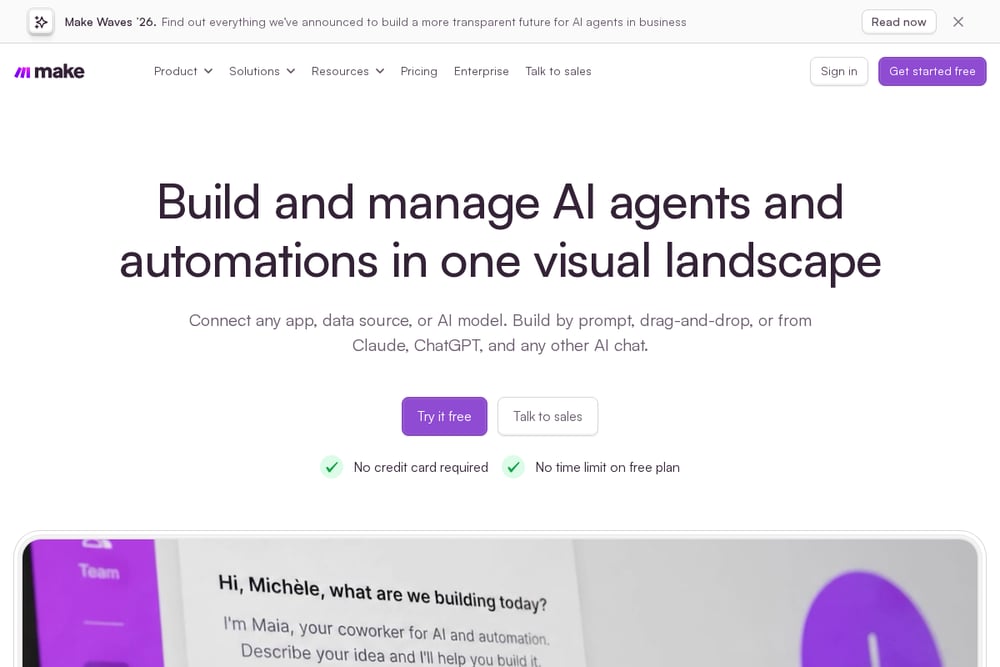 A screenshot of the Make website.
Make is an AI automation platform where you build automated workflows and AI agents visually, connect them to the apps and data you already use, and see everything running in one place. It offers a workflow builder that works by prompting, drag-and-drop, or MCP, plus observability across your stack. Teams can add custom code in JavaScript or Python when a step needs it. It is aimed at teams and organizations deploying AI and automation across a business, from a single department to company-wide.
#2 n8n
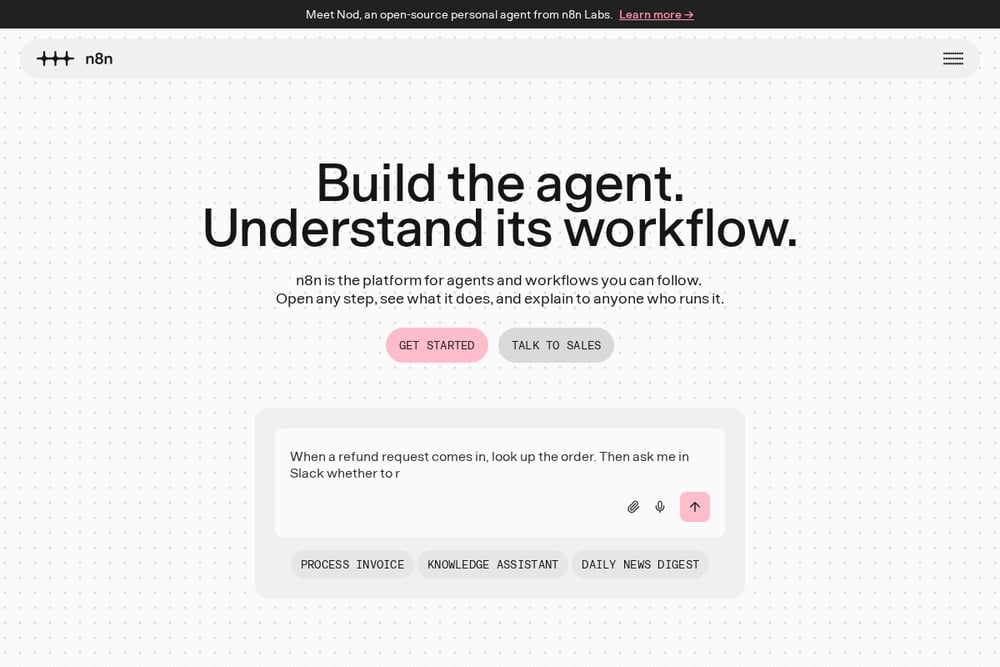 A screenshot of the n8n website.
n8n is a platform for agents and workflows that you can follow step by step, with the idea that the workflow itself is the documentation. You can open any step, see what it does, and explain it to anyone who runs it. It combines a visual builder with the option to drop into code when needed, and it can be self-hosted on-prem or with Docker. It suits developers and technical teams who want visibility into every decision and control over where their data lives.
#3 Pabbly Connect
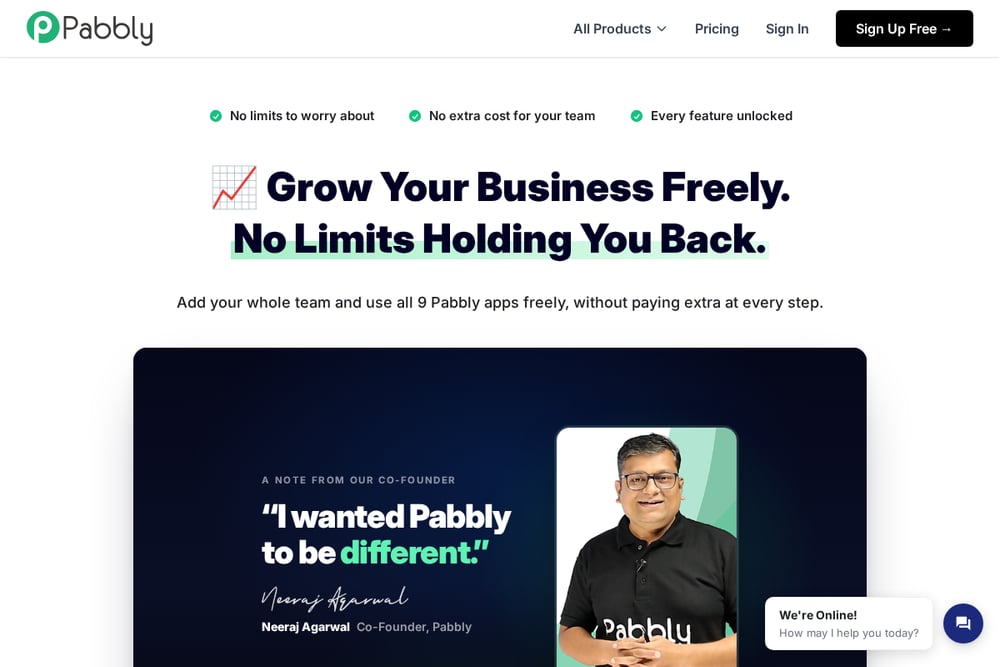 A screenshot of the Pabbly Connect website.
Pabbly Connect is part of the Pabbly suite of business apps and focuses on integrating apps and automating work. Pabbly markets its plans as unlimited, with no extra cost for your team and every feature unlocked. The suite also includes tools for WhatsApp conversations, email marketing, subscription billing, forms, project management, and AI workflows. It suits freelancers, agencies, and small businesses that want to avoid per-user or per-task pricing surprises.
#4 Activepieces
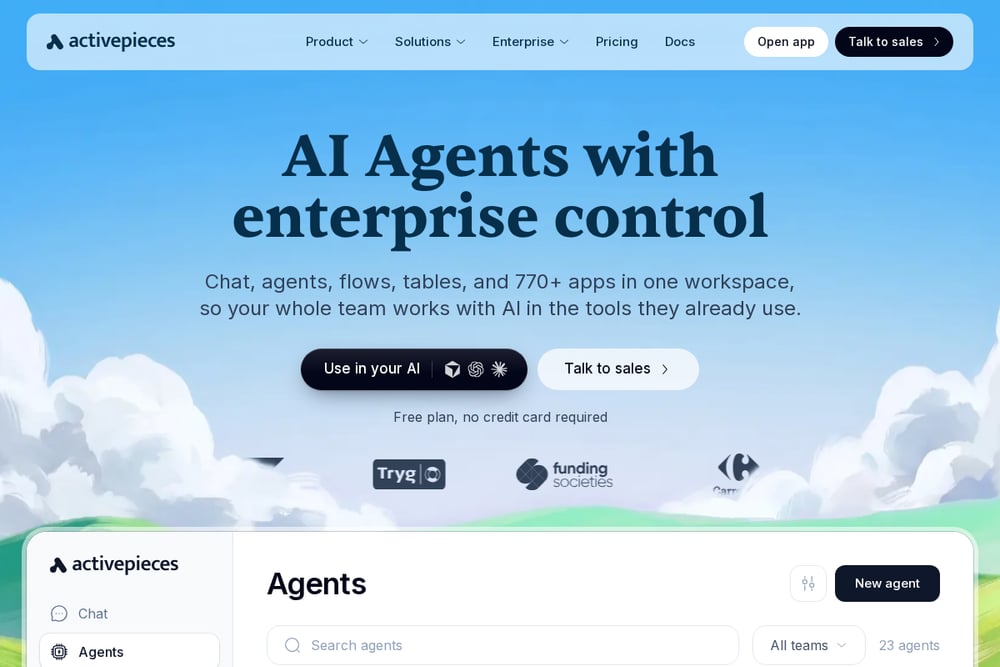 A screenshot of the Activepieces website.
Activepieces combines chat, agents, flows, tables, and app connections in one workspace, so a team can work with AI inside the tools it already uses. Agents can take a described job end to end across connected tools and check in for approval where it counts. The builder supports branching, retries, waitpoints, subflows, error handling, and human approvals, with TypeScript available for the hardest step. It suits teams that need projects, SSO, roles, audit logs, and secret management from the first flow, whether on the vendor cloud or their own infrastructure.
#5 Integrately
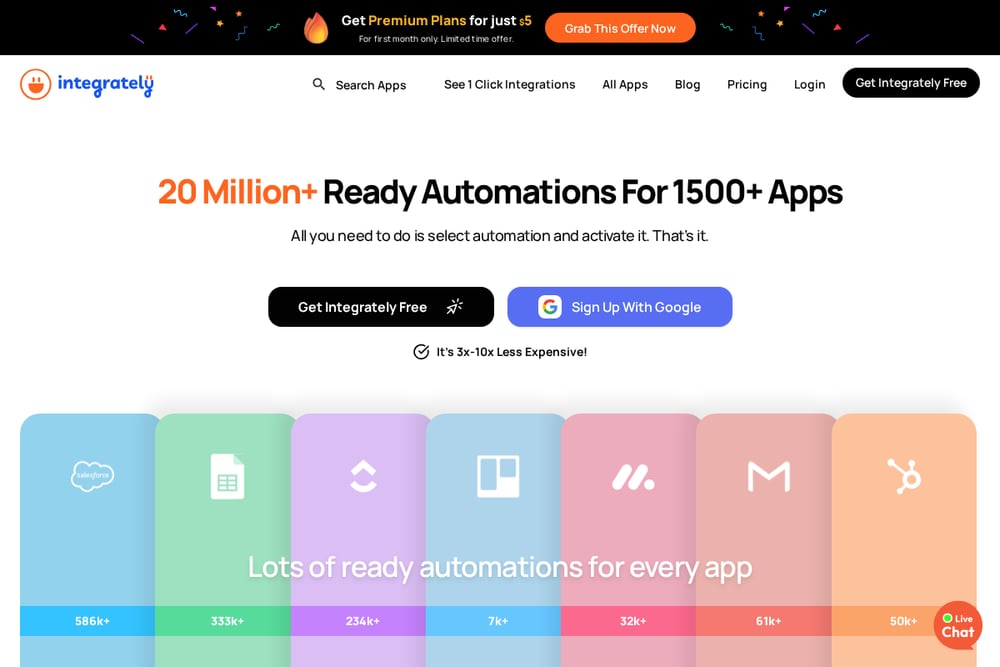 A screenshot of the Integrately website.
Integrately focuses on ready-made automations that you select and activate, rather than building every workflow from scratch. It advertises a large library of ready automations across many apps and a one-click setup flow of selecting an automation, connecting accounts, and having it ready. It also offers SmartConnect, which automatically connects your apps. It suits people who want quick, prebuilt connections between common business apps without assembling each step by hand.
Which One Should You Choose?
Start with how your team actually works. If you want a visual canvas where non-technical teammates can build and watch automations run, look at platforms built around a visual builder. If you need to keep data in your own environment, prioritize self-hosting options. If predictable costs matter more than per-task flexibility, compare how each vendor structures its plans and what counts as a task or credit. If you mostly need common app-to-app connections, a library of prebuilt automations can save setup time. Check the integrations you rely on, the approval and audit features your organization requires, and whether you need AI agents inside the same workspace as your flows.
Final Thoughts
There is no single right answer here, because these tools are built around different priorities. Make leans into a visual landscape for agents and automations with oversight. n8n emphasizes readable workflows and self-hosting for technical teams. Pabbly Connect markets unlimited-style plans across a suite of business apps. Activepieces pairs AI agents with enterprise controls and deployment flexibility. Integrately centers on ready-made, one-click automations. Compare them against your team's skills, data requirements, and budget structure, then trial the ones that fit.
Know a company that belongs on this list? Email us at editorial@peekwire.com.