Why a Fast Website Can Still Lose Customers
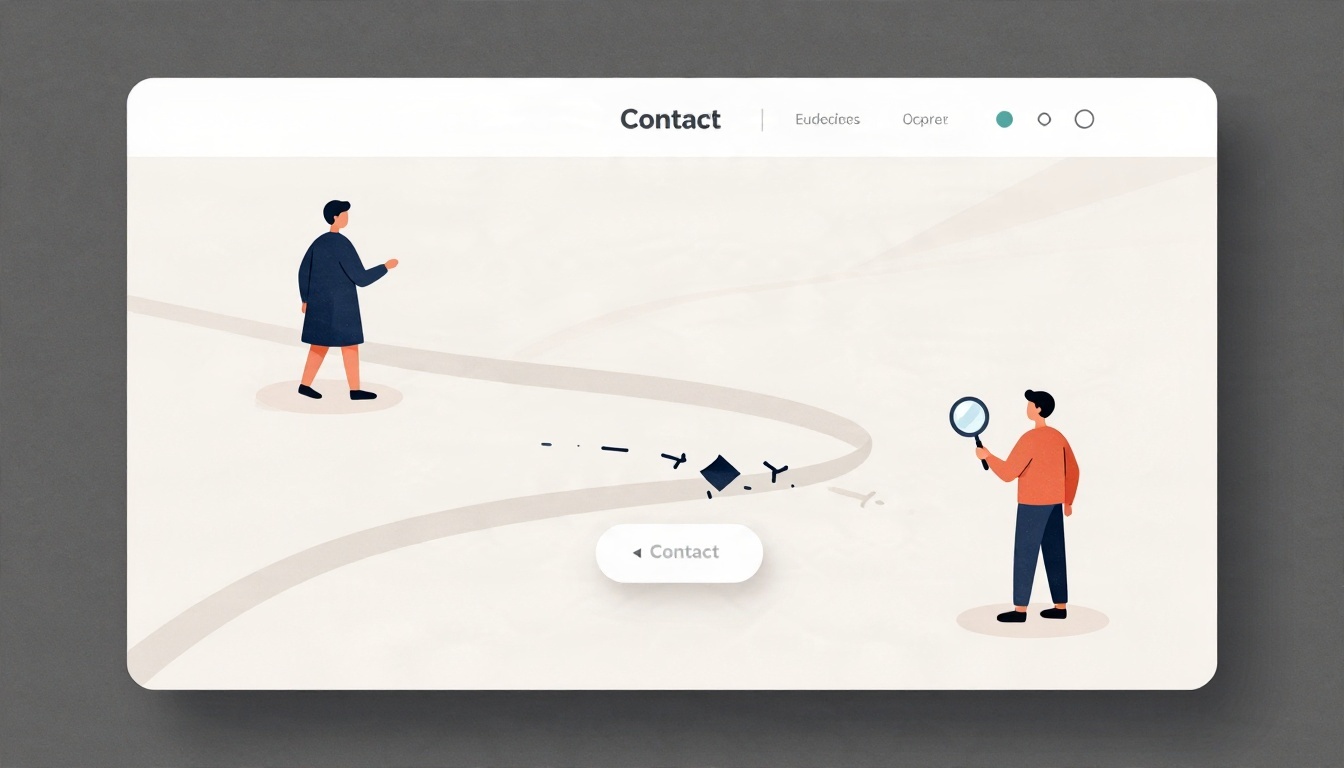
When a website isn't bringing in customers, the usual advice arrives quickly: make the pages faster, add more content. But according to Tabitha Lovell, co-owner of Site Redemption, that advice often misses the point. "Faster pages and more content don't solve an unclear message," she said. "Visitors need to understand what you do, whether you can help them, and what to do next. A fast website can still lose customers if the offer is confusing or the contact button is buried."
Site Redemption provides website audits and fixes for small businesses, creators, and churches. In a written interview, Lovell outlined what she and co-owner Kevin Lovell look for when a site is underperforming—and why the most common fixes can leave the real problem untouched.
The Usual Advice Misses the Message
Speed and content volume are easy to measure, which may explain why they dominate the conversation. But Lovell frames the issue around visitor comprehension. A site can load in under a second and still fail if a first-time visitor can't tell what the business offers or how to take the next step. The contact button, she noted, is a frequent casualty—present but buried, or hard to use on a phone.
That reframing matters for owners who have already invested in performance work. A passing technical score doesn't guarantee that the site is doing its job.
What the Standard Advice Doesn't Mention
Lovell listed several problems that rarely surface in generic search results about why a website isn't bringing in customers:
- Contact forms that don't deliver inquiries
- Booking links that no longer work
- Buttons that are difficult to use on a phone
- Business details that don't match across platforms
- Ads that promise one thing and send visitors to a page that says something different
These are functional and consistency failures, not design or speed issues. A form that silently drops submissions, for example, can make a site look healthy while every inquiry disappears. Mismatched business details across platforms can confuse both visitors and search engines. And an ad-to-page mismatch breaks the promise that brought the visitor in the first place.
"An audit should test the whole path from arriving on the site to making contact—not just produce a technical score," Lovell said. That end-to-end view is central to how website audits should be scoped: the goal is a working path to contact, not a checklist of isolated metrics.
Diagnose Before Redesigning
When owners decide something must change, the first instinct is often visual. "It's tempting to change the appearance first—the logo, colors, photos—or assume a complete rebuild is needed," Lovell said. Those changes are visible and satisfying, but they may replace elements that already work while leaving the actual blocker in place.
Site Redemption's approach is to diagnose before redesigning. The sequence Lovell described has three checkpoints: whether the right visitors are arriving, whether the offer is clear, and whether visitors can successfully contact the business or book an appointment. Only after those questions are answered does it make sense to spend on changes.
"Then put the budget toward the actual problem rather than changing things that may already work," she said.
Practical Takeaways for Owners
For a small business, creator, or church reviewing an underperforming site, Lovell's answers suggest a short diagnostic list before any redesign conversation:
- Test the contact path yourself. Submit the form and confirm the inquiry arrives. Click the booking link. Try the buttons on a phone.
- Check consistency. Make sure business details match across platforms, and that ad landing pages deliver what the ad promised.
- Read the homepage as a stranger. Can you tell what the organization does, who it helps, and what to do next?
- Resist the visual-first reflex. A logo refresh or full rebuild may not address a buried contact button or a broken form.
Lovell's framing is deliberately unglamorous: the fixes that matter are often small, functional, and easy to overlook. But for owners weighing where to spend, the message is clear—find the actual problem first, then pay to fix it. As she put it, the priority is to "diagnose before redesigning."