When a Cheap Website Stops Being Cheap
For many small businesses, the standard advice holds: if you need a few pages that say who you are and how to reach you, a template and a monthly plan will do the job. But that advice has a breaking point, and it usually arrives when the website has to do something rather than just look presentable.
Heather, who runs Linen & Ledger Studio, a website design and web app studio in Macon, Georgia, has seen that breaking point up close. In an email interview, she described how the "cheap" route can quietly turn into a stack of subscriptions, and what she wishes more owners asked before signing up.
When the template stops fitting
Heather pointed to a client who ran a book signing event. The site needed author and vendor applications, contracts, a public directory, and separate password-protected portals for participants, volunteers, and influencers, plus a dashboard so the team could see everything in one place.
On a template platform, she said, each of those is its own add-on: "a form builder subscription, a membership tool, an e-signature service, maybe a scheduling app, all stacked on top of the base plan." The result is multiple monthly bills, multiple logins, and data scattered across services that don't talk to each other.
Building it once, custom, meant "one cost, one place for everything to live, and a setup shaped around how their event actually runs instead of how a template assumed it would." The same pattern shows up on a smaller scale with service businesses that need booking, deposits, or a simple client portal. As Heather put it, "The template handles the homepage beautifully and then fights you on the one feature that makes you money."
The math past month one
Pricing pages are designed to show the smallest number, Heather said. People see $25 a month and stop there. Over four years that's $1,200, before anything changes.
What comes up again and again in first conversations:
- The tier jump. Online booking, selling products, removing platform branding, or adding team members often sits on a higher plan, so the real monthly price is the second or third tier, not the one on the banner.
- Add-ons and fees. Paid plugins, transaction fees on top of payment processor fees, and separately priced email marketing tools.
- The first-year discount. Domains and plans that are cheap the first year and renew at full price.
- The cost of leaving. Many owners don't think about moving until they want to, and then find their design, and sometimes their content, doesn't come with them.
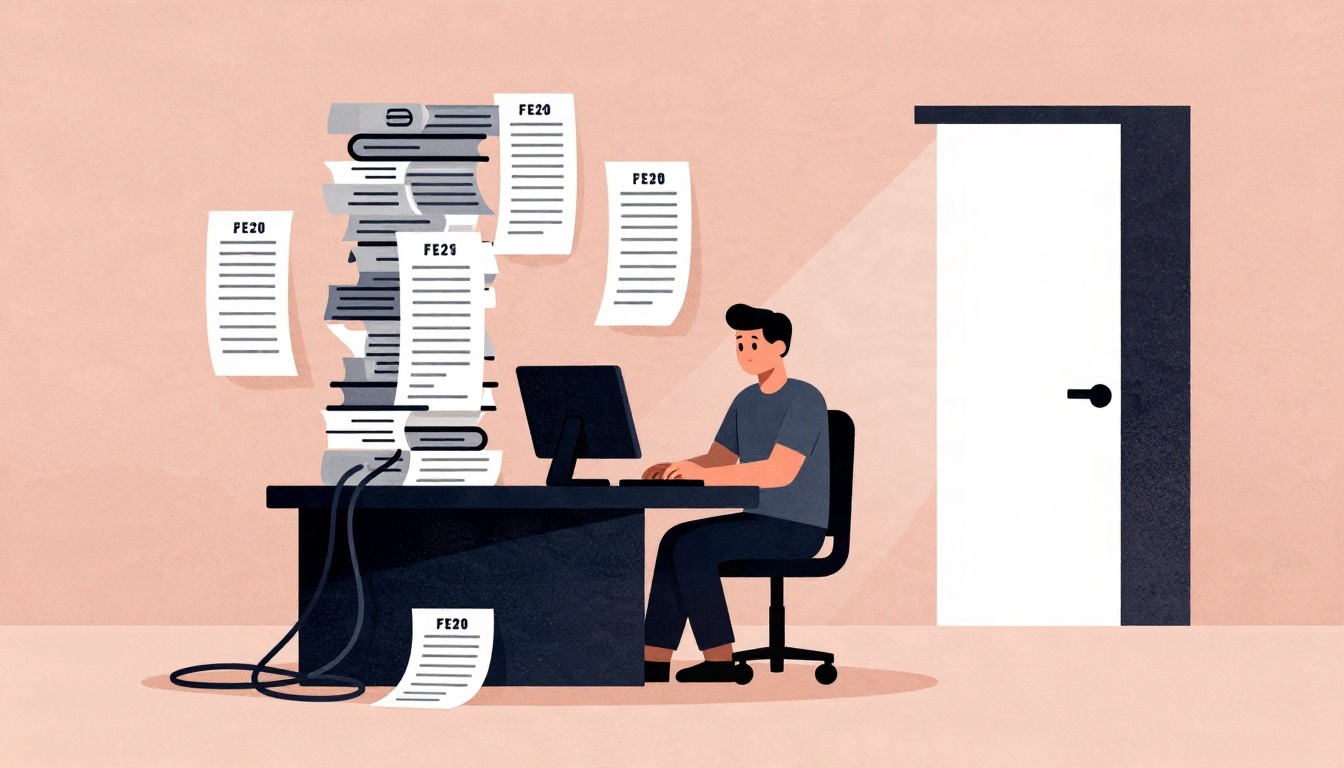
- Their own time. "Nobody prices in the hours an owner spends fighting a page builder at 11 p.m.," she said. "For most small business owners, that time is the most expensive part of a do-it-yourself site."
When those factors are laid out side by side, Heather said the conversation shifts from "what's cheapest this month" to "what will I actually spend over the next few years, and what do I own at the end of it."
Three assumptions owners settle on too quickly
Heather identified three common assumptions when owners weigh a custom build against a monthly platform.
First is the belief that custom means being stuck calling a developer for every little change. "That fear is the reason a lot of people choose a platform, and it's a fair fear if a site wasn't built with handoff in mind," she said. Every site she builds comes with its own editor and a walkthrough, and business sites get a written how-to guide, so owners can update text, photos, and posts without paying monthly. A care plan is an option, not a requirement.
Second is assuming custom is out of reach on price or time. "A lot of owners picture a five-figure invoice and a six-month timeline," she said. A straightforward starter site with her begins at $270, and most launches take four to eight weeks depending on scope. "It's not right for everyone, but it's worth getting a real number before ruling it out."
Third is picking the platform before figuring out what the site needs to do. "People choose the tool first and then try to bend their business around it," she said. She prefers to start with questions: How do customers find you? What do you want them to do once they're on the site? What eats up your time that the site could handle? The answers usually make the right choice obvious, and sometimes that choice is a template. "That's fine too. The goal is a site that fits the business, not the other way around."
Practical takeaways
- Ask what the site must do, not just what it should look like, before choosing a platform.
- Add up the real monthly cost: tier jumps, add-ons, transaction fees, and renewal pricing.
- Factor in your own time. Late-night page-builder sessions are a cost, even if they don't appear on an invoice.
- Check what you own and what you can take with you if you leave.
- Get a real custom quote before assuming it's out of reach. For more on the studio's approach, see Linen & Ledger Studio.
For broader context on website costs and platform trade-offs, resources like NerdWallet's guide to small business website costs and WordPress's explanation of content management systems can help frame the comparison.