
If you run an online store, keeping customers in the loop about their orders is non-negotiable. These five tools help you automate WhatsApp notifications so you can build trust and save time.
The Rise of WhatsApp in E-commerce
WhatsApp has become a primary communication channel for customers worldwide, and US e-commerce businesses are taking notice. Automated order notifications via WhatsApp reduce support tickets, lower cart abandonment, and increase customer satisfaction. With platforms like Shopify and WooCommerce dominating the market, tools that bridge the gap between your store and WhatsApp are essential. The tools below offer various approaches, from simple plugins to full-scale automation suites.
How We Evaluated These Tools
We looked at each tool's ease of integration with major e-commerce platforms, the depth of automation features, and the clarity of pricing. We also considered how well each tool supports real-time order updates and customer engagement. Each tool was assessed on its ability to streamline communication and provide analytics or customization options. The goal was to highlight tools that solve real problems for growing businesses.
Here's a quick snapshot of the five tools we're covering, with their key strengths and best use cases.
| Provider | Best For |
|---|---|
| Whatomation | Shopify stores wanting a comprehensive, high-rated automation app |
| Order Notifier – Intelligent WhatsApp Alerts & AI Automation for Growing Businesses | E-commerce owners seeking a code-free, all-in-one WhatsApp automation solution |
| Notiqoo | WooCommerce store owners who want a plugin with official API integration |
| Order Notifications on WhatsApp | WooCommerce stores needing advanced features like delivery tracking and back-in-stock alerts |
| WANotifier | Businesses looking for a full WhatsApp marketing and automation suite |
The Tools in Detail
#1 Whatomation
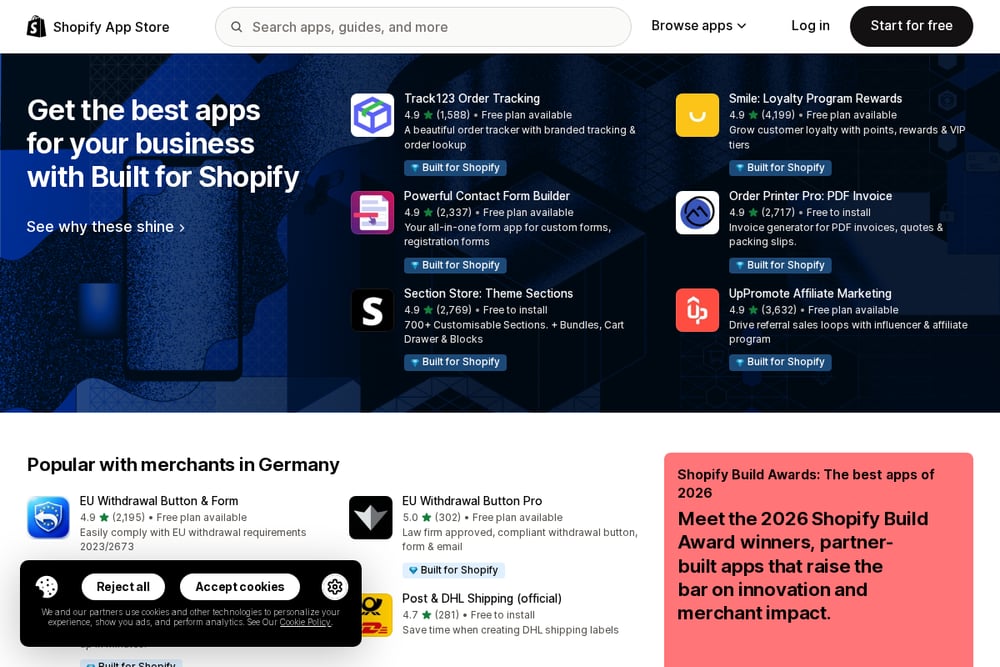 A screenshot of the Whatomation website.
Whatomation is a Shopify app that automates order notifications on WhatsApp, covering every step from placed to delivered. It also includes abandoned cart recovery and one-tap order confirmation to reduce fake orders. With support for 14 languages and custom branded templates, it's built for international sellers. The app offers a free plan and a free trial, making it accessible for testing. Its high rating (4.7) and 200 reviews indicate strong user satisfaction. You can find it on the Shopify App Store.
#2 Order Notifier – Intelligent WhatsApp Alerts & AI Automation for Growing Businesses
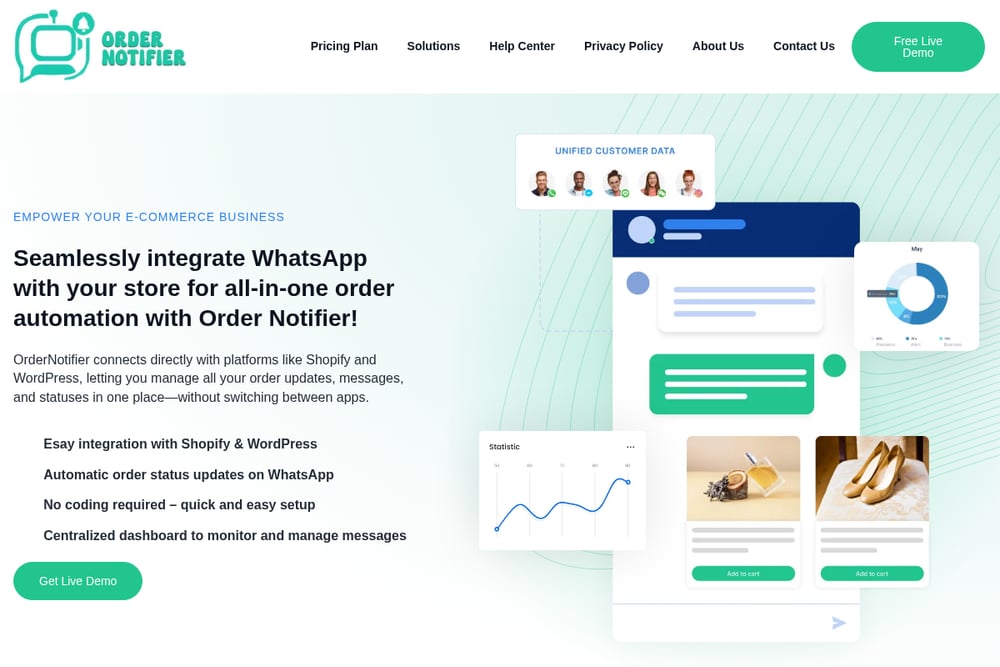 A screenshot of the Order Notifier website.
Order Notifier is a SaaS tool that integrates WhatsApp with Shopify and WordPress, offering a centralized dashboard for all order updates and messages. It requires no coding, so you can set it up quickly and start sending automated confirmations, cancellations, and shipping updates. The tool includes custom message templates to match your brand voice and analytics to track performance. It's designed for growing businesses that want to streamline communication without switching between apps. You can explore its features on the Order Notifier website.
#3 Notiqoo
 A screenshot of the Notiqoo website.
Notiqoo (formerly WC Messaging) is a WordPress plugin that connects WooCommerce to the official WhatsApp Business API and Cloud API. It automates order notifications, supports two-way chat, and includes abandoned cart recovery. The plugin is designed to reduce support requests and increase conversions, with a focus on customer engagement. It's available on the WordPress plugin directory, where you can read reviews and download it. For WooCommerce users, it offers a robust set of features directly within your dashboard.
#4 Order Notifications on WhatsApp
 A screenshot of the Order Notifications on WhatsApp website.
This WooCommerce extension by Procomltd uses the official WhatsApp Cloud API to send automated order updates, abandoned cart reminders, and back-in-stock alerts. It includes a two-way inbox with per-contact threads and delivery tracking, so you can see if messages are read. The tool offers ready-made templates and supports checkout opt-in for GDPR compliance. It's a paid extension with a 30-day money-back guarantee, available on the WooCommerce marketplace. It's a solid choice for WooCommerce users who want a dedicated, feature-rich solution.
#5 WANotifier
 A screenshot of the WANotifier website.
WANotifier is a comprehensive WhatsApp Business API platform that goes beyond order notifications, offering automation, chatbots, and drip marketing. It supports transactional messages, campaigns, and analytics, making it suitable for larger e-commerce operations. The platform integrates with WooCommerce and other systems, and it provides a free trial to test its capabilities. You can learn more about its WooCommerce integration on the WANotifier website. It's a powerful tool for businesses that want to scale their WhatsApp communication.
How to Choose the Right Tool for Your Store
Start by identifying your e-commerce platform—Shopify or WooCommerce—and ensure the tool integrates seamlessly. Consider the level of automation you need: basic order updates or advanced features like abandoned cart recovery and two-way chat. Evaluate the pricing structure, including free trials and monthly fees, to fit your budget. Look for tools that offer analytics so you can measure the impact on customer engagement. Finally, read user reviews to gauge reliability and support quality.
Streamlining Your Order Notifications
Once you choose a tool, the setup typically involves connecting your store and WhatsApp Business account. You'll customize message templates for different order statuses, such as confirmation, shipping, and delivery. The tool then automatically sends these messages when order events occur, saving you manual effort. Some tools also allow you to set up triggers for abandoned carts or back-in-stock alerts. With analytics, you can monitor delivery rates and customer interactions to refine your strategy.
The Bottom Line
Automating WhatsApp order notifications is a smart move for any e-commerce business. Each of these five tools offers unique strengths, from simple plugins to full-scale platforms. Consider your platform, budget, and desired features to find the best fit. With the right tool, you'll keep customers informed, reduce support load, and boost satisfaction.