
You need clean website data—leads, prices, listings—without writing a single line of code. These five Chrome extensions and platforms get you there fast.
The No-Code Web Scraping Landscape
Web scraping used to be a developer's game, but that's changed. Today, no-code tools let marketers, recruiters, and analysts pull structured data from any site into spreadsheets in minutes. The market has exploded with options, from lightweight browser extensions to enterprise-grade cloud platforms. You're no longer locked into messy manual copy-paste or expensive custom scripts. The challenge is picking the right tool for your specific workflow—whether that's lead generation, price monitoring, or real estate research.
How We Evaluated These Tools
We looked at each tool's ease of use, the depth of its features, and how well it fits into a real-world workflow. We considered whether you can get started for free, how quickly you can export to CSV or Google Sheets, and whether the tool handles dynamic pages and pagination. We also weighed the learning curve—some tools are point-and-click, others require a bit more setup. Each tool stood out in its own way, and we've highlighted what makes each one worth your attention.
Here's a quick look at the five tools we're covering, from the simplest extension to the most powerful cloud platform.
| Provider | Best For |
|---|---|
| Web Scraper - Free Web Scraping | Free, browser-based scraping with a gentle learning curve |
| AI Web Scraper to Extract Website Data Without Code | Clura | Instant, AI-powered scraping with zero setup |
| Ultimate Web Scraper | One-click list extraction with a side panel interface |
| Data Miner | Pre-built rules for thousands of popular sites |
| Web Scraper Cloud | Enterprise-scale scraping with managed infrastructure |
The Five Tools, Up Close
#1 Web Scraper - Free Web Scraping
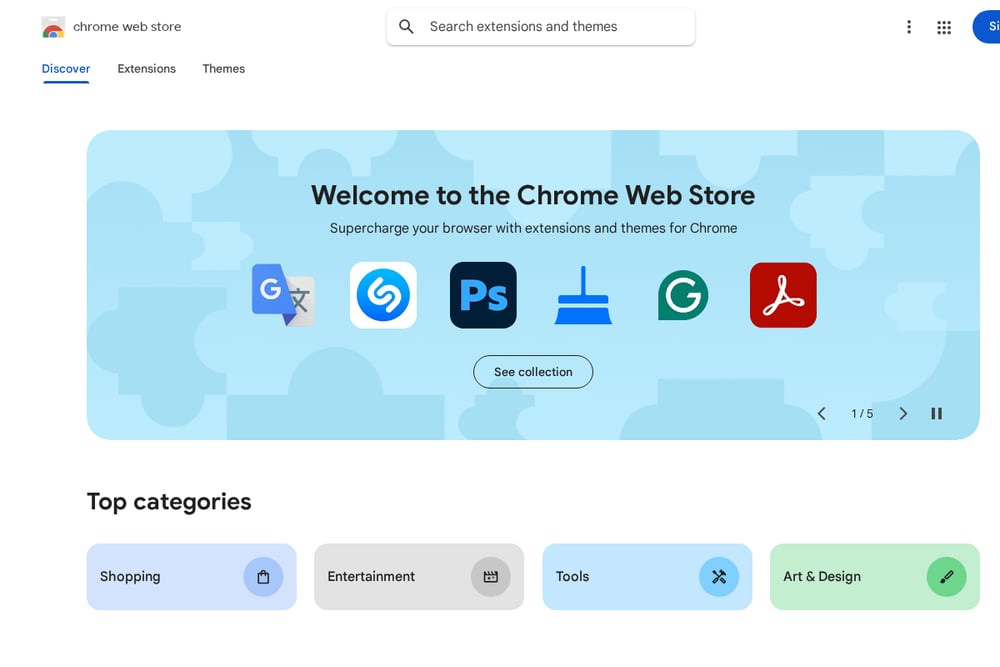 A screenshot of the Web Scraper - Free Web Scraping website.
Web Scraper is a veteran in the browser extension space, with over 900,000 users and a solid 4.1-star rating on the Chrome Web Store. Its point-and-click interface lets you build selectors to extract data from dynamic sites like Amazon and eBay without any coding. You can scrape multiple pages, handle infinite scroll, and export to CSV or XLSX. The extension runs entirely in your browser, so there's no extra software to install. For advanced automation, you can upgrade to Web Scraper Cloud, which adds scheduling and cloud-based extraction. It's a reliable, proven choice for anyone who wants a free, flexible scraping tool.
#2 AI Web Scraper to Extract Website Data Without Code | Clura
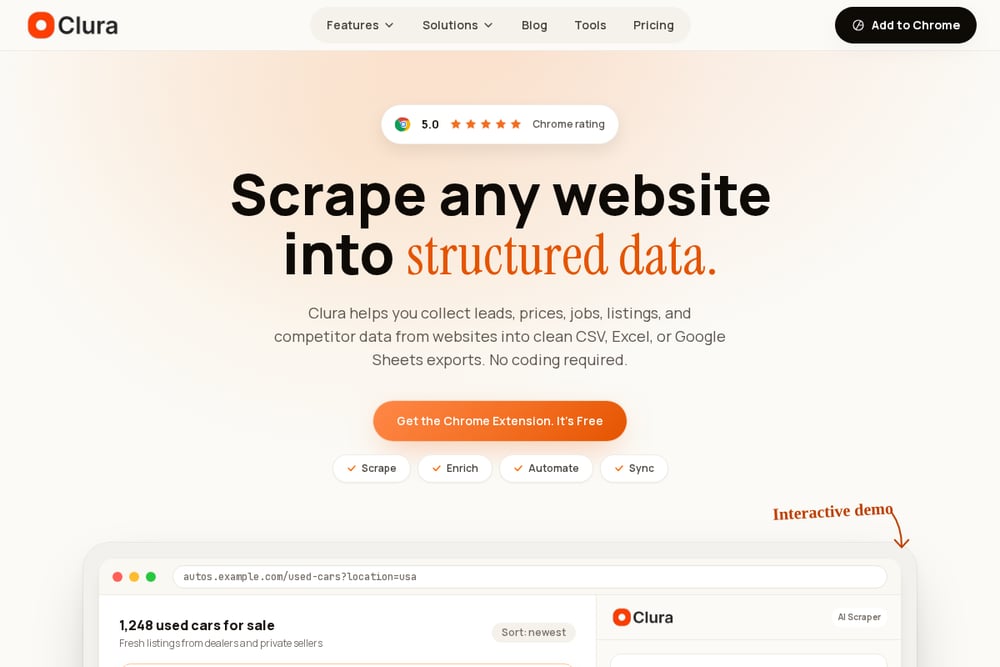 A screenshot of the AI Web Scraper to Extract Website Data Without Code | Clura website.
Clura is a Chrome extension that turns any website into structured data with just a few clicks. It automatically detects repeated listings, fields, and pagination, so you can scrape an entire page of results—like used cars or job postings—into a clean CSV, Excel, or Google Sheets export. You don't need to configure selectors or write any code; the AI does the heavy lifting for you. Clura is built for specific workflows like lead generation, price monitoring, and real estate research, with templates and guides for each use case. It also goes beyond scraping, offering enrichment, automation, and syncing features to cover the full data pipeline. If you want a fast, intuitive tool that feels like magic, Clura is your pick.
#3 Ultimate Web Scraper
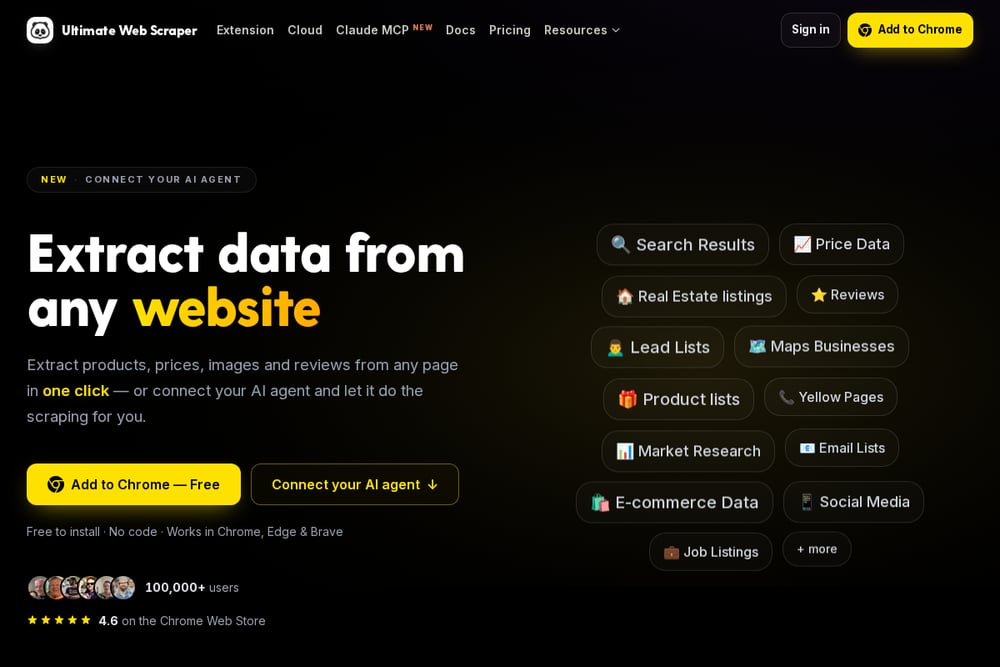 A screenshot of the Ultimate Web Scraper website.
Ultimate Web Scraper is a no-code Chrome extension that works in Chrome, Edge, and Brave, with over 100,000 users and a 4.6-star rating. Its side panel opens beside the page, so you can keep browsing while it works. You click one item—say, a product or a search result—and it automatically collects the entire list, including pagination and infinite scroll. It offers seven specialized tools, from list extraction to email harvesting to Shopify product scraping. You can export to CSV, Excel, or JSON, or send results straight to Google Sheets. It's a great middle ground between simplicity and power, with no account required to start.
#4 Data Miner
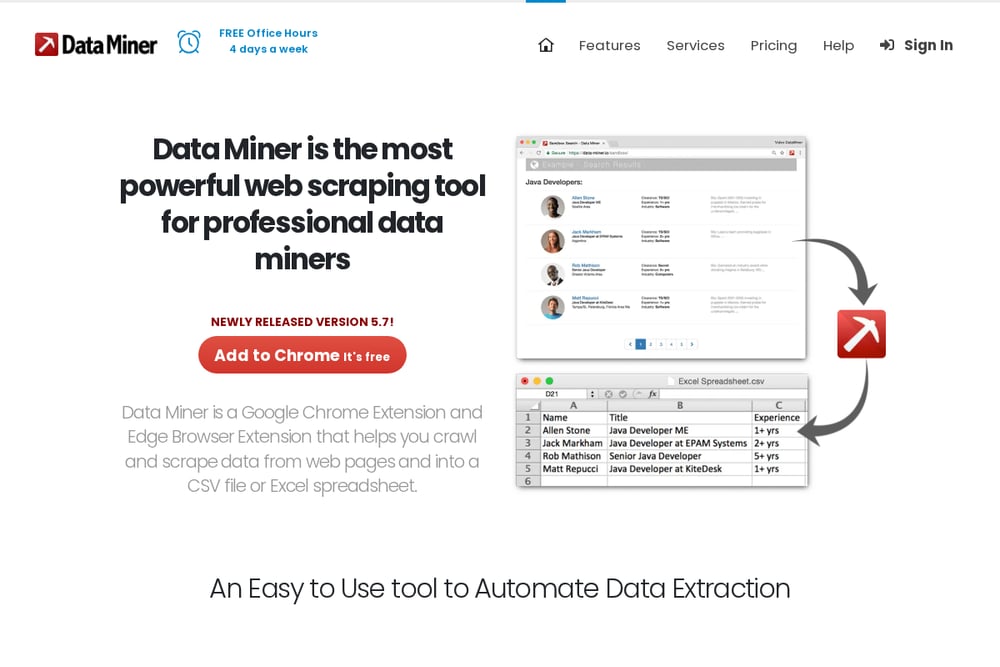 A screenshot of the Data Miner website.
Data Miner is a Chrome and Edge extension that's been around for years, known for its massive library of over 60,000 pre-built scraping rules for popular websites. You can scrape a single page or crawl multiple pages, and it handles dynamic content, pop-ups, and sub-pages automatically. The new Easy Finder tool helps you create custom recipes without touching CSS selectors. Data Miner exports clean data to CSV or Excel, and it's free to start with premium features available. It's a solid choice if you want a tool that's both powerful and user-friendly, with a huge community behind it.
#5 Web Scraper Cloud
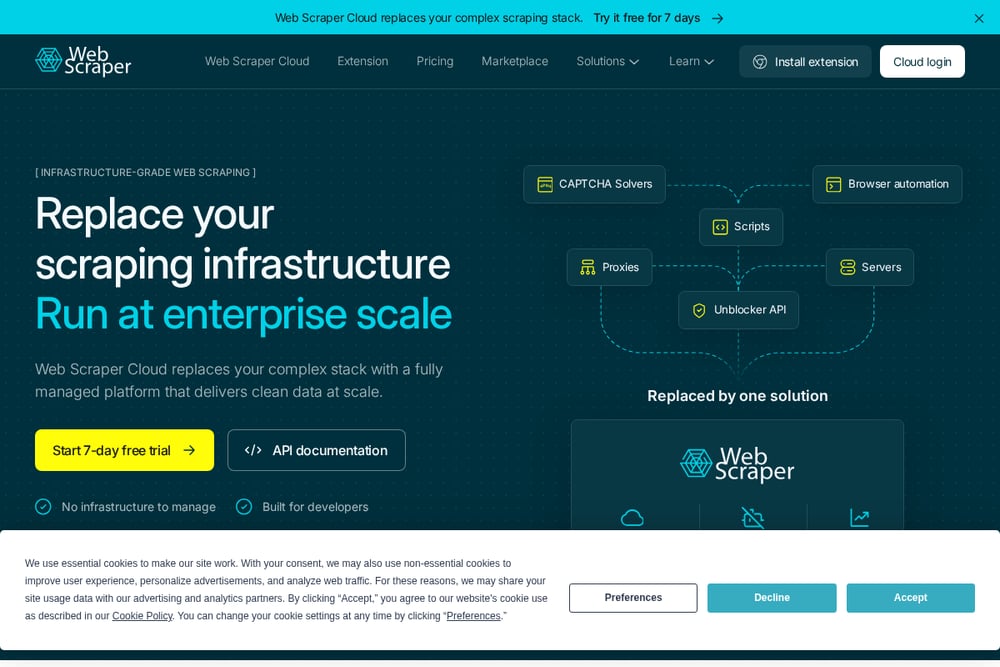 A screenshot of the Web Scraper Cloud website.
Web Scraper Cloud is the enterprise-grade version of the popular Web Scraper extension, designed for teams that need reliable data at scale. It replaces a complex scraping stack with a fully managed platform that handles proxies, CAPTCHA bypass, and browser automation for you. You can extract product data, lead lists, and real estate listings with 99.99% uptime and 5TB+ of data scraped daily. It integrates with APIs and supports scheduling, so you can automate recurring extractions. While it's not free, it offers a 7-day trial and is built for businesses that need consistent, clean data without the headache of infrastructure. If you're running high-volume data pipelines, this is your tool.
How to Choose the Right Scraper for You
Start by thinking about your end goal. If you need a quick, free way to scrape a few pages for a one-off project, a browser extension like Web Scraper or Ultimate Web Scraper is perfect. If you want AI to do the work for you and you value speed, Clura's automatic detection will save you hours. For those who scrape the same sites repeatedly, Data Miner's pre-built rules are a lifesaver. And if you're scaling up to thousands of pages a day, you'll need the reliability of Web Scraper Cloud. Consider your budget, your technical comfort, and how often you'll scrape—then pick the tool that fits your workflow.
Automating Your Data Workflow
Once you've chosen a scraper, you can automate the entire process. Start by setting up a recurring scrape schedule—most tools let you run extractions daily or weekly. Then, connect your scraper to Google Sheets or a database using built-in integrations or Zapier. For enrichment, tools like Clura can add missing fields to your scraped data automatically. Finally, set up alerts or syncs so your team gets fresh data without manual intervention. This turns a one-time scrape into a living data pipeline that keeps your leads, prices, and listings up to date.
The Bottom Line
No-code web scraping has never been more accessible, and these five tools prove it. Whether you're a solo founder building a lead list or a data team managing millions of records, there's a tool here that fits. Clura stands out for its AI-driven simplicity, making it the fastest way to get structured data from any page. But don't overlook the others—each has its own strengths, from Web Scraper's free flexibility to Web Scraper Cloud's enterprise muscle. Try a few, see which one feels right, and start turning websites into your competitive advantage.