
Need to save a website for offline reading, archiving, or research? These five tools let you grab pages, assets, and even entire sites with a few clicks.
The Quiet Utility of Website Copiers
Website copiers have been around since the early days of the web, quietly helping researchers, developers, and everyday users preserve content. They work by crawling a site's pages and downloading HTML, CSS, images, and other files, then rewriting links so everything works locally. While modern sites often rely on JavaScript, these tools still shine for static pages, documentation, and legacy content. The market ranges from open-source desktop apps to browser extensions and cloud-based services, each with its own trade-offs in ease of use and depth of capture. For anyone who needs a reliable offline copy, these tools are indispensable.
How We Evaluated These Tools
We looked at each tool's ability to handle different site types, from simple static pages to more complex structures. Ease of use mattered, especially for non-technical users who just want a quick download. We also considered whether the tool offers a free tier or open-source availability, and how well it handles link rewriting and asset preservation. Finally, we noted each tool's unique strengths, such as browser integration or cloud-based preview, to help you match the right tool to your workflow.
Here's a quick look at the five tools we're covering, with their standout features and best use cases.
| Provider | Best For |
|---|---|
| Website Downloader | Quick, cloud-based site downloads with preview |
| Local index - HTTrack Website Copier | Open-source, full-site mirroring for offline browsing |
| Cyotek WebCopy | Windows users needing granular control over site copies |
| Website Downloader - Chrome Web Store | In-browser, one-click site saving for casual users |
| Website Copier by 4n6 | Simple, native Windows website copying |
The Five Tools, Closer Look
#1 Website Downloader
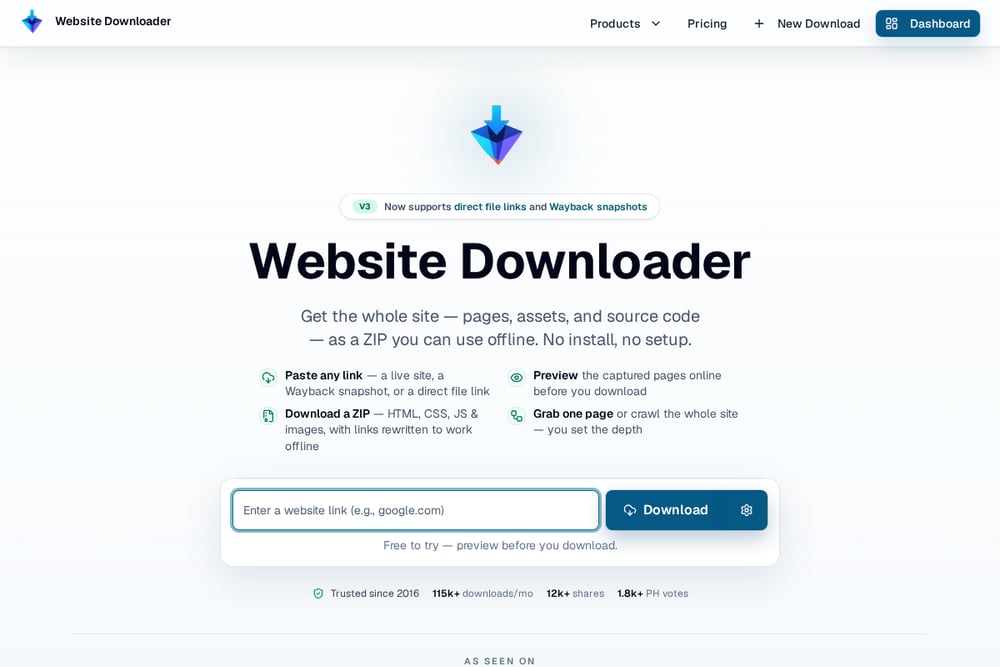 A screenshot of the Website Downloader website.
Website Downloader is a cloud-based service that turns any live site into a browsable ZIP package. You paste a link, preview the captured pages online, and then download the HTML, CSS, JS, and images with rewritten links. It also supports Wayback Machine snapshots and direct file links, making it versatile for recovering old versions of pages. The service has been trusted since 2016 and handles over 115,000 downloads per month. You can set crawl depth to grab a single page or an entire site, and the preview-before-download feature is a huge time-saver. It's perfect for quick, no-install captures on any device.
#2 Local index - HTTrack Website Copier
 A screenshot of the Local index - HTTrack Website Copier website.
Local index - HTTrack Website Copier is an open-source offline browser that mirrors websites to your local drive. It recursively builds all structures, downloading HTML, images, and other files, and rewrites links so you can browse the local copy with any browser. You can mirror multiple sites together and even update or resume interrupted downloads. The tool is fully configurable, giving you control over what gets downloaded and how. It's a classic, reliable choice for archiving static sites and documentation. The local index page you see is a perfect example of what HTTrack produces—a clean, browsable snapshot of a site.
#3 Cyotek WebCopy
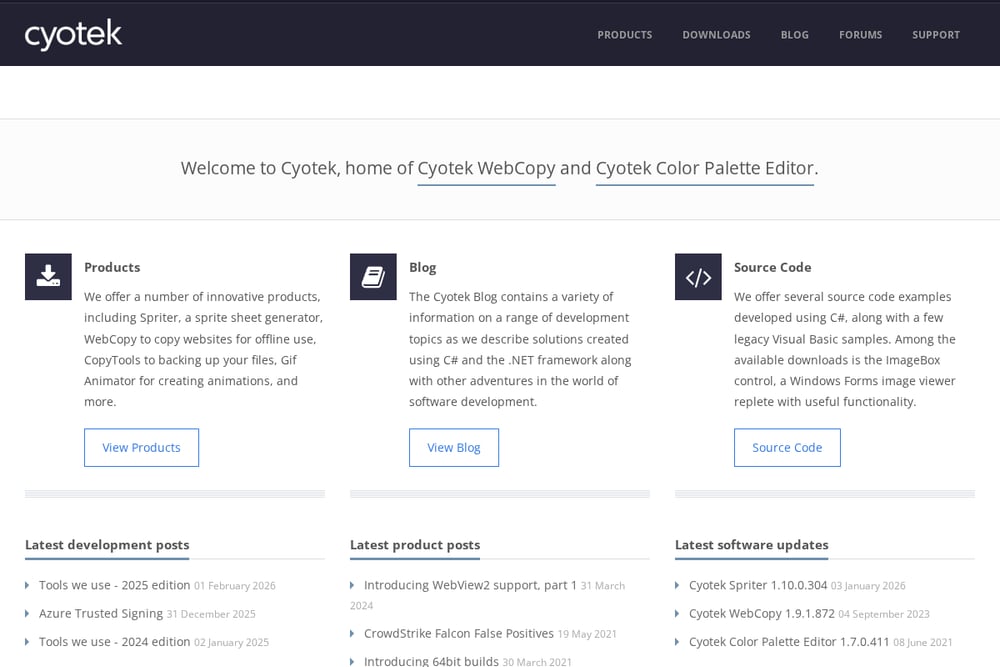 A screenshot of the Cyotek WebCopy website.
Cyotek WebCopy is a free Windows tool that automatically downloads website content to your local device. It scans the site, discovers linked resources like pages, images, and videos, and remaps links to match local paths. You can configure exactly which parts of a site to copy, making it great for grabbing only images or a full static site. It's a solid choice for developers and power users who want granular control. However, it doesn't parse JavaScript, so dynamic sites may not be fully captured. For static sites and straightforward crawling, it's a dependable workhorse.
#4 Website Downloader - Chrome Web Store
 A screenshot of the Website Downloader - Chrome Web Store website.
This Chrome extension brings website downloading right into your browser toolbar. With a few clicks, you can save the current page or an entire site for offline use, archiving, or research. It's designed for beginners, with no technical skills required, and it's optimized for speed. The extension also functions as an HTML downloader, giving you access to raw source files. It's a convenient option for quick captures without leaving your browser. However, it may not handle complex sites as thoroughly as desktop tools.
#5 Website Copier by 4n6
 A screenshot of the Website Copier by 4n6 website.
Website Copier by 4n6 is a Windows app available on the Microsoft Store, offering a straightforward way to copy websites locally. It's designed for users who prefer a native application with a simple interface. The tool focuses on downloading site content for offline viewing, making it useful for personal archiving. While it may not have the advanced features of other tools, it's a reliable option for basic copying needs. The Microsoft Store listing provides easy installation and updates. For a no-frills, native Windows solution, it gets the job done.
How to Choose the Right Website Copier
Start by thinking about where you want to run the tool—do you prefer a browser extension, a desktop app, or a cloud service? If you need to capture dynamic or JavaScript-heavy sites, look for tools that handle those, though many will struggle. Consider whether you need a full-site mirror or just a single page, and whether you want a preview before downloading. For open-source enthusiasts, HTTrack is a classic, while Website Downloader offers convenience without installation. Finally, think about your technical comfort level—some tools give you deep configuration, while others are one-click simple.
Automating Your Website Archiving Workflow
You can integrate website copiers into your regular workflow to keep offline archives up to date. For example, use HTTrack's command-line mode to schedule nightly mirrors of important sites. With Website Downloader, you can manually trigger downloads when you need a snapshot, and its preview feature helps you verify before saving. For browser-based captures, the Chrome extension lets you save pages on the fly without disrupting your browsing. Pair these tools with cloud storage to keep your archives accessible anywhere. The key is to find a rhythm that matches how often the sites you care about change.
The Takeaway
Each of these five tools offers a different path to the same goal: preserving web content for offline use. Whether you're a developer needing a full mirror, a researcher archiving sources, or a casual user saving a page for later, there's a tool here for you. The open-source reliability of HTTrack, the convenience of Website Downloader, and the simplicity of browser extensions all have their place. Try a couple to see which fits your workflow best, and you'll never lose access to important online content again.