
You just got off a client call, and the last thing you want to do is stare at a blank page. These five tools turn your spoken thoughts into polished proposals in minutes.
The Voice-to-Proposal Landscape
The proposal software market has exploded with AI-driven tools that promise to cut drafting time from hours to seconds. While traditional platforms focus on templates and e-signatures, a new wave of voice-first solutions is emerging, letting you record a quick voice note after a call and instantly get a structured, branded document. This shift is particularly valuable for consultants, freelancers, and small agencies who juggle multiple projects and need to move fast. The tools below range from free, no-signup generators to full-featured proposal management suites, each with its own take on how to streamline your workflow.
How We Evaluated These Tools
We looked at each tool's core functionality, ease of use, and how well it handles the transition from raw voice or text input to a client-ready proposal. Key factors included the speed of generation, the quality of the output structure, customization options, and whether the tool offers a free tier or trial. We also considered how each tool fits into a typical business workflow, from solo freelancers to larger teams needing CRM integrations. Each tool was assessed on these same criteria to highlight what makes it stand out.
Here's a quick snapshot of the five tools, their best use cases, and what you can expect from each.
| Provider | Best For |
|---|---|
| Proposify AI Proposal Generator | Sales teams needing proposal analytics and CRM integrations. |
| Sayseal — Say it. Seal it. | Freelancers and consultants who want to turn voice notes into proposals fast. |
| Template.net AI Proposal Generator | Quick, free proposal drafts without any commitment. |
| QuillBot AI Project Proposal Generator | Generating project proposals for business, research, or grants. |
| Portant AI Proposal Generator | HubSpot users who want to automate proposal generation from CRM data. |
The 5 Tools, Closer Look
#1 Proposify AI Proposal Generator
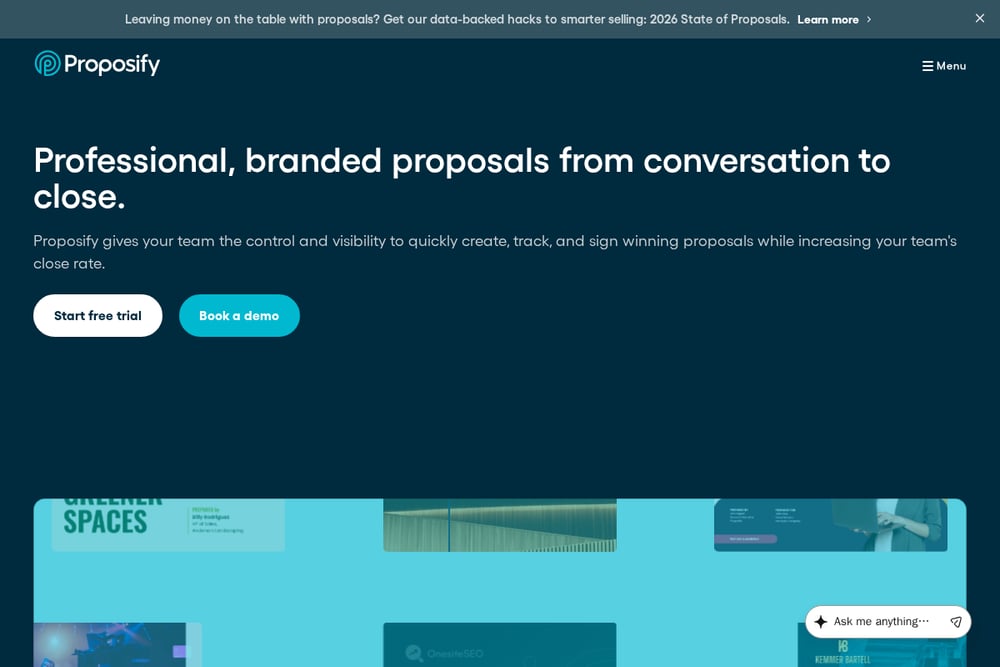 A screenshot of the Proposify website.
Proposify is a full-featured proposal management platform that now includes an AI generator. It lets you create branded proposals with a drag-and-drop editor, and its AI helps you draft content quickly. You can track when clients open your proposal and see how much time they spend on each section, which is gold for follow-ups. It integrates with your CRM and other business tools, making it a solid choice for sales teams. The free version is limited, but the paid plans offer robust features. If you need deep analytics and a polished client experience, Proposify is a strong contender.
#2 Sayseal — Say it. Seal it.
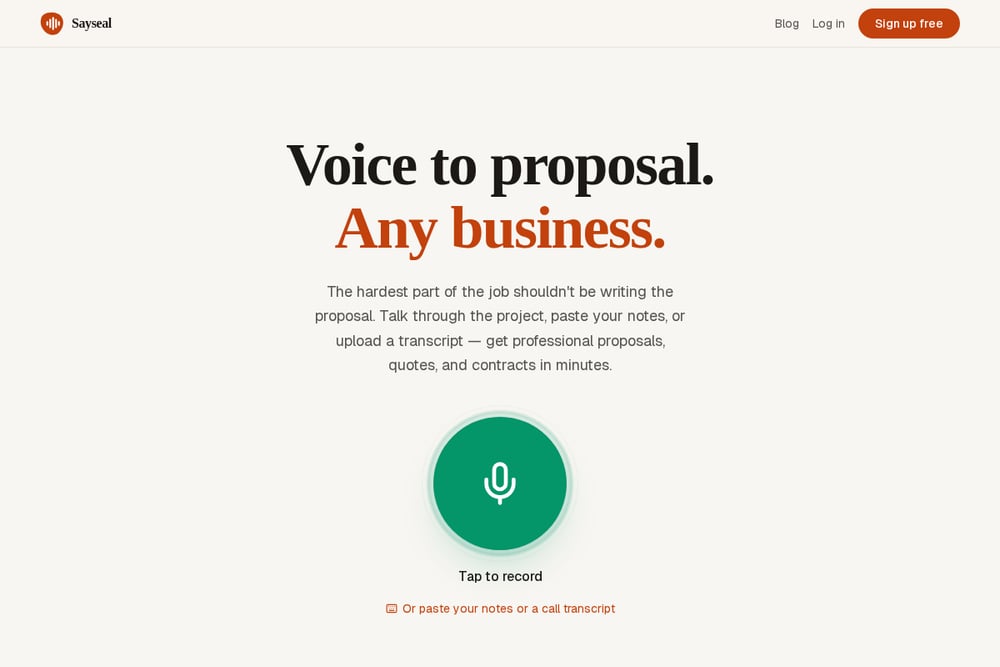 A screenshot of the Sayseal website.
Sayseal is the only tool here that truly starts with your voice. You can tap to record a voice note after a client call, paste your notes, or upload a transcript, and it turns that raw, messy input into a professional proposal in under a minute. The example on their site shows a 2-minute voice note about a branding project becoming a structured proposal with scope, timeline, and pricing. It's designed for any business, from consultants to agencies, and the speed is unmatched. You can sign up for free and start converting your thoughts into client-ready documents immediately. If you want to skip the typing entirely, Sayseal is your best bet.
#3 Template.net AI Proposal Generator
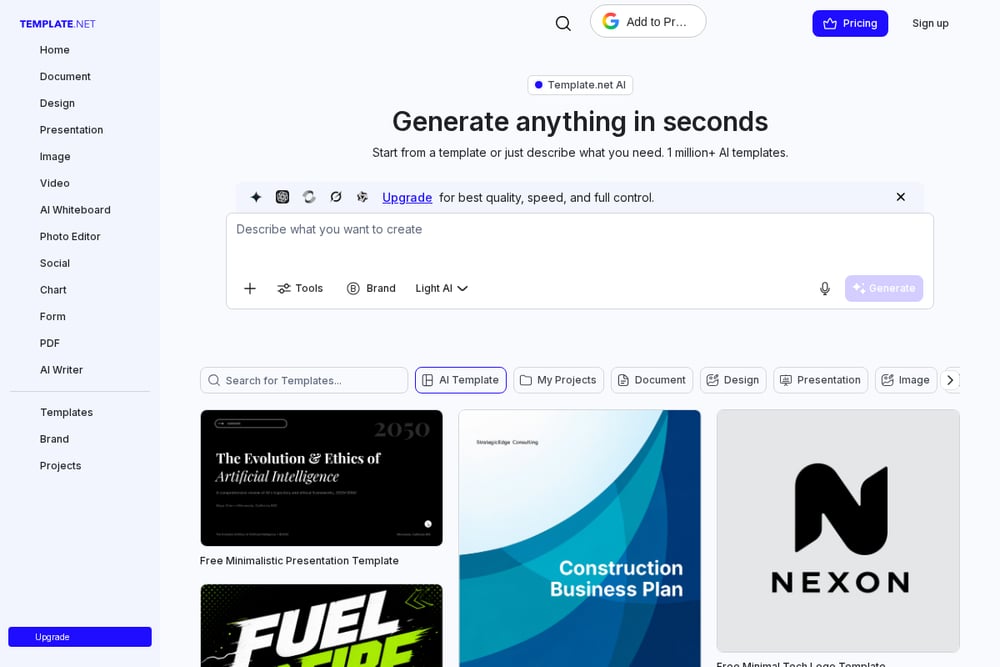 A screenshot of the Template.net website.
Template.net offers a free AI proposal generator that requires no sign-up, making it the quickest way to get a draft. You can prompt it with text or voice, and it generates an editable proposal that you can download in various formats. It's part of a massive template library, so you can also browse pre-designed proposal templates if you prefer a more hands-on approach. The output is basic but functional, and the lack of a paywall is a huge plus for testing. However, you'll likely need to do some manual formatting to make it look truly professional. It's a great starting point if you're on a tight budget.
#4 QuillBot AI Project Proposal Generator
QuillBot, known for its paraphrasing tools, has added an AI project proposal generator. It's free to use with no sign-up, and you can generate a proposal from a simple prompt. The tool is more geared toward project proposals, including business, research, and grant proposals, so it's not specifically for client quotes. You can attach files to provide context, and the output is a structured draft that you can edit. It's a solid option if you need a proposal for internal projects or academic purposes. The interface is clean and straightforward, but it lacks the branding and e-signature features of other tools.
#5 Portant AI Proposal Generator
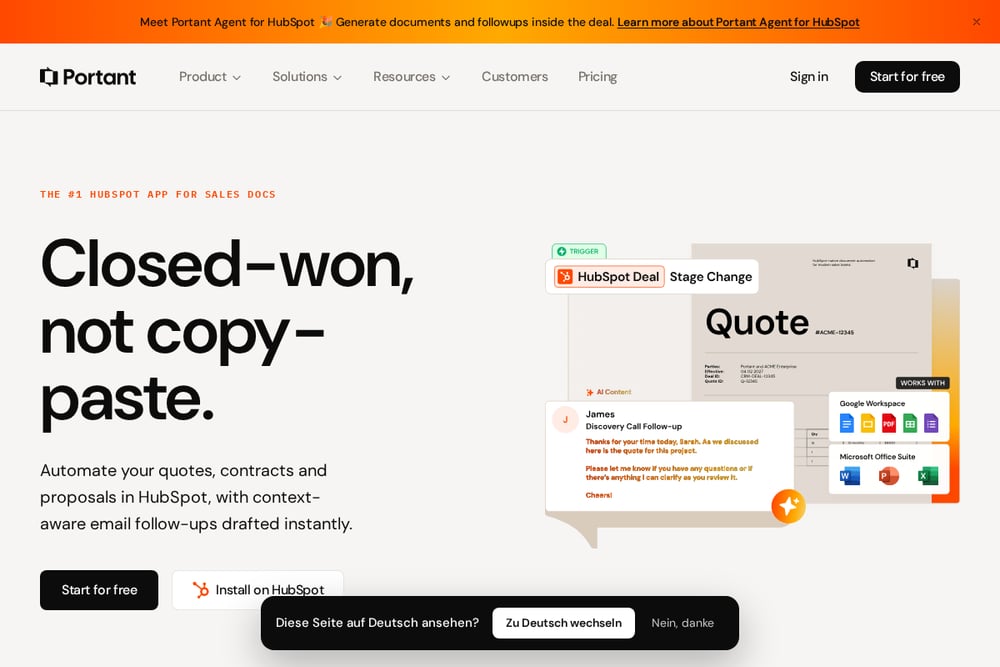 A screenshot of the Portant website.
Portant is a document automation tool that integrates deeply with HubSpot, and its AI proposal generator lets you describe your project and client to get a structured proposal as an editable Word doc. It's free to start, and you can use it to create quotes, proposals, and contracts with data merge from your CRM. The AI-generated content is a nice touch, but the real power is in automating document generation from your sales pipeline. If you're a HubSpot user, Portant can save you hours by auto-filling templates with deal data. For non-HubSpot users, the standalone generator is still useful but less integrated.
How to Choose the Right Voice-to-Proposal Tool
Start by thinking about your biggest pain point. If you hate typing and want to just talk after a call, Sayseal is your go-to. If you need to track client engagement and close deals faster, Proposify gives you that analytics edge. For a zero-cost, no-signup option, Template.net and QuillBot are great for quick drafts, but you'll sacrifice branding and polish. If you live in HubSpot, Portant will streamline your entire document workflow. Consider your budget, your need for integrations, and how much time you want to save. The best tool is the one that fits into your existing routine without adding friction.
Automating Your Proposal Workflow
Imagine this: you finish a client call, open Sayseal on your phone, and record a 2-minute voice note summarizing the project. Sayseal instantly generates a branded proposal with scope, timeline, and pricing. You review it, tweak a few details, and send it off for e-signature. If you're using Proposify, you can then track when the client opens it and how long they spend on each section. For HubSpot users, Portant can automatically generate a proposal from the deal data and send it without manual entry. This workflow cuts your proposal time from hours to minutes, letting you focus on the actual work.
The Bottom Line
The days of spending two hours formatting a proposal are over. Whether you prefer to talk, type, or let your CRM do the heavy lifting, there's a tool here that can turn your scattered thoughts into a client-ready document in record time. Sayseal leads the voice-first charge, while Proposify offers the most comprehensive platform. The free tools are perfect for testing the waters, and Portant is a game-changer for HubSpot loyalists. Pick the one that matches your workflow, and you'll never dread writing a proposal again.