Visual bug reporting tools let clients and stakeholders point at what is wrong on a live site, while the tool captures the technical context developers need. For web agencies, the appeal is fewer email threads, clearer client feedback, and faster handoffs to build teams. This list covers five tools that agencies commonly evaluate, described by what they do and who they suit. No tool is ranked as better than another; the order is simply a list.
How This List Was Chosen
The tools here were selected because their public pages describe visual feedback on live websites, client-friendly commenting, and automatic capture of technical details. Each is presented with facts quoted from its own site. The list does not compare quality or declare a winner; it simply gathers options an agency might review.
| Provider | Best For |
|---|---|
| Marker.io | Agencies collecting client feedback and routing it to existing project tools |
| BugHerd | Web-development and marketing agencies wanting client-friendly pinned feedback |
| Userback | Product teams wanting feedback, replays, and surveys in one place |
| Usersnap | Enterprise product teams seeking structured evidence from feedback |
| Ruttl | Digital agencies wanting pixel-level comments across websites and PDFs |
5 Visual Bug Reporting Tools for Web Agencies
#1 Marker.io
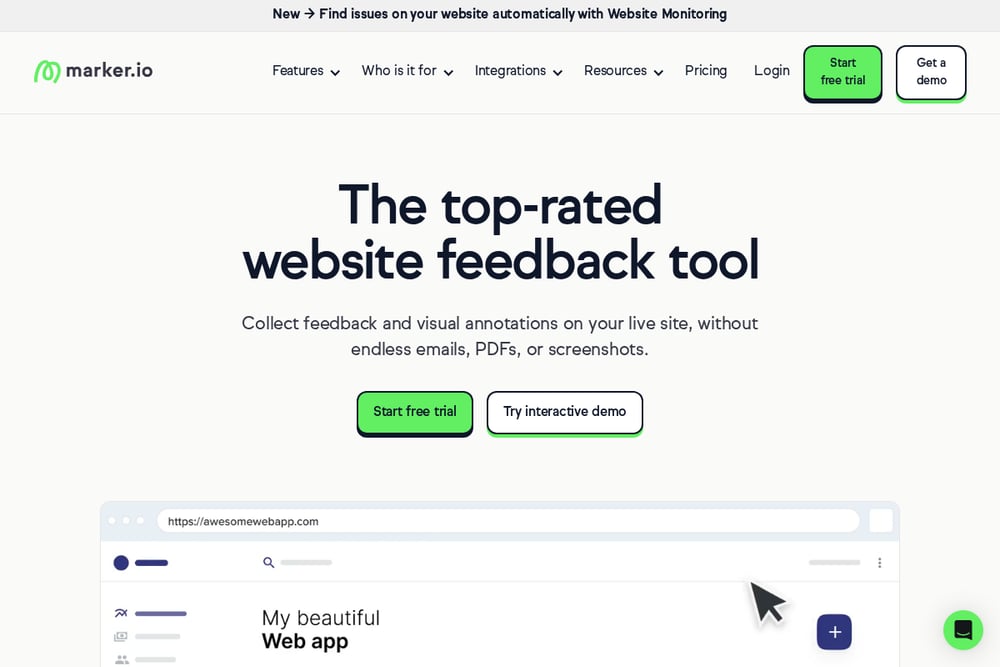 A screenshot of the Marker.io website.
Marker.io lets reviewers annotate a live site with visual feedback and pins comments to a screenshot of the actual page. Reports include automatic context such as console logs, network requests, browser, operating system, and screen resolution. Feedback can be sent to project management tools like Jira, Trello, Asana, and GitHub with two-way sync. It also offers website monitoring and AI features that rewrite rough comments into structured reports. The company lists agencies among the teams it serves, with a focus on collecting client feedback and running client reviews.
#2 BugHerd
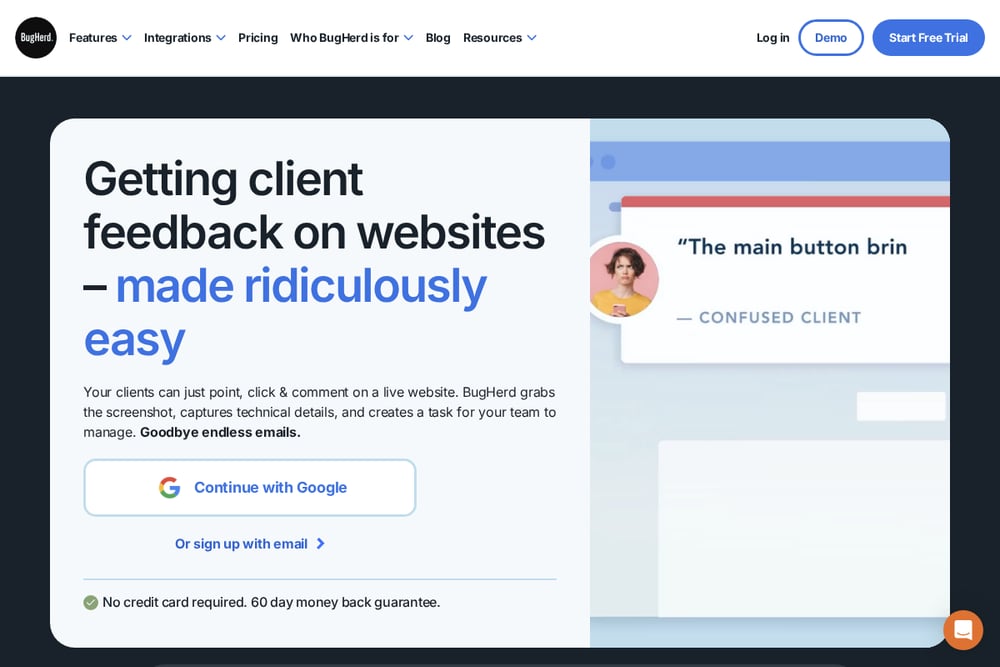 A screenshot of the BugHerd website.
BugHerd lets clients point, click, and comment on a live website without needing accounts or log-ins. Each comment is pinned to the exact page element and comes with a screenshot plus technical details captured automatically. Comments become trackable tasks on a Kanban board, and tasks can be sent to project management tools with one click. Clients can also highlight text and suggest replacements directly on the page. The company lists marketing agencies and web-development agencies among the company types it serves.
#3 Userback
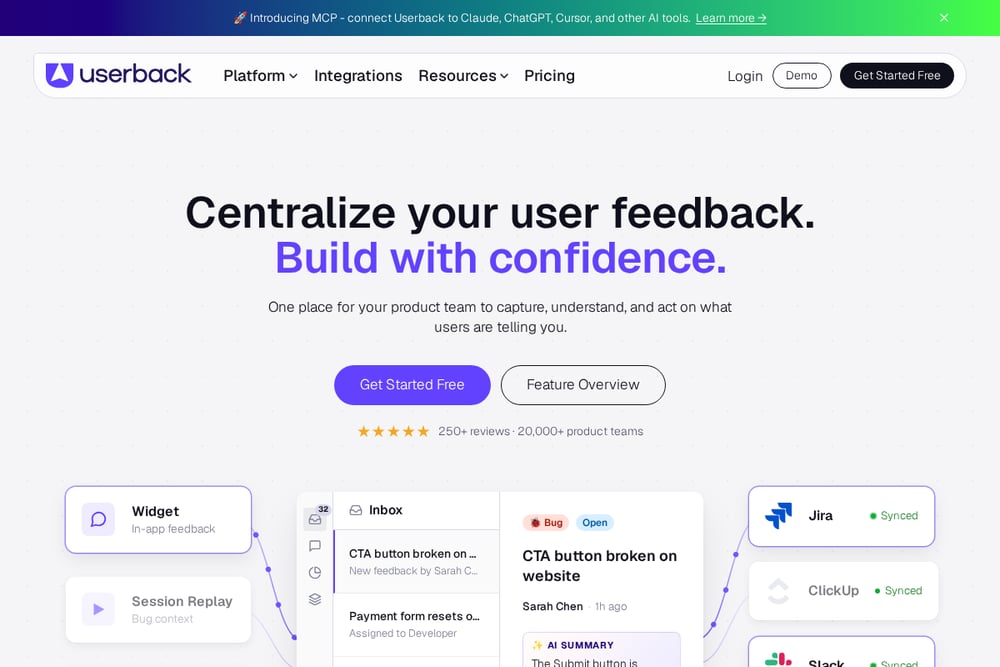 A screenshot of the Userback website.
Userback centralizes user feedback with in-app widgets, annotated screenshots, video recordings, and console logs. Session replay shows what users did before reporting a bug, which helps teams reproduce issues. Feedback can flow into tools like Jira, ClickUp, Slack, and Intercom with two-way sync. It also includes surveys, NPS prompts, and a public portal for feature requests. The platform is aimed at product teams that want to capture, understand, and act on what users report.
#4 Usersnap
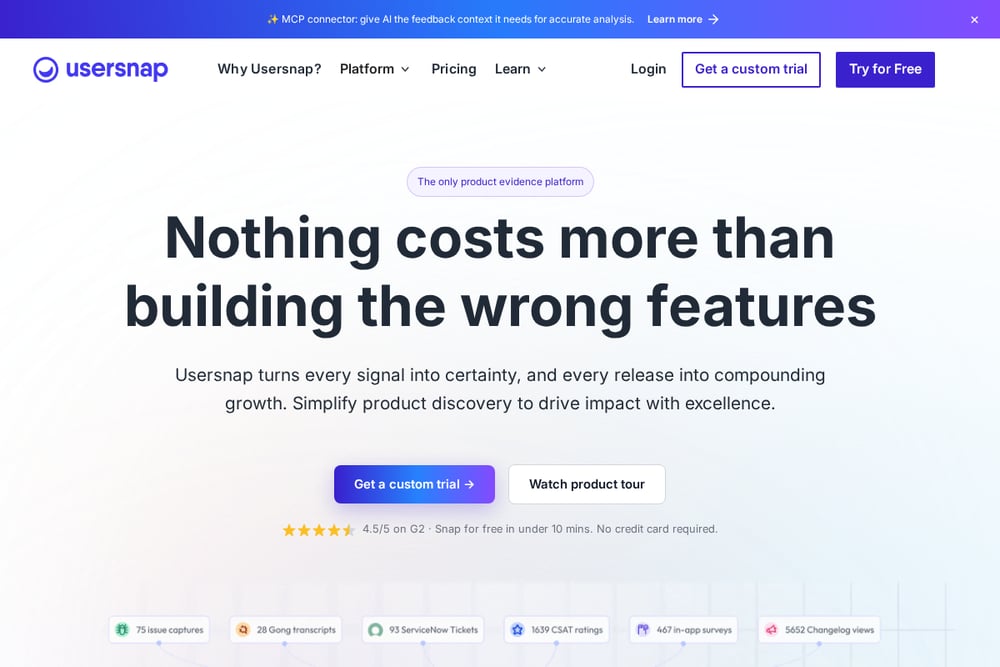 A screenshot of the Usersnap website.
Usersnap presents itself as a product evidence platform that centralizes feedback from surveys, support tickets, and in-app sources. It uses a code snippet to power segmented surveys, annotated screen-capture tickets, and an in-product feedback menu. AI features surface trends and gaps across user feedback, and reporting links insights back to product updates. It connects to tools in a team's stack, including MCP-enabled AI, with two-way integrations. The platform is aimed at enterprise product teams that want evidence-led decisions.
#5 Ruttl
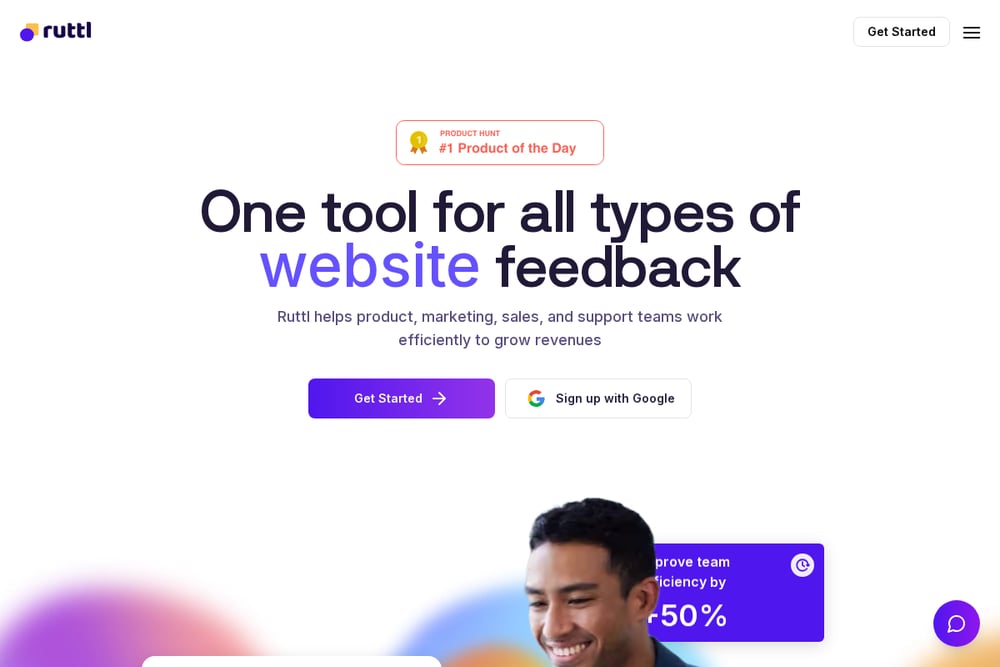 A screenshot of the Ruttl website.
Ruttl is a website feedback tool for live websites, mobile apps, web apps, images, and PDFs. It lets teams report bugs directly on a product in the form of comments, with pixel-level feedback on live sites. Clients can give feedback on live projects without being asked to sign up. It connects with Trello, Slack, Asana, Jira, Zapier, and ClickUp, and includes AI features such as comment sentiment analysis. The company lists digital agencies among the groups it serves.
Which One Should You Choose?
Start with how your clients will give feedback. If they need to comment without accounts, look for tools that support link-based commenting. If your developers rely on project management tools, check which integrations offer two-way sync. Consider whether you need session replay, surveys, or PDF annotation alongside website feedback. Finally, review each tool's own pricing and trial terms to see what fits your agency's workflow.
Final Thoughts
Each tool on this list approaches visual bug reporting from a different angle. Marker.io and BugHerd emphasize client-friendly annotation and technical context capture. Userback and Usersnap lean toward broader feedback platforms with surveys and AI analysis. Ruttl covers websites, apps, images, and PDFs with pixel-level comments. Agencies can compare these options against their client communication style and existing tool stack without treating any one as a default choice.
Know a company that belongs on this list? Email us at editorial@peekwire.com.