
Tired of rewatching hour-long lectures just to grab a few key points? These five tools turn video content into PDFs, PPTs, and transcripts so you can study, teach, and work smarter.
The Rise of Video-to-Document Tools
As video content explodes across education, business, and training, the need to extract actionable information from it has never been greater. Manually screenshotting frames or transcribing audio is tedious and error-prone. AI-powered converters now automatically capture key visuals and spoken words, transforming bulky videos into compact, searchable documents. This niche has grown rapidly, with tools ranging from simple direct uploads to sophisticated AI summarization. For students, educators, and professionals, these tools save hours and make video content truly reusable.
How We Evaluated These Converters
We assessed each tool on its core conversion capabilities, including the accuracy of visual and text extraction, supported video sources, and output formats. We also considered ease of use, from upload to download, and the clarity of pricing and free tiers. For each service, we looked at how well it serves its target audience, whether that's students needing quick study guides or professionals creating polished decks. Finally, we weighed unique features like batch processing, local processing for privacy, and AI-generated summaries.
Here's a quick look at how these five converters stack up for different needs.
| Provider | Best For |
|---|---|
| MagicSlides Video to PPT | Professionals and teams needing AI-refined presentations from video |
| Video to PDF, PPT converter. AI-powered. | Students and educators who need both screenshots and transcripts from lectures |
| Video2PPT | Professionals who need fast, private, batch conversion of local videos |
| SlidesGPT YouTube to PowerPoint | Quick, free conversion of YouTube videos into presentation slides |
| SlidesPilot YouTube to PPT | Creating structured, editable presentations from YouTube videos for business or education |
Detailed Look at Each Converter
#1 MagicSlides Video to PPT
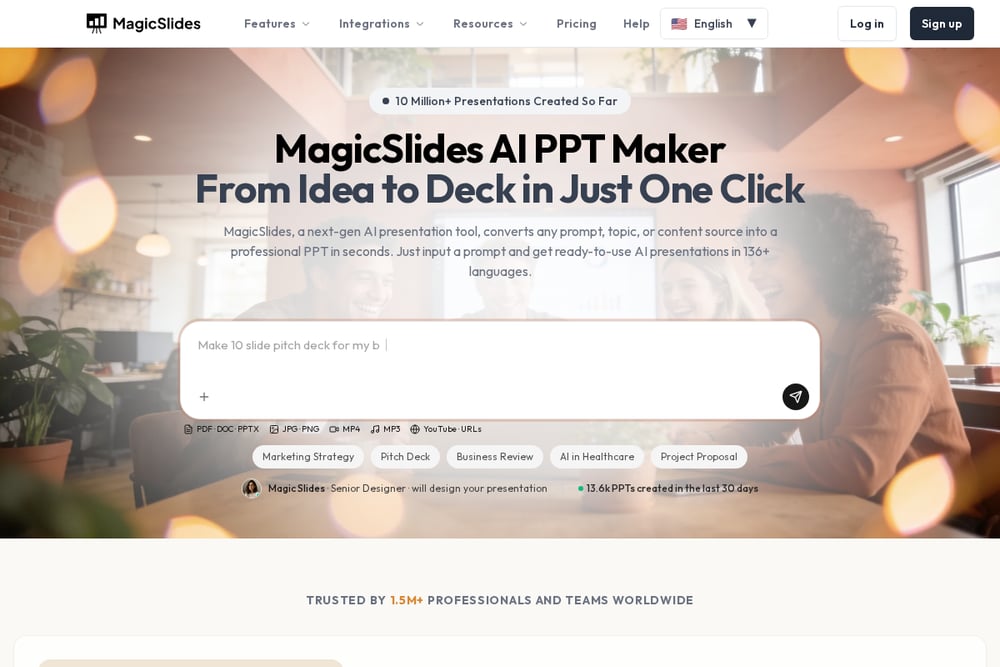 A screenshot of the MagicSlides website.
MagicSlides offers a dual-mode video-to-PPT converter: direct upload for quick conversion and AI mode for intelligent content generation. It supports MP4, MOV, AVI, and WEBM files up to 500MB, and you can start without signing in. The platform is trusted by over 1.5 million professionals and boasts integrations with major companies and universities. Its AI mode goes beyond simple frame capture, creating structured presentations from your video's content. This makes it a versatile choice for both quick extractions and more polished, AI-refined decks. You can see its popularity reflected in its 4.6-star Trustpilot rating.
#2 Video to PDF, PPT converter. AI-powered.
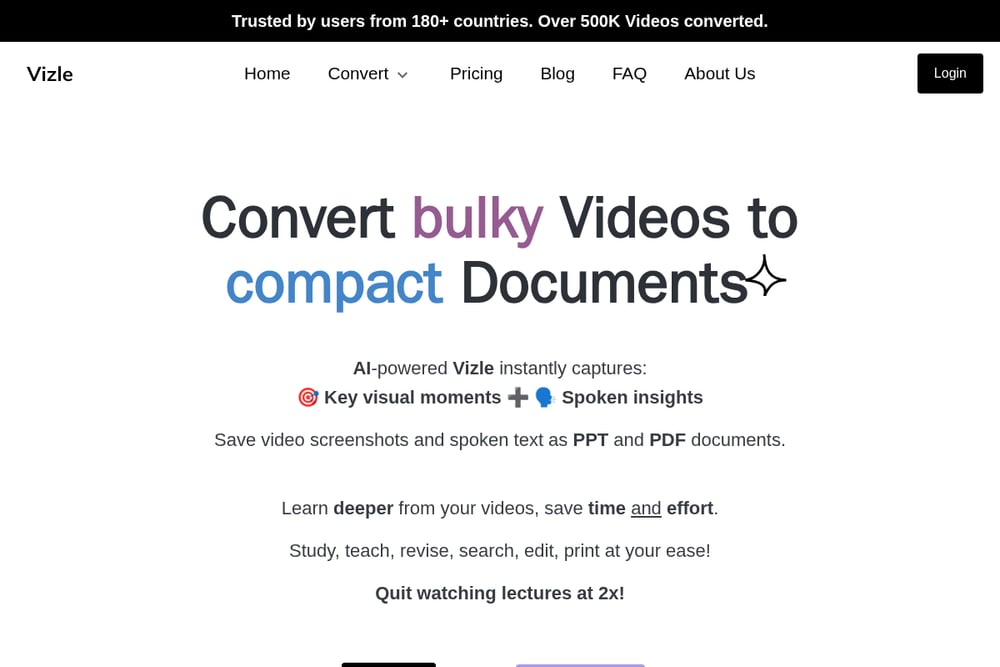 A screenshot of the Video to PDF, PPT converter. AI-powered. website.
Vizle is an AI-powered SaaS that converts videos into PDFs, PPTs, and text transcripts, capturing both key visual moments and spoken insights. It's designed for students, teachers, and professionals, with over 500,000 videos converted and users in 180+ countries. You can upload a file or share a Google Drive URL, and Vizle quickly generates a downloadable document. The service offers three modes: video to text, video to images, and a combined images-and-text option. User testimonials highlight how it saves time compared to manual screenshotting. Vizle's focus on reliability and comprehensive extraction makes it a solid choice for anyone who needs both visuals and transcripts.
#3 Video2PPT
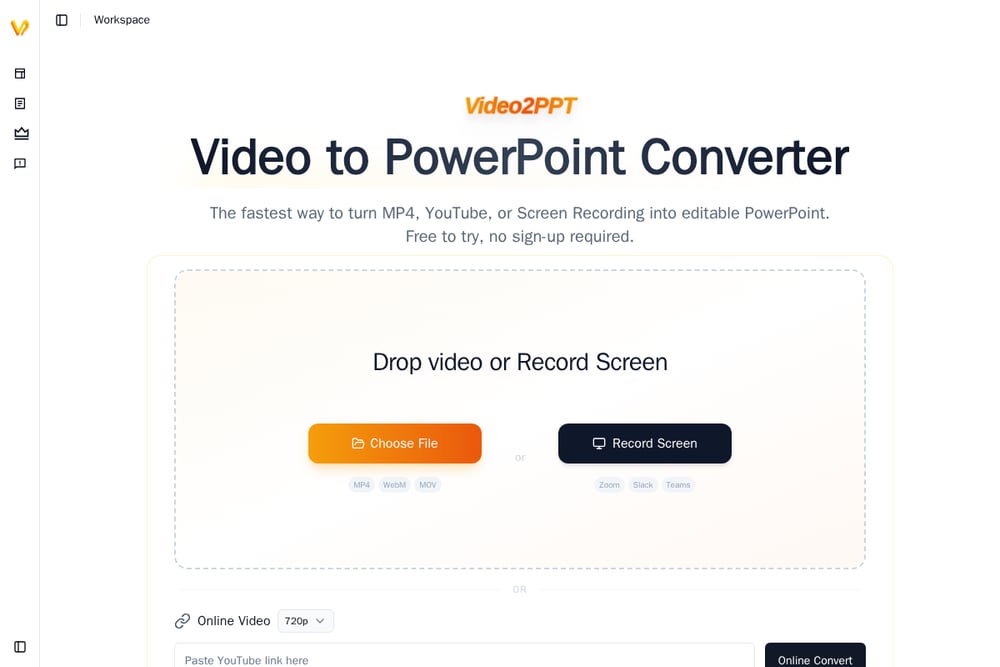 A screenshot of the Video2PPT website.
Video2PPT is a desktop application that converts local videos, screen recordings, and online videos into editable PowerPoint presentations. It emphasizes privacy by processing everything locally, which is ideal for sensitive content. The tool boasts lightning-fast processing, converting a 2-hour video into slides in about a minute, and supports batch processing of 20+ videos. You can export to PowerPoint, Google Slides, PDF, or HTML, and it offers fine control over which frames and timestamps to keep. The one-time purchase model is attractive for frequent users who prefer not to pay a subscription. This makes it a powerful option for professionals who need speed and privacy.
#4 SlidesGPT YouTube to PowerPoint
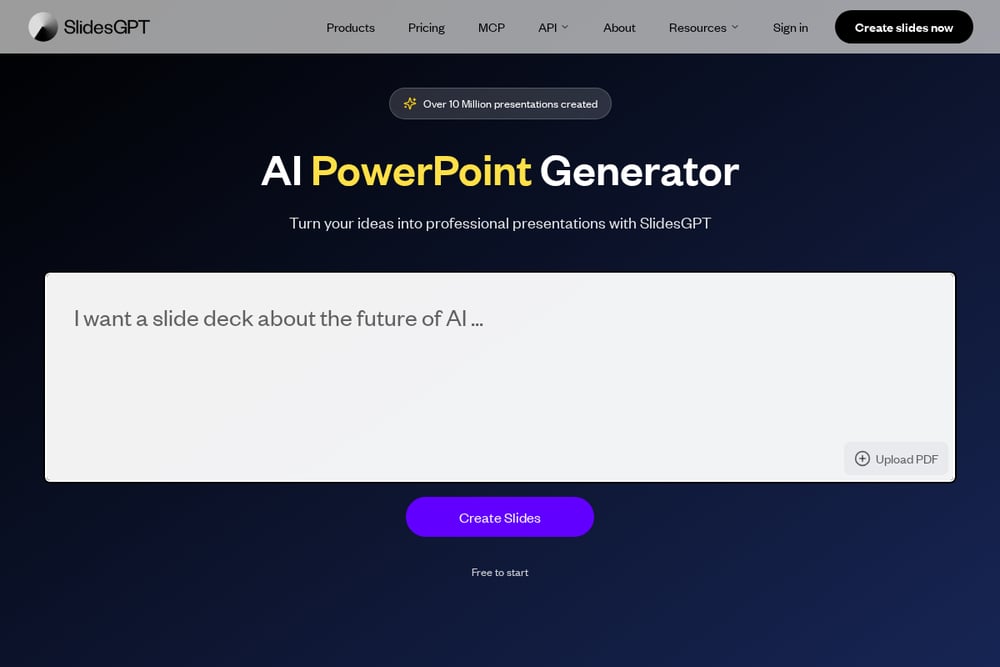 A screenshot of the SlidesGPT YouTube to PowerPoint website.
SlidesGPT focuses specifically on converting YouTube videos into professional presentations using AI. You simply paste a YouTube URL, and the system extracts the transcript to generate a structured slide deck. It's 100% free and requires no registration, making it incredibly accessible for quick conversions. The tool works best when videos have captions or subtitles available, ensuring accurate transcription. You can download the result as PPTX or PDF, and it offers professional templates for a polished look. This is a great option for turning educational or business YouTube content into study or presentation materials.
#5 SlidesPilot YouTube to PPT
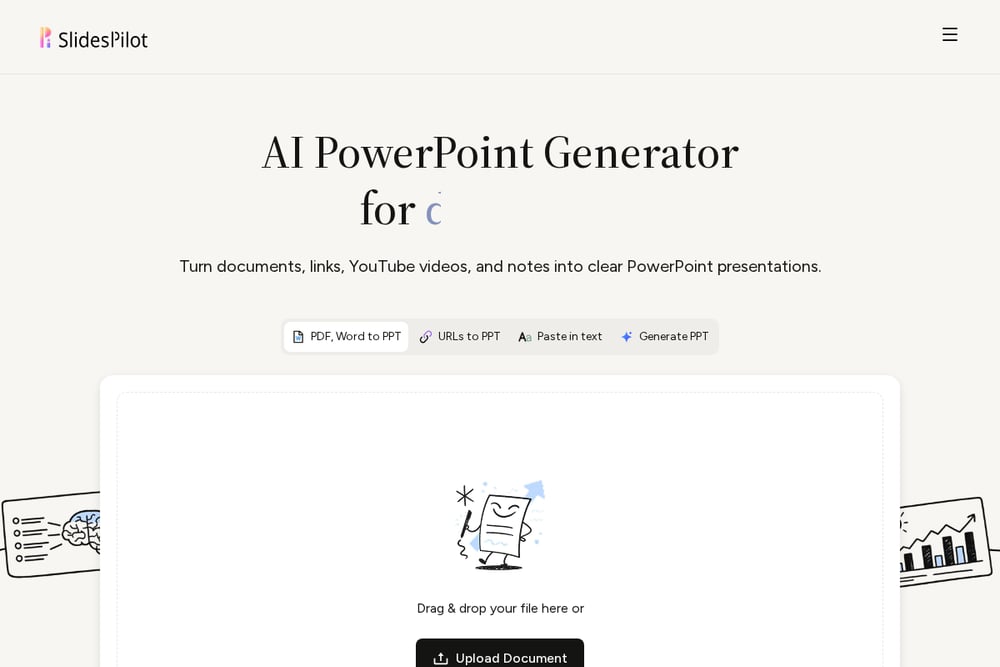 A screenshot of the SlidesPilot YouTube to PPT website.
SlidesPilot offers a YouTube-to-PPT converter that transforms video content into editable PowerPoint presentations. It goes beyond simple extraction by organizing key ideas into a coherent slide sequence, and you can define the audience and learning goal to tailor the output. The tool supports various use cases, including webinars, lectures, and research, and allows you to choose the depth and presentation style. You can edit the generated slides in its built-in editor before exporting. This makes it a strong choice for creating structured, presentation-ready decks from video sources. Its AI-driven approach helps turn raw video into a polished, reusable presentation.
How to Choose the Right Video-to-PPT Converter
Start by considering your primary video sources. If you mostly work with YouTube, tools like SlidesGPT or SlidesPilot are tailored for that. For local files or screen recordings, Video2PPT's desktop app offers speed and privacy. If you need both screenshots and transcripts, Vizle's combined mode is a strong fit. Think about whether you want a quick, free conversion or a more polished, AI-refined presentation. Finally, consider your budget and whether a one-time purchase or subscription makes more sense for your usage frequency.
Automating Your Video-to-Document Workflow
To streamline your workflow, start by uploading your video to a converter like Vizle or MagicSlides. For YouTube content, use SlidesGPT or SlidesPilot to generate a draft presentation automatically. Then, refine the output in your preferred presentation software, adding your own notes or branding. For recurring tasks, such as converting weekly lecture recordings, consider using a desktop tool like Video2PPT with batch processing to save even more time. This approach turns a manual, time-consuming process into a quick, automated step in your study or work routine.
The Bottom Line
Each of these five converters brings something unique to the table, whether it's AI-powered summarization, local processing, or free access. The right choice depends on your specific needs, such as the type of videos you work with and the output you require. For most users, a tool that captures both visuals and text, like Vizle, offers the most comprehensive solution. But if you're a heavy YouTube user, a dedicated YouTube converter might be more efficient. Ultimately, these tools empower you to extract the value from video content without the manual grind, letting you focus on learning and creating.