Zoom is a common default, but teams often look for different ownership, privacy, or integration models. This list covers five video conferencing tools that offer distinct approaches, from deep productivity suites to privacy-first European platforms and open-source options. Each entry describes what the tool does and who it suits, using only facts from the provided source pages.
How We Picked These Tools
We selected tools that are presented as video conferencing solutions on their official pages and that offer a clear alternative angle to Zoom, such as privacy-first design, open-source flexibility, or tight integration with a broader productivity suite. We did not rank them by quality; the order is a plain list.
| Provider | Best For |
|---|---|
| Microsoft Teams | Organizations already using Microsoft 365 |
| Google Meet | Teams using Google Workspace |
| Whereby | Privacy-conscious teams and developers embedding video |
| Zoho Meeting | Businesses invested in the Zoho ecosystem |
| Jitsi | Privacy-focused users and self-hosting organizations |
The 5 Tools in Focus
#1 Microsoft Teams
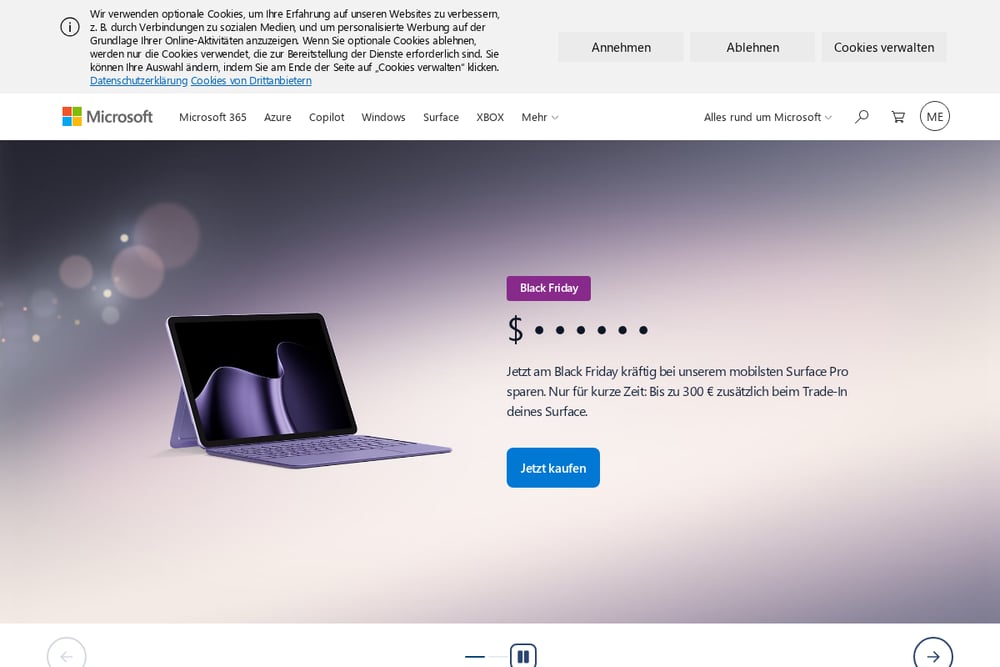 A screenshot of the Microsoft Teams website.
Microsoft Teams is a collaboration hub that combines chat, meetings, and file sharing within the Microsoft 365 ecosystem. It is listed alongside Office, OneDrive, and Outlook, making it a natural fit for organizations already using Microsoft productivity tools. Teams supports both small business and enterprise scenarios, with options for education as well. It suits teams that want video conferencing tightly integrated with documents and workplace chat.
#2 Google Meet
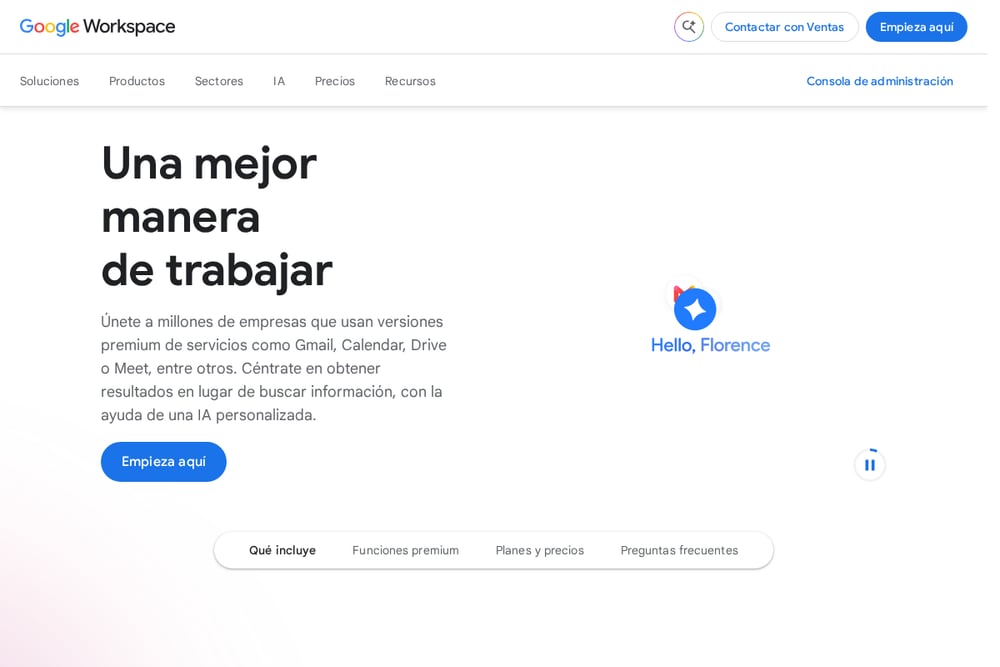 A screenshot of the Google Meet website.
Google Meet is Google's video conferencing service, offered as part of Google Workspace alongside Gmail, Drive, Chat, and Calendar. It is designed for real-time meetings and integrates with other Workspace apps for scheduling and collaboration. Meet is available across individual, small business, and enterprise plans. It suits teams that rely on Google's productivity suite and want video meetings built into their existing workflow.
#3 Whereby
 A screenshot of the Whereby website.
Whereby provides secure video calls with a focus on privacy and ease of use. It is European owned and privacy-first by design, offering both a Meetings product for individuals and teams and an Embedded product for developers who want to integrate video into their own platforms. Whereby emphasizes reliability, including in low bandwidth scenarios, and offers features like transcriptions, file sharing, and custom branding. It suits individuals, teams, and product builders who prioritize privacy and simple, browser-based video calls.
#4 Zoho Meeting
 A screenshot of the Zoho Meeting website.
Zoho Meeting is part of the Zoho suite of business applications, which includes CRM, Mail, Projects, and more. Zoho positions its suite as an integrated operating system for businesses, with Zoho One bundling many applications together. The company emphasizes a long-term approach and privacy, stating that it does not sell customer data. Zoho Meeting suits organizations that want video conferencing as one component of a broader, integrated business software stack.
#5 Jitsi
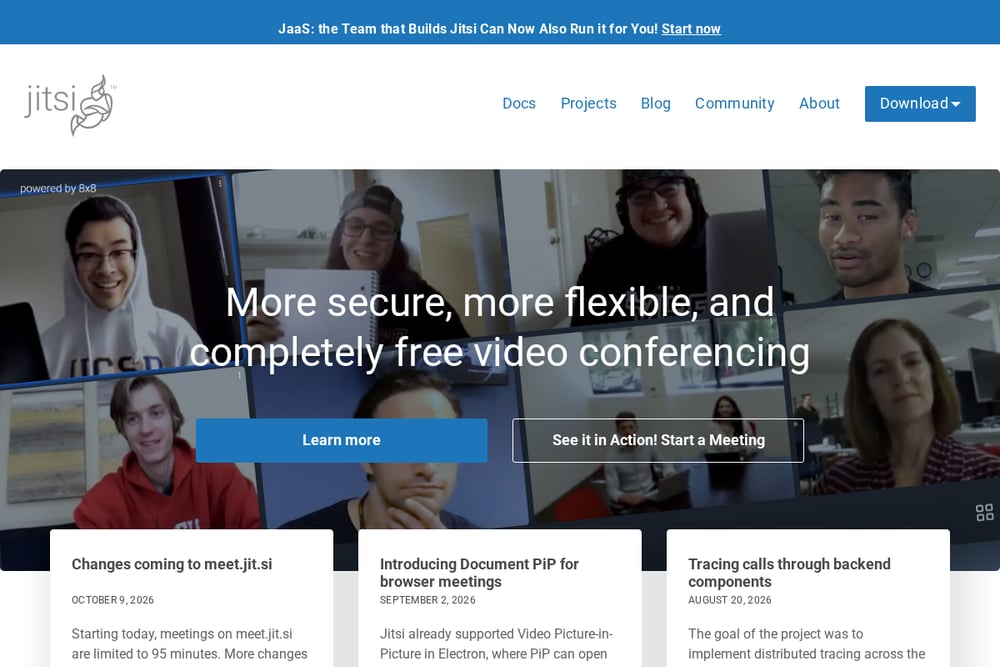 A screenshot of the Jitsi website.
Jitsi is an open-source video conferencing platform that emphasizes security, flexibility, and free use. It offers a browser-based meeting service and can be self-hosted, giving organizations control over their infrastructure. Jitsi is recommended by privacy-focused groups as an alternative to Zoom, and it supports encryption without requiring an account. It suits users and organizations that value open-source software, privacy, and the ability to run their own video conferencing servers.
Which One Should You Choose?
Consider your existing software ecosystem: if you already use Microsoft 365 or Google Workspace, the native video tool may reduce friction. If privacy and European data handling are priorities, look at Whereby. For organizations that want video as part of a larger integrated business suite, Zoho Meeting may fit. If you need open-source flexibility or self-hosting, Jitsi is a strong candidate. Evaluate based on your team's workflow, IT policies, and whether you need embedded video in your own product.
Final Thoughts
Each of these tools offers a different path away from Zoom, whether through suite integration, privacy-first design, or open-source control. There is no single best choice; the right fit depends on your organization's existing tools, privacy requirements, and technical resources. Use the facts above to compare and decide which alternative aligns with your needs.
Know a company that belongs on this list? Email us at editorial@peekwire.com.