Retrieval-augmented generation depends on a retrieval layer that can store embeddings, filter metadata, and return relevant context quickly. The vector databases below each approach that problem from a different angle: managed services, open-source platforms, object-storage-native engines, and lake-style architectures. This list describes what each one does and who it tends to suit, without declaring a winner.
How We Picked These Tools
We included databases that publish material about vector search, hybrid retrieval, and RAG-oriented features on their own sites. Each entry is described using only the company's provided source pages, with quoted facts for claims about capabilities and pricing. The order is a plain list, not a quality ranking.
| Provider | Best For |
|---|---|
| Pinecone | Teams wanting a fully managed vector database for RAG and agent knowledge |
| Weaviate | Developers who want an open-source platform combining vector search, RAG, and agents |
| Qdrant | Teams needing flexible deployment and advanced filtering for retrieval |
| Zilliz | Organizations needing managed, lake-scale vector search built on Milvus |
| Chroma | Developers wanting open-source, object-storage-backed search infrastructure |
| LanceDB | Teams wanting retrieval integrated with data curation and training workflows |
| Turbopuffer | Teams wanting object-storage-native vector and full-text search with cost controls |
The 7 Tools in Focus
#1 Pinecone
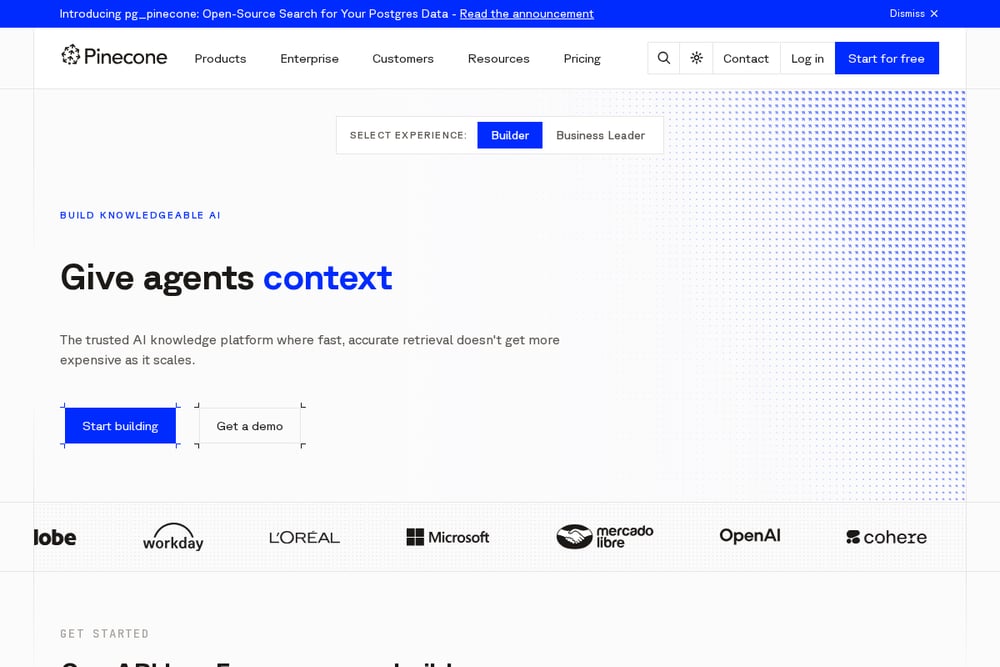 A screenshot of the Pinecone website.
Pinecone presents itself as a fully managed vector database built for AI, with automatic indexing and queries that stay fast as data grows. The platform emphasizes a single API key for search, upsert, and rerank operations, and it offers a knowledge engine called Nexus aimed at agent and RAG workloads. It also highlights enterprise controls such as encryption, SSO, RBAC, and compliance certifications. Teams that want a managed retrieval layer without operating index infrastructure are the natural audience.
#2 Weaviate
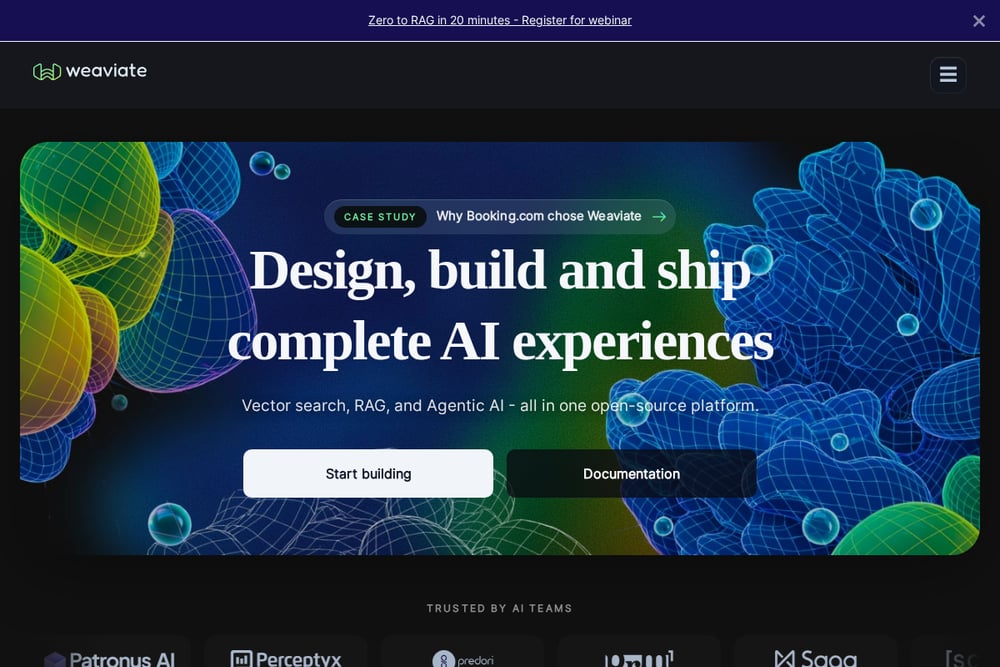 A screenshot of the Weaviate website.
Weaviate offers an open-source platform that combines vector search, RAG, and agentic AI capabilities. It bundles a vector database with a natural-language Query Agent and built-in embedding generation, so teams can avoid stitching together separate systems. The product supports hybrid search and multi-tenancy, and it can be deployed in the cloud or in your own environment. It suits developers who want an integrated, open-source foundation for AI applications.
#3 Qdrant
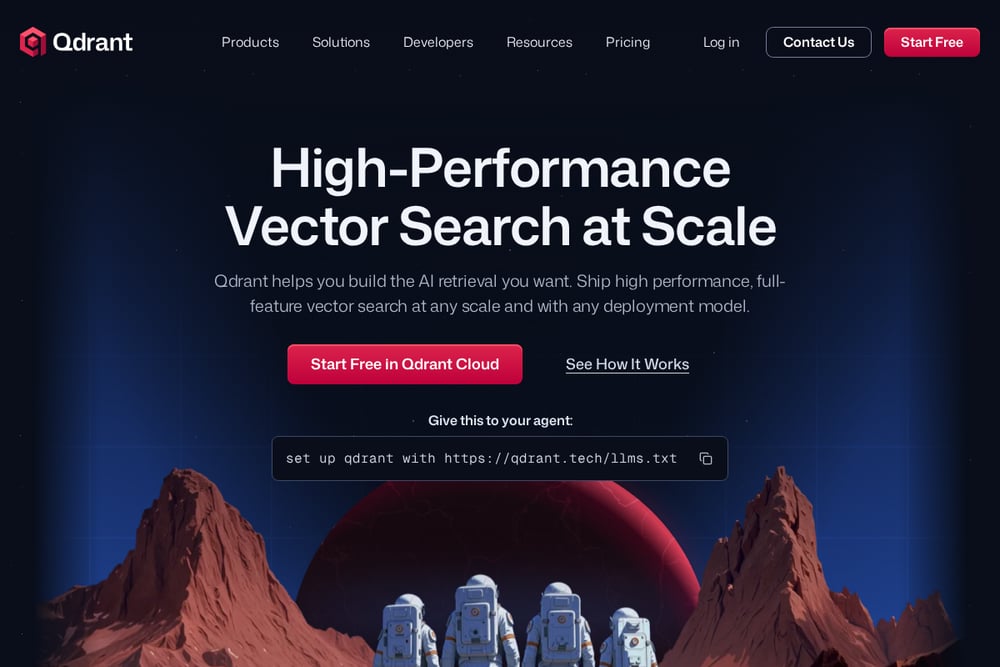 A screenshot of the Qdrant website.
Qdrant is a vector search engine written in Rust, with a focus on production-grade AI retrieval. It supports native hybrid search with dense and sparse vectors, expansive metadata filters, and reranking options such as late interaction models and maximum marginal relevance. Deployment choices include managed cloud, hybrid cloud, private cloud, and an edge variant. It fits teams that want fine control over filtering, hybrid retrieval, and where the engine runs.
#4 Zilliz
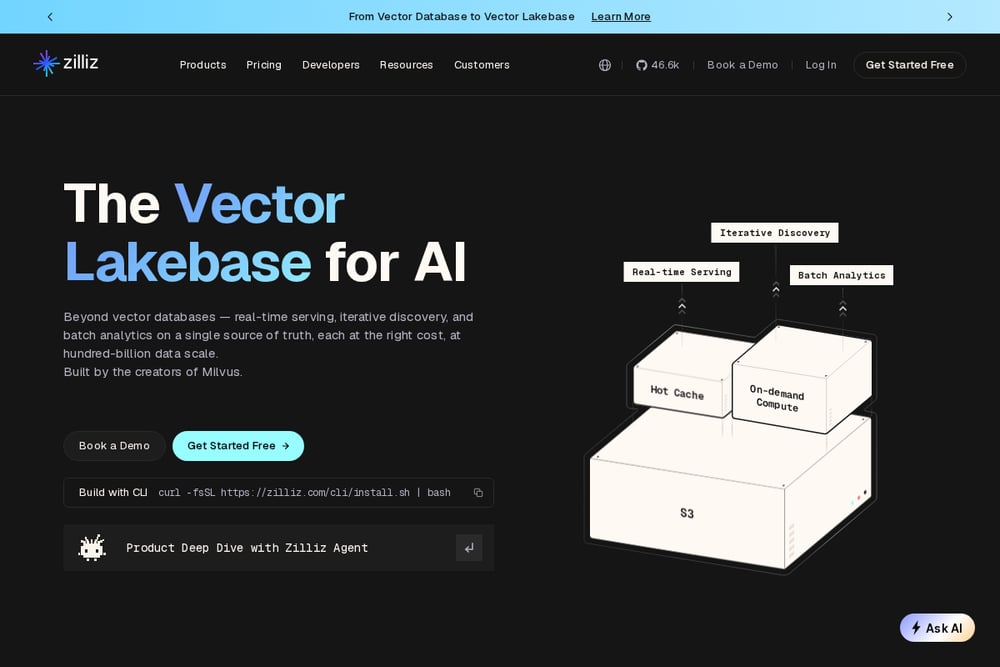 A screenshot of the Zilliz website.
Zilliz offers a fully managed Vector Lakebase powered by Milvus, the open-source vector database its team created. The platform combines real-time vector search, lake-scale discovery, and batch analytics on a single source of truth, with tiered architectures for different workload profiles. It supports full-spectrum search across vectors, text, JSON, and geospatial data, plus hybrid retrieval and reranking. It is aimed at organizations that need large-scale, managed vector search with lake-style storage economics.
#5 Chroma
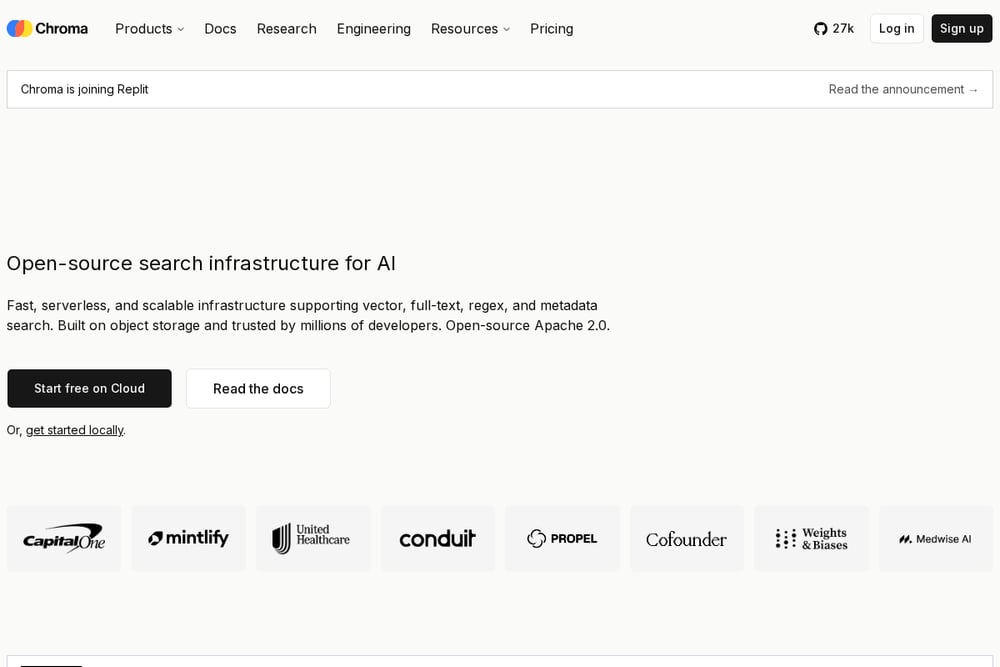 A screenshot of the Chroma website.
Chroma provides open-source search infrastructure for AI, with a serverless cloud option and local development support. It covers vector search, full-text and regex search, sparse vector search, and metadata filtering, all built on object storage with automatic data tiering. The project is Apache 2.0 licensed and emphasizes low-ops scaling for multi-tenant indexes. It suits developers who want an open-source, object-storage-backed search layer they can run locally or in the cloud.
#6 LanceDB
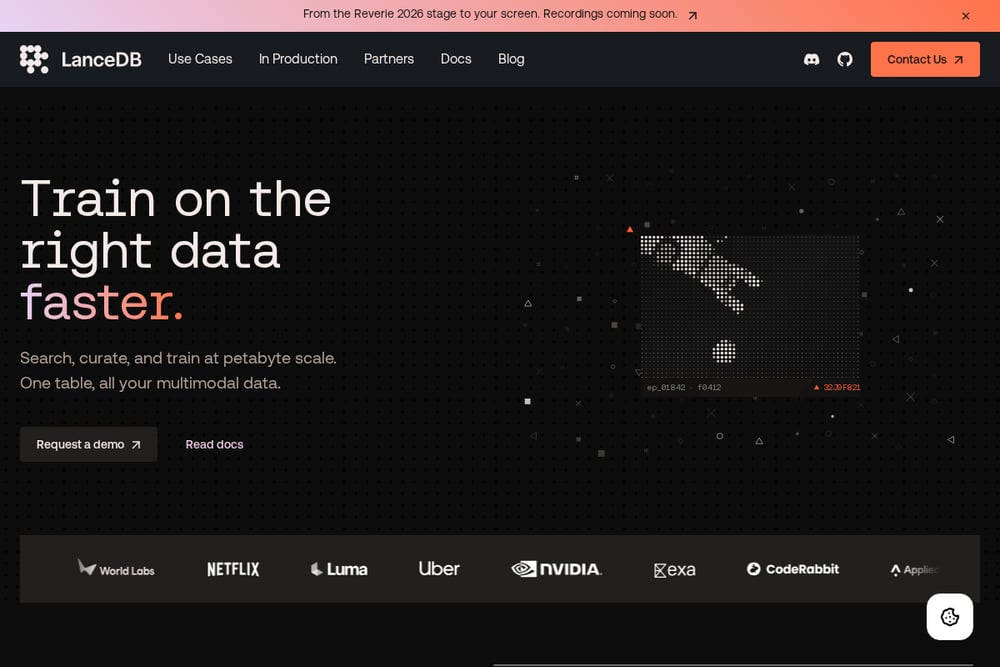 A screenshot of the LanceDB website.
LanceDB is a database built around the Lance columnar format, with use cases spanning curation, feature engineering, search and retrieval, and training. For retrieval, it offers unified vector, full-text, and hybrid search with SQL filters, and it is designed to scale from small tables to very large vector datasets. The company also discusses tuning search precision at query time and balancing memory and disk caching. It suits teams that want retrieval close to their data and training pipelines.
#7 Turbopuffer
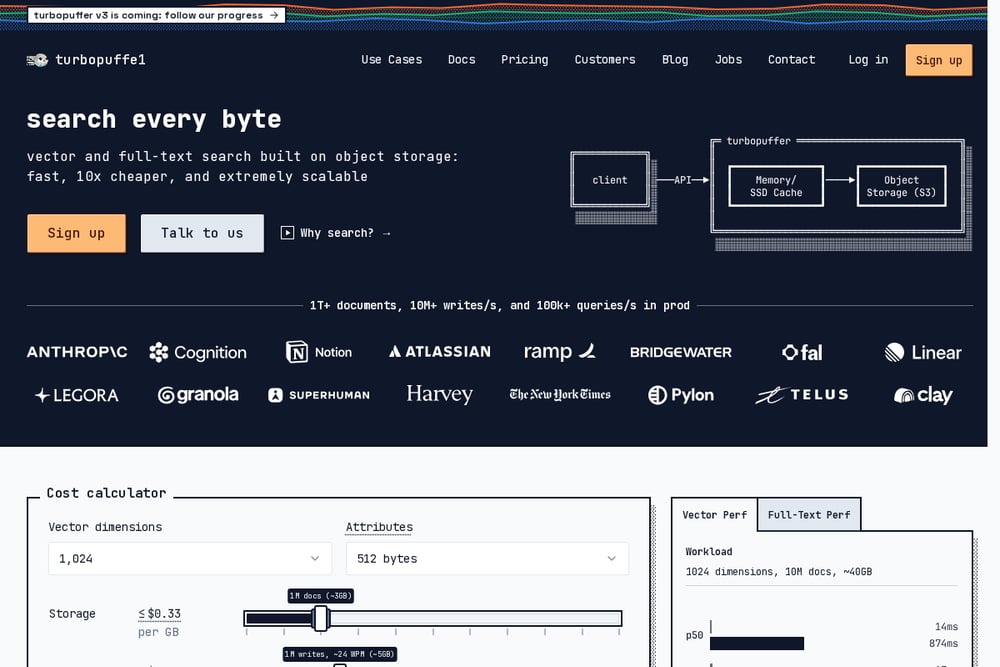 A screenshot of the Turbopuffer website.
Turbopuffer is a vector and full-text search database built on object storage, positioned around fast and cost-effective search at scale. It supports hybrid search, metadata filtering, and namespaces, with automatic scaling and low-latency queries. The company publishes a cost calculator with storage, write, and query pricing components. It suits teams that want object-storage-native search with predictable cost controls for AI applications.
Which One Should You Choose?
Start with how you want to operate the retrieval layer. A fully managed service reduces infrastructure work, while an open-source platform gives you control over deployment and customization. Check whether the database supports the retrieval modes your RAG pipeline needs, such as hybrid search, metadata filtering, and reranking. Consider where your data already lives, because object-storage-native and lake-style options can change storage economics. Finally, review deployment models, enterprise controls, and published pricing so the choice matches your team's operational model.
Final Thoughts
These seven databases each take a different route to serving retrieval for RAG: managed vector search, open-source platforms, object-storage-native engines, and lake-scale architectures. The right fit depends on your deployment preferences, the retrieval features your application relies on, and how you want to manage cost and operations. Use the quoted facts and each company's own documentation to evaluate them against your workload.
Know a company that belongs on this list? Email us at editorial@peekwire.com.