
A rejected photo can stall your passport renewal or DS-160 for weeks. These five tools help you catch the problem before you hit submit.
Why Photo Compliance Tools Matter More Than Ever
The State Department has tightened its photo rules for online passport renewal and the DS-160 visa form. Backgrounds must be plain white or off-white. Head size must fall within a specific range. Glasses are no longer allowed. If your photo fails, your application gets delayed, not denied outright, which is often worse because you lose weeks waiting for a fix. That is why a new category of tools has emerged: free online checkers that review your photo against the actual published rules before you upload it to a government portal. These tools do not replace the final decision made by the passport agency or embassy. But they do catch the most common rejection reasons, from shadows on the wall behind you to a head that is too large in the frame. For anyone renewing a US passport or filing a DS-160 from abroad, a two-minute preflight check can save a month of back-and-forth.
How We Evaluated These Photo Checkers
We looked at five factors. First, service scope: does the tool cover both passport renewal and visa photos, or just one? Second, rule transparency: does it show you which specific rule passed or failed, or just give a vague pass/fail? Third, pricing clarity: is the check genuinely free, or does it push you toward a paid service? Fourth, local fit: does it focus on US State Department rules, or does it spread itself across dozens of countries? Fifth, guidance quality: when a rule fails, does it tell you exactly how to fix it? PhotoAiD stands out for its combination of AI checks and human expert review, with a money-back guarantee if your photo is rejected. DS160.io impresses with its deep integration into the DS-160 filing process itself. PixPassport covers more than 50 countries, which is useful if you are applying for multiple documents. Passlens is honest about the limits of any checker, framing itself as a preflight checklist rather than a guarantee. And ID Photo Doctor keeps everything on your device until you start the check, with plain-language guides quoted directly from the source rules.
Here is a quick look at how these five tools compare on the factors that matter most for US passport and visa applicants.
| Provider | Best For |
|---|---|
| PhotoAiD | Travelers who want a guarantee behind their photo check |
| Photo requirements for US visa and passport applications | US passport renewal and DS-160 applicants who want rule-by-rule feedback |
| DS160.io | Visa applicants who want photo checking integrated with DS-160 filing |
| PixPassport | Applicants who need photo checks for multiple countries |
| Passlens | Users who want an honest preflight check without guarantees |
The 5 Tools in Detail
#1 PhotoAiD
 A screenshot of the PhotoAiD website.
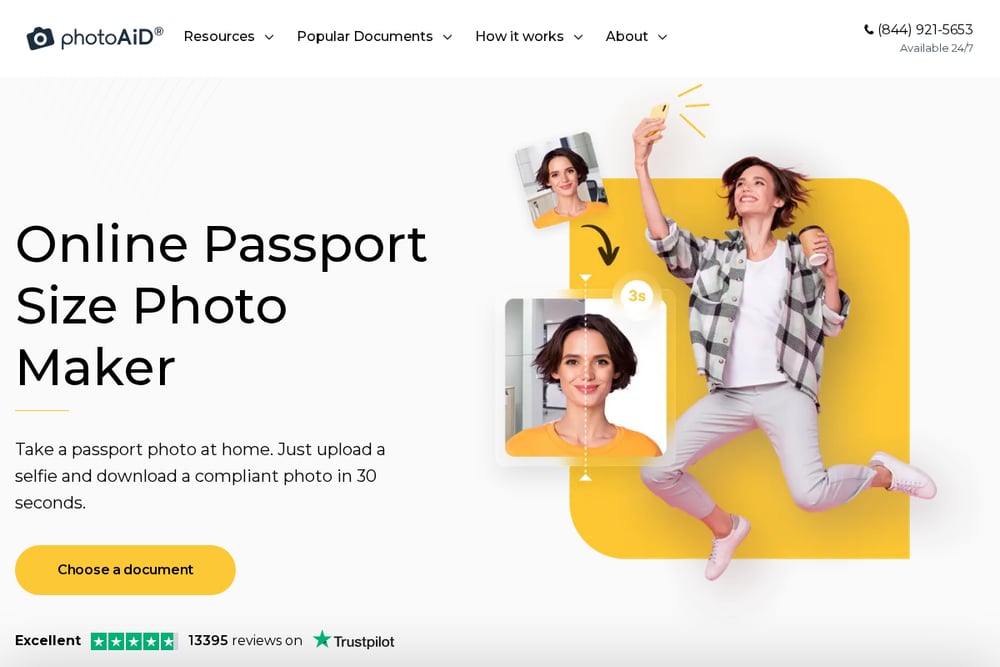
PhotoAiD combines AI technology with human passport photo experts to validate your image against official US requirements. You can drag and drop a photo or take a new one directly in the app, and the system gives you instant feedback on compliance. The service covers US passports, visas, green cards, and documents for many other countries. What sets it apart is the guarantee: if your photo is rejected, you get a double money-back guarantee. The tool also offers a mobile app for both Android and iOS, so you can snap and check a photo without leaving your phone. With over 82,000 reviews and a 4.7 rating, it has a strong track record among frequent travelers.
#2 Photo requirements for US visa and passport applications
 A screenshot of the Photo requirements for US visa and passport applications website.
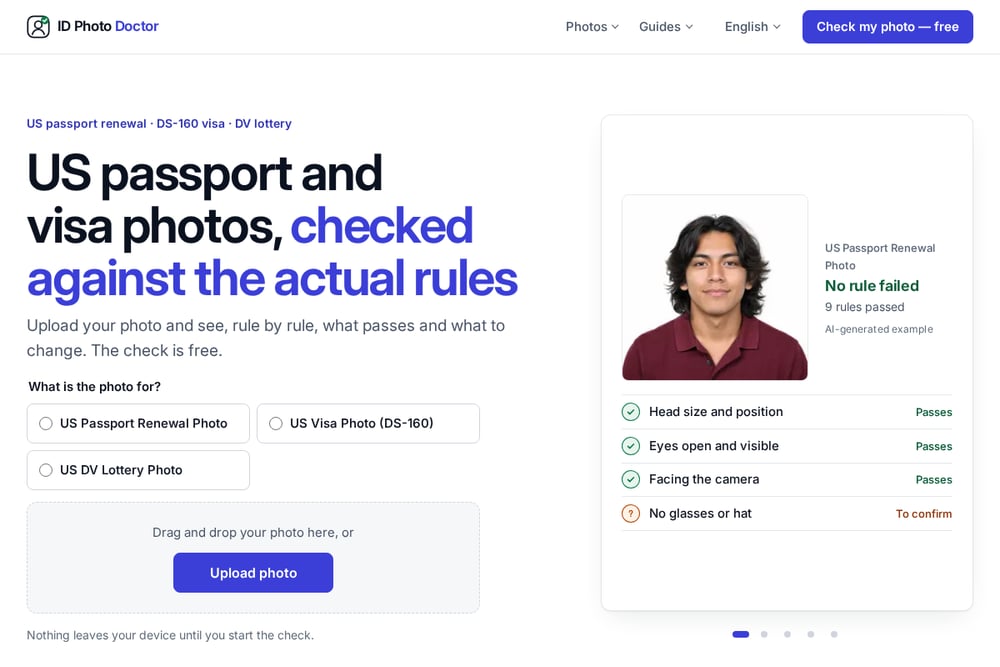
ID Photo Doctor is a free online checker that verifies your photo against the actual State Department rules for US passport renewal and the DS-160 visa form. You upload or drag and drop a photo, and the tool shows you rule by rule what passes and what needs to change. It covers head size and position, eye visibility, facing the camera, background shadows, glasses, hats, and image sharpness. Each failed rule comes with plain-language guidance, like stepping back from the camera if your head is too large or removing shadows by standing away from the wall. Nothing leaves your device until you start the check, which is a nice privacy touch. The site also includes guides on common rejection reasons and the specific digital photo requirements for online renewal and the DS-160.
#3 DS160.io
 A screenshot of the DS160.io website.
DS160.io is built around the DS-160 form itself, and its photo checker is one piece of that larger workflow. You upload a photo and it checks size, framing, background, and face position against the State Department's published specs. The tool is free, instant, and requires no sign-up. It also shows you the exact digital file specs: square aspect ratio, 600 by 600 to 1200 by 1200 pixels, JPEG only, and a file size under 240 KB. Beyond the photo, DS160.io helps you fill out the entire DS-160 in multiple languages, with built-in checks for missing or invalid answers. It is a smart choice if you want one tool to handle both the photo and the form.
#4 PixPassport
 A screenshot of the PixPassport website.
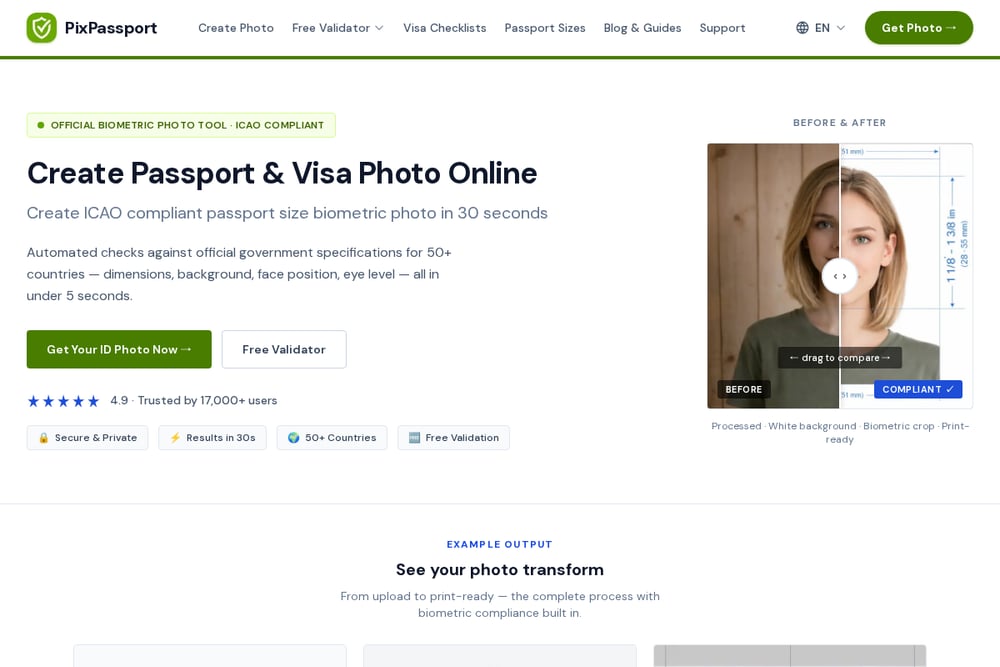
PixPassport offers a free validator that checks passport and visa photos for more than 50 countries, including the US, UK, Australia, and Schengen states. The tool runs automated checks against official government specifications for dimensions, background, face position, and eye level, all in under five seconds. It also includes a passport size photo maker that creates ICAO-compliant biometric photos in about 30 seconds. The interface is clean and multilingual, supporting English, German, French, Spanish, Italian, Portuguese, Dutch, Polish, Chinese, Japanese, Korean, Arabic, and Hindi. If you are applying for documents in multiple countries, this breadth is hard to beat. The free validator is genuinely free, with no forced upsell to the photo creation service.
#5 Passlens
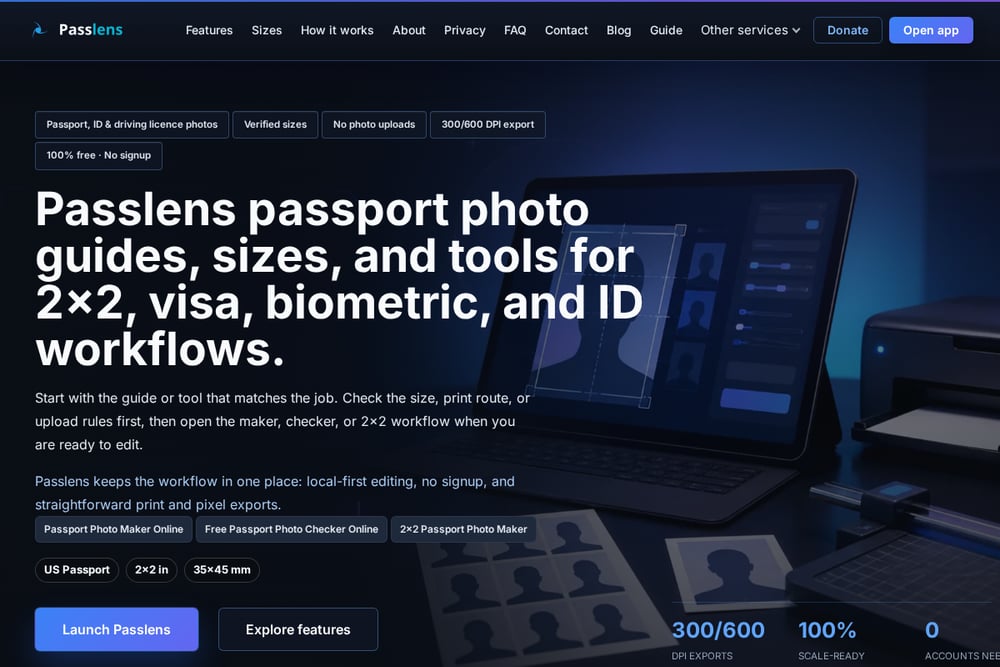 A screenshot of the Passlens website.
Passlens takes a refreshingly honest approach. Its free passport photo checker reviews US passport and visa photo size, background, head position, file type, and print-scale risks before you submit. But it also clearly states what a checker cannot do: the final decision belongs to the passport office, visa portal, or embassy. That is why Passlens frames itself as a preflight checklist rather than a fake guarantee. The tool covers common rejection risks like wrong size, bad background, poor crop, tilted head, and low resolution. It also links to related maker and crop tools when a rule depends on the authority's specific requirements. If you want a straightforward, no-hype check, this is a solid option.
How to Pick the Right Photo Checker for You
Start with your document. If you are renewing a US passport online, you need a tool that specifically covers the State Department's digital photo rules for renewal. If you are filing a DS-160, look for a checker that understands the visa photo specs, including the square aspect ratio and file size limits. Next, decide how much guidance you want. Some tools just tell you pass or fail. Others, like ID Photo Doctor, show you rule by rule what is wrong and how to fix it. If you want a guarantee, PhotoAiD offers a money-back promise, but that usually comes with a paid service. If you are applying for documents in multiple countries, PixPassport's 50-country coverage is a clear advantage. Finally, consider privacy. Tools that process your photo locally until you start the check, like ID Photo Doctor, give you more control over your image. No checker can guarantee acceptance, so pick one that is transparent about its limits and gives you actionable feedback.
A Simple Workflow to Avoid Photo Rejections
Follow this sequence to minimize your risk. First, take your photo following the basic rules: plain white or off-white background, no glasses, no hat, facing the camera, eyes open and visible. Second, run it through a free checker like ID Photo Doctor or DS160.io to see which rules pass and which fail. Third, fix any failed rules using the tool's guidance, such as stepping back to adjust head size or removing shadows. Fourth, re-run the check until all rules pass. Fifth, if you are filing a DS-160, use a tool like DS160.io to complete the form and upload your checked photo. Sixth, keep a copy of the photo and the check results in case you need to resubmit. This workflow takes about ten minutes and can save you weeks of delay.
The Bottom Line on Photo Compliance
A rejected photo is one of the most avoidable reasons for a passport or visa delay. The five tools here all help you catch problems before they reach a government portal. PhotoAiD offers a guarantee and expert review. ID Photo Doctor gives you free, rule-by-rule feedback focused on US passport renewal and the DS-160. DS160.io integrates photo checking with the visa form itself. PixPassport covers more countries than any other tool on this list. Passlens is honest about what a checker can and cannot do. Pick the one that matches your document and your appetite for guidance. Then run your photo through it before you submit. Your future self will thank you.