Agencies sell time, so the way hours get captured, approved, and turned into invoices shapes the whole business. The tools below each approach that problem differently: some lean on automatic capture, some on deep project-management integrations, and some on budgets and profitability reporting. This list is a plain reading of what each vendor says about itself, so you can match the approach to how your agency already works.
How We Picked These Tools
Each entry was included because the vendor's own pages describe features that matter to agency work: billable hour capture, budgets and profitability, invoicing, capacity planning, and client reporting. Every claim below is paired with an exact quote from that company's provided source page. Prices appear only where a vendor's page states them word for word. The order is a plain list, not a quality ranking.
| Provider | Best For |
|---|---|
| Toggl Track | Agencies that want time data feeding capacity and profitability planning |
| Harvest | Agencies that want tracking, budgets, and invoicing in one place |
| Clockify | Agencies that want a wide feature set with client billing workflows |
| Hubstaff | Agencies that want time tracking alongside workforce visibility |
| Everhour | Agencies that want time tracking inside their existing project tools |
| Time Doctor | Agencies running distributed teams that need verifiable time records |
| Timely | Agencies that want automatic capture instead of manual timers |
The 7 Tools in Focus
#1 Toggl Track
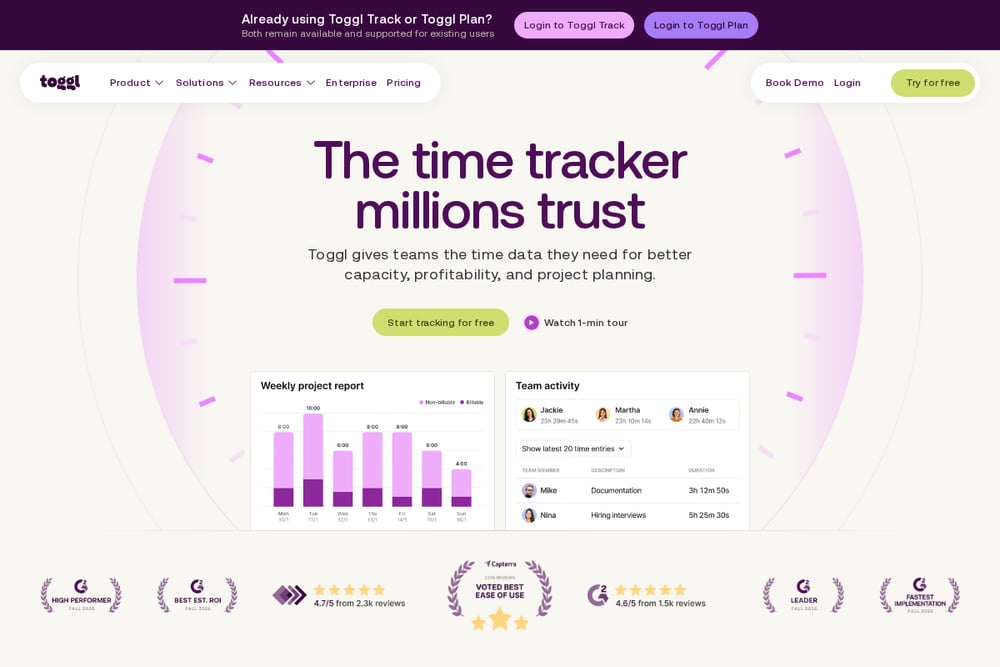 A screenshot of the Toggl Track website.
Toggl Track is a time tracker built around the idea that time data should be the foundation for planning rather than an afterthought. Its pages describe bringing time tracking and capacity planning together in one platform, with project boards, Gantt charts, and a calendar planner. For agencies, the emphasis lands on comparing estimated and actual time, spotting where profitability is won or lost, and sending automatic reports so clients know where their money is being spent. It also offers a natural-language assistant for querying workspace data.
#2 Harvest
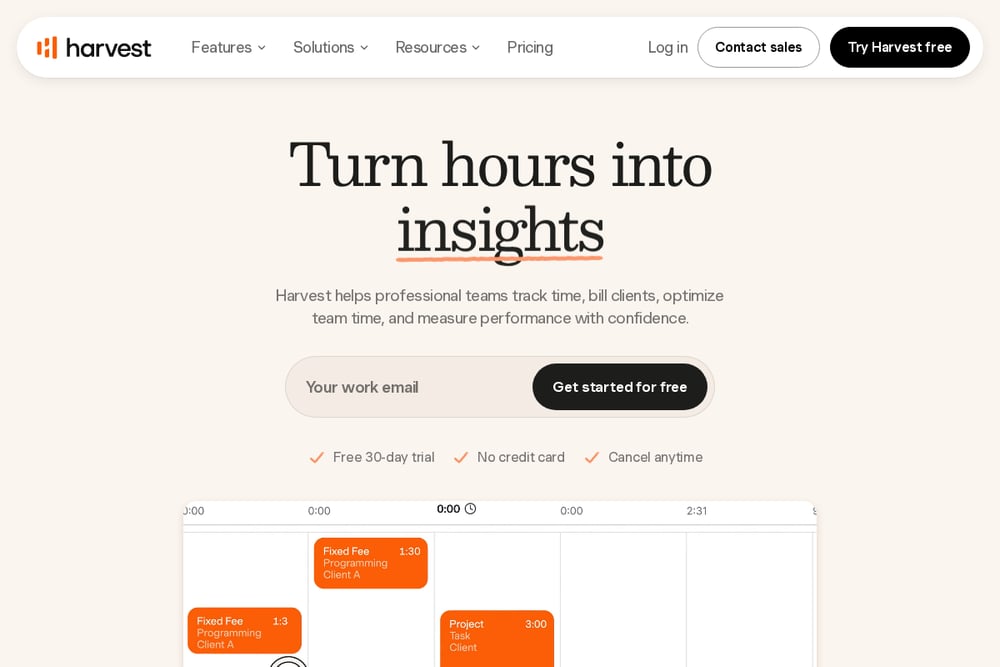 A screenshot of the Harvest website.
Harvest positions itself around turning tracked hours into paid invoices, with time tracking, reporting, invoicing, and forecasting in one platform. Its pages describe timers, weekly and daily timesheets, and calendar-based logging, alongside profitability and utilization metrics. Budgets can be set by hours or fees with live alerts before you go over, and invoices can be generated from tracked time and expenses with online payments and reminders. It also covers team management with per-person billing rates, approvals, and capacity planning.
#3 Clockify
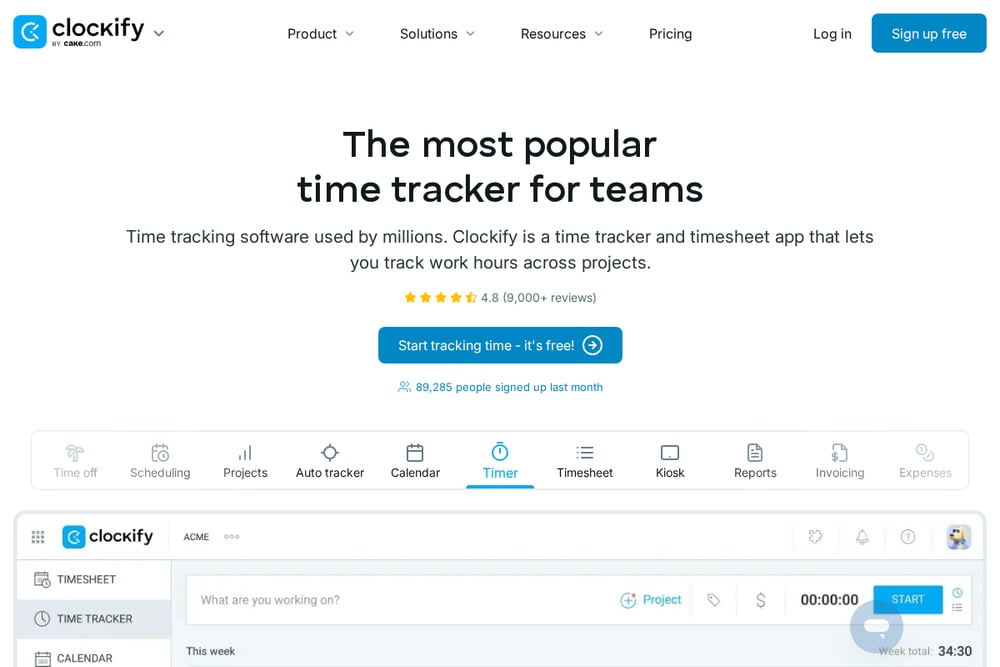 A screenshot of the Clockify website.
Clockify is a time tracker and timesheet app that lets teams track work hours across projects, with a broad set of timekeeping options including a timer, timesheet, kiosk, calendar, and auto tracker. Its pages describe reporting, rates, project budgets, scheduling, time off, approvals, invoicing, and expenses. For agencies, the relevant pieces are client billing and reporting workflows, budget and cost control, and rates that show earnings, cost, and profit. It also offers activity monitoring and location features.
#4 Hubstaff
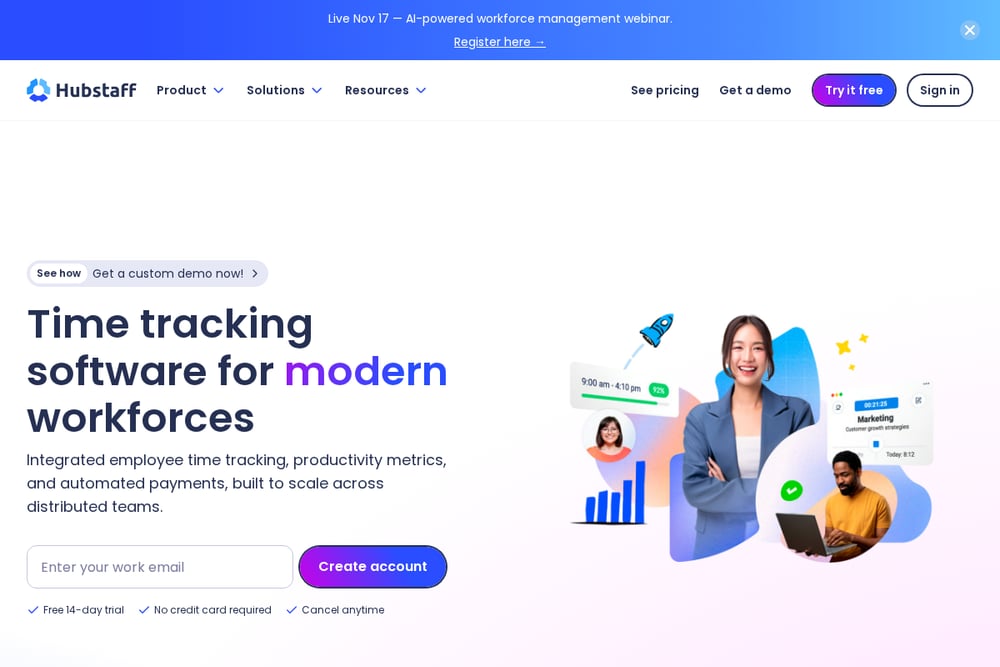 A screenshot of the Hubstaff website.
Hubstaff combines time tracking with productivity monitoring and workforce analytics, aimed at teams working across devices and locations. Its pages describe automated timesheets, detailed time reports, project and task tracking, GPS time tracking, attendance, and time-off management. It also covers screenshots, idle time tracking, app and URL usage, and capacity planning. For agencies specifically, Hubstaff describes managing campaigns, billable hours, client budgets, and project budgets.
#5 Everhour
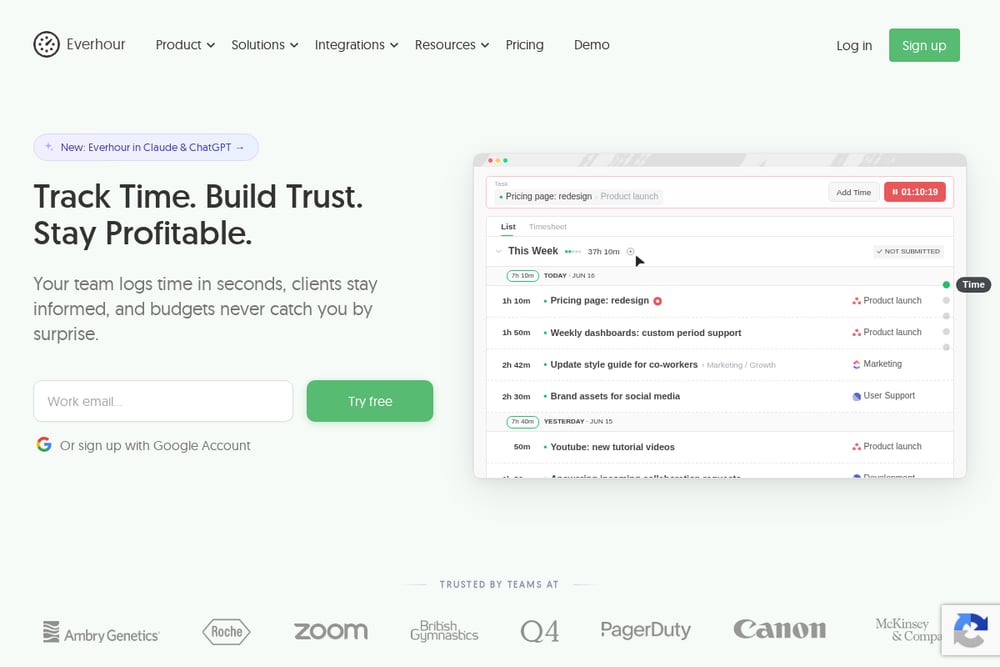 A screenshot of the Everhour website.
Everhour is a time tracking tool that embeds into popular project management apps, with a dedicated creative agencies solution for tracking time and profit for every client. Its pages describe budgets with limits and alerts, reports, time off, scheduling, invoicing from tracked time, expenses, and built-in task management. It also offers desktop, mobile, and browser extension apps. The emphasis is on tracking time where the work already happens rather than in a separate tab.
#6 Time Doctor
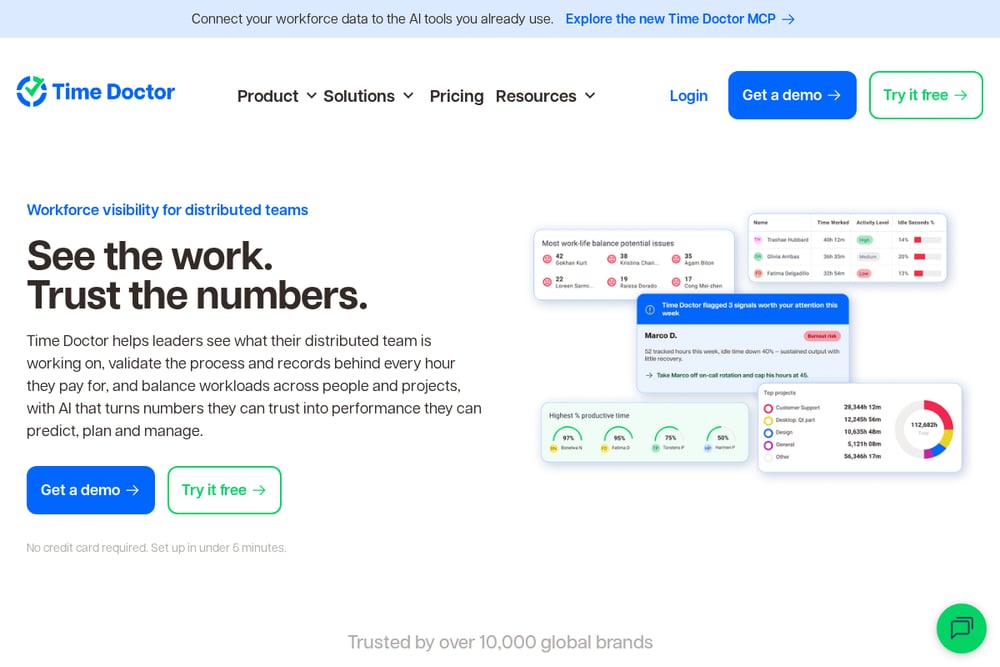 A screenshot of the Time Doctor website.
Time Doctor focuses on workforce visibility for distributed teams, helping leaders see what their team is working on and validate the records behind every hour paid for. Its pages describe activity views across people, projects, and locations, time records tied to tasks and tools, and workload views for spotting who is stretched. It also covers verification controls such as role-based permissions, screenshot blurring, and manual time entry. For agencies, the relevant angle is hours that can be handed to payroll and billing with the process behind each hour on record.
#7 Timely
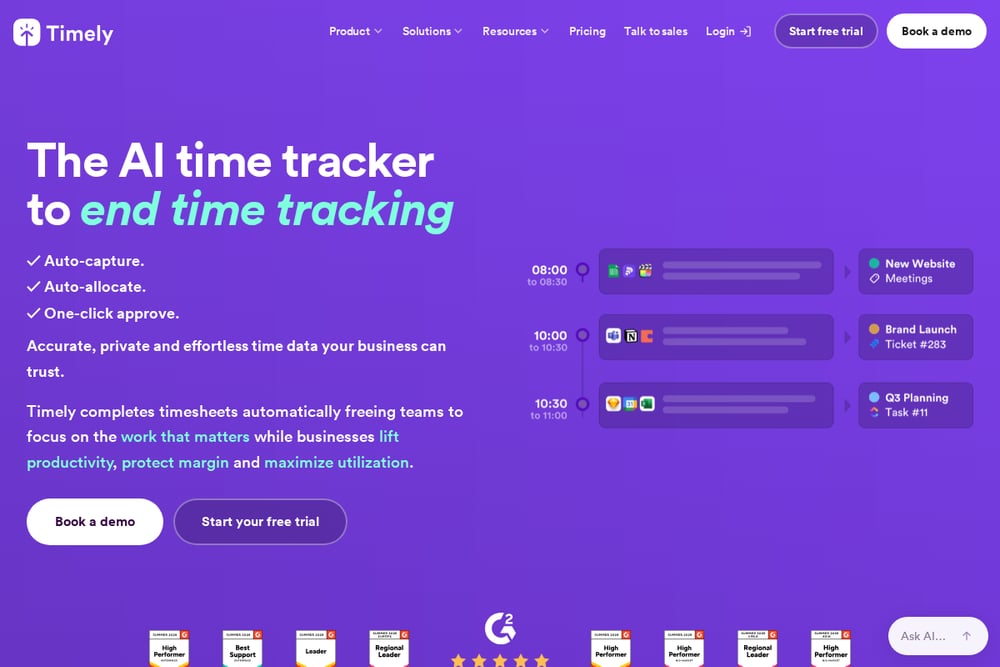 A screenshot of the Timely website.
Timely presents itself as an AI time tracker built around automatic capture, with an AutoSheet that completes timesheets and a memory tracker for private automatic capture of work. Its pages describe projects with budgets, progress and profitability, reports across time, billing and utilization, and invoices billed straight from logged time. It has a dedicated agencies solution that logs client time automatically so billable minutes are accounted for and timesheets take minutes rather than hours. It also emphasizes privacy and permissions for teams.
Which One Should You Choose?
Start with where your hours already live. If your team works inside project management tools, an option that embeds there reduces friction; if not, a standalone tracker with a timer and timesheet may fit better. Then decide how much verification you need versus how much automatic capture you want, since those lead to different day-to-day experiences for the team. Look at whether budgets, profitability reporting, and invoicing are handled in the same place or need to connect to your accounting tools. Finally, check the approval and permissions model, because agency time data usually has to satisfy both clients and internal review.
Final Thoughts
There is no single answer here, only a fit between how your agency captures hours and what it needs to do with them afterward. Toggl Track and Harvest lean toward planning, budgets, and invoicing; Clockify and Everhour emphasize breadth and working inside existing tools; Hubstaff and Time Doctor add workforce visibility; Timely pushes automatic capture. Read each vendor's own pages, test the workflow your team will actually use, and let the quotes above guide the shortlist rather than any ranking.
Know a company that belongs on this list? Email us at editorial@peekwire.com.