
Messy text can kill your productivity. These five tools clean, format, and export your content so you can focus on creating, not fixing.
The State of Text Cleaning in 2026
Every day, writers, marketers, and creators copy text from emails, PDFs, and AI tools, only to find it riddled with hidden characters, weird quotes, and broken line breaks. The demand for quick, reliable text cleaning has exploded as more people publish across platforms like KDP, Instagram, and blogs. In 2026, the market offers everything from free browser-based utilities to subscription SaaS platforms with AI features. You need a tool that not only strips junk but also formats your text for its final destination. The right choice saves you hours and keeps your content looking professional.
How We Evaluated These Tools
We looked at each tool's core cleaning capabilities, how well it handles different input types (like DOCX, PDF, or AI-generated text), and the clarity of its pricing model. We also considered the user experience, including speed, ease of use, and whether the tool offers export options that match real publishing needs. For each tool, we noted what stood out in terms of service scope, pricing transparency, and how well it fits the needs of US-based creators and authors.
Here's a quick look at the five tools we tested, from the most feature-rich to the simplest.
| Provider | Best For |
|---|---|
| Text Cleaner | Power users who need granular control over text cleaning options |
| text-detox-alchemy | Self-publishing authors and creators who need formatted, export-ready text |
| AI Text Cleaner | Anyone who needs to clean AI-generated text from ChatGPT or similar tools |
| Remove Text Formatting | Quick, no-fuss cleanup of copied text from web and documents |
| Deformat | Simple, fast removal of line breaks and extra spaces |
The Five Tools, Closer Look
#1 Text Cleaner
 A screenshot of the Text Cleaner website.
Text Cleaner is a comprehensive online utility that handles a wide range of text operations, from removing line breaks and stripping HTML to converting case and cleaning up quotes. It offers a massive list of options, so you can fine-tune exactly what gets cleaned, making it a favorite for power users. The tool is free to use, which is a huge plus if you need occasional cleaning without a subscription. It also includes extras like a QR code generator and font tools, making it a versatile bookmark. If you want total control over your text cleaning, this is your go-to. Text Cleaner
#2 text-detox-alchemy
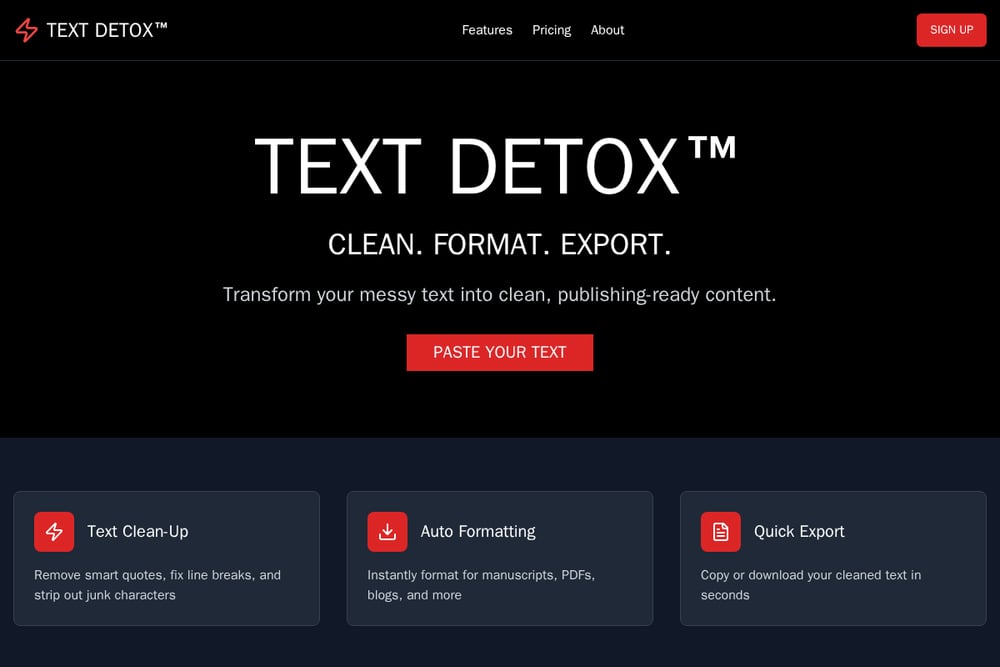 A screenshot of the text-detox-alchemy website.
Text Detox Alchemy is a SaaS platform built specifically for creators and self-publishing authors who need publishing-ready text fast. It goes beyond basic cleaning by offering presets for KDP, Instagram captions, blog posts, and PDF export, so you can format your content for its final destination in one click. The tool supports TXT and DOCX uploads on the free plan, with PDF and AI rewrite features available on the Pro plan. You can start with a free tier that handles up to 5,000 characters, which is perfect for testing. The lifetime plan at $29 is a standout for anyone who wants to avoid monthly fees. It's designed to save you hours before uploading to platforms like KDP or Canva. Text Detox Alchemy
#3 AI Text Cleaner
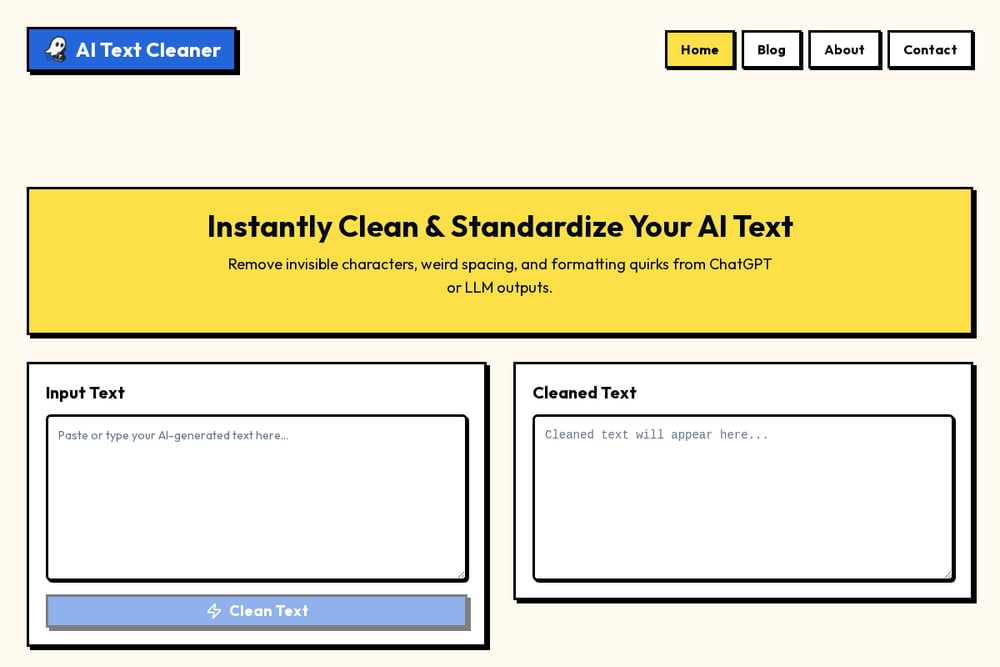 A screenshot of the AI Text Cleaner website.
AI Text Cleaner focuses on a specific pain point: cleaning text generated by ChatGPT, Claude, and other LLMs. It strips invisible characters like zero-width spaces, normalizes dashes and quotes, and removes markdown leftovers that can break your CMS or code. The tool runs entirely in your browser, so your text never leaves your device, which is a privacy win. There's no sign-up, no limits, and no paid tier, making it a no-brainer for anyone who works with AI output regularly. The side-by-side diff view shows you exactly what changed, so you stay in control. If you're tired of AI text causing formatting headaches, this is your fix. AI Text Cleaner
#4 Remove Text Formatting
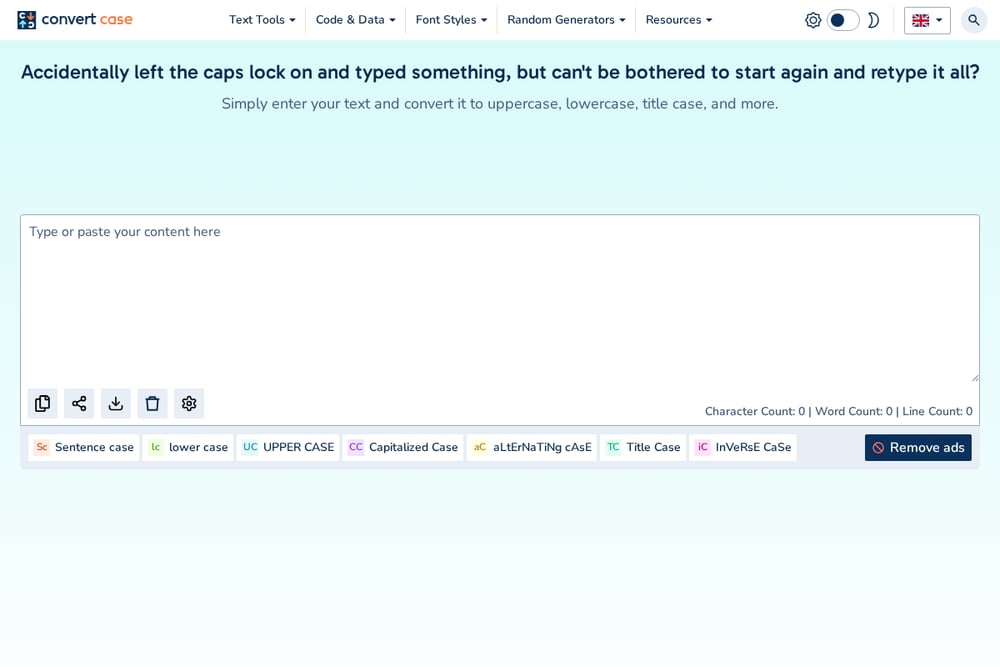 A screenshot of the Remove Text Formatting website.
Remove Text Formatting, part of the Convert Case suite, is a straightforward tool that clears formatting from text copied from web pages, Word, Google Docs, and emails. It strips styles, fonts, HTML tags, emojis, and extra spaces in one go, leaving you with clean plain text. The interface is simple: paste on the left, choose what to remove, and copy the result from the right. It's free to use, though you'll see ads, and there are browser extensions and mobile apps for convenience. This tool is ideal for quick cleanups when you don't need advanced formatting presets. Remove Text Formatting
#5 Deformat
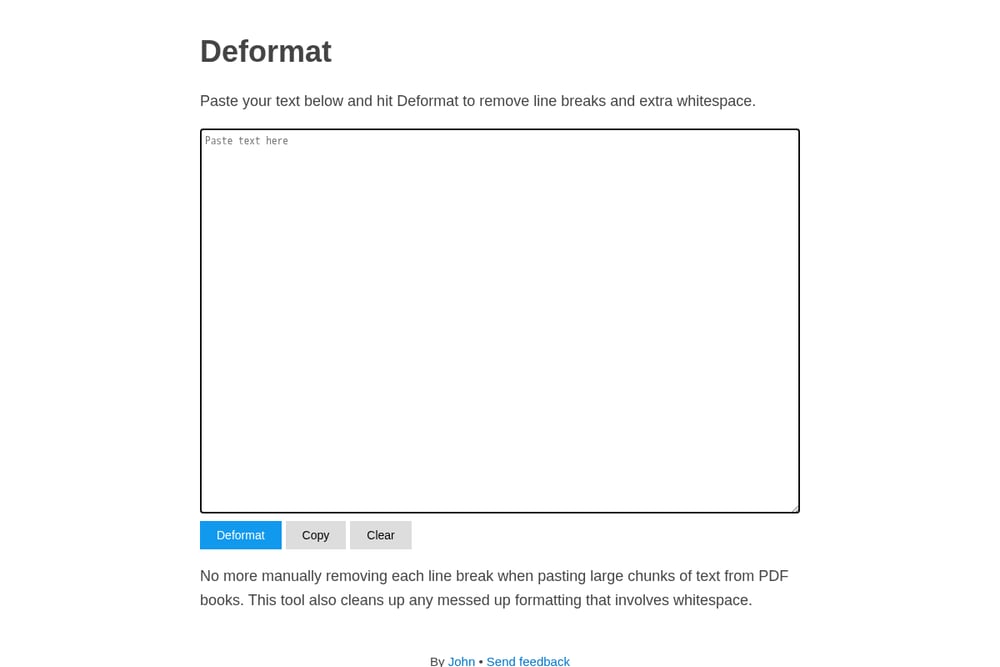 A screenshot of the Deformat website.
Deformat is a minimalist tool that does one thing well: it removes line breaks and extra whitespace from pasted text. It's perfect for when you copy large chunks from PDF books or other sources and need to get rid of awkward line breaks quickly. The interface is a single text box with a Deformat button, so there's zero learning curve. It's completely free and doesn't require an account, making it a handy utility to keep in your bookmarks. However, it lacks advanced features like format presets or export options, so it's best for simple cleanups. Deformat
How to Choose the Right Text Cleaning Tool
Start by thinking about your typical workflow. If you're a self-publishing author who needs to format manuscripts for KDP, a tool like Text Detox Alchemy with presets and export options will save you the most time. If you mostly clean up text from AI tools, AI Text Cleaner is your best bet because it targets those specific hidden characters. For general-purpose cleaning with lots of control, Text Cleaner offers the most flexibility. If you just need to strip line breaks from a PDF occasionally, Deformat is enough. Consider whether you need a free tool or are willing to pay for convenience, and whether you want your text processed locally or in the cloud.
Automating Your Text Cleaning Workflow
You can integrate text cleaning into your content pipeline to save even more time. For example, use Text Detox Alchemy's API (if available) to automatically clean and format text before it goes into your CMS or publishing platform. For AI-generated content, set up a browser extension like the one from Convert Case to clean text directly from your clipboard. If you're a developer, you could use Text Cleaner's web-based tools in a script to batch-process files. The key is to find a tool that fits your existing workflow, so you don't have to switch contexts.
The Bottom Line
No single tool fits everyone, but the good news is you have solid options. For creators and authors who need publishing-ready text with minimal fuss, Text Detox Alchemy offers the most tailored experience. For AI-heavy workflows, AI Text Cleaner is a must-have. And for general cleaning, Text Cleaner and Remove Text Formatting are reliable free choices. Deformat is perfect for quick fixes. Try a couple, see which one feels right, and you'll never waste time on messy text again.