Temple Typers: Why Typing Practice Should Start With Movement, Not Letters
Most advice about typing practice for kids follows the same script: show a letter, find the key, press it. The maker of Temple Typers argues that this sequence gives beginners two jobs at once — and that the shortcut children find is the one that leads to pecking.
In an interview, the maker explained what he looks at when a parent asks whether an app will actually get a child typing with ten fingers, why home practice so often fizzles out after a week or two, and the one judgment call he would slow parents down on.
Movement first, letters later
The usual advice, he said, assumes typing and reading can be learned together. "That gives a beginner two jobs at once, and the quickest way to do both is to look down and use whichever finger is nearest. That is how pecking starts."
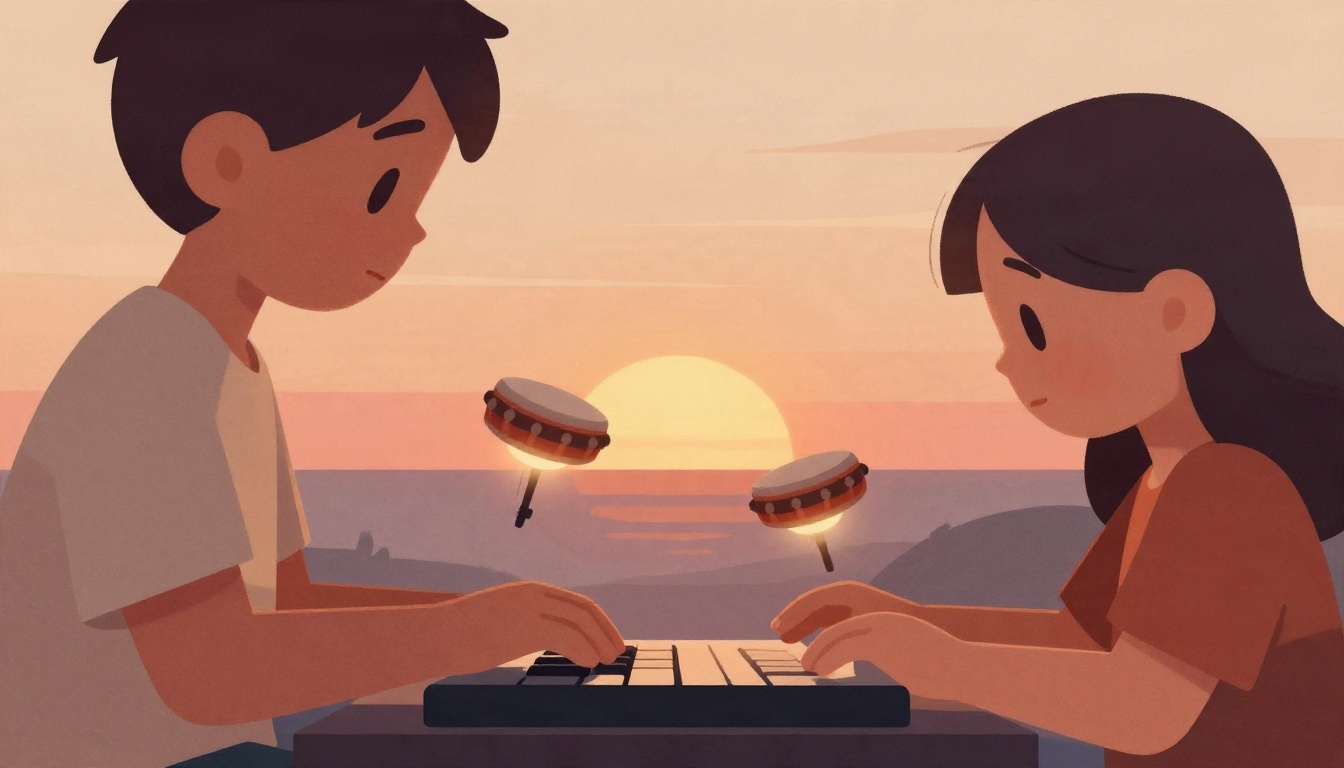
His answer is to separate the two. In Temple Typers, the first rounds contain no letters at all — the child plays drums, with each finger assigned its own drum and note. The fingers learn where they sit and what a press feels like, with nothing to gain by looking down. Letters appear only afterward, laid on top of a movement the hands already know.
He has tested this at home. "After a few rounds of jungle drums, my son was looking to the screen for which letter to press a lot more than the keyboard."
For parents comparing apps, he suggested a single question: "what does it do to build the feel of touch typing before it asks for the right letter?"
Why kids stop after a week or two
Three patterns keep coming up, according to the maker.
The first is speed. A child who pecks at a decent rate is asked to switch to a method that feels worse for the first few weeks. "From where they're sitting, the practice is making them worse, so they go back to two fingers or stop."
The second is too much setup before the fun begins. When he tested his game with his own boys, the feedback that stung was "too much": too many instructions between sitting down and playing. Children, he said, "will do a surprising amount of practice inside something they enjoy, and almost none in front of it."
The third is the household dynamic. Once a parent is both the person insisting on typing and the person ending the session, practice becomes a screen-time negotiation — "another household argument, and typing loses." This is where the design of the tool matters: in Temple Typers, a grown-up can end a session from their phone, and what the child sees is a sunset in the game with time for one last adventure. The maker says he has seen this end play with fewer arguments at home.
Ignore the score for the first few weeks
Asked what he would stop a parent from deciding too quickly, the maker pointed to early speed as a measure of an app's merit. "If it rises quickly, the child may simply be pecking faster. If it drops to start with, that is actually often the good sign: they've stopped looking down and their fingers are learning where the keys are."
His alternative is a two-minute observation. "Are the fingers resting on the home row and coming back to it? Are the eyes on the screen? If so, the speed will follow."
Practical takeaways for parents
- Ask what happens before letters. A program that builds finger movement first removes the incentive to look down.
- Expect a temporary slowdown. Early speed gains can signal faster pecking; a dip can signal that touch typing is taking hold.
- Watch the hands, not the score. Home-row return and eyes on the screen are better early indicators than words per minute.
- Keep instructions short. Time between sitting down and playing should be minimal.
- Give sessions a gentle ending. A finish that happens inside the game, like Temple Typers' sunset, keeps typing from becoming another screen-time argument.
For parents weighing options, the maker's framing is a useful filter: the goal is not a faster child in week one, but a child whose fingers are learning the keys without the eyes having to help.