Confluence is not the only way to run a team wiki. Plenty of teams want something simpler, something self-hosted, or something that leans harder into AI. This list covers seven tools worth knowing if you are weighing alternatives. Each entry sticks to what the vendor says about itself, so you can compare on substance rather than slogans.
How We Picked These Tools
We picked tools that describe themselves as knowledge bases, wikis, or documentation platforms for teams. Each has a public product page with enough detail to understand its approach. We did not test them head to head, and the order is a plain list, not a quality ranking.
| Provider | Best For |
|---|---|
| Notion | Teams that want docs and AI agents in one workspace |
| Slab | Organizations that want a focused, integrated knowledge base |
| Nuclino | Teams that want a simple, fast, unified workspace |
| Slite | Teams that want an AI-maintained knowledge base |
| Tettra | Teams that want to cut repetitive questions in Slack |
| Outline | Teams that want a fast wiki with self-hosting options |
| BookStack | Teams that want a free, self-hosted wiki |
The 7 Tools in Focus
#1 Notion
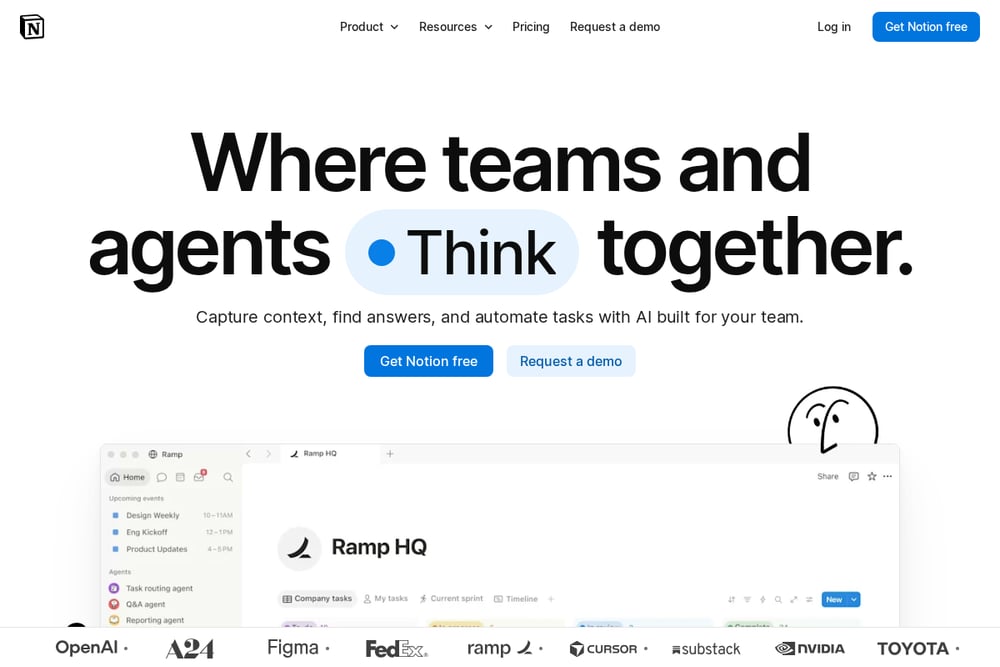 A screenshot of the Notion website.
Notion pitches itself as a place where teams capture context, find answers, and automate tasks with AI. It combines docs, knowledge capture, and agents in one system of record. The company says it is used by teams of many sizes, from startups to enterprises. It suits teams that want a flexible workspace rather than a dedicated wiki.
#2 Slab
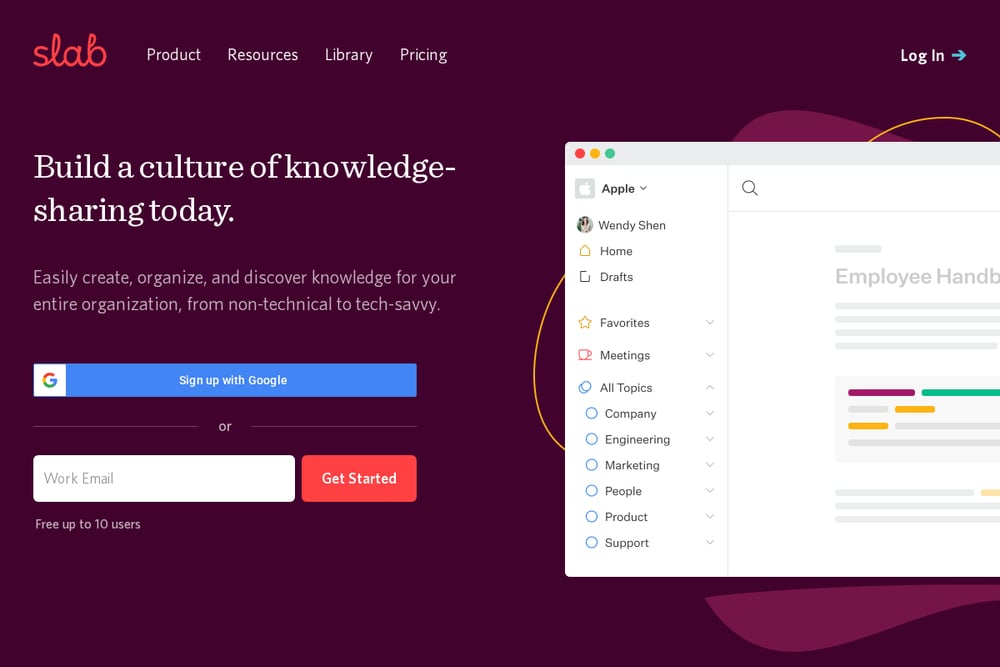 A screenshot of the Slab website.
Slab is a knowledge base built around creating, organizing, and discovering knowledge for an entire organization. It emphasizes content that looks good by default and uses Topics to add context beyond folders and tags. Unified Search pulls answers from Slab content and integrated tools. It suits teams that want a focused wiki that integrates with the rest of their stack.
#3 Nuclino
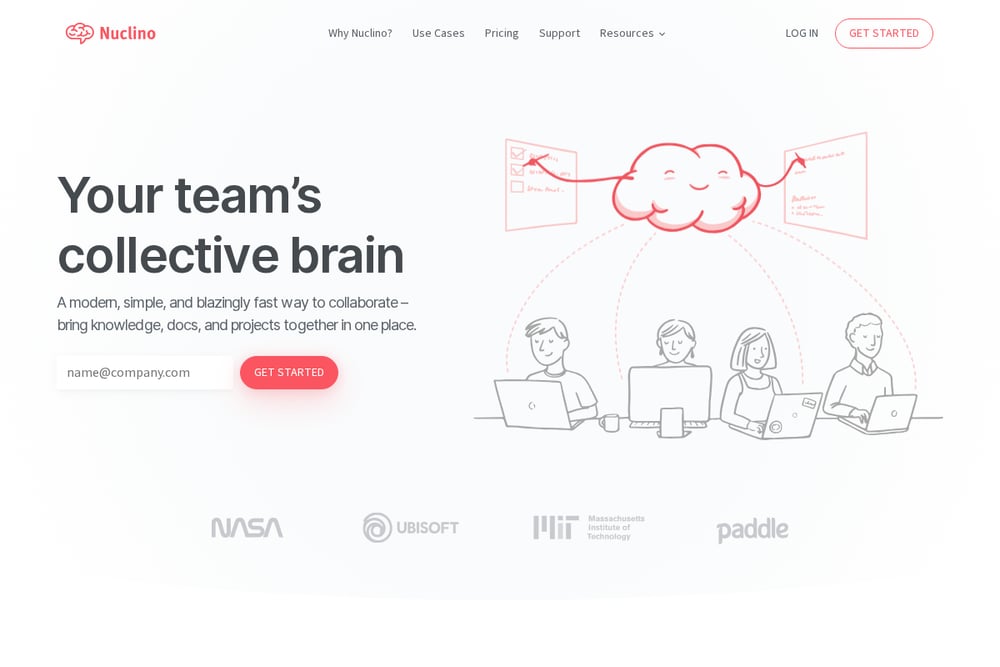 A screenshot of the Nuclino website.
Nuclino describes itself as a modern, simple, and fast way to collaborate, bringing knowledge, docs, and projects together. It aims to replace multiple collaboration tools with one unified space to prevent silos. The product emphasizes simplicity and speed, with instant search and hotkeys. It suits teams that want a lightweight wiki without clutter.
#4 Slite
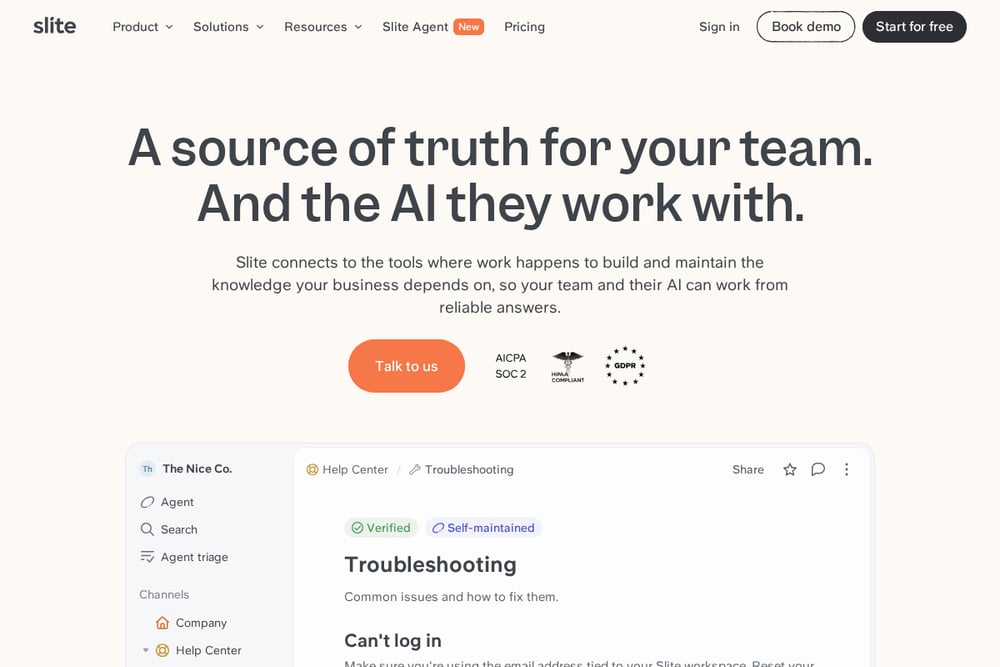 A screenshot of the Slite website.
Slite presents itself as a source of truth for teams and the AI they work with. It connects to tools where work happens and uses an agent to spot outdated facts and draft updates. Slite also offers AI search that works across Slite, Slack, and other tools. It suits teams that want a knowledge base that maintains itself with AI assistance.
#5 Tettra
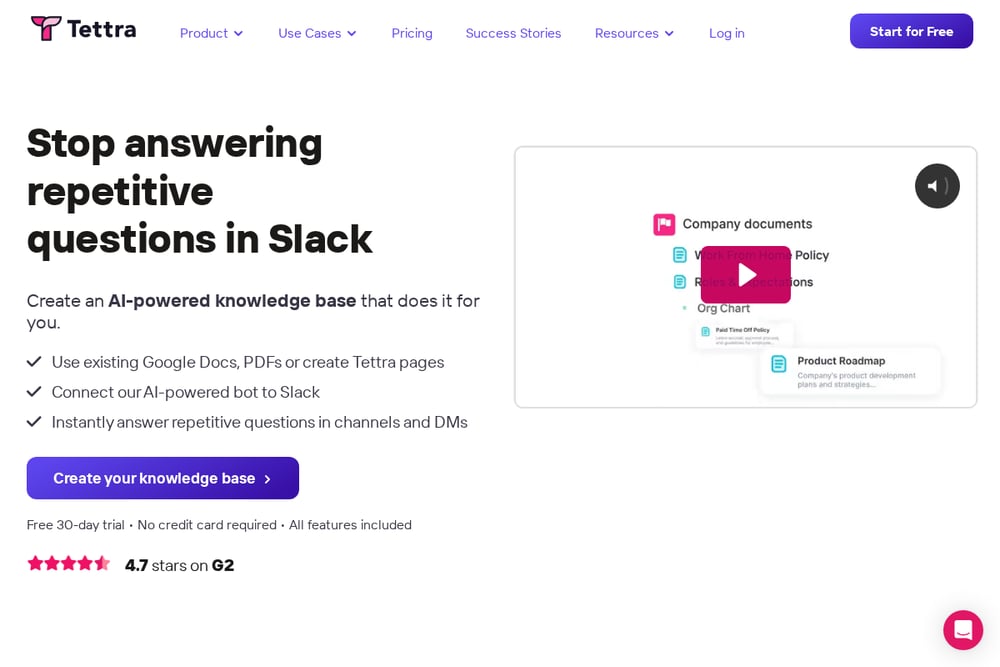 A screenshot of the Tettra website.
Tettra focuses on stopping repetitive questions in Slack with an AI-powered knowledge base. It lets teams build pages from scratch or import existing Google Docs and PDFs. Its bot, Kai, answers questions in Tettra or Slack and helps find the right person when it cannot answer. It suits support and operations teams that field the same questions often.
#6 Outline
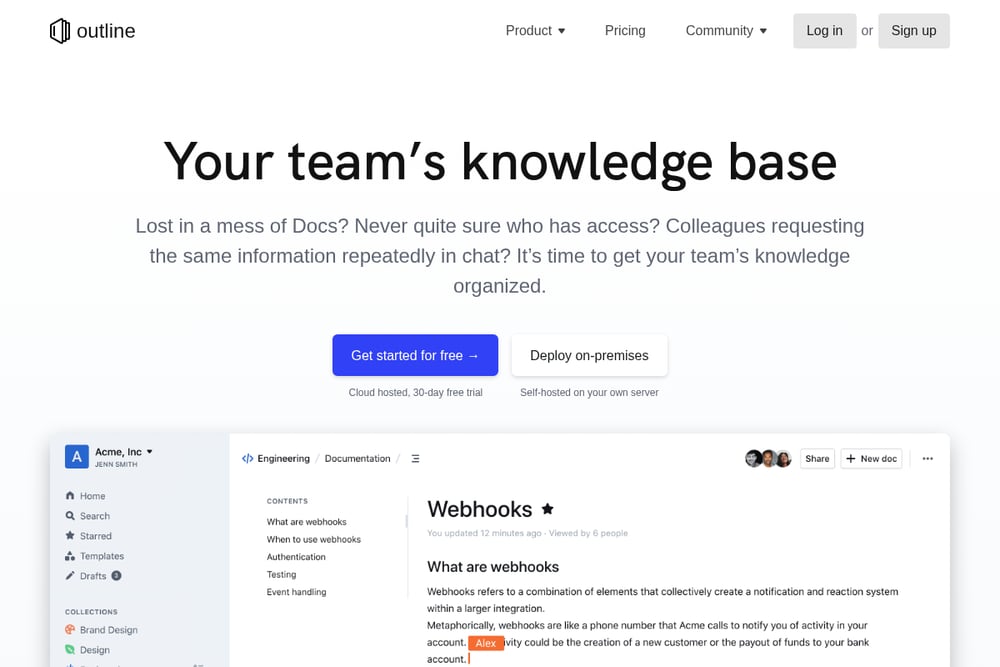 A screenshot of the Outline website.
Outline is a team knowledge base with a fast editor, realtime collaboration, and powerful search. It offers AI question answering over documents and integrates with Slack. Outline can be cloud hosted or self-hosted, and its source code is public. It suits teams that want a polished wiki with an open-source option.
#7 BookStack
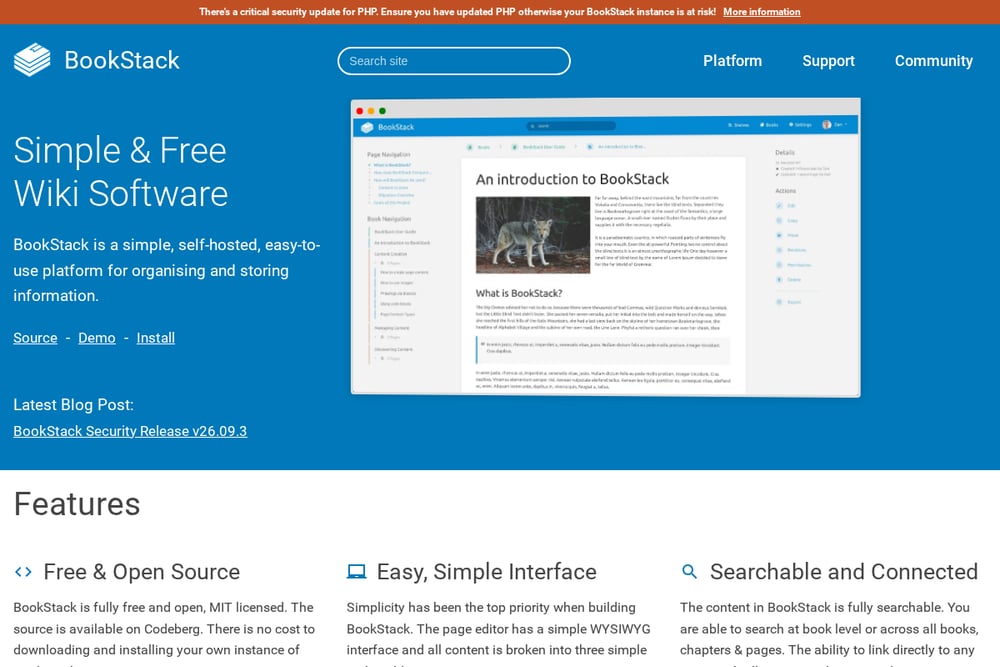 A screenshot of the BookStack website.
BookStack is a simple, self-hosted wiki for organizing and storing information. It is free and open source under the MIT license, with no cost to download and install your own instance. Content is organized into books, chapters, and pages, and the editor includes diagrams.net. It suits teams that want full control over a straightforward wiki.
Which One Should You Choose?
Start with where your team already works. If chat is the main channel, a tool with a strong Slack bot may reduce repeated questions. If you need control over hosting, look at self-hosted options. If AI maintenance matters, check which tools draft or update docs automatically. Price is only one factor, and a free or low-cost plan can still be a poor fit if the workflow does not match.
Final Thoughts
There is no single right answer here. Notion leans into a flexible workspace with agents, Slab and Nuclino keep the wiki focused and simple, Slite and Tettra push AI maintenance and Q&A, Outline offers a polished wiki with self-hosting, and BookStack is a free self-hosted option. Compare them against your team's habits and hosting needs rather than a generic ranking.
Know a company that belongs on this list? Email us at editorial@peekwire.com.