Slack is not the only option for team communication. This list covers five apps that offer different approaches, from deep integration with productivity suites to self-hosted control and simple free messaging. Each entry describes what the app does and who it suits, without ranking them.
How We Picked These Tools
We picked apps that are established alternatives to Slack and that publish clear information about their features and deployment options. The list includes a mix of cloud-based suites, self-hosted platforms, and lightweight tools so you can compare different priorities.
| Provider | Best For |
|---|---|
| Microsoft Teams | Organizations using Microsoft 365 |
| Google Chat | Teams using Google Workspace |
| Mattermost | Security-focused and regulated organizations |
| Rocket.Chat | Defense and government agencies |
| Pumble | Small to mid-sized teams seeking simplicity |
The 5 Tools in Focus
#1 Microsoft Teams
 A screenshot of the Microsoft Teams website.
Microsoft Teams is a collaboration app that is part of Microsoft 365. It provides chat, meetings, and file sharing, and it connects with other Microsoft services. It is aimed at organizations that already use Microsoft tools and want communication integrated with their productivity suite.
#2 Google Chat
 A screenshot of the Google Chat website.
Google Chat is a communication app for teams that is part of Google Workspace. It offers direct messaging and group conversations, and it is integrated with other Workspace tools like Gmail and Drive. It suits teams that use Google Workspace and want chat built into their existing workflow.
#3 Mattermost
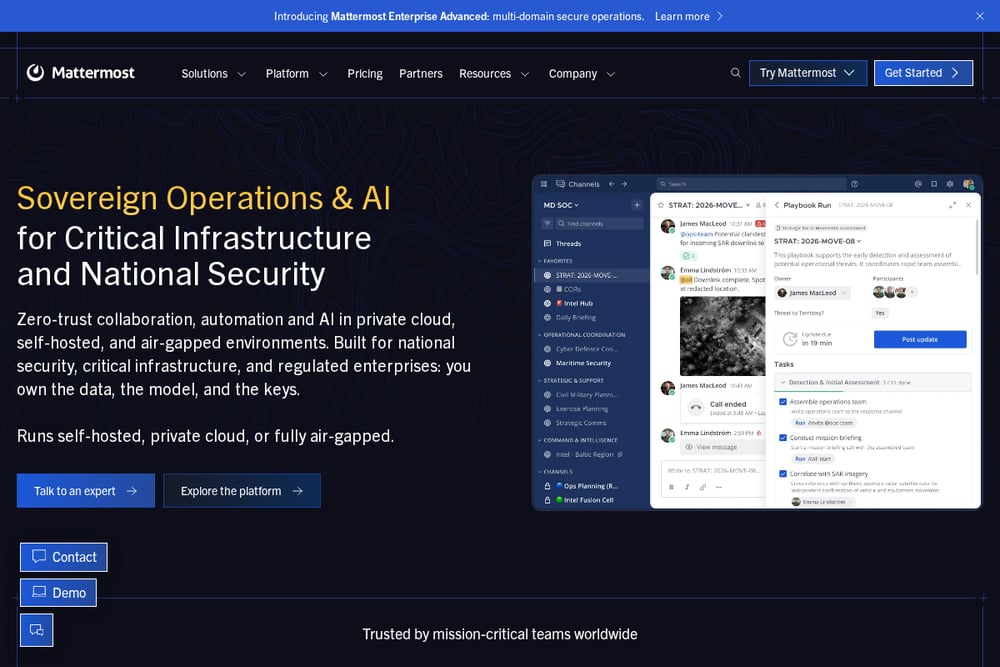 A screenshot of the Mattermost website.
Mattermost is a collaboration platform focused on secure messaging and workflow automation. It can be deployed self-hosted, in private cloud, or air-gapped, and it includes features like playbooks and sovereign AI agents. It is designed for organizations with strict security and data sovereignty requirements, such as national security and critical infrastructure teams.
#4 Rocket.Chat
 A screenshot of the Rocket.Chat website.
Rocket.Chat is a secure collaboration platform that combines messaging, voice, video, and files in one workspace. It supports native Matrix and XMPP federation and can be deployed on-premises, in secure cloud, or air-gapped. It is built for defense, government, and critical infrastructure organizations that need sovereignty and control over their communications.
#5 Pumble
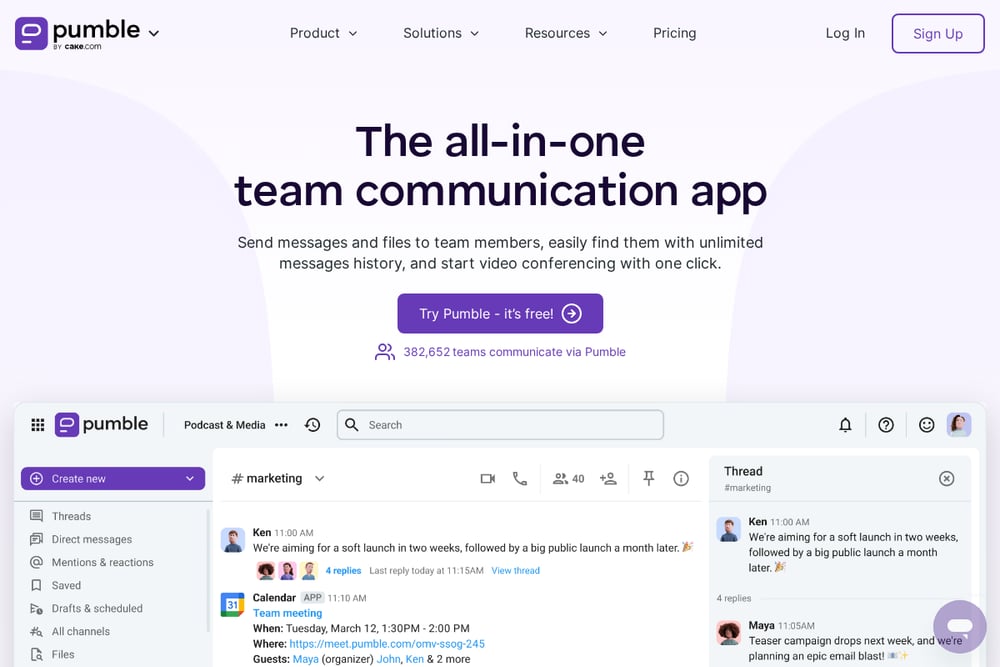 A screenshot of the Pumble website.
Pumble is a team communication app that offers messaging, file sharing, and video conferencing. It provides unlimited message history and allows external guests to collaborate. It is aimed at teams looking for a straightforward communication tool with a free option.
Which One Should You Choose?
Consider your organization's priorities. If you already use a productivity suite, an integrated chat app may reduce friction. If you need strict data control, look at self-hosted or air-gapped options. For smaller teams, a simple tool with a free tier might be enough. Check deployment options, integration needs, and whether you require features like federation or compliance controls.
Final Thoughts
These five apps represent different paths away from Slack. Microsoft Teams and Google Chat integrate deeply with their respective suites. Mattermost and Rocket.Chat focus on security and sovereignty for regulated environments. Pumble offers a straightforward, free-friendly option for everyday team chat. Evaluate them against your own requirements to find a fit.
Know a company that belongs on this list? Email us at editorial@peekwire.com.