
If you're still wrestling with spreadsheets and desktop-bound software, it's time to look at what's happening in your browser. These five platforms are changing how engineers model, verify, and document structures.
The Browser-Based Shift in Structural Engineering
Structural engineering has long been tied to heavy desktop applications and manual spreadsheet checks. But the industry is moving toward cloud and browser-based tools that offer flexibility, speed, and collaboration. Engineers now expect instant calculations, multi-standard code checks, and automated reporting without installation headaches. This shift is especially relevant for small firms and independent consultants who need professional-grade capabilities without the overhead of traditional licenses. The tools below represent a range of approaches, from comprehensive suites to focused calculators, all accessible from any device.
How We Evaluated These Tools
We looked at each platform's core functionality, ease of use, and how well it fits into a modern engineering workflow. Key factors included the range of analysis types (linear, P-Delta, buckling), support for multiple design codes, and the quality of reporting. We also considered pricing transparency and whether a free tier or trial is available. Finally, we assessed how each tool handles data privacy and whether it can run entirely in the browser without installation.
Here's a quick snapshot of the five tools we're highlighting, with their primary strengths and ideal use cases.
| Provider | Best For |
|---|---|
| SkyCiv Engineering | Comprehensive projects needing multiple analysis types |
| Ksolver | Análisis y Diseño Estructural Online Gratis | Fast, free, browser-based analysis with automated reports |
| AutoCalcs | Quick 2D/3D frame analysis without signup |
| STRIAN | Matrix-based analysis for experienced engineers |
| Stabileo | Open-source, customizable analysis for developers |
The Five Tools, Closer Look
#1 SkyCiv Engineering
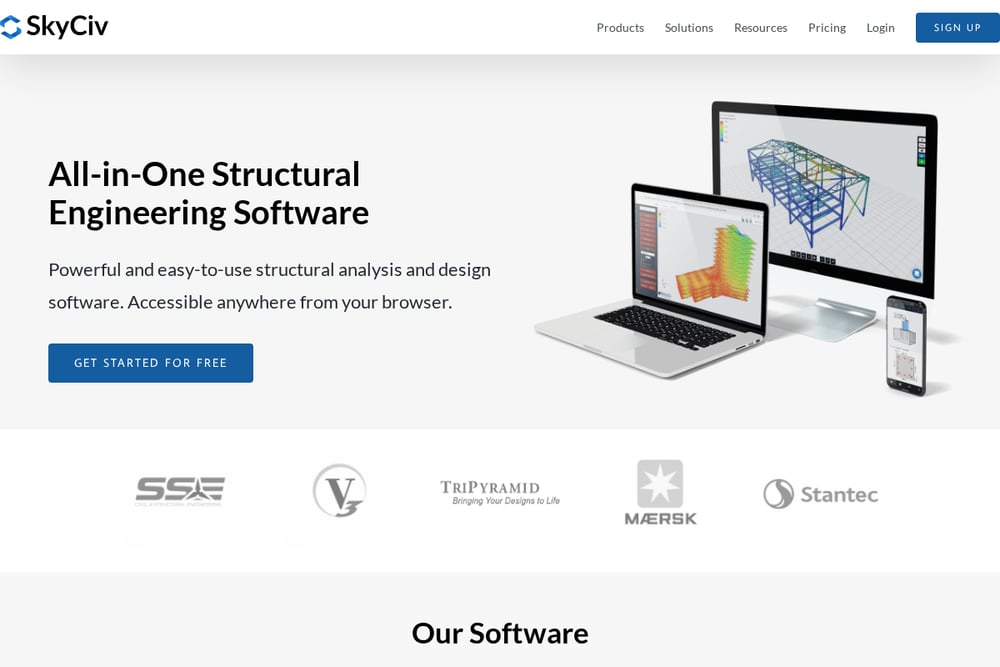 A screenshot of the SkyCiv Engineering website.
SkyCiv is a comprehensive, all-in-one structural analysis and design suite that runs entirely in your browser. It offers a wide range of modules, from Structural 3D and Beam to Section Builder and Connection Design, making it a versatile choice for many projects. The platform supports multiple design codes and provides automated reports, which is a huge time-saver. Its intuitive interface and free tools like the Beam Calculator make it accessible for both professionals and students. If you need a scalable solution that grows with your firm, SkyCiv is a solid pick. You can start with their free tools and upgrade as your needs expand.
#2 Ksolver | Análisis y Diseño Estructural Online Gratis
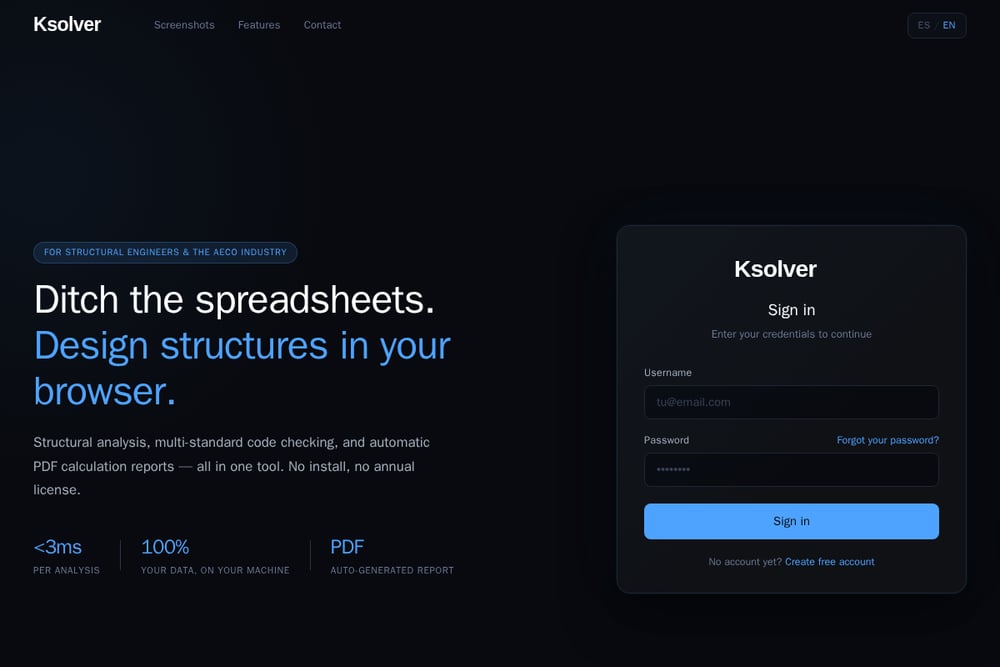 A screenshot of the Ksolver website.
Ksolver is a browser-based structural analysis tool that promises to ditch spreadsheets and deliver instant calculations. It performs multi-standard code checking and auto-generates professional PDF reports, which directly addresses the pain of manual documentation. The solver runs in milliseconds, so you can iterate on designs quickly, and it keeps 100% of your data on your machine for privacy. It's free to start, with no installation or annual license required, making it a low-risk entry point. For engineers who want a fast, no-fuss tool that handles frames, beams, and columns, Ksolver is a compelling option. Its parametric generators for portal and gable frames speed up modeling significantly.
#3 AutoCalcs
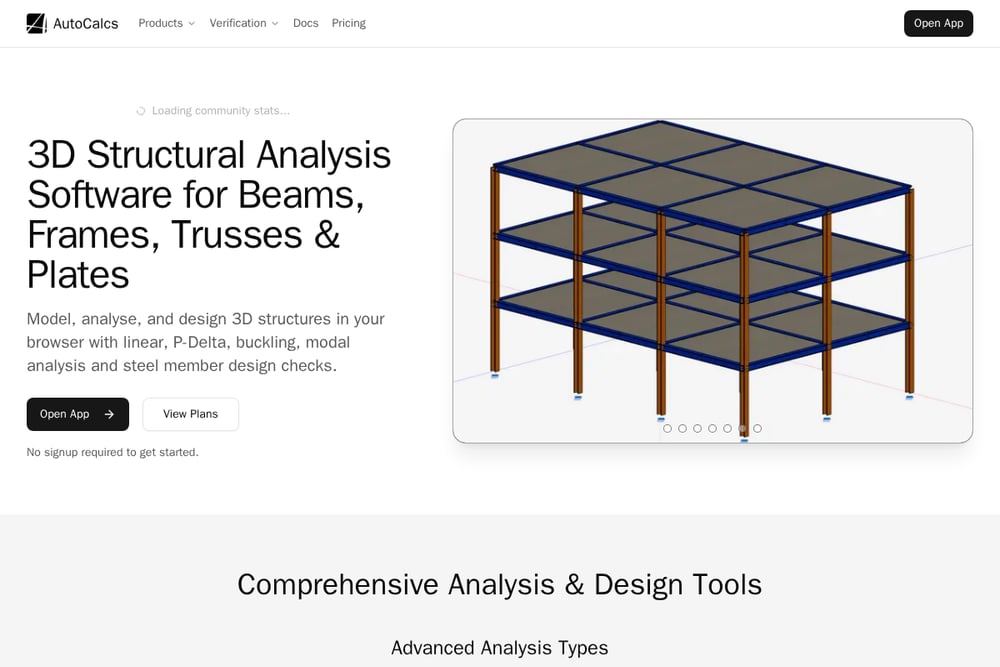 A screenshot of the AutoCalcs website.
AutoCalcs is a free online frame analysis tool that supports both 2D and 3D modeling, with no signup required. It handles linear static, P-Delta, buckling, and modal analysis, which is impressive for a free tool. You can inspect elastic member stress contours and get detailed diagrams for bending, shear, and axial forces. The platform includes a real section library and supports multiple design codes like AISC and Eurocode. It's ideal for quick checks and educational purposes, though it may lack some advanced features of paid suites. If you need a reliable, no-cost option for frame analysis, AutoCalcs is worth a look.
#4 STRIAN
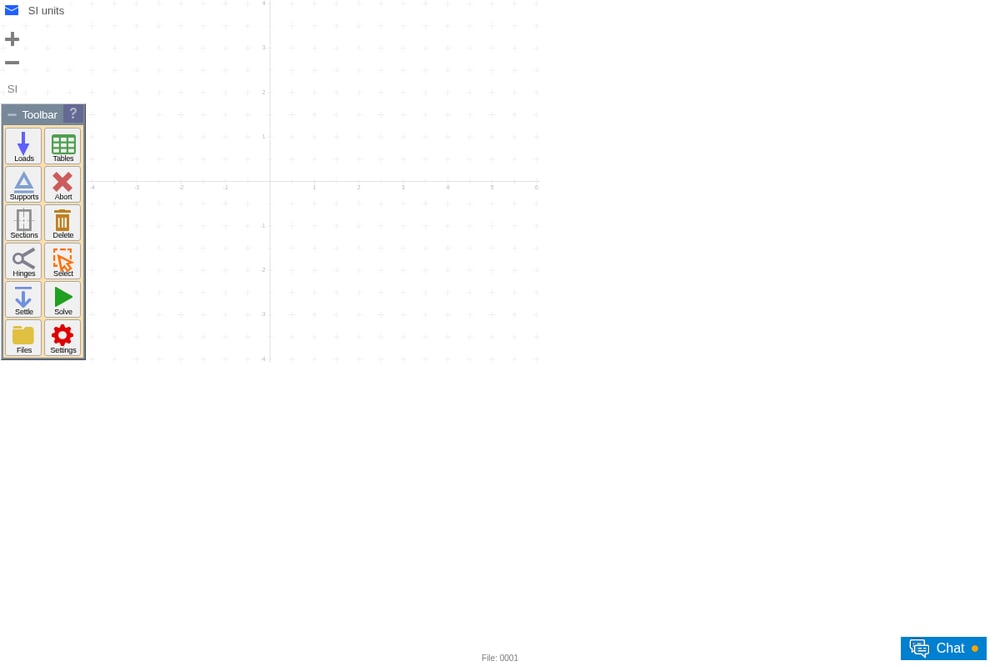 A screenshot of the STRIAN website.
STRIAN is a free structural analysis calculator that runs directly in your browser, offering a matrix-based approach to solving frames and beams. It provides tools for defining nodes, beams, sections, and loads, and it can handle temperature effects and settlements. The interface is more technical and less polished than some competitors, but it's powerful for those who understand the underlying mechanics. You can save and share projects using a user ID, which is handy for collaboration. It's a great choice for engineers who want a no-frills, free tool for verification and learning. The learning curve is steeper, but the depth is there.
#5 Stabileo
 A screenshot of the Stabileo GitHub page.
Stabileo is an open-source structural analysis tool that runs in the browser, using the Direct Stiffness Method for real-time solving. It's a project from LambdaClass, and it's free to use and modify, which appeals to developers and engineers who like to tinker. The tool supports 2D and 3D analysis, and because it's open-source, you can inspect the code and contribute. It's not as feature-rich as commercial options, but it's a solid choice for learning and for those who want full control. If you're comfortable with GitHub and open-source software, Stabileo offers a transparent alternative. It's a niche pick, but a valuable one.
How to Choose the Right Tool for Your Workflow
Start by identifying your most common analysis tasks. If you need a broad suite with many modules, SkyCiv is a strong candidate. For quick, free frame checks without signup, AutoCalcs is hard to beat. If you value speed and automated reporting with a free tier, Ksolver is worth trying. STRIAN suits those who prefer a more hands-on, matrix-level approach. And if you're a developer or want full transparency, Stabileo's open-source model is unique. Consider your budget, the codes you must comply with, and whether you need to collaborate with others. Most of these tools offer free versions, so take advantage of that to test them on a real project.
Automating the Grunt Work
The biggest win from these tools is automation. Instead of manually copying results into Word docs, Ksolver and SkyCiv generate PDF reports automatically. AutoCalcs and STRIAN give you instant diagrams and matrices, so you can verify designs without redoing calculations. Stabileo's real-time solving means you see results as you model. This automation frees you to focus on engineering decisions, not data entry. It also reduces errors that come from manual transcription. Adopting one of these tools can cut your documentation time significantly.
The Bottom Line
The days of spreadsheet-only analysis are fading. Whether you choose a comprehensive suite like SkyCiv, a fast and free tool like Ksolver, or a specialized calculator like AutoCalcs, you'll find a browser-based solution that fits your needs. Each tool has its strengths, and the best choice depends on your specific projects and preferences. Try a few, see which one feels right, and you'll likely never go back to the old way. The future of structural analysis is online, and it's here now.