
If you're looking to boost your child's word skills, these five apps offer smart, engaging ways to learn spelling and vocabulary. From AI-powered lessons to game-like practice, there's something here for every learner.
The Spelling and Vocabulary App Landscape
The market for educational apps has exploded, and spelling and vocabulary tools are no exception. Parents and teachers alike are seeking solutions that are both effective and engaging, moving beyond rote memorization to active, meaningful learning. Many apps now leverage AI to personalize lessons, adapt to a child's pace, and provide instant feedback, making practice feel less like a chore and more like a game. With options ranging from free, classroom-friendly tools to comprehensive, standards-aligned curricula, the challenge is finding the right fit for your child's age, learning style, and your budget. The best apps balance fun with educational rigor, ensuring that screen time translates into real progress.
How We Evaluated These Apps
To bring you this list, we looked at each app's core features, including the depth and breadth of its lesson library, the quality of its interactive activities, and how well it aligns with educational standards. We also considered pricing transparency, ease of use for both kids and parents, and the overall learning experience. Each app was assessed on its ability to engage young learners, track progress, and deliver measurable improvements in spelling and vocabulary skills. We paid special attention to how each app uses technology—whether through AI, adaptive learning, or gamification—to enhance the educational value.
Here's a quick look at the five apps we're highlighting, with their standout features and what they're best for.
| Provider | Best For |
|---|---|
| DoodleSpell | Personalized, curriculum-aligned practice |
| Home - Spelling and Vocab | Standards-aligned, AI-driven lessons for grades 1-10 |
| SpellingJoy | Free, classroom-friendly practice for K-6 |
| Spelling & Phonics: Kids Games | Fun, ad-free games for early learners |
| Word Club | Competitive spelling bee preparation |
The Top 5 Spelling and Vocabulary Apps
#1 DoodleSpell
DoodleSpell is a personalized learning app that uses AI to create a unique work program for each child, targeting their specific strengths and weaknesses. It offers thousands of interactive exercises and games that make spelling practice feel like play, and it's designed to be used for just a few minutes a day. The app is aligned with the UK national curriculum, but it's also used in the US and other countries, making it a versatile choice. Parents can easily track their child's progress and see exactly where they need extra help. With a 7-day free trial, it's a great option to test before committing. You can explore DoodleSpell on the DoodleLearning website.
#2 Home - Spelling and Vocab
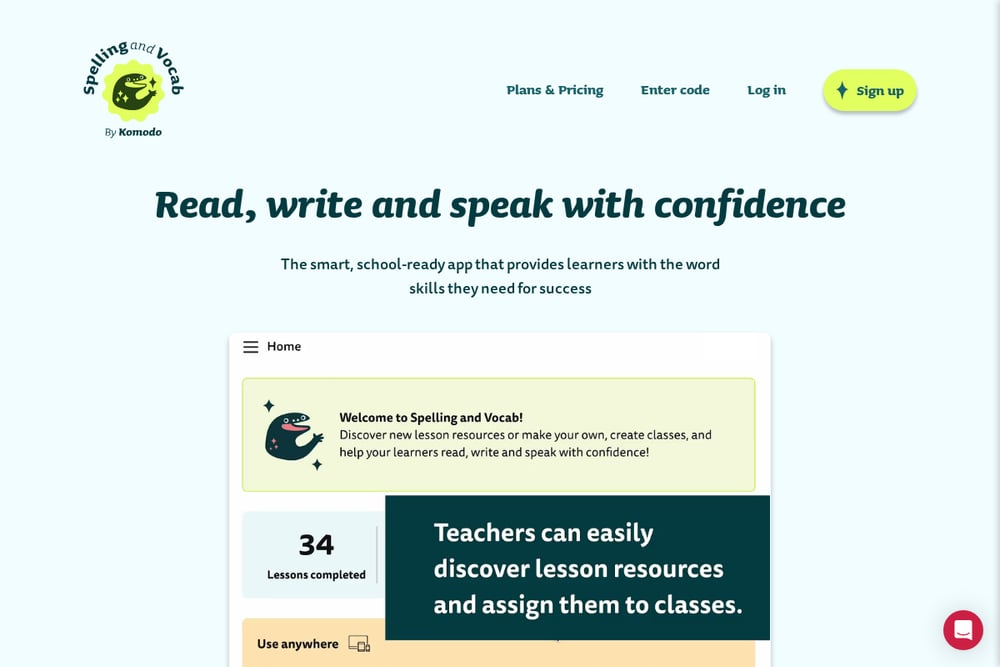 A screenshot of the Home - Spelling and Vocab website.
Komodo Spelling and Vocab is a smart, school-ready app that delivers over 2,000 standards-aligned lessons for grades 1-10. Its AI-powered interactive activities build spelling and vocabulary skills in short, 10-minute sessions, making it easy to fit into a busy schedule. The app is designed for children aged 5-16 and offers a free plan with 20 lessons, so you can try it without any commitment. It emphasizes active learning by presenting words in meaningful contexts, which helps with retention and understanding. The platform also allows teachers to set classes, making it a great tool for both home and school use. You can learn more about it on the Spelling and Vocab website.
#3 SpellingJoy
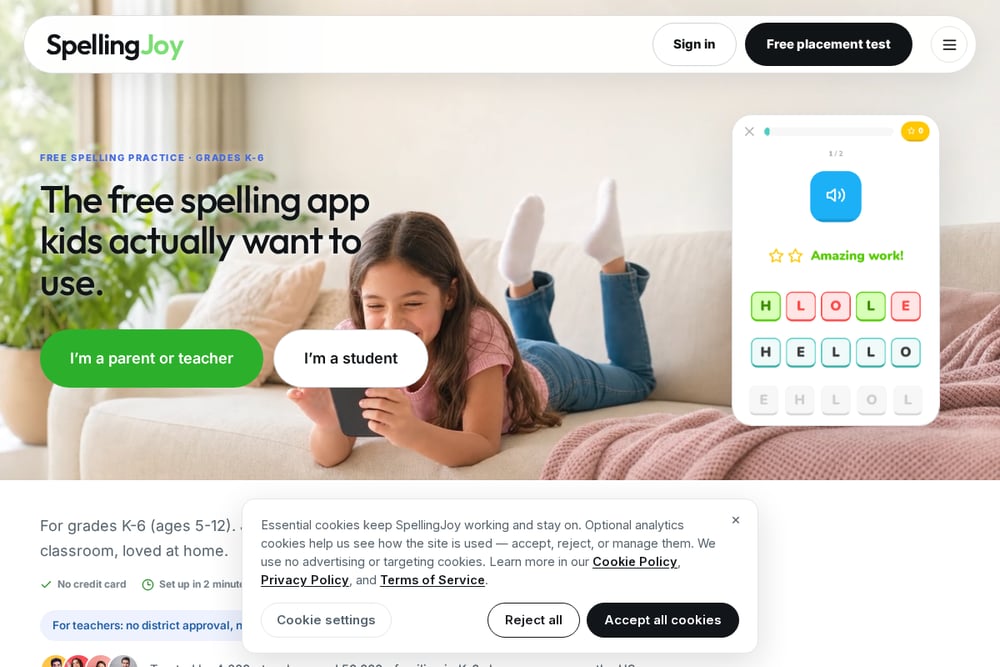 A screenshot of the SpellingJoy website.
SpellingJoy is a free spelling practice app for grades K-6 that kids actually want to use. It offers 134+ ready-made word lists and a 6-minute adaptive placement test to find the perfect starting point for each child. The app is built for the classroom, with no district approval or IT tickets needed, and it's trusted by thousands of teachers and families. It also includes a reading app for younger learners, making it a comprehensive early literacy tool. With a free forever model, it's an excellent choice for budget-conscious parents and teachers. You can check out SpellingJoy at their website.
#4 Spelling & Phonics: Kids Games
 A screenshot of the Spelling & Phonics: Kids Games website.
This app from RV AppStudios is a truly free spelling game for kids, with no ads and over 10 different game modes. It helps young children learn to spell by sounding out words, phonics, and associating letters with pictures. The game is designed to be fun and engaging, so kids don't even realize they're learning. It's available on Google Play and is teacher-approved, making it a reliable choice for early learners. The variety of modes keeps children entertained while reinforcing spelling skills. You can find it on the Google Play Store.
#5 Word Club
Word Club is the official app of the Scripps National Spelling Bee, offering a free way for students to master the Words of the Champions. It features five spelling play modes and three vocabulary play modes, making it adaptable to different study and quiz styles. The app tracks progress as you conquer the School Spelling Bee Study List and Words of the Champions, which are the recommended resources for spelling bees. It's a fantastic tool for serious spellers who want to compete or simply expand their vocabulary. The app is available for free on both the App Store and Google Play. You can learn more about it on the Scripps Spelling Bee website.
How to Choose the Right Spelling and Vocabulary App
When picking an app, start by considering your child's age and skill level. For younger kids (K-2), apps with phonics and picture-based games like Spelling & Phonics are ideal. For elementary students, SpellingJoy offers a free, structured approach that's perfect for daily practice. If you need a comprehensive, standards-aligned curriculum for grades 1-10, Home - Spelling and Vocab is a strong choice. For personalized learning that adapts to your child's needs, DoodleSpell is excellent. And if your child is preparing for a spelling bee, Word Club is the go-to resource. Also, think about your budget—some apps are free, while others require a subscription. Finally, consider the user experience: does the app keep your child engaged? Does it provide progress reports? The best app is one that your child will actually enjoy using.
Automating Spelling Practice with AI
Many of these apps use AI to automate the learning process. For example, Home - Spelling and Vocab uses AI to create interactive lessons that adapt to each learner's pace, while DoodleSpell generates a personalized work program based on a child's strengths and weaknesses. This automation means that parents and teachers don't have to manually create lesson plans—the app does the heavy lifting. It also provides instant feedback, so kids know immediately if they've spelled a word correctly, which reinforces learning. This smart automation makes it easier to fit effective practice into a busy day, ensuring consistent progress without constant supervision.
The Bottom Line
There's no one-size-fits-all spelling app, but the options above cover a wide range of needs and budgets. Whether you're looking for a free, fun game for a kindergartener or a rigorous, standards-aligned program for a middle schooler, you'll find a solid choice here. The key is to match the app to your child's learning style and your family's goals. Try a few free trials or free versions to see which one resonates with your child. With the right tool, you can help your child build the word skills they need for success in school and beyond.