Shared inboxes are where support work either flows or stalls. The tools below each take a different approach to the same problem: keeping customer conversations owned, visible, and moving. This list is a plain overview of what each product does and who it tends to suit, drawn from the companies' own published material. It is not a ranking of quality.
How We Picked These Tools
These tools were picked because each one is built around a shared or team inbox for customer-facing work, and each publishes clear information about its features on its own site. The list covers a spread of approaches, from email-native collaboration to AI-assisted resolution, so support teams can see the range of options. Order is arbitrary and does not reflect quality.
| Provider | Best For |
|---|---|
| Front | Cross-team customer operations with complex handoffs |
| Helpwise | Smaller support teams wanting an easy shared inbox with automation |
| Missive | Email-centric teams that want collaboration without changing workflow |
| Gmelius | High-volume email operations that want AI agents inside Gmail |
| Drag | Gmail-based support teams wanting a board-style shared inbox |
The 5 Tools in Focus
#1 Front
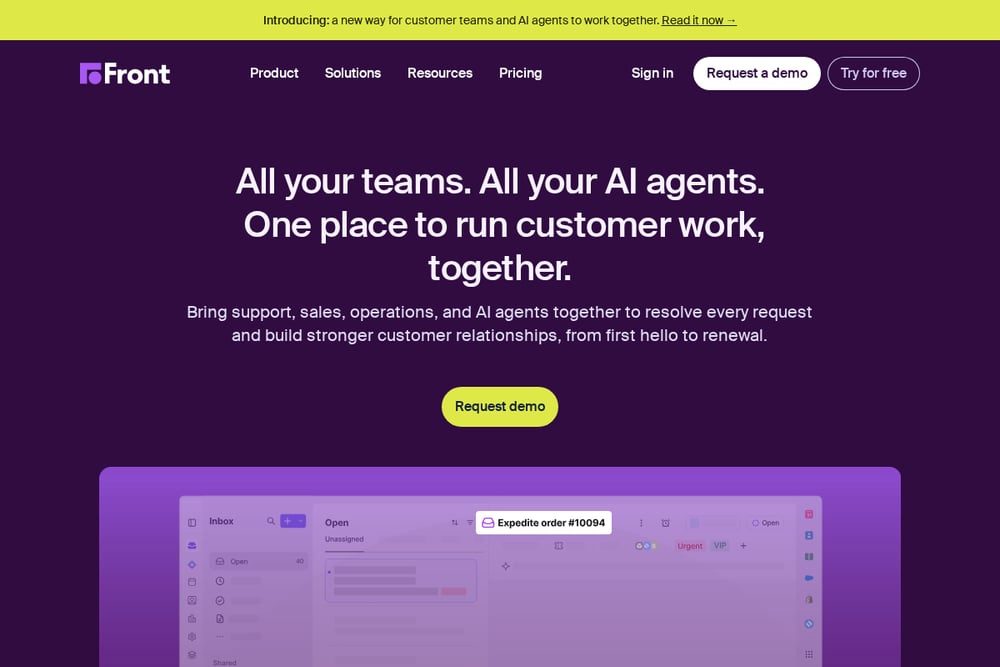 A screenshot of the Front website.
Front is a customer operations platform that brings support, sales, operations, and AI agents into one place to handle customer work together. It combines shared inboxes with ticketing, omnichannel messaging across email, chat, SMS, and WhatsApp, and a knowledge base. Autopilot agents can follow your policies and take action across connected systems, while Copilot offers AI help inside conversations. It suits teams whose customer work involves coordination across multiple groups rather than simple one-off replies.
#2 Helpwise
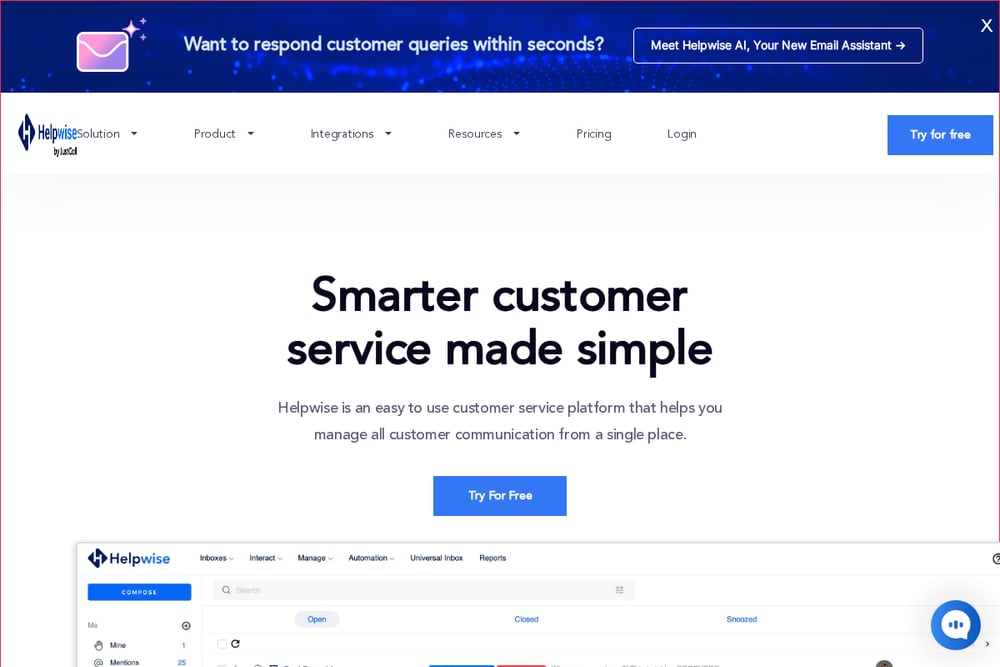 A screenshot of the Helpwise website.
Helpwise is a customer service platform for managing all customer communication from a single place. It offers omnichannel team inboxes for Gmail, Microsoft 365, Instagram, Facebook, SMS, WhatsApp, live chat, and a universal inbox, plus a knowledge base, forms, workflows, and analytics. Collaboration features include notes and mentions, shared drafts, collision detection, and conversation assignment. It suits support and client-servicing teams that want an easy-to-use shared inbox with automation and reporting built in.
#3 Missive
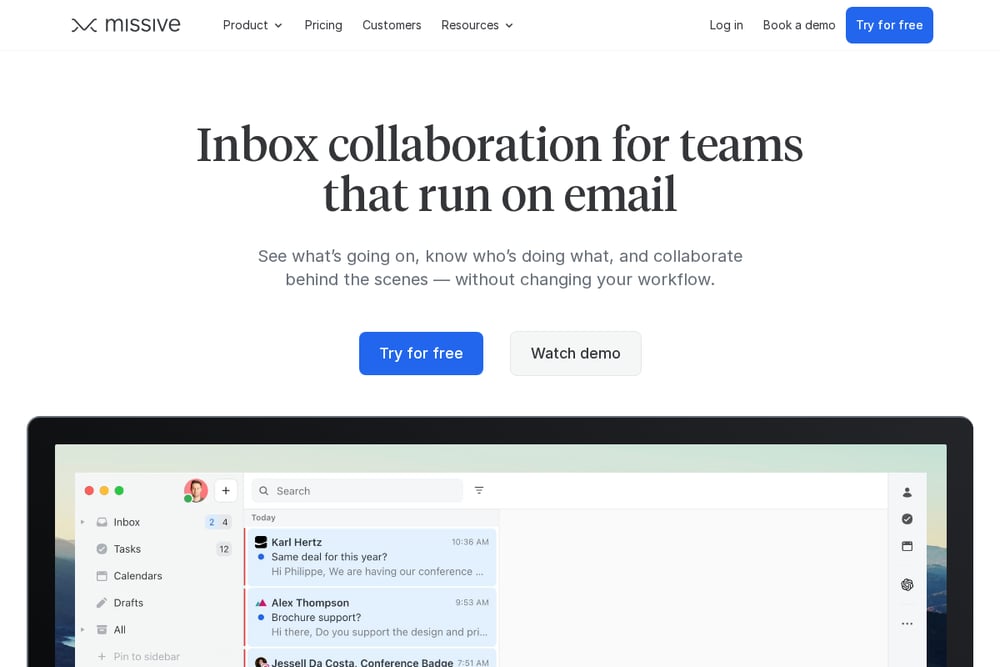 A screenshot of the Missive website.
Missive is an inbox collaboration tool for teams that run on email. It lets teams discuss emails inside the thread, gives each team a shared inbox with shared tasks, and turns emails into trackable tasks so everyone can see who is doing what. Internal statuses provide visibility for people who need to stay informed without acting, and automations handle repetitive manual tasks. It suits teams that want to keep working in email while adding collaboration and coordination on top.
#4 Gmelius
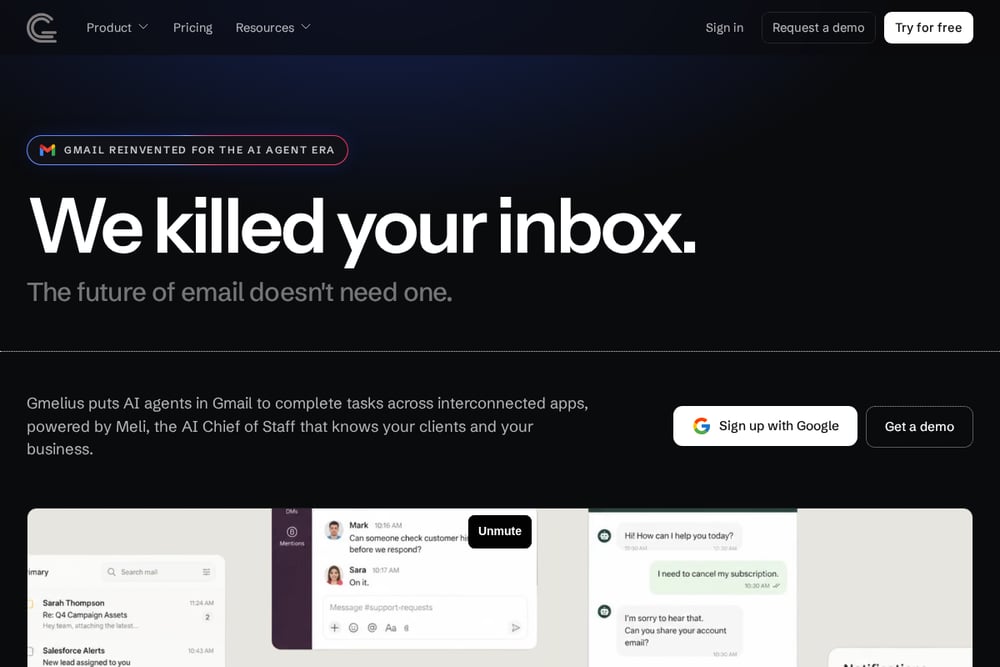 A screenshot of the Gmelius website.
Gmelius is a shared inbox platform built for Gmail, with AI agents and an AI Chief of Staff called Meli that models how a business operates. Agents read incoming email, pull context, and take next steps across connected tools, such as updating a CRM record or sending a document, while the team sets the rules and supervises. It also includes shared Gmail labels, email analytics, shared drafts, notes and mentions, and email delegation. It suits teams with high-volume email in operations-heavy settings such as logistics, care coordination, and property management.
#5 Drag
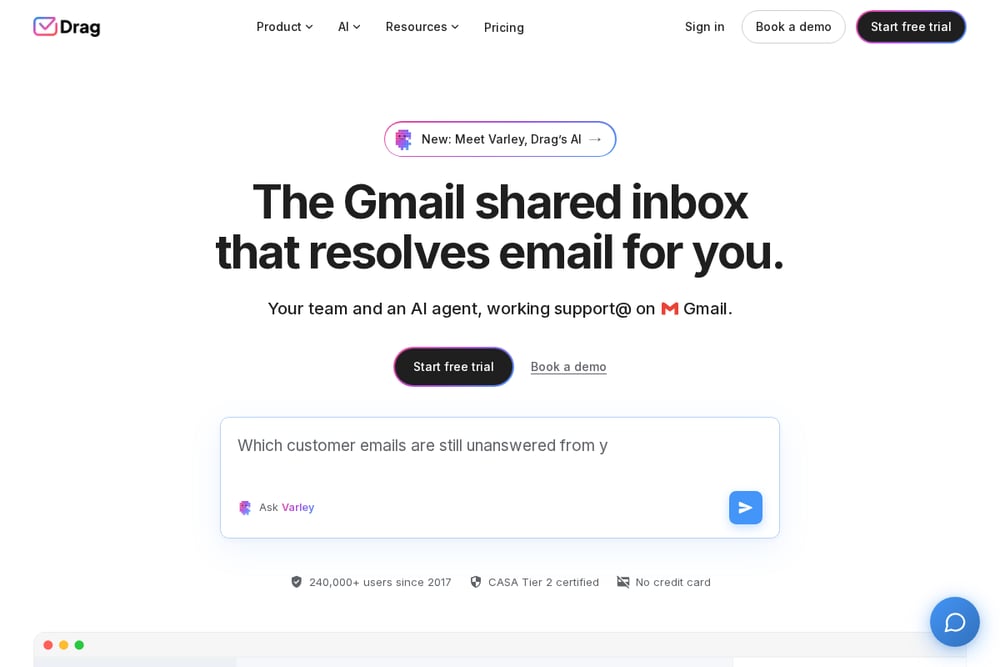 A screenshot of the Drag website.
Drag is a shared inbox for Gmail that adds ownership and status to every email, with notes, mentions, and a warning before two people reply. It includes workspaces, assignments, shared drafts, tasks, automations, SLA rules, round robin assignment, and analytics on response times and workload. An AI agent called Varley can resolve conversations on its own, with a copilot mode for drafting, tagging, and summaries. It suits support teams working in Gmail that want a board-style workflow layered onto their inbox.
Which One Should You Choose?
Start with where your conversations already live. If your team works mainly in Gmail, tools built natively for Gmail will fit with less friction; if you need to unify several channels, look for a universal inbox. Consider how much coordination your work requires: simple reply-and-close support needs ownership and collision warnings, while cross-team escalations benefit from shared tasks and visibility into who is handling what. Think about whether you want AI to draft replies, take actions across connected systems, or resolve conversations outright, and check that the level of automation matches your comfort with oversight. Finally, weigh reporting needs, since analytics on response times and workload help teams spot bottlenecks.
Final Thoughts
Each tool on this list approaches the shared inbox from a different angle. Front and Gmelius lean toward coordinating teams and AI agents across systems, Helpwise emphasizes an easy omnichannel inbox with automation, Missive keeps collaboration inside email, and Drag adds a structured workflow to Gmail. None of these approaches is universally right; the fit depends on your channels, your team's workflow, and how much automation you want in the loop. Use the descriptions above as a starting point for your own evaluation.
Know a company that belongs on this list? Email us at editorial@peekwire.com.