
If your family or team is still juggling texts, emails, and separate calendars, you're wasting time. These five shared calendar apps bring every plan, change, and decision into one place—so you can finally stop asking 'wait, did you move that?'
The Shared Calendar Landscape in 2026
Shared calendar apps have evolved far beyond simple scheduling. Today, they're communication hubs where every event carries its own thread, changes post automatically, and decisions stay attached to the plan. With remote work and busy family lives, the demand for tools that merge chat and calendar is exploding. From end-to-end encrypted options to business-grade customization, there's a solution for every group size and need. The market now splits between consumer-friendly apps that prioritize ease and privacy, and enterprise tools that focus on flexibility and control. Understanding these differences is key to picking the right one for you.
How We Evaluated These Apps
We looked at each app's core strengths: how well it handles group communication, the clarity of its pricing, and its fit for different user types. For OurCal, the chat-first design and end-to-end encryption stood out. TimeTree impressed with its group-based sharing and free tier. Howbout focuses on finding time together, which is a unique angle. Teamup offers deep customization for business operations. Google Calendar remains a reliable, integrated choice for Workspace users. Each app excels in its own way, and the right pick depends on your specific needs.
Here's a quick snapshot of the five apps we're diving into, so you can see at a glance which one might fit your life.
| Provider | Best For |
|---|---|
| TimeTree | Families and groups who want a simple, free shared calendar |
| OurCal | Shared Calendar App | Family, Couple, Team, Group | iPhone, iPad, Mac, Vision Pro, & Android | Groups that want chat and calendar in one private, encrypted space |
| Howbout | Friends and couples who want to find time to hang out |
| Teamup | Businesses and teams that need a highly customizable calendar |
| Google Calendar | Anyone who wants a reliable, integrated calendar with Google tools |
The Deep Dive: Five Shared Calendars That Get It Right
#1 TimeTree
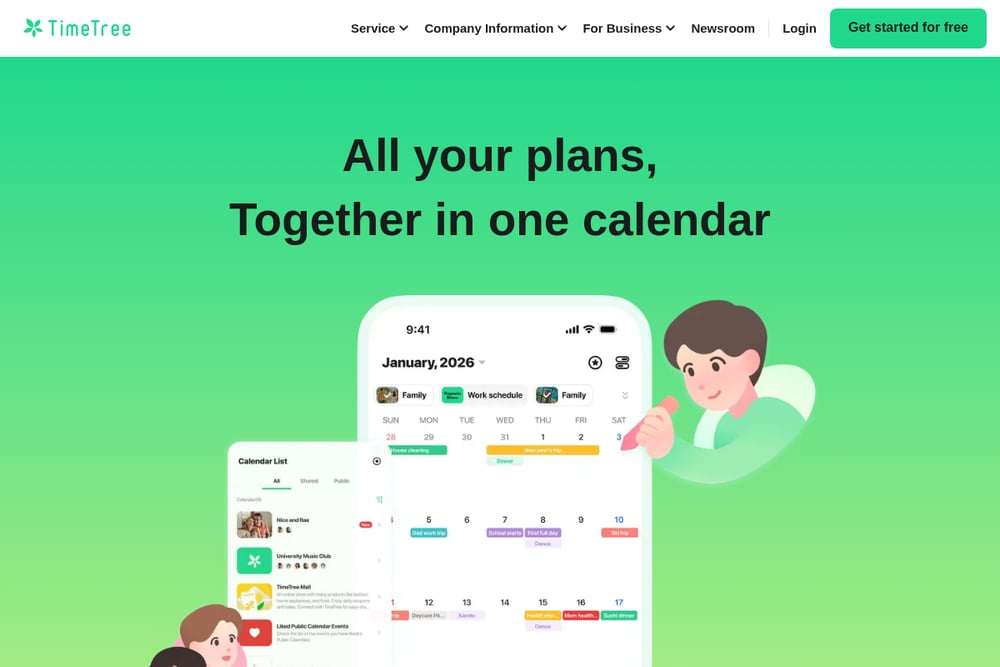 A screenshot of the TimeTree website.
TimeTree is a group-based shared calendar that makes it easy to manage multiple calendars for family, friends, and hobbies. You can create a calendar, send an invite, and you're done—no complex setup. It offers a free tier with premium upgrades for ad-free use and extra features like file attachments and vertical view. With over 50 million users, it's a proven choice for keeping everyone in sync. If you want a straightforward, no-fuss shared calendar that works across iOS and Android, TimeTree delivers. Its strength lies in its simplicity and broad adoption.
#2 OurCal | Shared Calendar App | Family, Couple, Team, Group | iPhone, iPad, Mac, Vision Pro, & Android
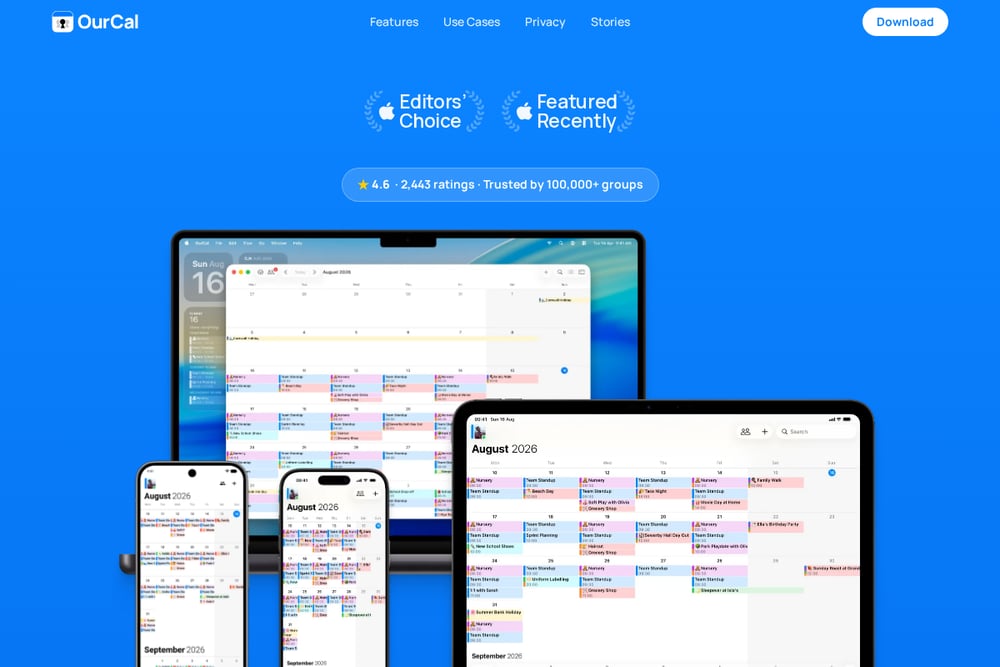 A screenshot of the OurCal website.
OurCal is a chat-first, end-to-end encrypted shared calendar that turns every event into a conversation. You can chat inside each event, share photos and files, and every change posts automatically with before-and-after updates. It's designed for families, couples, and teams who are tired of scattered communication across WhatsApp and email. The app uses on-device AI for natural language event creation, so typing 'Dentist Tuesday 3pm' just works. With one subscription covering everyone and no ads or tracking, it's a privacy-focused choice. If you want your calendar to actually improve communication, OurCal is built for that.
#3 Howbout
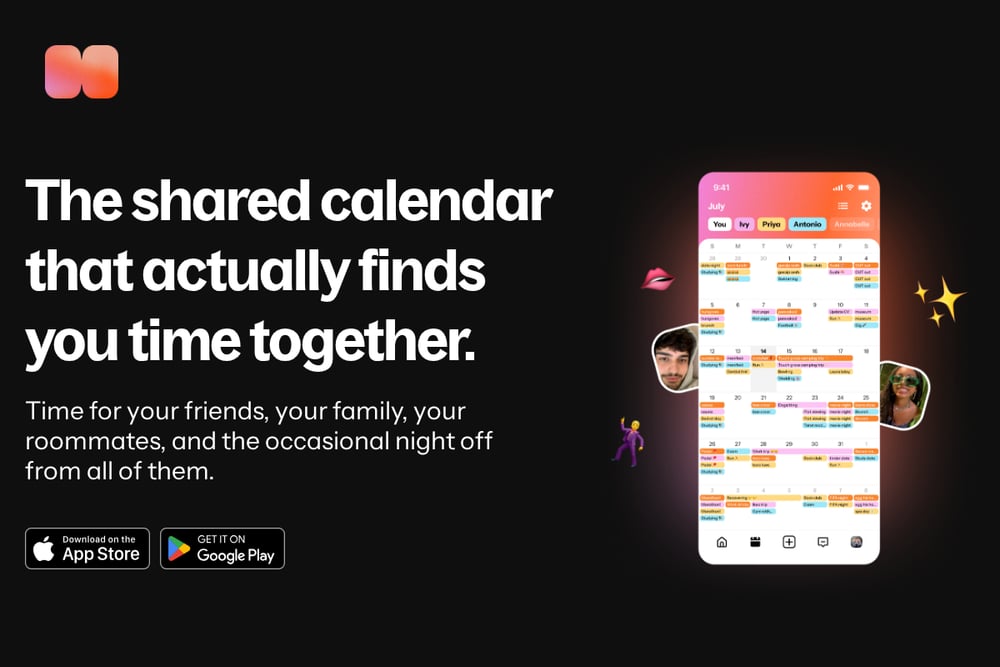 A screenshot of the Howbout website.
Howbout is a shared calendar that focuses on finding time together, not just tracking schedules. It's designed for couples, friends, roommates, and even shift workers who need to coordinate free time. The app helps you see when you're both available and suggests times to hang out. It's lightweight and fun, with a strong emphasis on social connection. If your main goal is to actually spend more time with the people you care about, Howbout is a refreshing take. It's less about heavy planning and more about making plans happen.
#4 Teamup
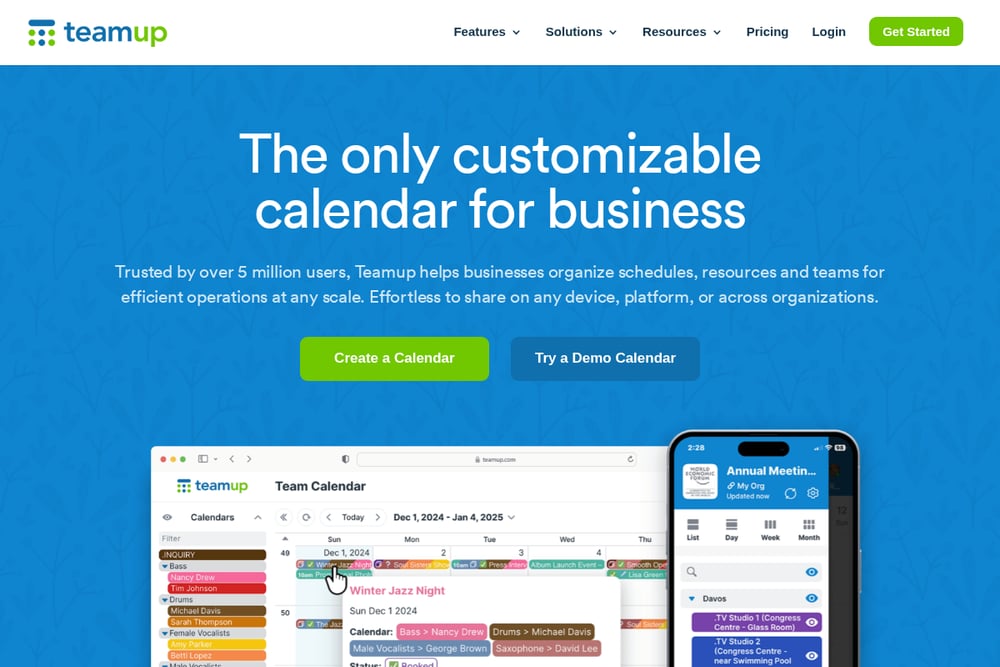 A screenshot of the Teamup website.
Teamup is a customizable shared calendar built for business operations, with 12 different views and 9 levels of access control. It's trusted by over 5 million users to organize schedules, resources, and teams at any scale. You can color-code events, create custom fields, and share calendars via links or embed them on websites. It integrates with Zapier and Microsoft Teams, making it a powerful tool for workflow automation. If you need a calendar that can handle complex job schedules or room bookings, Teamup offers the flexibility you need. It's not the prettiest, but it's incredibly functional.
#5 Google Calendar
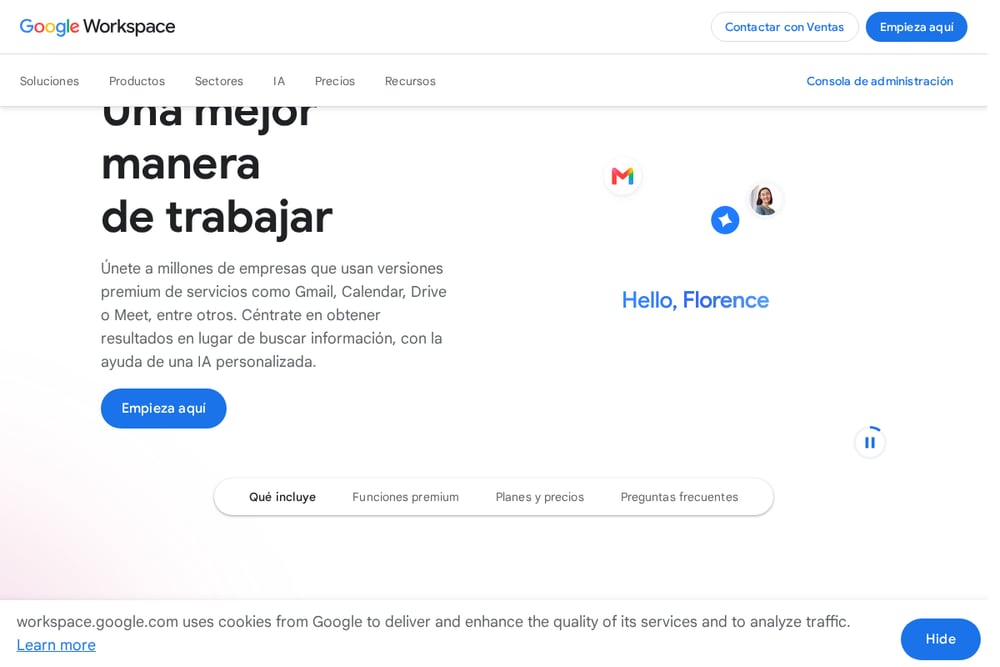 A screenshot of the Google Calendar website.
Google Calendar is the ubiquitous choice for individuals and businesses, especially if you're already in the Google Workspace ecosystem. It offers seamless integration with Gmail, Meet, and Tasks, making it a natural hub for your daily planning. You can share calendars with specific people or make them public, and it supports multiple views like day, week, and month. While it lacks the chat-first features of newer apps, its reliability and integration are unmatched. If you live in Gmail and need a dependable calendar that just works, Google Calendar is hard to beat. It's free for personal use and included in Workspace plans for businesses.
How to Choose the Right Shared Calendar for You
Start by asking what your biggest pain point is. If you're tired of conversations scattered across apps, a chat-first option like OurCal will feel like a revelation. If you just need a simple way to share schedules with extended family, TimeTree's free tier is a solid bet. For couples and friends who want to prioritize time together, Howbout is a fun, focused choice. Businesses with complex scheduling needs should look at Teamup's customization. And if you're already using Google Workspace, Google Calendar is the obvious default. Consider your group size, privacy needs, and whether you want built-in communication. The right app is the one that reduces friction and keeps everyone on the same page.
Automation and Workflow Tips
To get the most out of your shared calendar, set up automations that save you time. For OurCal, use natural language to create events quickly, and let automatic change tracking keep everyone informed. In TimeTree, you can attach files and use filters to switch between calendars, reducing clutter. Teamup integrates with Zapier, so you can automate event creation from forms or other apps. Google Calendar lets you add events from Gmail automatically, and you can set up reminders via Google Tasks. The key is to let the app handle the repetitive parts so you can focus on the actual plans.
The Bottom Line
Shared calendars are no longer just about dates—they're about communication. Whether you choose OurCal for its encrypted chat threads, TimeTree for its simplicity, Howbout for its social focus, Teamup for its power, or Google Calendar for its integration, the goal is the same: stop the chaos and start planning together. Each of these apps has a unique strength, and the best one for you depends on your specific needs. Try a few, see which one feels natural, and watch your group's coordination improve overnight.