Calendly is a common default, but plenty of teams want different controls, branding, or payment options. These tools are worth knowing if you are weighing alternatives. Each entry sticks to what the vendor says about its own product.
How We Picked These Tools
Included are scheduling and booking tools that present themselves as alternatives or substitutes for common booking workflows. Descriptions focus on stated features and stated pricing where available. No tool is ranked as better or worse; the numbered order is just a list.
| Provider | Best For |
|---|---|
| Cal.com | Teams that want link-based scheduling with routing and workflows |
| Acuity Scheduling | Service businesses that need booking plus payments |
| Doodle | Teams coordinating group availability across calendars |
| Zoho Bookings | Organizations already using the Zoho suite |
| SavvyCal | People who want calendar overlay and flexible booking controls |
| TidyCal | Coaches and service providers selling paid sessions |
| YouCanBookMe | Small and midsize businesses wanting branded booking pages |
The 7 Tools in Focus
#1 Cal.com
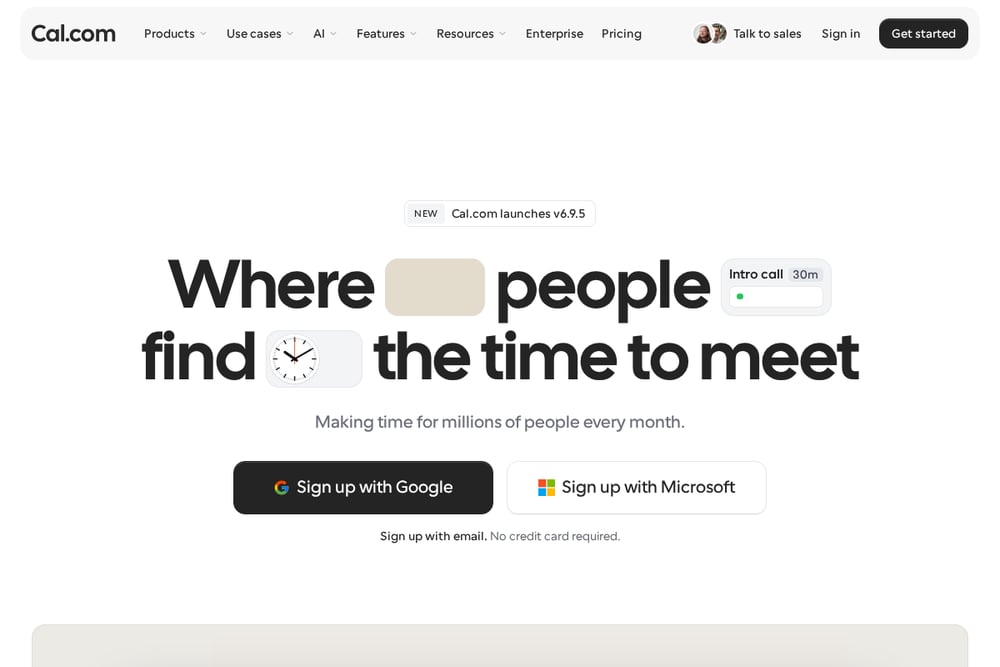 A screenshot of the Cal.com website.
Cal.com is an open scheduling platform that lets people share booking links and let invitees pick from available times. It supports team routing, round-robin distribution, and workflows for reminders and follow-ups. The product also includes booking insights and an assistant called Cal.ai that can answer questions about bookings in Slack, the web app, or by text. It is aimed at individuals and teams that want a flexible, link-based scheduling setup.
#2 Acuity Scheduling
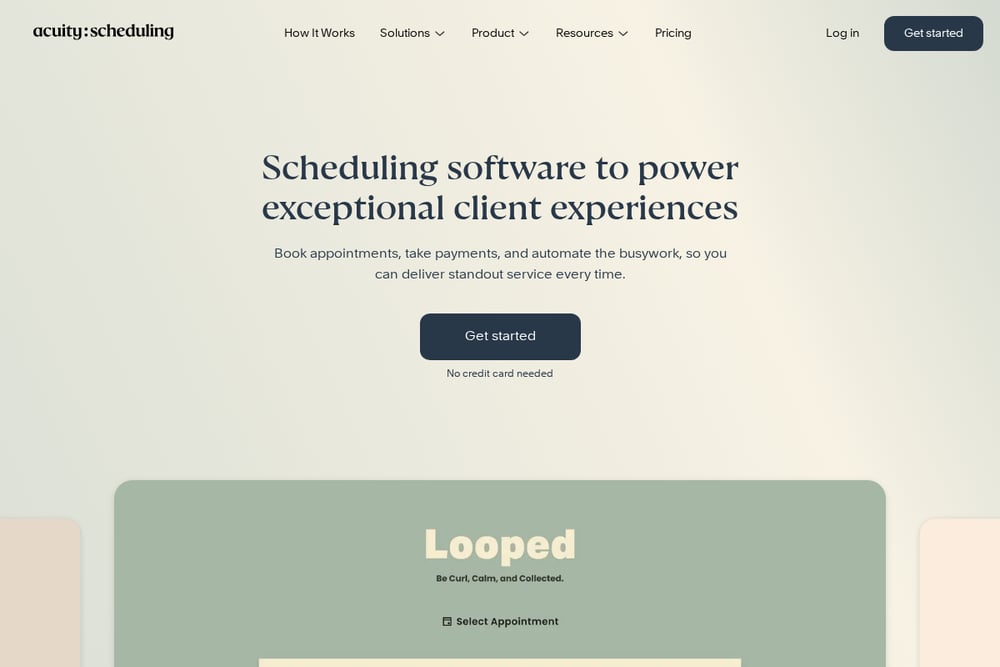 A screenshot of the Acuity Scheduling website.
Acuity Scheduling is appointment scheduling software for service businesses. It lets clients self-schedule on a branded booking page and supports intake forms, calendar sync, and notifications. The platform also handles payments, packages, subscriptions, gift certificates, add-ons, and coupons. It is designed for solo practitioners through multi-location teams across industries such as beauty, wellness, fitness, and education.
#3 Doodle
 A screenshot of the Doodle website.
Doodle is a scheduling tool built around group polls and booking pages. It connects team calendars to coordinate meetings and offers features for protecting focus time and setting meeting limits. Doodle also provides collaboration rooms and round-robin sharing for teams. It suits both external client scheduling and internal cross-team coordination, including distributed organizations.
#4 Zoho Bookings
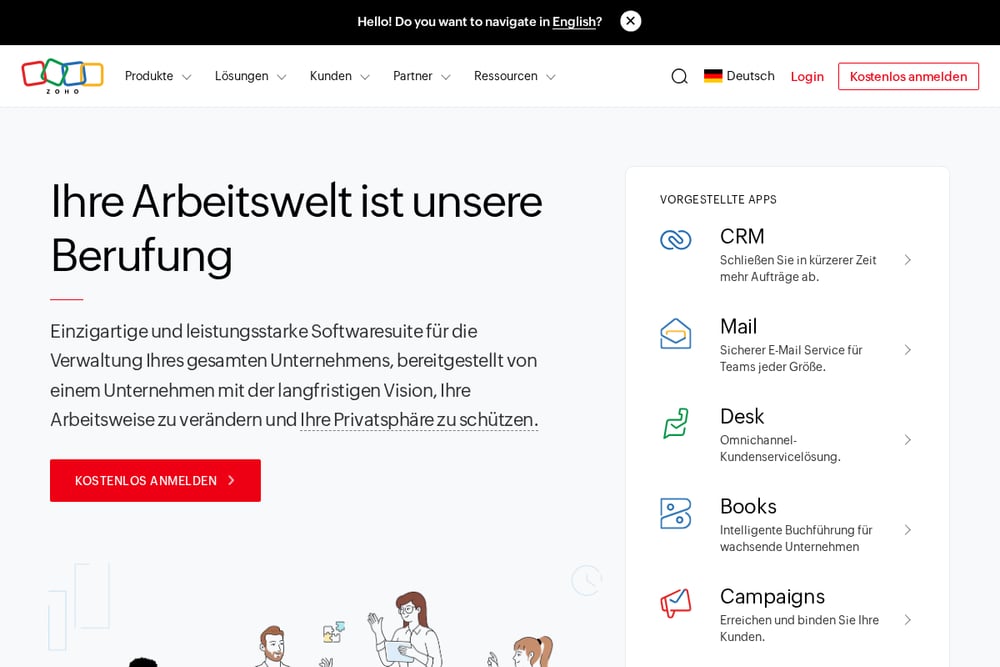 A screenshot of the Zoho Bookings website.
Zoho Bookings is part of the Zoho suite of business applications. The Zoho homepage describes a broad software suite for managing an entire business, including CRM, finance, email, HR, and project tools. Zoho positions its products as an integrated operating system for businesses, with Zoho One bundling many applications. Teams already using Zoho may consider Zoho Bookings as part of that ecosystem.
#5 SavvyCal
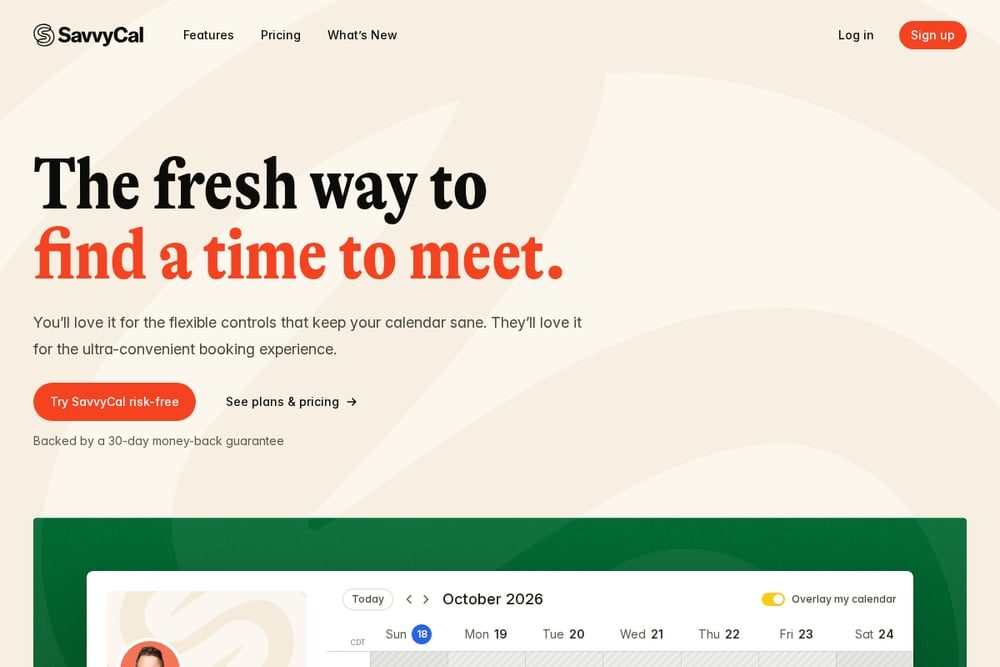 A screenshot of the SavvyCal website.
SavvyCal is a scheduling tool focused on a flexible booking experience. It offers a week view so recipients see every option at once and can overlay their own calendar on your link. The product includes buffers, daily limits, preferred times, and time blocking to protect focus time. It also supports paid bookings through Stripe, reminders and workflows, and team scheduling options like round robin, collective, and group links.
#6 TidyCal
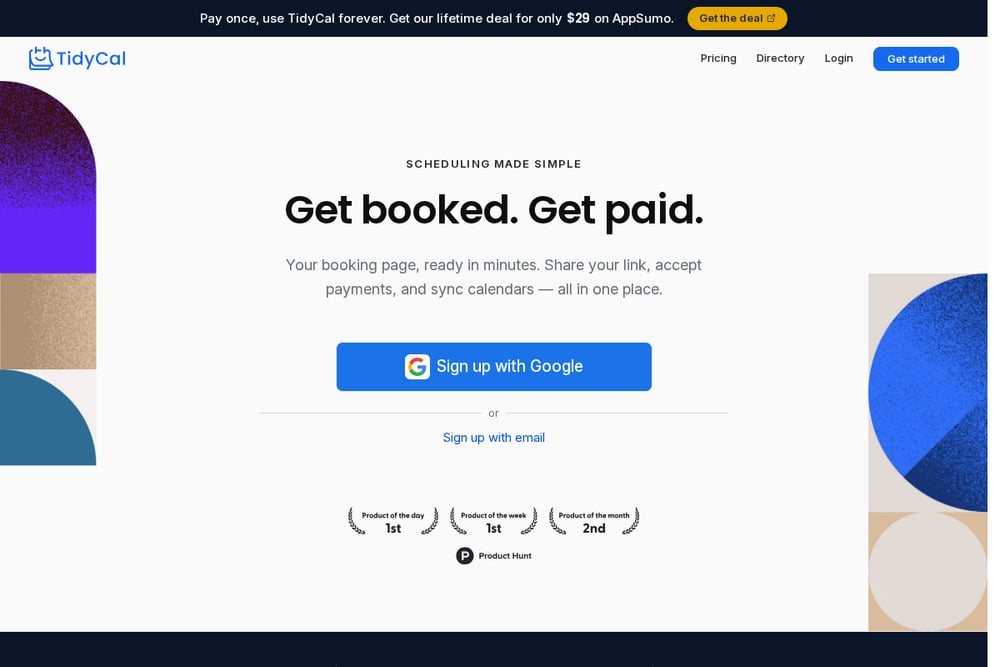 A screenshot of the TidyCal website.
TidyCal is a scheduling tool that provides a shareable booking page and accepts payments. It supports subscriptions and recurring sessions, as well as bundles and packages that clients can pre-buy. The product connects with Stripe or PayPal for payments and syncs with Google, Microsoft, and Apple calendars. It is aimed at coaches, consultants, and other service providers who want to get booked and paid from one link.
#7 YouCanBookMe
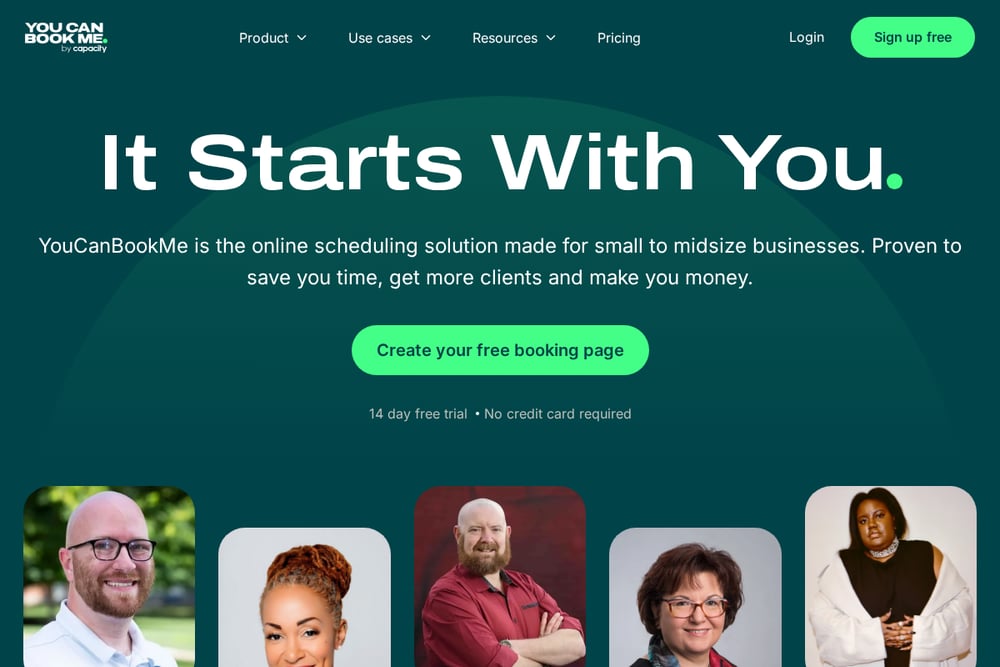 A screenshot of the YouCanBookMe website.
YouCanBookMe is an online scheduling solution made for small to midsize businesses. It offers customizable booking pages with branding options and supports different appointment types and lengths. The platform includes payment collection through Stripe with Apple Pay and Google Pay, as well as automated confirmation, reminder, and follow-up messages. It also provides analytics and integrations with calendar, video, and CRM tools.
Which One Should You Choose?
Start with the workflow you need most: simple link sharing, group polls, paid sessions, or team routing. Check each vendor's current pricing and feature pages for limits that matter to you. The list above is a starting point, not a recommendation of one tool over another.
Final Thoughts
These tools cover different scheduling needs, from open booking links to service-business payments and team coordination. Compare the stated features and pricing against your own process before deciding.
Know a company that belongs on this list? Email us at editorial@peekwire.com.