
If you run a restaurant or food brand, your menu is your hardest-working marketing asset. These five platforms help you craft mouthwatering descriptions and stunning visuals—without hiring a full creative team.
The New Menu Economy
In 2026, a menu isn't just a list of dishes—it's a brand experience. Diners scroll Instagram before they walk in, and they judge your restaurant by your menu's look and language. AI tools like ChatGPT, Midjourney, and Gemini have made it possible for any owner to generate professional-grade menu copy and food photography in minutes. But knowing what to type into those tools is the real skill. That's where prompt libraries and AI menu generators come in. They turn vague ideas into specific, high-converting prompts that save you time and elevate your brand.
How We Evaluated These Menu AI Resources
We looked at each platform's service scope—whether it offers prompts, full menu generation, or both. We considered pricing clarity, so you know what you're paying upfront. We also assessed local fit, meaning how well each tool adapts to US restaurant trends like dietary labels, luxury positioning, and seasonal specials. Finally, we judged ease of use: can a busy owner get results without a design degree?
Here's a quick snapshot of the five resources we're covering, from prompt libraries to full AI menu builders.
| Provider | Best For |
|---|---|
| LightX AI Prompts for Restaurant Menu | Restaurant owners who want prompt ideas plus AI photo editing tools |
| Restaurantprompts - | Restaurant owners seeking ready-to-use, high-end AI prompts for menus and food imagery |
| Template.net AI Menu Generator | Quick, free menu design generation with no signup required |
| Kyiv Workshop ChatGPT Prompts for Restaurant Menu | Learning how to craft your own ChatGPT prompts for menu copy |
| Mew Design AI Menu Generator | Owners who want accurate text and customizable AI-generated menu designs |
The Five Resources, Up Close
#1 LightX AI Prompts for Restaurant Menu
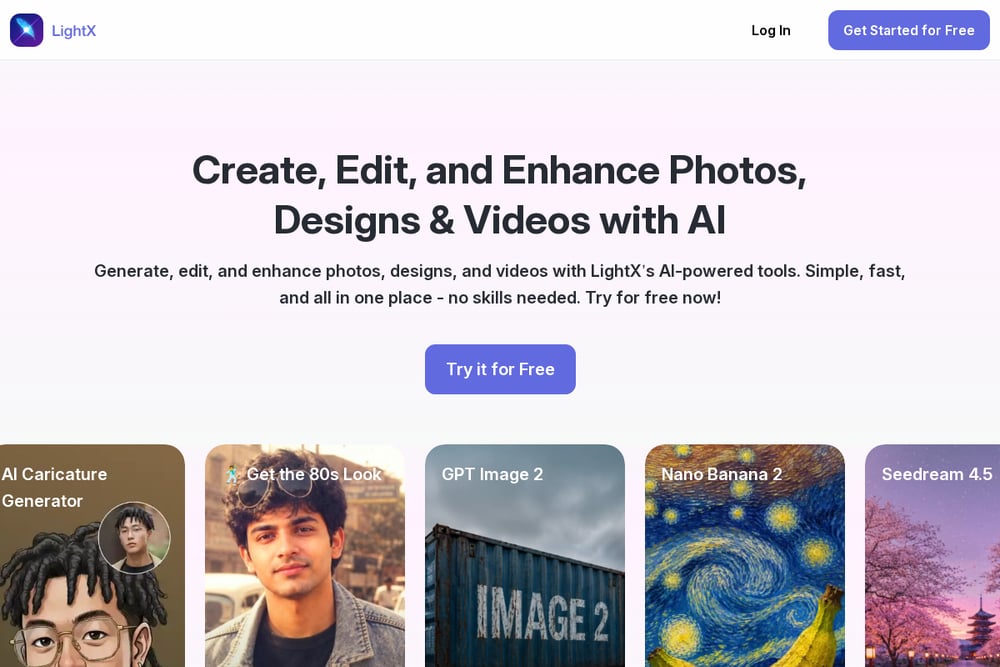 A screenshot of the LightX website.
LightX is a full creative suite that includes a dedicated blog with 10 restaurant menu prompts to help you create professional menus. You get access to AI photo editing tools, background removal, and product photo makers—so you can polish your dish images right alongside your menu copy. The prompts are practical and geared toward real-world restaurant needs, like describing signature dishes or setting a seasonal tone. It's a one-stop shop if you want both prompt inspiration and image editing power. The blog is free, but the advanced editing tools require a subscription. For a restaurant owner who wants to DIY their entire visual identity, this is a solid starting point.
#2 Restaurantprompts -
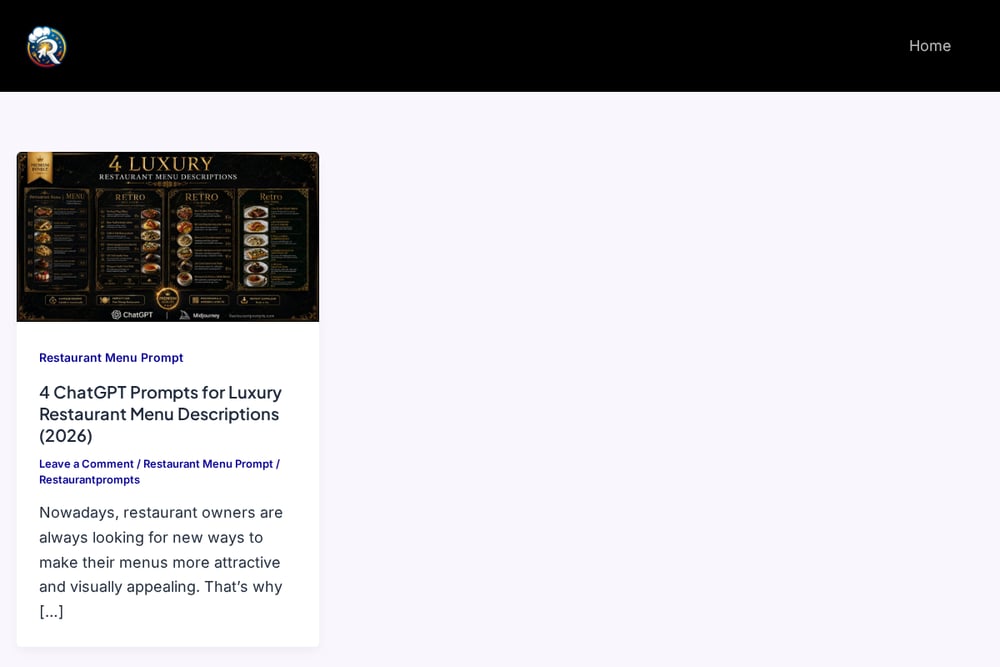 A screenshot of the Restaurantprompts website.
Restaurantprompts.com is a specialized library of premium AI prompts built specifically for restaurants and food brands. You'll find prompts for generating 4K menus, food dish art, and ad banners using tools like Midjourney, ChatGPT, and Gemini. The site's 'Restaurant Menu Prompt4' for ChatGPT focuses on crafting luxury menu descriptions for 2026, which is perfect if you're positioning your place as upscale. It's a niche resource, so you get depth rather than generic advice. The prompts are ready to copy-paste, saving you hours of trial and error. If you want to elevate your menu's appeal without hiring a copywriter, this is your go-to.
#3 Template.net AI Menu Generator
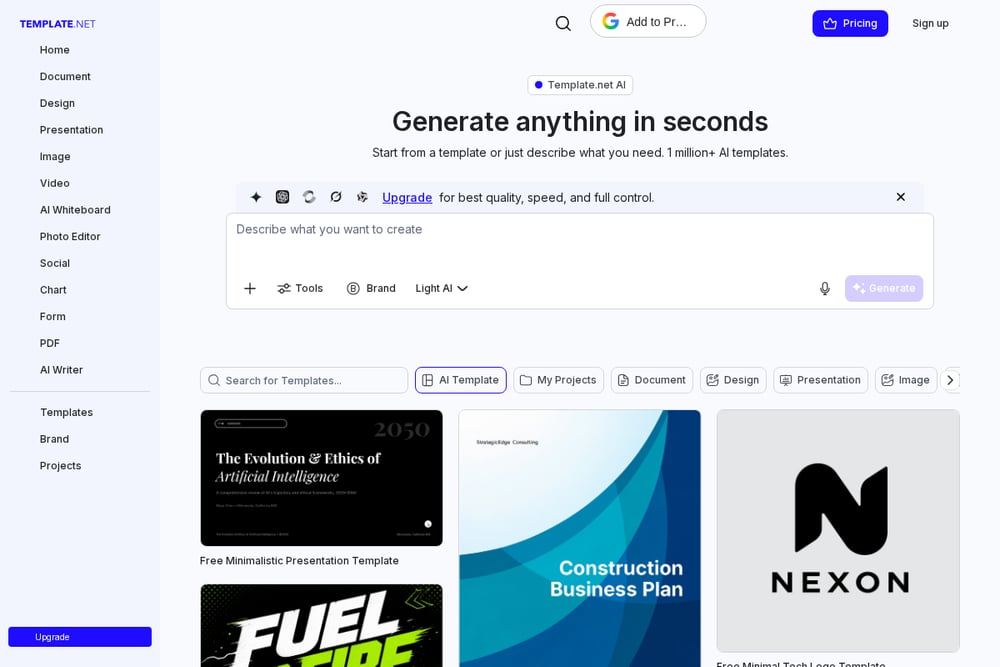 A screenshot of the Template.net website.
Template.net offers a free AI menu generator that turns your text or voice input into professional menu designs instantly. You can create menus for restaurants, cafes, hotels, and food businesses without signing up, which is a huge plus for quick experiments. The tool generates structured layouts with food-focused visuals, and you can choose from a wide range of templates like coffee shop menus or BBQ menus. It's incredibly fast and user-friendly, but the free version has limitations on quality and speed. If you need a polished menu in minutes and don't want to fiddle with prompts, this is a practical choice.
#4 Kyiv Workshop ChatGPT Prompts for Restaurant Menu
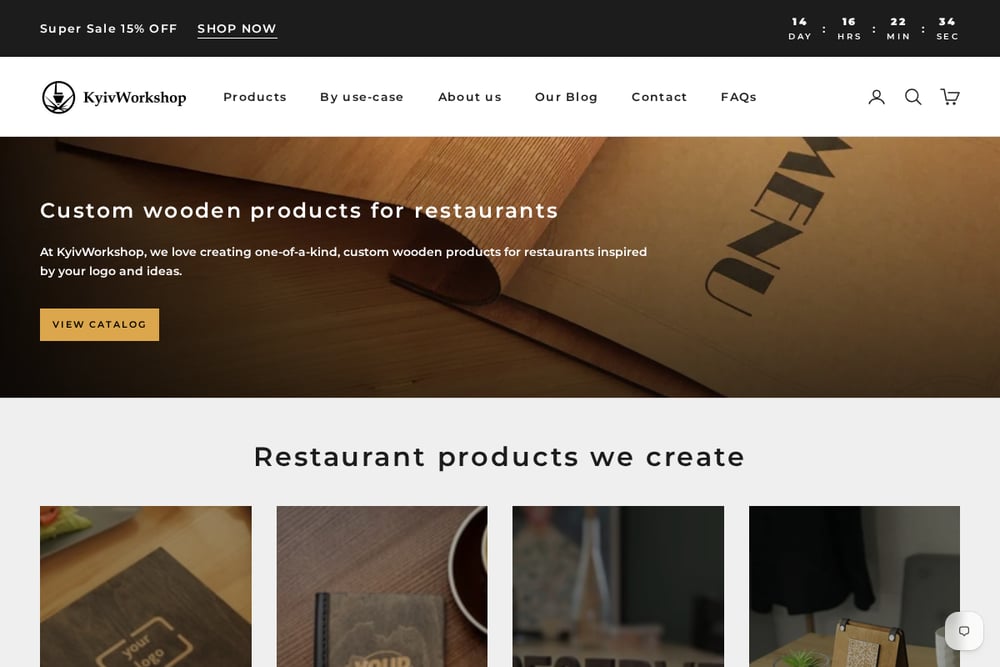 A screenshot of the Kyiv Workshop website.
Kyiv Workshop, known for its physical menu covers and wooden boards, also publishes a detailed guide on ChatGPT prompts for creating restaurant menus. The guide walks you through defining cuisine, concept, and target audience to generate enticing item descriptions and structure. It's more of an educational resource than a tool, but it's packed with actionable advice on sensory language and dietary options. You'll learn how to brief ChatGPT like a chef, which is valuable if you prefer to craft your own prompts. The blog is free, and it complements their physical products if you're also shopping for menu covers. It's a great starting point for owners who want to understand the 'why' behind effective prompts.
#5 Mew Design AI Menu Generator
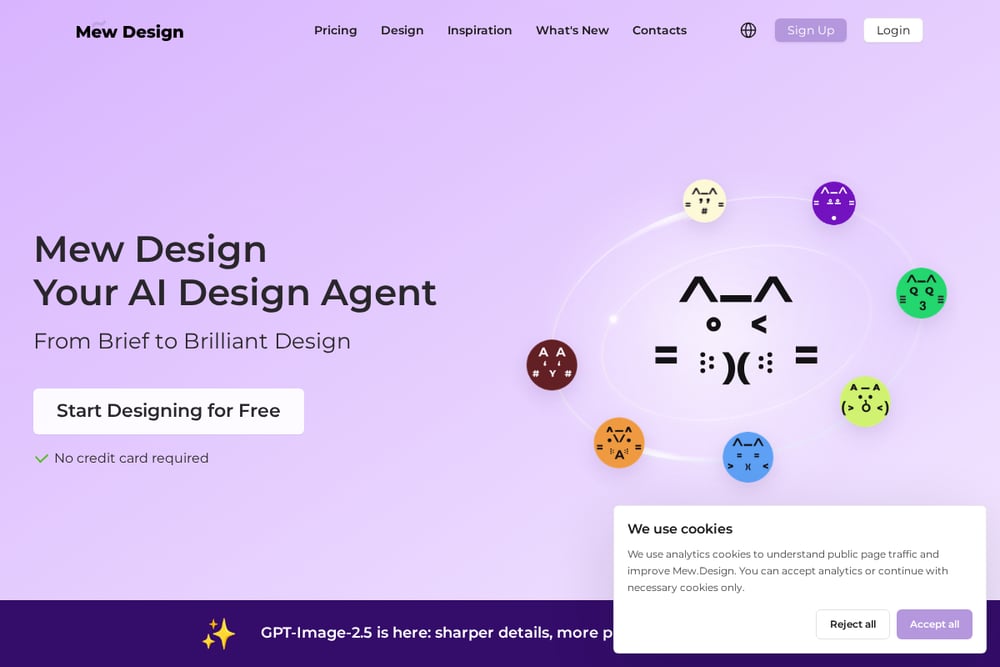 A screenshot of the Mew Design website.
Mew Design is an AI-powered menu maker that generates professional layouts from natural language descriptions. Unlike some tools, it ensures 100% accurate text for dish names, descriptions, and pricing—so you won't get garbled typos. You can guide the AI to focus on image generation or text layout, giving you creative control. The platform offers free credits on signup, and you can export high-resolution menus for print or digital use. It's a bit more involved than Template.net, but the results are more customizable. If you want a balance between automation and design flexibility, this is worth trying.
How to Pick the Right Menu AI Resource
Start by asking what you need most: do you want ready-made prompts to feed into ChatGPT or Midjourney, or do you want a tool that generates the entire menu design for you? If you're comfortable with AI tools but lack copywriting skills, a prompt library like Restaurantprompts is your best bet. If you want a finished menu without any design work, go with a generator like Template.net or Mew Design. Consider your budget—some tools are free but limited, while others require a subscription for full features. Also, think about your brand's tone: luxury prompts from Restaurantprompts or Kyiv Workshop can elevate a fine-dining image, while generators are more versatile for casual spots. Finally, test a couple of options with your actual menu items to see which produces the most appetizing results.
Automating Your Menu Workflow
You can create a streamlined workflow by combining these resources. Start with Restaurantprompts to get a set of high-quality prompts for your dish descriptions and food photography. Use those prompts in ChatGPT or Midjourney to generate your copy and images. Then, take those assets into a design tool like Mew Design or Template.net to assemble the final menu layout. This way, you get the best of both worlds: expert prompt guidance and automated design. You can even schedule monthly updates by re-running the prompts with seasonal specials. The key is to keep your brand voice consistent across all prompts and designs.
The Bottom Line
Your menu is a direct reflection of your restaurant's personality, and these five resources give you the tools to make it shine. Whether you prefer the precision of a prompt library or the convenience of a full generator, there's something here for every owner. Start with the free options to test the waters, then invest in the ones that save you the most time. With the right prompts and tools, you'll have a menu that not only looks great but also drives orders. So pick one, try it out, and watch your menu transform.