
If you're an agent or investor, you know the pain of tab-switching and copy-paste. These five Chrome extensions put property data right where you're already looking.
The Browser Extension Boom in Real Estate
Real estate professionals are drowning in data, but the tools to capture it have lagged behind. Browser extensions have emerged as the quiet workhorses of the industry, letting you pull comps, export clean CSVs, and run deal triage without leaving the listing page. From scraper tools that bulk-download Zillow data to AI-powered report generators, the market is crowded but still young. The winners are the ones that respect your existing workflow and don't force you to learn a new platform. In 2026, the bar is speed, accuracy, and zero friction.
How We Evaluated These Extensions
We looked at each tool through the lens of a working agent or investor: service scope (does it cover the sites you actually use?), pricing clarity (can you understand what you're paying for?), and local fit (does it work with US listings and data?). We also considered ease of setup, the quality of exported data, and whether the tool feels like a black box or something you can trust. Each extension has its own strengths, and we've highlighted what stood out for each one.
Here's a quick snapshot of the five extensions we're covering, from the scraper that handles bulk Zillow exports to the AI report generator that works on any page.
| Provider | Best For |
|---|---|
| Z Real Estate Scraper for Zillow | Bulk Zillow data extraction and lead generation |
| Property Extension | PropertyExt.com | Instant property analytics and clean comp exports |
| TopCMA | Building CMAs directly from realtor.ca map searches |
| DealFinder by Homesage.ai | AI-generated investment property reports on any page |
| CASAFARI AI Chrome Extension | European property data and price history tracking |
The Five Extensions, Up Close
#1 Z Real Estate Scraper for Zillow
 A screenshot of the Z Real Estate Scraper for Zillow website.
If you live on Zillow, this scraper is a workhorse. It extracts listing data—price, beds, baths, square footage, price per square foot, and even agent and owner contact info—with one click, then exports it to a clean CSV or Google Sheet. You can scrape for-sale, sold, and rental listings, plus agent and lender directories, and it automatically navigates search result pages. The customization options for columns are a plus if you have a specific spreadsheet format you like. It's not the prettiest tool, but it gets the job done for bulk data pulls. Just note it's Zillow-only, so you'll still need other tools for other portals.
#2 Property Extension | PropertyExt.com
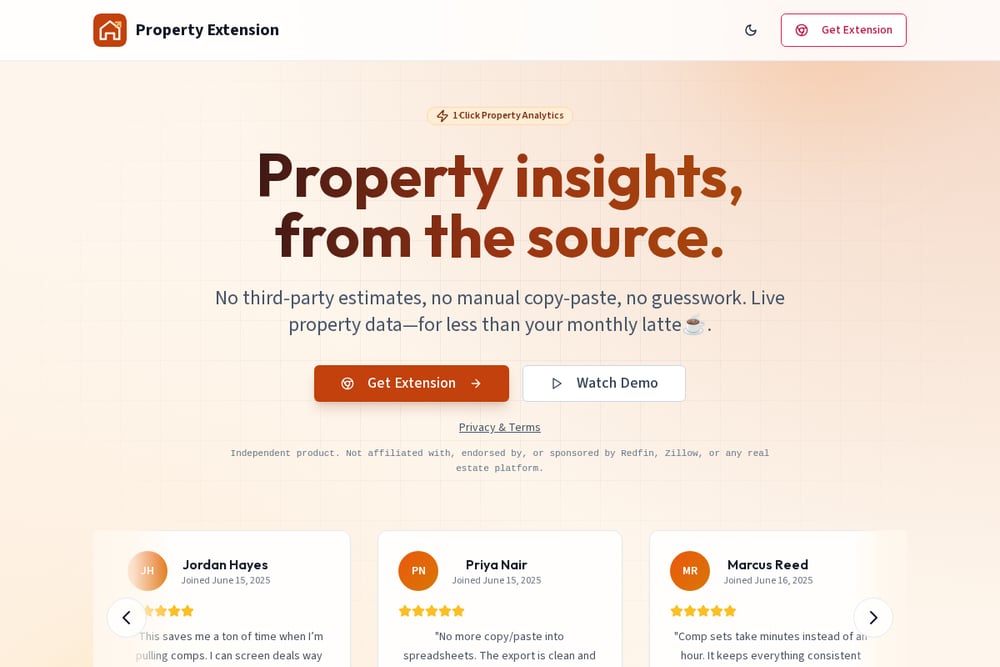 A screenshot of the Property Extension | PropertyExt.com website.
PropertyExt is the one-click analytics tool that feels like it was built for the way you actually work. It reads the live listing page you're already on—no third-party estimates, no manual copy-paste—and gives you a clean snapshot for deal triage. You can run comps faster, filter out outliers, and export a usable CSV that drops straight into your spreadsheet. Users rave about the recording mode for comparing neighborhoods later and the fact that it stays current because it's reading the page in real time. It's independent of Zillow and Redfin, so you get unbiased data from the source. For agents who need speed and consistency across listings, this is a game-changer.
#3 TopCMA
 A screenshot of the TopCMA website.
TopCMA turns any realtor.ca map search into a full CMA without leaving the page. You pick your comparables right on the map, star one as the subject, and the extension auto-fills the property details—beds, baths, square footage, year, parking, and type. It connects to your TopCMA account, so reports land in your dashboard ready to brand and send. Setup takes under a minute: install, paste a token, and you're building CMAs from listings you're already browsing. The big limitation is that it only works on realtor.ca, which is a Canadian site, so US agents will need to look elsewhere. But for Canadian pros, it's a slick, focused tool.
#4 DealFinder by Homesage.ai
 A screenshot of the DealFinder by Homesage.ai website.
DealFinder is the AI-powered option that generates investment property reports from any webpage you're browsing. It's designed for investors who want a quick answer to 'Is this a good deal?' without switching tabs or learning a new platform. The extension pulls data from the page and runs it through Homesage's AI to give you a property report on the spot. It's a newer entrant, so the feature set is still evolving, but the promise of instant intelligence is compelling. If you're already using Homesage's other tools, this extension slots right into your workflow. For investors who want a second opinion on every listing, it's worth a look.
#5 CASAFARI AI Chrome Extension
 A screenshot of the CASAFARI AI Chrome Extension website.
CASAFARI's extension brings real-time data from Europe's largest real estate database to any listing page you're browsing. You get property history, price changes, comparable properties, and a location score—all without switching tabs. It's a powerful tool for tracking price drops and finding underpriced assets, and the 5/5 rating from 2,000 users speaks to its reliability. The catch is that it's focused on the European market, so US agents won't find much local data here. If you work internationally or want to compare markets across the pond, it's a solid choice. For pure US-focused work, you'll want to stick with the other tools on this list.
How to Pick the Right Extension for Your Workflow
Start by asking where you spend most of your time. If you're a Zillow power user, the scraper will save you hours on bulk exports. If you need quick comps and clean data without leaving the listing page, PropertyExt is your best bet. For Canadian agents, TopCMA is a no-brainer. If you're an investor who wants AI insights on any site, DealFinder is worth testing. And if you work across borders, CASAFARI gives you that European edge. The key is to match the tool to your daily routine—don't force a square peg into a round hole. Try one or two, see which one sticks, and let it become part of your muscle memory.
Automating Your Property Research Workflow
The real magic happens when you chain these tools together. Start with PropertyExt to pull a quick snapshot and export a clean CSV of comps. Then, if you need deeper history or price trends, switch to CASAFARI for European properties or use the Zillow scraper for bulk data pulls. For client-facing reports, TopCMA can generate a branded CMA in minutes. The idea is to minimize manual data entry and let each extension do what it does best. You'll find yourself spending less time on data gathering and more time on actual deal analysis and client conversations.
The Bottom Line on Browser Extensions for Real Estate
Browser extensions are the unsung heroes of real estate tech. They sit quietly in your toolbar, ready to deliver data the moment you need it. Whether you're a solo agent or part of a team, the right extension can cut your comp time from an hour to minutes. The tools we've covered each have their sweet spot, so pick the one that fits your market and your workflow. The future is about working smarter, not harder—and these extensions are a step in that direction.