
If you run a radio station, you know the struggle: same songs, same order, same yawn. These five scheduling tools help you keep the sound fresh and the listeners hooked.
The Art of Radio Scheduling
Radio music scheduling is a delicate balance. You have a finite library, but you need to make it feel infinite. The challenge is to avoid repetition while maintaining a consistent sound that fits your brand. Modern scheduling software uses algorithms to control spins, manage tempo, and enforce artist separation. It's about creating a flow that feels hand-curated, even when it's automated. For programmers, this is the difference between a station that sounds alive and one that sounds like a loop.
How We Evaluated These Tools
We looked at each tool's core scheduling capabilities, ease of use, and how well it handles the specific rules that matter to radio programmers. We considered the depth of control over song rotation, the flexibility of clock building, and the ability to integrate with other systems. We also weighed the learning curve and the level of support available. Each tool has its strengths, and we've highlighted what stood out for each.
Here's a quick look at the five tools we're covering, from the feature-rich to the budget-friendly.
| Provider | Best For |
|---|---|
| MusicMaster Scheduling | Stations needing deep customization and advanced rules. |
| Music scheduling software | Music 1 | Programmers who want precise control over rotation and flow. |
| Aiir Music Scheduler | Stations looking for a simple, browser-based scheduler. |
| BSI Scheduling Software | Budget-conscious stations that need reliable, no-frills scheduling. |
| Myriad Schedule Pro | Stations wanting a standalone scheduler with advanced progression tools. |
The Tools in Detail
#1 MusicMaster Scheduling
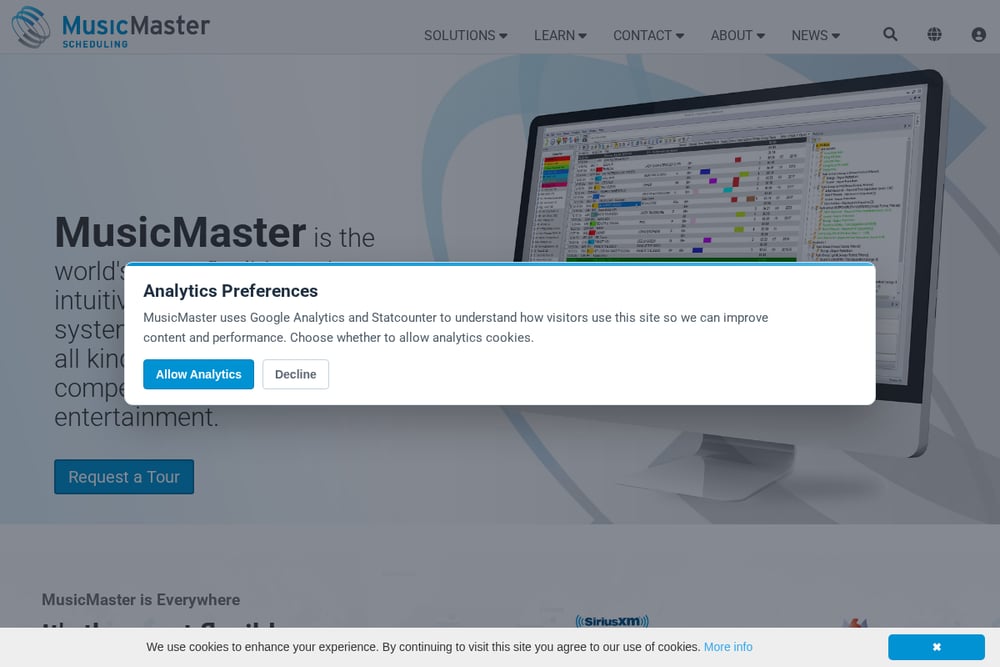 A screenshot of the MusicMaster website.
MusicMaster is a heavyweight in the radio scheduling world, known for its flexibility and depth. It's used by stations of all sizes, from student radio to major networks. The software offers a wide range of features, including advanced rotation rules, dayparting, and integration with various playout systems. If you need granular control over every aspect of your music log, MusicMaster delivers. It's not the easiest to learn, but its power is unmatched.
#2 Music scheduling software | Music 1
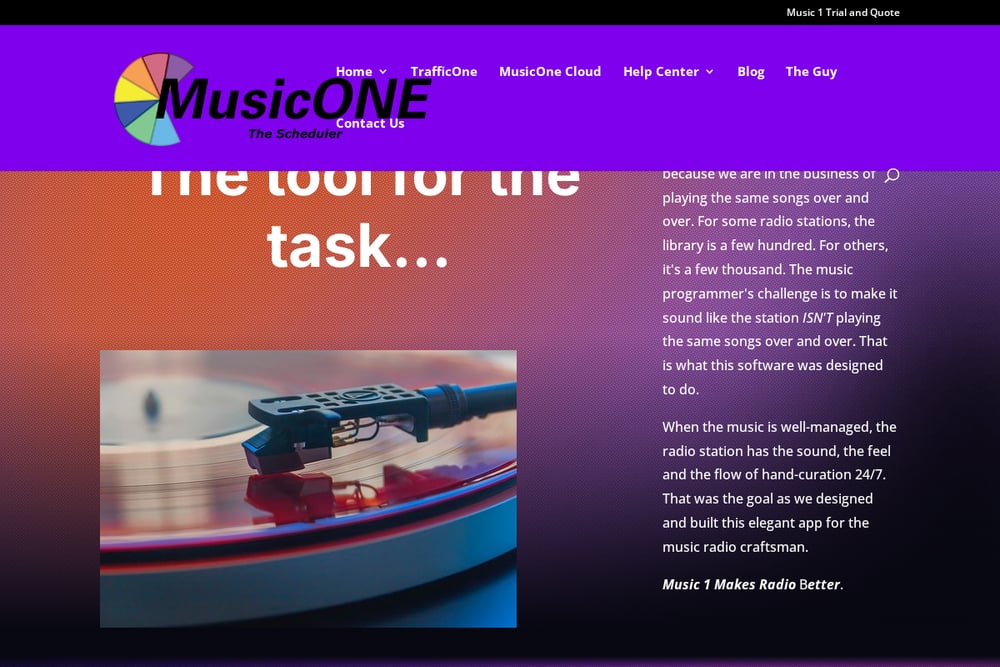 A screenshot of the Music 1 website.
Music 1 is a purpose-built tool that focuses on the core challenge of radio scheduling: making a limited library sound diverse. It emphasizes algorithmic control over song spins, flow, and content rules, ensuring that your station maintains a hand-curated feel 24/7. The software is designed for the 'radio craftsman' who cares about the subtle details of tempo, artist separation, and segue compatibility. It's a Windows-native application with a long history, dating back to the 1980s. If you want a scheduler that gets the fundamentals right without unnecessary complexity, Music 1 is a solid choice.
#3 Aiir Music Scheduler
 A screenshot of the Aiir website.
Aiir Scheduler takes a modern, web-based approach to radio scheduling. It's designed to be simple and intuitive, with a drag-and-drop interface for building clocks. You can import your existing library from other software like Music1 or MusicMaster, making the switch easy. It's a great option for smaller stations or those who want to avoid installing software. The cloud-based nature means you can manage your schedule from anywhere. It's a fresh take that prioritizes ease of use.
#4 BSI Scheduling Software
 A screenshot of the BSI website.
BSI offers a range of scheduling tools, including Natural Log and Natural Grid, which are known for their affordability and straightforward functionality. These are practical solutions for stations that need reliable scheduling without a steep learning curve. Natural Log is a classic log editor, while Natural Grid provides a visual grid-based scheduling approach. They integrate well with BSI's other radio automation products. If you're on a budget, BSI gives you solid tools without breaking the bank.
#5 Myriad Schedule Pro
 A screenshot of the Myriad Schedule Pro website.
Myriad Schedule Pro is a newer entrant that has evolved from Broadcast Radio's existing scheduling suite. It stands out for its standalone capability, working with third-party playout systems like RCS Zetta and WideOrbit. The software includes a live-updating track history window and a 'future moves' feature that automates song progression. It's designed for stations that want a modern, integrated scheduling experience. The web-based management via Myriad Anywhere adds flexibility for remote scheduling.
How to Choose the Right Scheduler
Start by assessing your station's needs. How large is your music library? Do you need complex rules or just basic rotation? Consider your budget and whether you prefer a cloud-based or installed solution. Think about your team's technical comfort level. If you need deep control and have the time to learn, MusicMaster is a powerhouse. If you want simplicity and speed, Aiir is a great fit. For a balance of control and ease, Music 1 is worth a look. BSI offers budget-friendly options, and Myriad brings modern features. Try demos where possible to see which workflow feels right.
Automating Your Sound
Automation is at the heart of these tools. You set the rules, and the software builds your logs. For example, you can specify that a song shouldn't play at the same time as yesterday, or that a certain artist shouldn't appear twice in an hour. The software then generates a log that meets all your criteria. This frees you up to focus on other aspects of programming. The goal is to create a consistent, engaging listening experience without manual intervention.
The Right Tool for Your Station
Choosing the right scheduling software is about matching the tool to your station's unique needs. Whether you're a small internet station or a major market player, there's a solution that can help you keep your sound fresh. The key is to understand your requirements and test a few options. With the right scheduler, you can achieve that hand-curated feel that keeps listeners coming back. Take the time to explore these five tools and find the one that fits your workflow.