
You're in the middle of a live quiz, the clock is ticking, and you just need to get in fast. These five platforms help you join or host interactive quizzes without the friction.
The Live Quiz Landscape in 2026
Live quiz platforms have become a staple in classrooms and corporate training rooms across the US. With the rebrand of Quizizz to Wayground, the join experience has shifted, and tools that simplify that transition are gaining traction. Students and teachers want speed, no account hassles, and cross-device reliability. Meanwhile, platforms like Kahoot! and Slido are expanding their interactive features to keep audiences engaged. The market is crowded, but the best tools focus on one thing: getting you from code to game in seconds.
How We Evaluated These Tools
We looked at each platform's core purpose, how quickly you can join a game, and whether it requires an account. We also considered the clarity of the join process, the breadth of features for hosts, and how well each fits into a typical classroom or training session. For each tool, we noted what stood out—whether it's a dedicated join shortcut, a robust quiz builder, or seamless integration with existing workflows. No single tool does everything, so we highlight the strengths that matter most for different use cases.
Here's a quick snapshot of the five platforms, from the simplest join tool to full-featured quiz suites.
| Provider | Best For |
|---|---|
| Wayground | Teachers and students who want the full quiz experience with analytics and content library. |
| Join My Quiz – Enter Quizizz Code & Join Wayground Instantly | Students and participants who want to join a Wayground quiz with minimal clicks. |
| Kahoot! | Teachers and trainers who want a fun, interactive quiz experience with a large community. |
| Quizalize | Teachers who want data-driven differentiation and standards-aligned quizzes. |
| Slido | Corporate trainers and event hosts who want quizzes plus other interactive tools. |
The Five Tools, Closer Look
#1 Wayground
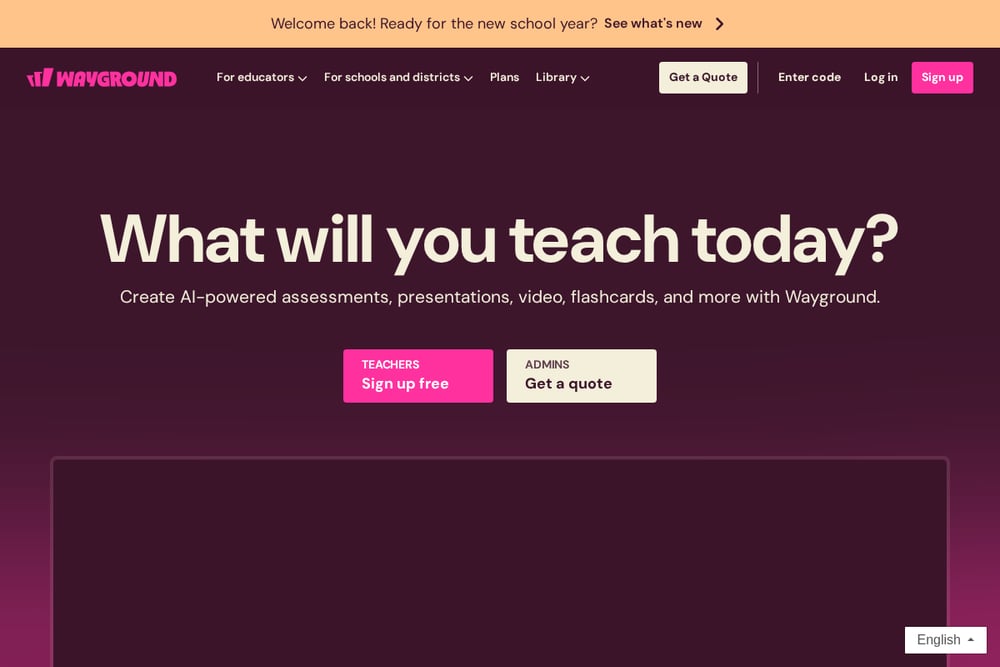 A screenshot of the Wayground website.
Wayground, formerly Quizizz, is the official platform where teachers host live quizzes and students join with a 6-digit code. It offers a comprehensive quiz builder, real-time game modes, and automatic transfer of your existing Quizizz quizzes. The join page at wayground.com/join is straightforward, but you need an account to host or track progress. For students, it's the destination you're redirected to after entering your code. If you're a teacher, this is where you'll spend most of your time creating and managing assessments.
#2 Join My Quiz – Enter Quizizz Code & Join Wayground Instantly
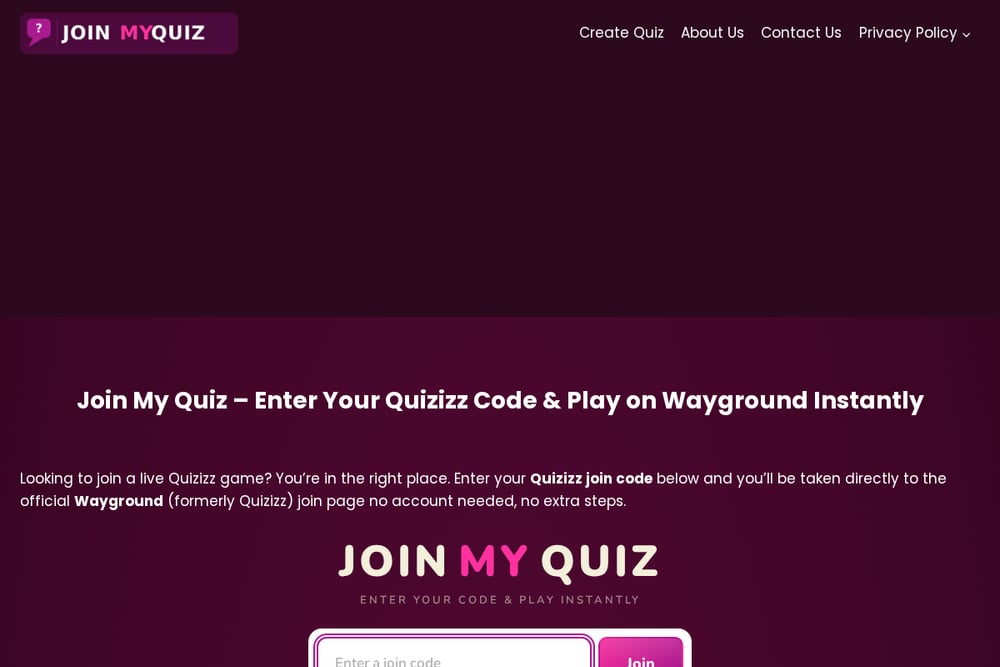 A screenshot of the Join My Quiz – Enter Quizizz Code & Join Wayground Instantly website.
Join My Quiz is a free web tool that eliminates the guesswork of finding the right join page. You enter your 6-digit code, and it takes you directly to the official Wayground join page—no account, no registration, no extra steps. It's designed for students who need to jump into a game quickly, but teachers and corporate trainers also use it as a shortcut to share with participants. The tool also clarifies the Quizizz-to-Wayground rebrand, so you know your old codes still work. If you're tired of typing URLs or searching for the join link, this is your one-click solution.
#3 Kahoot!
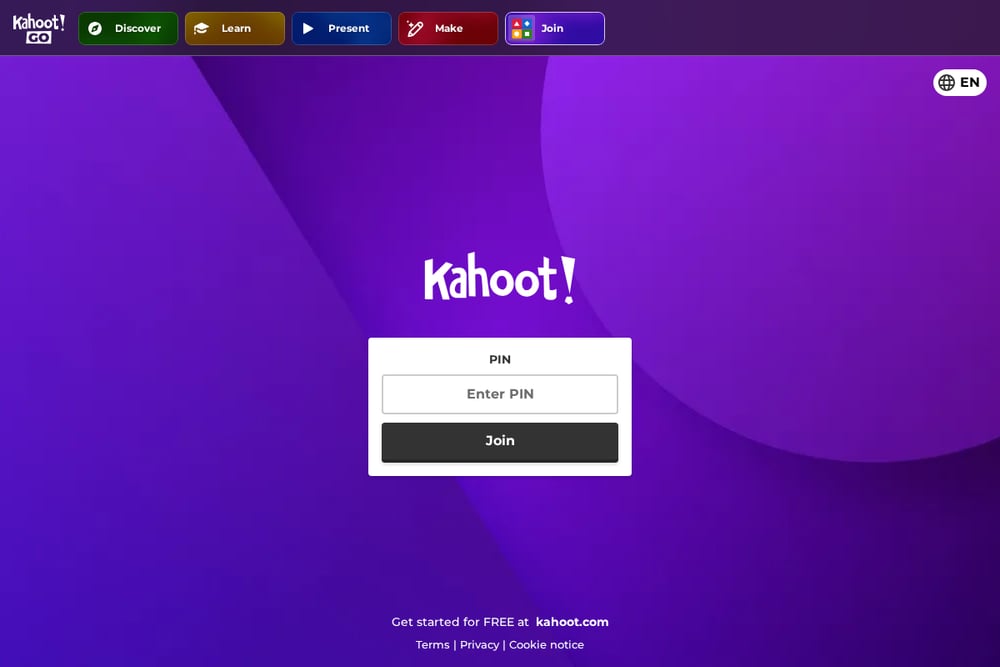 A screenshot of the Kahoot! website.
Kahoot! is a veteran in the live quiz space, known for its colorful, game-based learning platform. You join a game by entering a PIN at kahoot.it, and you can play on any device with a browser. It offers a vast library of user-generated quizzes, plus tools for creating your own with images and videos. The platform has expanded to include polls, slides, and other interactive features, making it a versatile choice for classrooms and corporate events. While it requires an account to host, joining is instant and anonymous. For many, Kahoot! is the default name in quiz games.
#4 Quizalize
 A screenshot of the Quizalize website.
Quizalize focuses on helping teachers differentiate instruction through real-time data. You can create quizzes aligned to Common Core standards, and students join with a simple code—no account needed. The platform provides instant feedback and automatically groups students based on performance, which is a game-changer for targeted teaching. It also integrates with Google Classroom and other LMS tools, making it easy to assign quizzes as homework. If you're a teacher who wants to see exactly where students struggle, Quizalize gives you that insight. The free tier is generous, and the premium features are reasonably priced.
#5 Slido
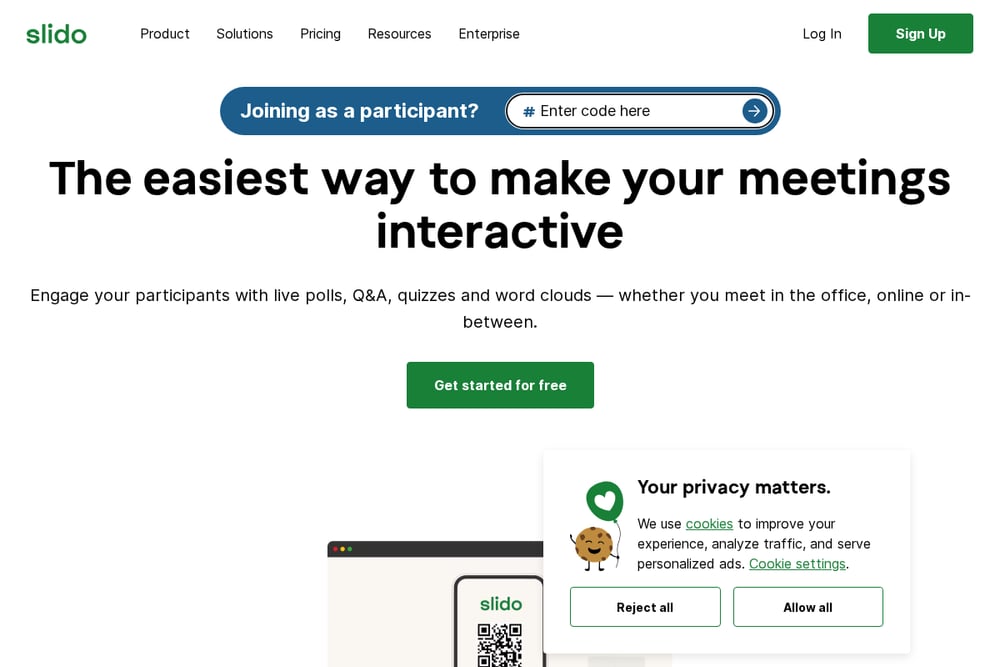 A screenshot of the Slido website.
Slido is more than a quiz tool—it's an audience engagement platform for meetings, events, and webinars. You can host live quizzes alongside polls, Q&A, and word clouds, making it ideal for corporate trainers and event hosts. Participants join by entering a code on slido.com, and they can interact from any device. The quiz feature is robust, but it's part of a larger suite, so it might be overkill if you only need quizzes. However, if you're running a workshop or all-hands, Slido keeps everyone engaged. It offers a free plan with limited features, and paid plans scale with your event size.
How to Choose the Right Quiz Tool for You
Start by asking yourself: are you joining or hosting? If you're a student, you just need a fast, no-fuss way to enter a code—Join My Quiz is your best bet. If you're a teacher, you'll want a platform that lets you create quizzes, track progress, and maybe even differentiate instruction—Wayground and Quizalize are strong contenders. For corporate trainers, Slido offers a broader engagement toolkit, while Kahoot! brings a playful energy that works in both classrooms and offices. Consider your device ecosystem, whether you need integrations with your LMS, and how much you're willing to pay. The right tool is the one that gets you from 'let's play' to 'playing' with the least friction.
Streamlining Your Quiz Workflow
You can automate the join process by bookmarking Join My Quiz and using it as your single entry point for Wayground games. For teachers, create a class routine where you share the Join My Quiz link alongside your game code, so students don't waste time navigating. If you're using Wayground, you can schedule quizzes and share join links in advance, reducing in-class chaos. For corporate trainers, integrate Slido with your presentation software to launch quizzes without switching tabs. The goal is to minimize the steps between 'code' and 'play'.
The Bottom Line
The live quiz space has evolved, but the core need remains: quick, reliable access to interactive learning. Join My Quiz fills a specific niche as a no-account shortcut, while Wayground, Kahoot!, Quizalize, and Slido offer varying depths of features for hosts. Your choice depends on whether you're a student, teacher, or trainer—and how much you value data, engagement, or simplicity. Whichever you pick, the best tool is the one that gets you into the game without a headache. Start with Join My Quiz for instant access, then explore the others to see which fits your style.