Jira is not the only option for software teams. These tools cover issue tracking, sprints, roadmaps, and AI-assisted workflows. Each entry includes verified facts from the company's own pages. The list is a plain order, not a quality ranking.
How We Picked These Tools
Tools were selected for their relevance to software teams seeking alternatives to Jira. Each entry includes at least two verified facts with exact quotes from the provided source pages. No company is claimed to be the best.
| Provider | Best For |
|---|---|
| Linear | Software teams planning and building products |
| ClickUp | Teams wanting an all-in-one workspace |
| Asana | Cross-functional teams working with AI agents |
| YouTrack | Teams in the JetBrains ecosystem |
| Shortcut | Software teams planning and shipping with AI agents |
| Plane | Teams wanting a unified, self-hostable workspace |
| Taiga | Agile teams wanting open-source, self-hosted project management |
The 7 Tools in Focus
#1 Linear
 A screenshot of the Linear website.
Linear describes itself as a product development system for teams and agents. It is purpose-built for planning and building products and designed for the AI era. The tool includes features for intake and integrations, planning and monitoring, and AI and automations. It suits software teams that want a focused system for product development workflows.
#2 ClickUp
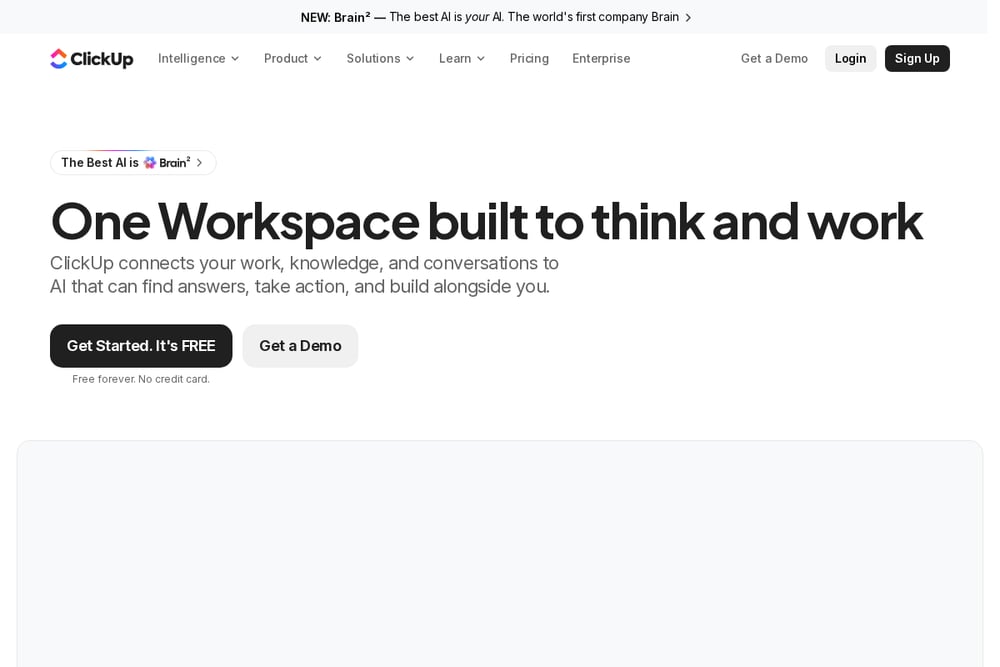 A screenshot of the ClickUp website.
ClickUp presents itself as one workspace built to think and work. It connects work, knowledge, and conversations to AI that can find answers, take action, and build alongside you. The platform includes projects, chat, docs, whiteboards, sprints, automations, and AI agents. It suits teams that want many work tools in a single workspace.
#3 Asana
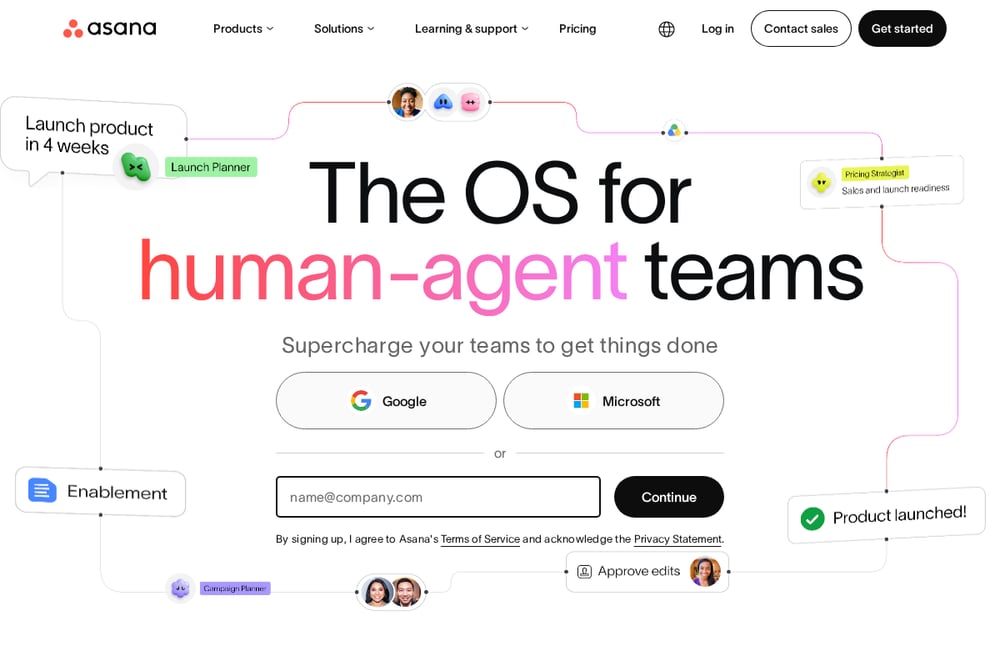 A screenshot of the Asana website.
Asana calls itself the OS for human-agent teams. It offers Agentic Work Management for cross-functional teams and includes AI Teammates that work alongside teams inside real workflows. The platform is built around the Asana Work Graph, which connects people, tasks, projects, goals, and dependencies. It suits cross-functional teams that want shared context between humans and AI agents.
#4 YouTrack
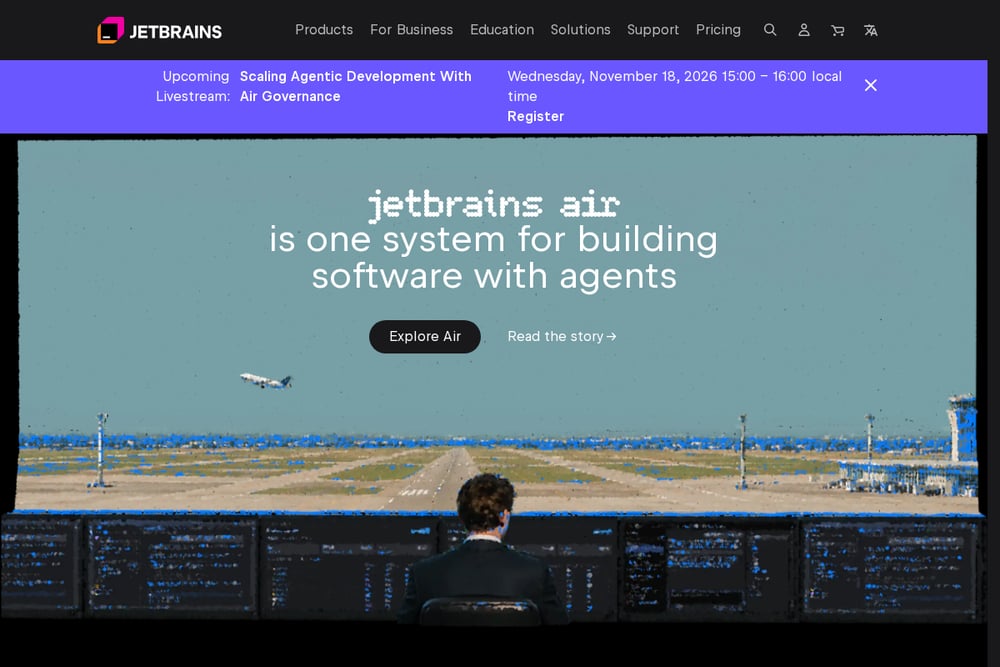 A screenshot of the YouTrack website.
YouTrack is listed by JetBrains as project management for all your teams. It appears alongside other JetBrains team tools such as TeamCity for continuous integration and Qodana for code quality. JetBrains states that its products are technology-agnostic and support a mix of languages and tools. YouTrack suits teams already using JetBrains tools or wanting project management from the same vendor.
#5 Shortcut
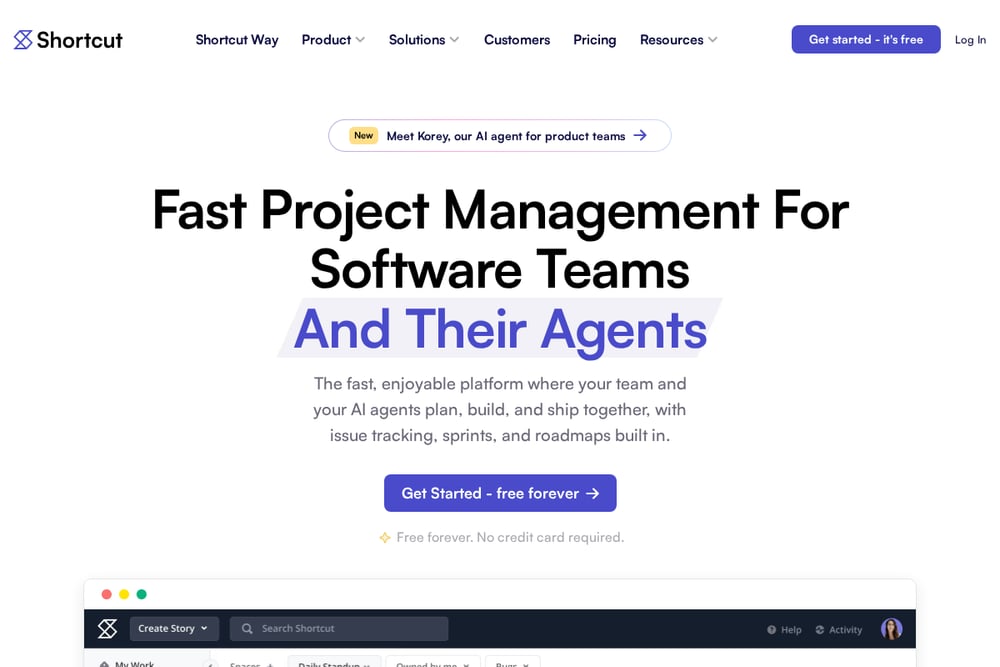 A screenshot of the Shortcut website.
Shortcut is a project management platform for software teams and their agents. It includes issue tracking, sprints, and roadmaps built in, along with boards, docs, automations, and reporting. Shortcut also offers Korey, an AI agent for product engineering workflows. It suits software teams that want fast project management with room for AI agents.
#6 Plane
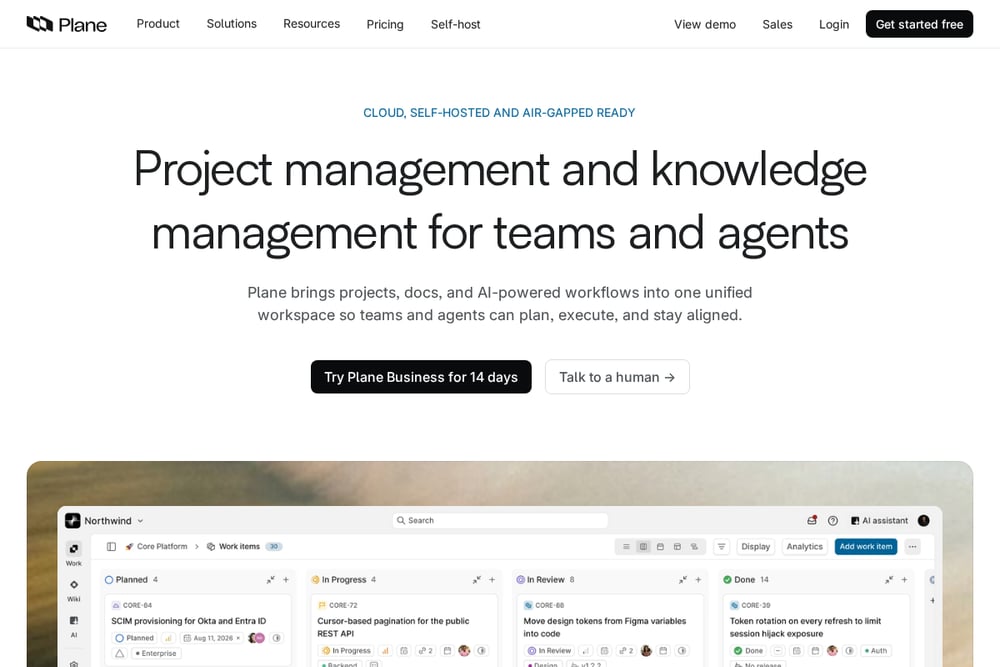 A screenshot of the Plane website.
Plane describes itself as project management and knowledge management for teams and agents. It brings projects, docs, and AI-powered workflows into one unified workspace. Plane offers cloud, self-hosted, and air-gapped options, and includes Plane AI for drafting, analyzing, and planning. It suits teams that want a unified workspace with self-hosting options.
#7 Taiga
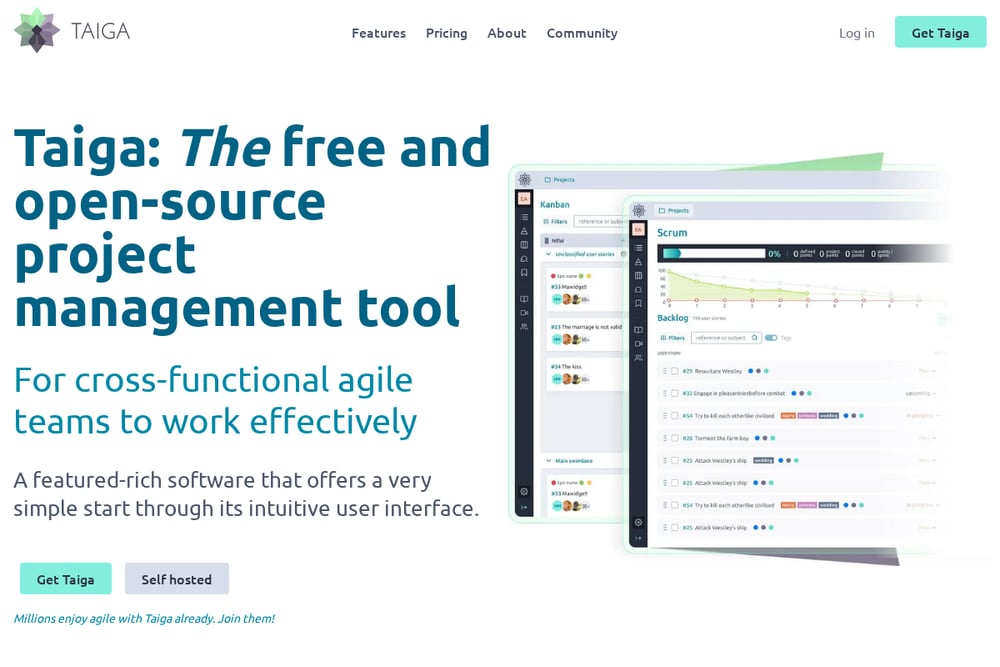 A screenshot of the Taiga website.
Taiga is a free and open-source project management tool for cross-functional agile teams. It offers Kanban and Scrum boards, issue tracking, dashboards, and reporting. Taiga also provides a self-hosted option for teams that need data on their own servers. It suits agile teams that prefer open-source software and self-hosting.
Which One Should You Choose?
Consider how your team plans and ships work. Look at whether you need issue tracking, sprints, roadmaps, docs, or AI agents. Check whether self-hosting or open-source matters to you. Review each tool's own pages for current details before deciding.
Final Thoughts
These tools offer different approaches to project management for software teams. Some focus on product development, others on all-in-one workspaces or self-hosting. None is claimed to be the best. Evaluate them against your team's workflow and constraints.
Know a company that belongs on this list? Email us at editorial@peekwire.com.