Photoshop is not the only path for photo editing. This list covers five tools that approach image work differently, from all-in-one creative apps to browser-based editors and AI-assisted photography software. Each entry describes what the tool does and who it suits, using only details from the companies' own pages.
How We Picked These Tools
We looked for photo editing software that offers a distinct alternative to Photoshop, whether through a different platform, licensing model, or workflow. Each tool had to have a public homepage describing its editing capabilities. The list is a plain order, not a quality ranking.
| Provider | Best For |
|---|---|
| Affinity | Designers and photo editors who want one app for vector, pixel, and layout work |
| GIMP | Users who want a free and open source image editor they can customize and extend |
| Photopea | Anyone who wants a capable browser-based editor without installing software |
| Krita | Digital painters, illustrators, and animators who want a free painting-focused program |
| Luminar Neo | Photography lovers who want AI-assisted editing across devices, and organizations doing volume editing |
The 5 Tools in Focus
#1 Affinity
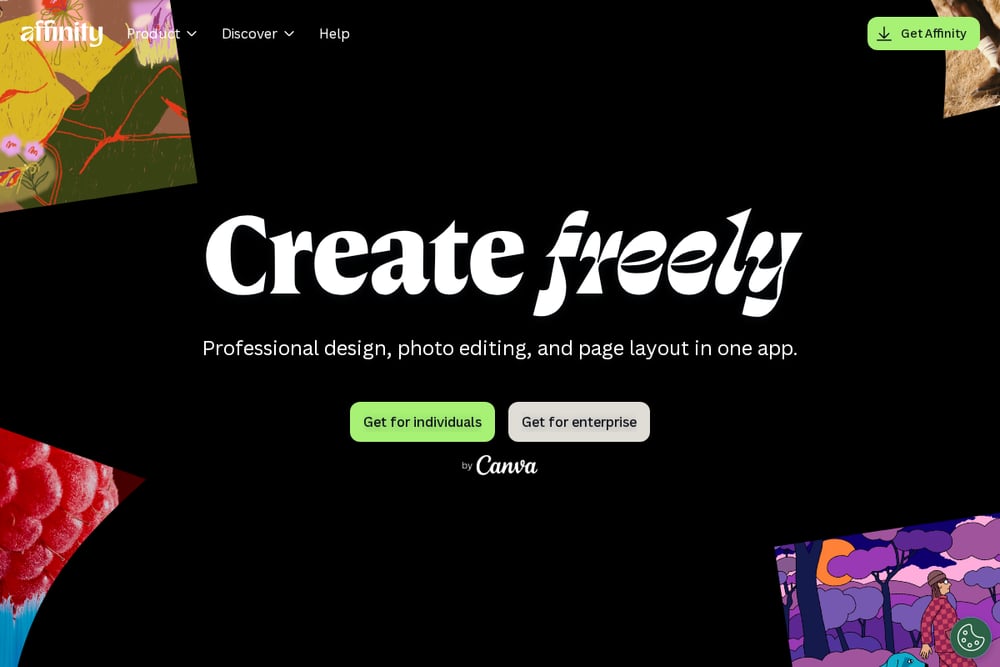 A screenshot of the Affinity website.
Affinity is a creative app that combines professional design, photo editing, and page layout in one application. It supports vector, pixel, and layout work without switching apps, and it can bring in PSD, AI, IDML, and DWG files with layers and structure preserved. Edits are non-destructive, and the app is built to handle large layer counts and deep zoom levels. It suits designers and photo editors who want an integrated workspace and optional AI tools through a Canva premium plan.
#2 GIMP
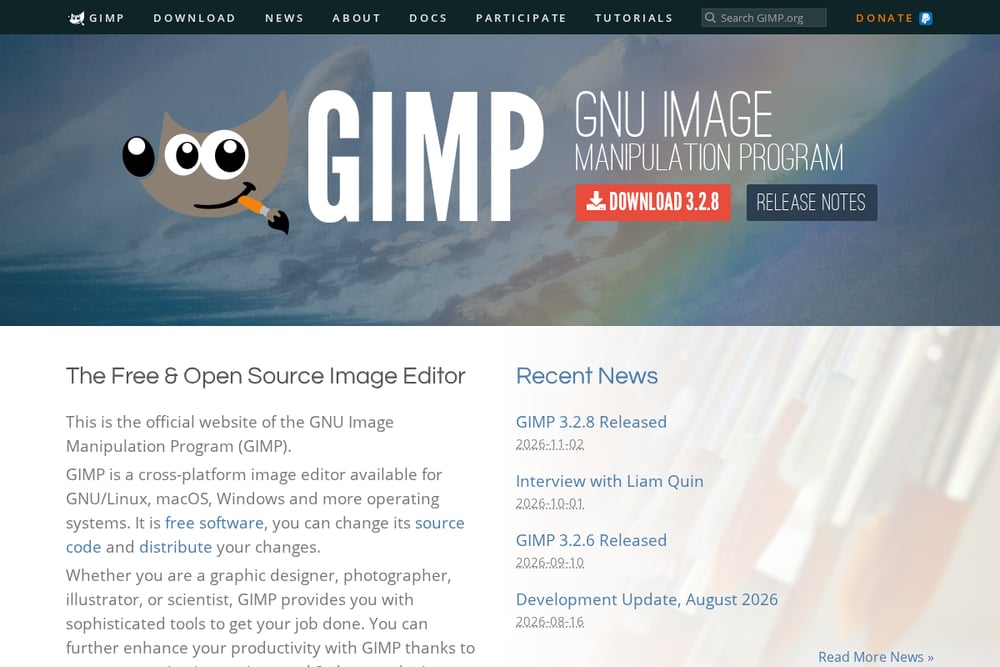 A screenshot of the GIMP website.
GIMP is the GNU Image Manipulation Program, a cross-platform image editor available for GNU/Linux, macOS, Windows, and more operating systems. It is free software, and users can change its source code and distribute their changes. It provides tools for high-quality photo manipulation, original artwork creation, and graphic design elements, and it supports scripting and plugins for customization. It suits graphic designers, photographers, illustrators, and scientists who want a free and open source editor they can extend.
#3 Photopea
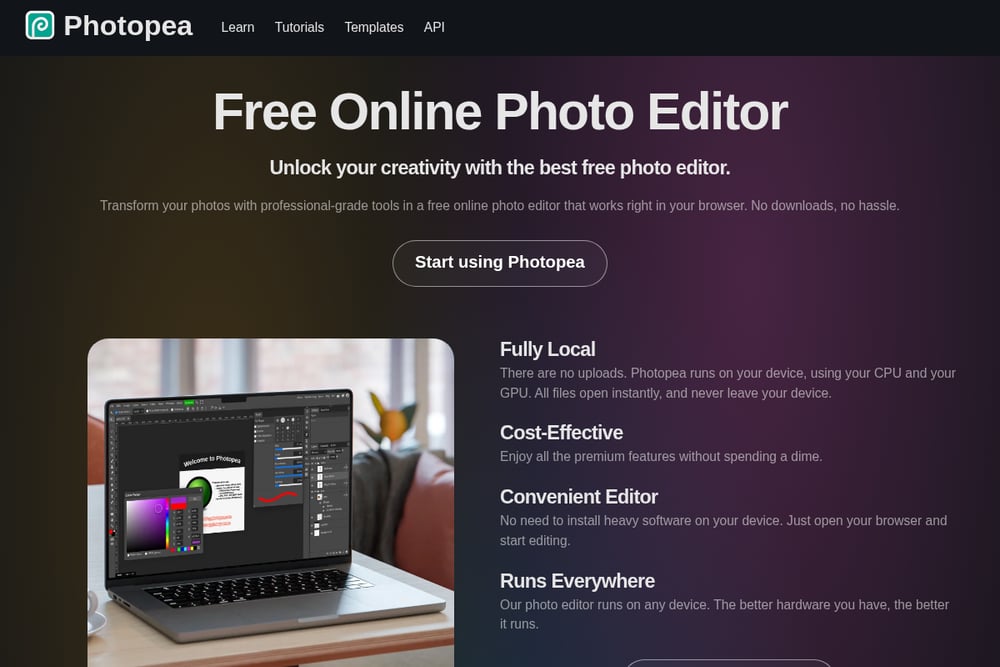 A screenshot of the Photopea website.
Photopea is a free online photo editor that runs in the browser with no downloads or installation. It processes files locally on the user's device, so files never leave the device. It offers a full suite of editing tools, including layers, masks, blending, and full PSD support for opening and saving. It also opens many other formats and RAW files, and it includes AI features such as one-click background removal. It suits social media enthusiasts, students and educators, small business owners, and graphic designers who want capable editing without installing software.
#4 Krita
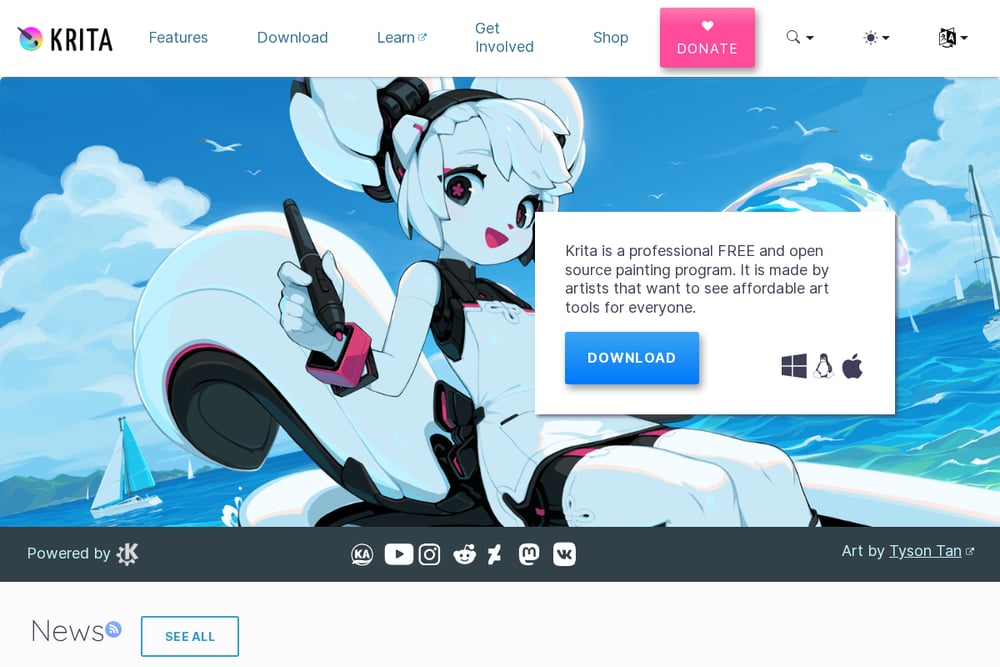 A screenshot of the Krita website.
Krita is a professional free and open source painting program made by artists for artists. It offers multiple brush types, layers, drawing assistants, stabilizers, and animation tools to transform artwork. It is licensed as GNU GPL and owned by its contributors, and it is free and open source software. It also provides resources such as brushes, patterns, vector libraries, texture packs, and plugins. It suits new and experienced digital artists, illustrators, and animators who want a painting-focused tool.
#5 Luminar Neo
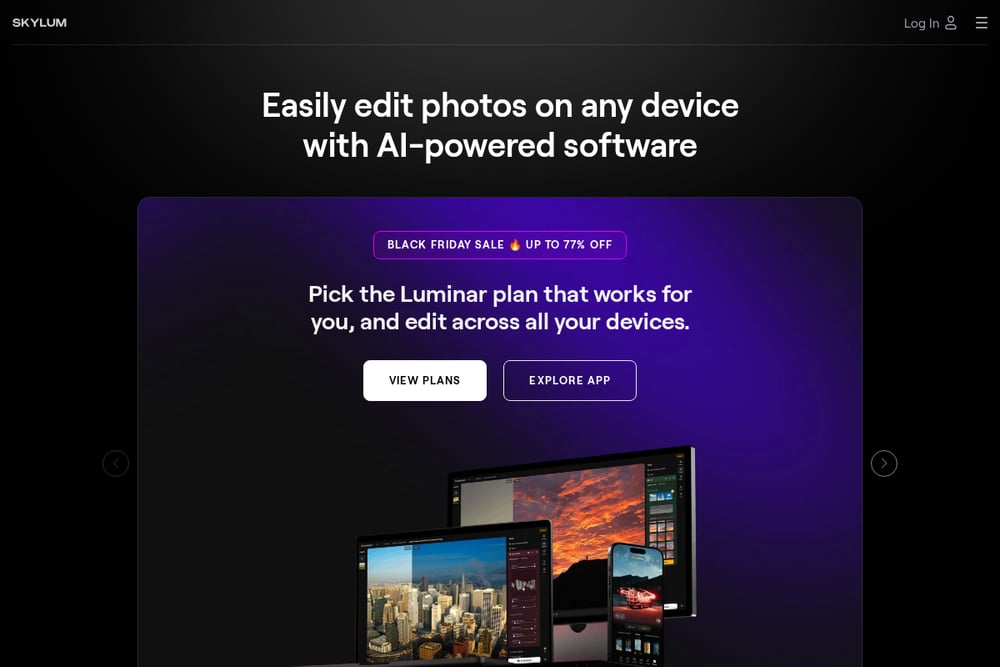 A screenshot of the Luminar Neo website.
Luminar Neo is AI-powered photo editing software from Skylum that is available on desktop, web, tablet, and mobile. It offers automated controls and AI tools for tasks such as background removal, sky replacement, and portrait adjustments. The Luminar Engine is a headless engine for volume photo editing, optimized for organizations editing many photos per month with no per-image fees. It suits photography lovers who want easy-to-use AI-assisted editing across devices, as well as organizations that need automated volume editing.
Which One Should You Choose?
Start with where you work. If you prefer a single installed app that handles vector, pixel, and layout work, look at Affinity. If you want free and open source software you can modify, GIMP and Krita are options, with GIMP oriented toward general image manipulation and Krita toward painting and animation. If you want to edit in a browser without installing anything, Photopea runs locally on your device. If you want AI-assisted editing across desktop, web, tablet, and mobile, Luminar Neo is built around that. Consider file compatibility, platform support, and whether you need automation for volume work.
Final Thoughts
These five tools each take a different route away from Photoshop. Affinity bundles design, photo, and layout in one app. GIMP offers a free and open source editor with scripting and plugins. Photopea brings a capable editor to the browser with local processing. Krita focuses on painting and animation for artists. Luminar Neo leans on AI-assisted editing across devices and offers a volume engine for organizations. The right choice depends on your platform, workflow, and whether you prefer installed software, a browser tool, or AI-driven automation.
Know a company that belongs on this list? Email us at editorial@peekwire.com.