Adobe Acrobat is not the only option for PDF work. A range of editors now cover editing, signing, converting, and redacting documents across desktop, web, and mobile. This list looks at five tools that people often consider when they want an alternative. Each entry describes what the product does and who it suits, using only information from the companies' own pages. The order is a plain list, not a quality ranking.
How We Picked These Tools
We picked tools that present themselves as PDF editors or document platforms with editing capabilities. Each has a public homepage with feature and plan information. We focused on products that cover core PDF tasks such as editing, annotating, signing, and converting. We did not test the tools or compare their performance. The list is meant to help you know what is available, not to declare a winner.
| Provider | Best For |
|---|---|
| Foxit | Teams and developers who need PDF editing plus eSign and automation |
| Nitro | Businesses that want PDF editing, eSign, and redaction in one platform |
| Smallpdf | Individuals and teams who want a simple web-based PDF toolkit |
| PDF Expert | Apple users who want a native PDF editor for iPhone, iPad, and Mac |
| Sejda | Users who need quick online PDF tasks and form filling |
The 5 Tools in Focus
#1 Foxit
 A screenshot of the Foxit website.
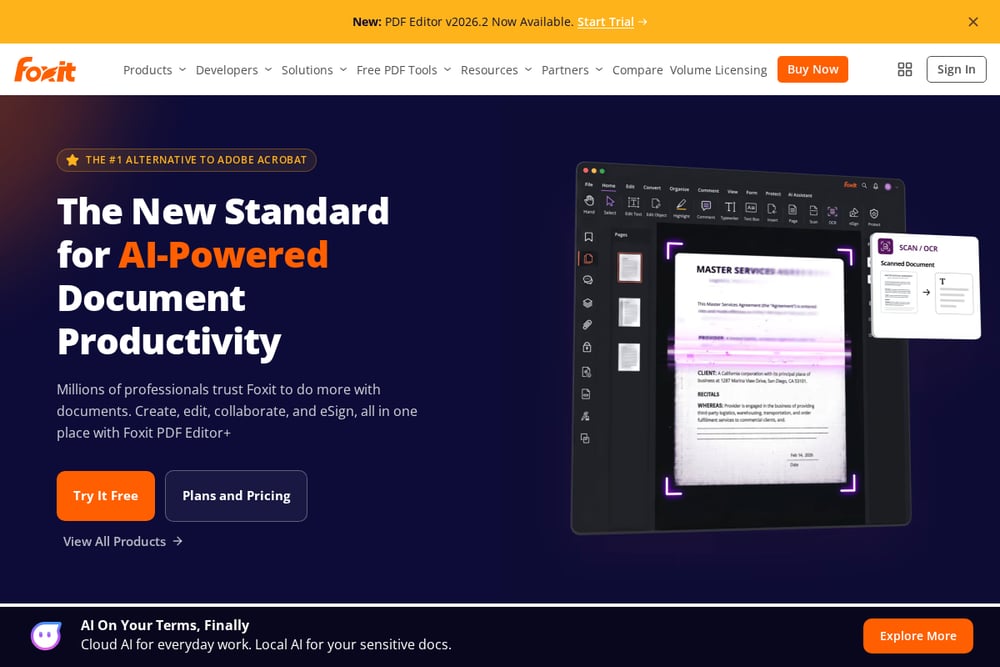
Foxit offers a PDF editor for desktop, web, and mobile, along with eSign, redaction, and document automation tools. Its PDF Editor is described as an alternative to Adobe Acrobat for creating, editing, converting, signing, and securely managing PDFs. The company also provides a free PDF reader and AI-powered tools like a PDF assistant and smart redact. Foxit serves industries such as education, government, banking, legal, and healthcare, and offers SDKs and APIs for developers.
#2 Nitro
 A screenshot of the Nitro website.
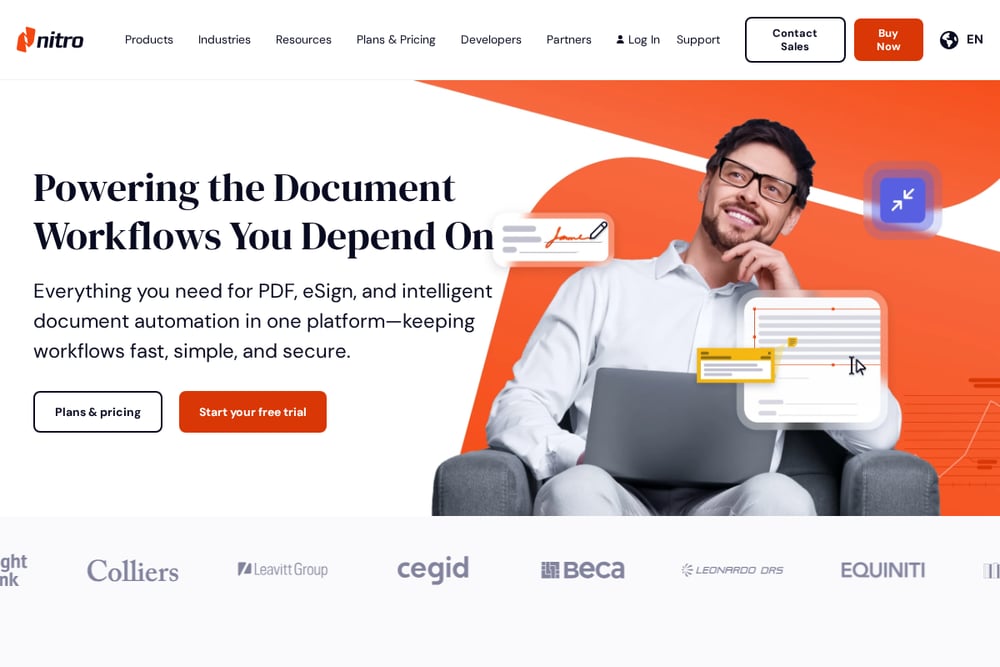
Nitro brings PDF, eSign, redaction, and document automation together in one platform. Nitro PDF Pro handles creating, editing, converting, organizing, and securing PDFs across Windows, Mac, and iOS, with AI tools built in. Nitro Sign provides eSigning with audit trails and identity verification options. Nitro Smart Redact uses natural language processing to surface sensitive data for removal. The company also offers Nitro Automate for processing documents at scale.
#3 Smallpdf
 A screenshot of the Smallpdf website.
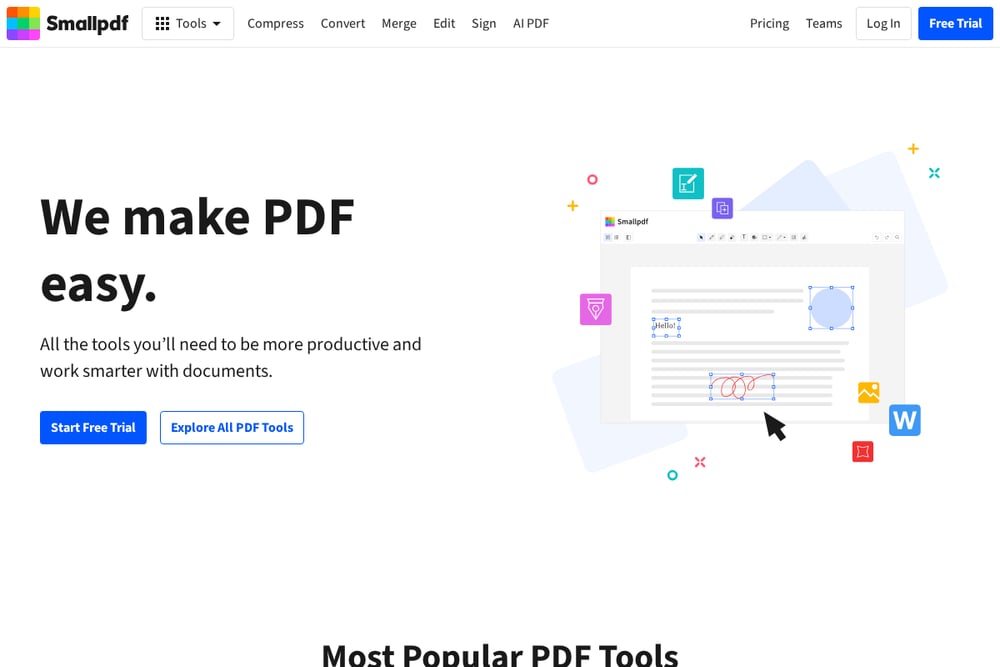
Smallpdf is a web-based platform with a wide set of PDF tools for converting, compressing, editing, signing, and managing documents. It offers a free trial and team plans. The service includes an AI PDF assistant, e-signatures, and a mobile app. Smallpdf emphasizes simplicity and accessibility, with tools like PDF to Word, merge, compress, and edit. It also provides a Chrome extension and integrations with Google Workspace and Dropbox.
#4 PDF Expert
 A screenshot of the PDF Expert website.
PDF Expert is a PDF editor built for iPhone, iPad, and Mac. It focuses on editing, annotating, signing, and organizing PDFs with a fast and intuitive interface. The app includes OCR, PDF conversion, form filling, and a reading mode. PDF Expert is part of Readdle and offers a free download with in-app purchases. It is designed for Apple users who want a native experience across devices.
#5 Sejda
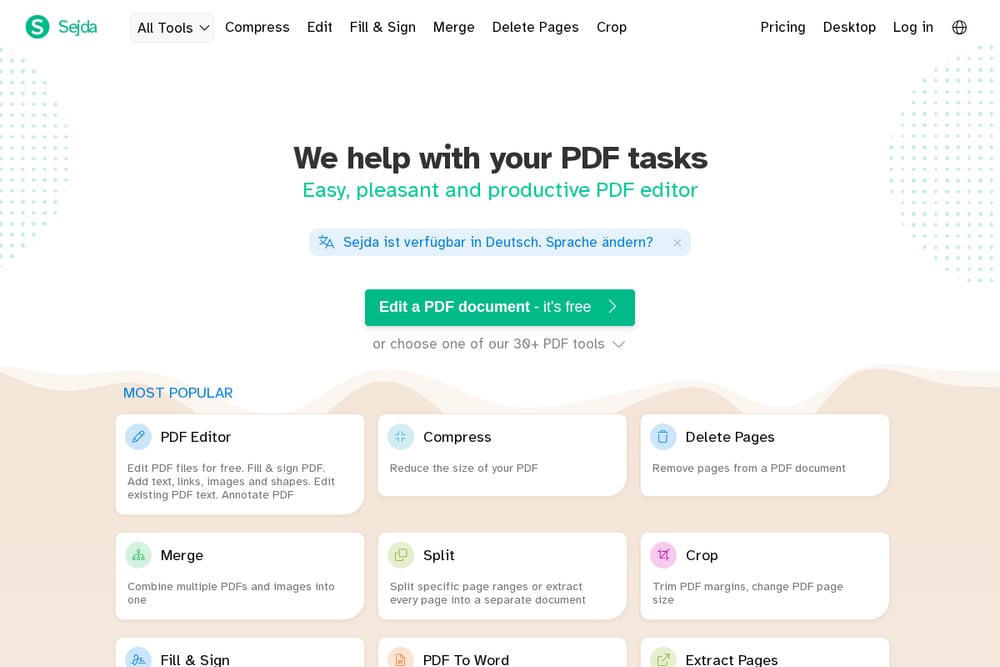 A screenshot of the Sejda website.
Sejda is an online PDF tool suite with a focus on editing, form filling, and document organization. It offers a free tier and a desktop version. The platform includes tools for merging, splitting, compressing, and converting PDFs, as well as OCR and batch processing. Sejda also provides a forms creator and workflow automation. It is aimed at users who need quick, task-specific PDF operations without a full desktop editor.
Which One Should You Choose?
Start by listing the tasks you do most often: editing text, filling forms, signing, redacting, or converting. Check whether you need desktop, web, or mobile access. Consider whether you want a free tier or a paid plan. Look at integrations with tools you already use, such as cloud storage or e-signature workflows. If you work on Apple devices, a native app may matter. For teams, look for collaboration and audit features. Read the company's own feature and pricing pages to see what fits your workflow.
Final Thoughts
Each of these tools approaches PDF editing from a different angle. Foxit and Nitro offer broad platforms with eSign and automation. Smallpdf and Sejda focus on accessible web-based tools. PDF Expert is tailored to Apple devices. None is universally better; the right choice depends on your devices, tasks, and budget. Use this list as a starting point for your own evaluation.
Know a company that belongs on this list? Email us at editorial@peekwire.com.