Small teams need credential sharing that is secure, simple to administer, and fair on price. This list covers five password managers that are worth knowing in 2026, each with a different emphasis: enterprise-grade access control, open-source flexibility, self-hosting, or tight integration with a broader software suite. The aim is to help you shortlist tools that fit how your team actually works, not to crown a winner.
How We Picked These Tools
We looked for password managers that explicitly address teams and small businesses, offer secure sharing and centralized control, and publish clear information about their deployment options. Each entry below is described using only the vendor's own published statements, with quotes provided for every factual claim. No product is ranked as better or worse; the order is simply a list.
| Provider | Best For |
|---|---|
| 1Password | Teams seeking an integrated access platform for humans and AI agents |
| Bitwarden | Small teams that want open-source credential management with room to grow |
| Passbolt | Security-conscious IT teams that want open-source, self-hostable credential management |
| Psono | Teams that prefer to self-host their password manager |
| Zoho Vault | Teams already using the Zoho suite of business applications |
The 5 Tools in Focus
#1 1Password
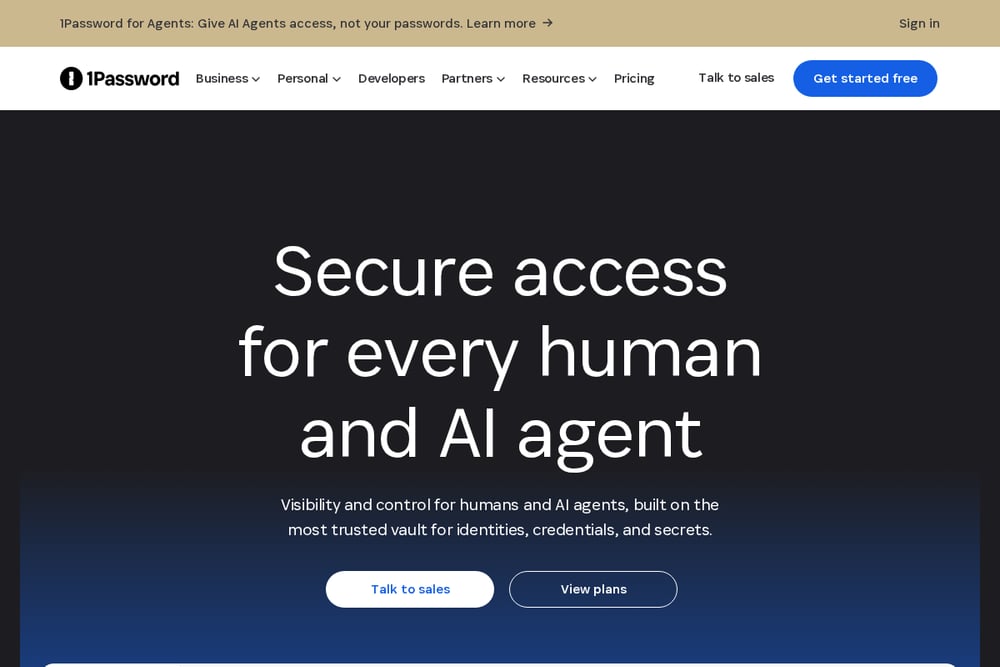 A screenshot of the 1Password website.
1Password provides a unified access platform for managing credentials used by people, AI agents, and machines. Its Enterprise Password Manager is designed to secure human, machine, and agent credentials in a business setting, while additional modules cover privileged access, SaaS discovery, and credential brokering. The platform emphasizes visibility and control, with features such as access reviews, access requests, and credential governance. It suits teams that want a broad access-management platform rather than a standalone password vault.
#2 Bitwarden
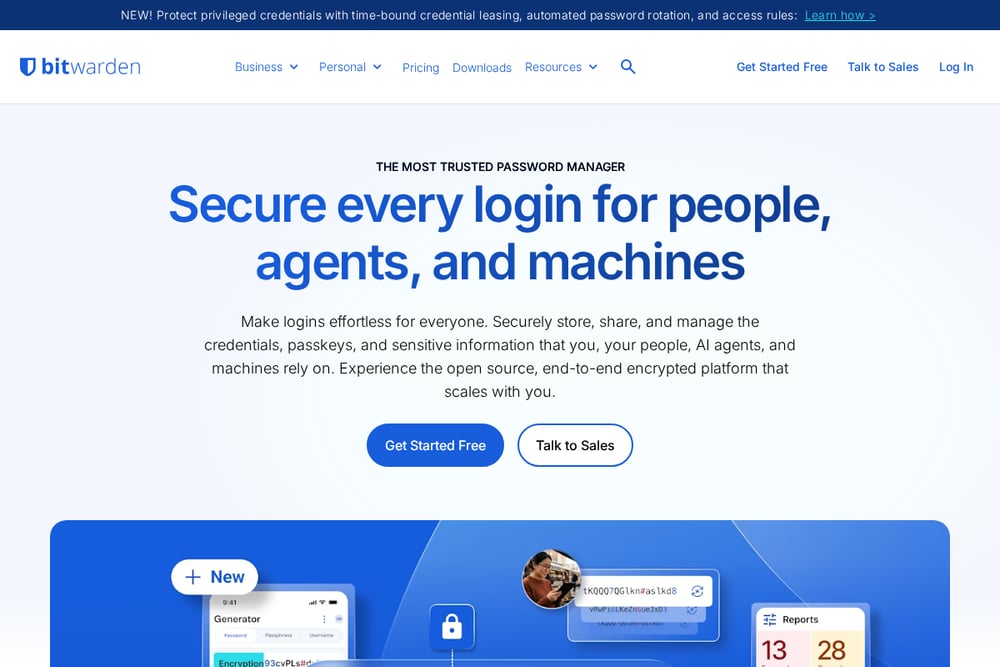 A screenshot of the Bitwarden website.
Bitwarden is an open-source, end-to-end encrypted password manager that scales from small teams to enterprise. It offers secure sharing with robust permissions, event logs for teams, and enterprise options such as SSO and self-hosting. The platform also includes a Secrets Manager for developers and DevOps teams. Bitwarden suits small teams that value open-source transparency and a clear path from team sharing to enterprise controls.
#3 Passbolt
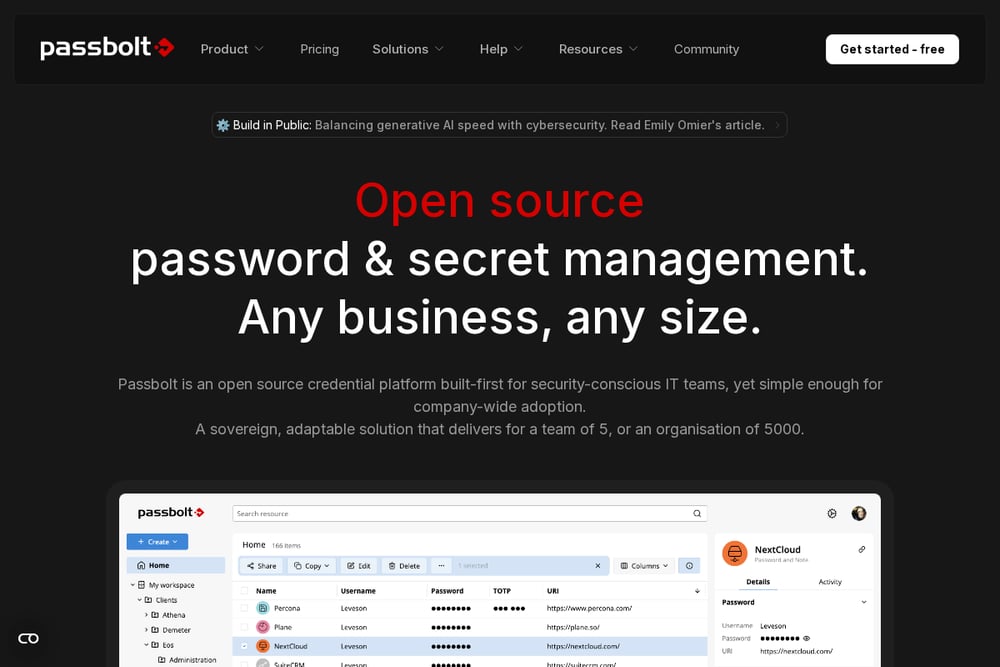 A screenshot of the Passbolt website.
Passbolt is an open-source credential platform built for security-conscious IT teams but designed to be simple enough for company-wide adoption. It offers password management for the workforce, privileged access management for IT teams, and secret management for DevOps teams. The platform is fully end-to-end encrypted, uses a public-private key architecture, and is open source even in its paid version. Passbolt suits teams that want granular sharing, auditing, and the option to self-host.
#4 Psono
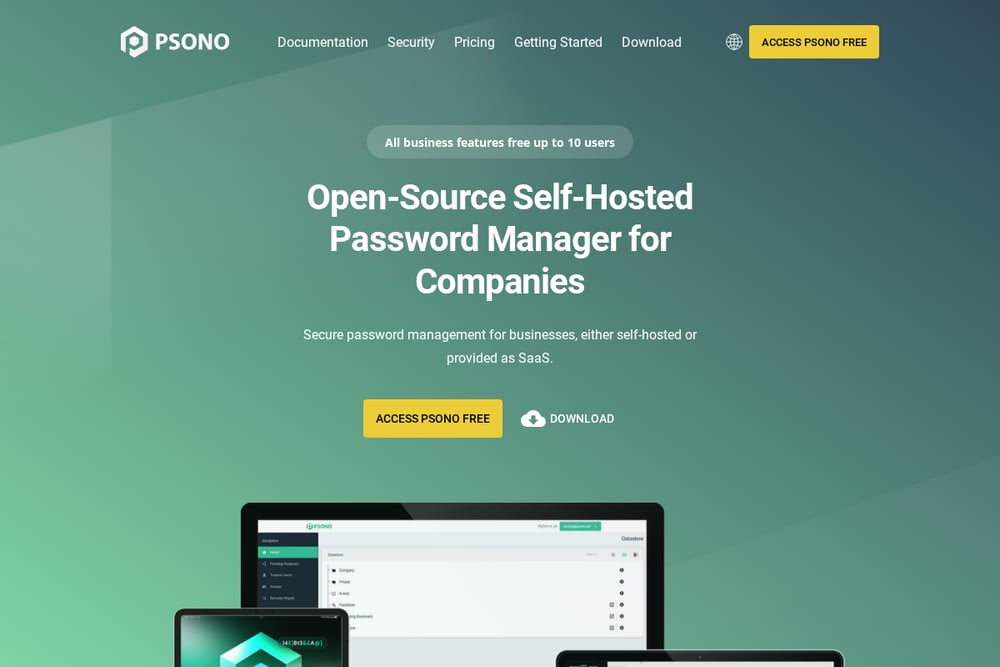 A screenshot of the Psono website.
Psono is an open-source, self-hosted password manager for businesses, available either self-hosted or as SaaS. It stores credentials securely and supports encrypted sharing with your team, with vault data encrypted on the client before storage. The platform emphasizes multi-layer encryption, source code transparency, and the control that comes from running the server yourself. Psono suits teams that want to host their own password vault and keep encrypted data on their own infrastructure.
#5 Zoho Vault
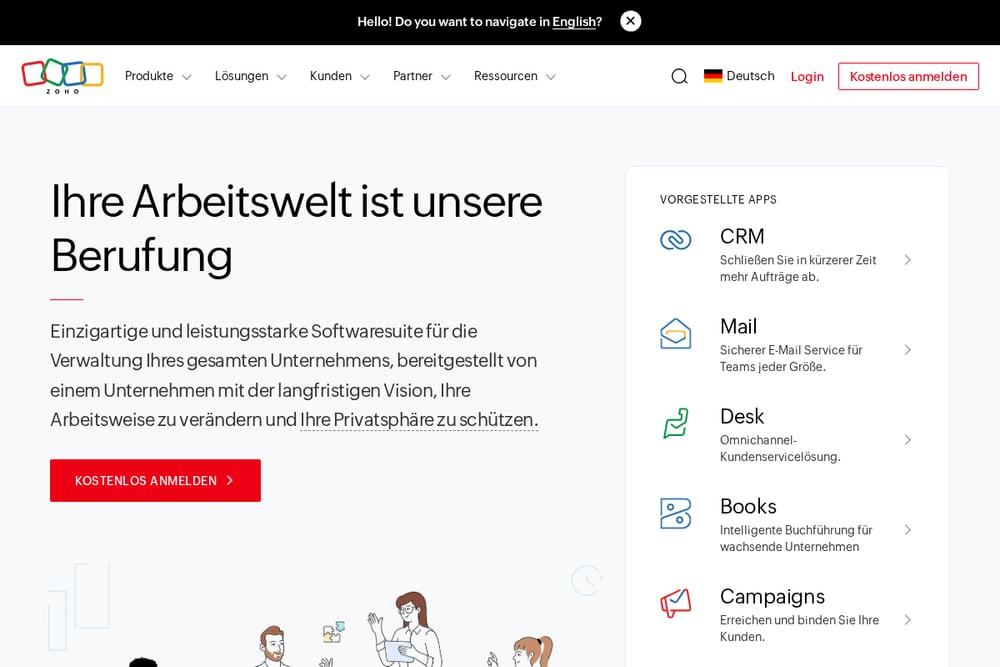 A screenshot of the Zoho Vault website.
Zoho Vault is part of the Zoho suite of business applications, which includes tools for CRM, finance, email, HR, and project management. The suite is positioned as an all-in-one operating system for businesses, with Zoho One bundling many integrated applications. Zoho states that it does not own or sell customer data and that its revenue comes from software license fees. Teams already using Zoho applications may find it convenient to manage passwords within the same ecosystem.
Which One Should You Choose?
Start by deciding where your vault should live: a fully managed cloud service, a self-hosted server, or a hybrid. Consider whether you need open-source code for auditing, and check how each tool handles sharing permissions and audit logs. If your team already relies on a broader software suite, integration may reduce friction. Finally, confirm that the pricing model fits your team size and that the deployment options match your IT policies.
Final Thoughts
Each password manager on this list takes a different approach to small-team credential security. 1Password emphasizes a unified access platform, Bitwarden combines open-source transparency with team sharing, Passbolt focuses on granular control for IT teams, Psono prioritizes self-hosting, and Zoho Vault fits within a larger business software suite. None is presented as the best; the right choice depends on your team's priorities around hosting, openness, and integration.
Know a company that belongs on this list? Email us at editorial@peekwire.com.