Small business teams need shared credentials, admin controls, and a way to keep work and personal logins apart without adding friction. This list covers seven password managers that appear in the provided source pages, each described by what it does and who it suits. The order is a plain list, not a quality ranking.
How We Picked These Tools
Each entry was drawn from the provided source pages only. Every fact below carries a quote copied exactly from that company's page. Descriptions focus on what each tool does and who it suits, with no ratings, counts, or comparative claims.
| Provider | Best For |
|---|---|
| 1Password | Teams wanting credential and access control in one platform |
| Bitwarden | Small teams that want open source credential sharing |
| LastPass | Teams that want tiered business plans with admin controls |
| Dashlane | Teams focused on reducing credential risk in the browser |
| Keeper | Teams planning for privileged access and secrets management |
| Zoho Vault | Teams already invested in the Zoho application suite |
| RoboForm | Teams that want form filling plus centralized admin controls |
The 7 Tools in Focus
#1 1Password
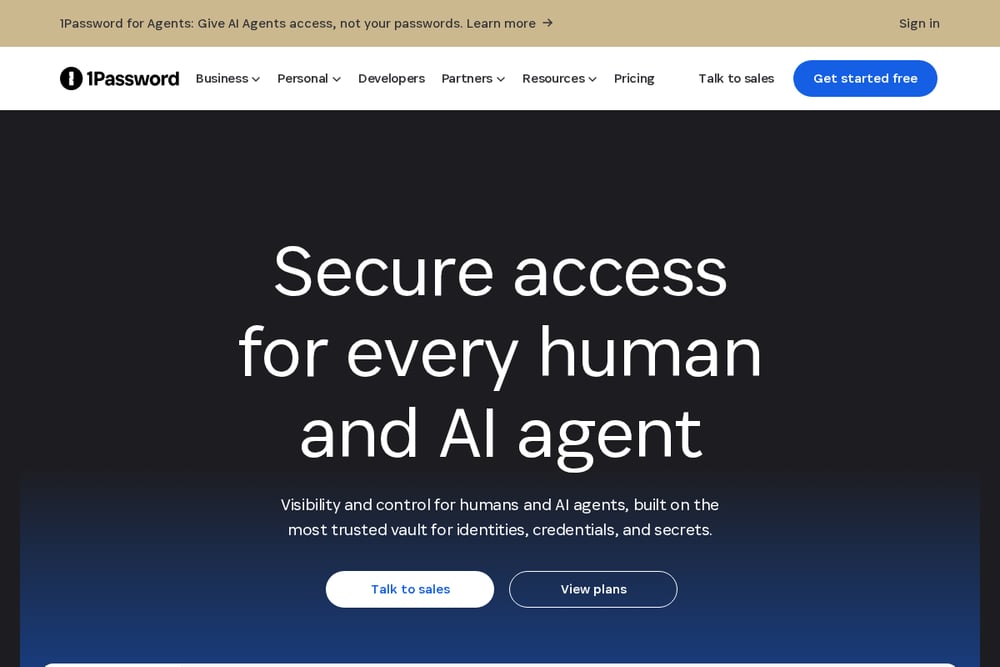 A screenshot of the 1Password website.
1Password presents a platform for securing credentials used by people, AI agents, and machines. It bundles an enterprise password manager with tools for credential brokering, privileged access, and SaaS discovery. The company positions the product around visibility and control across identities and secrets. It suits teams that want credential management tied into a broader access platform.
#2 Bitwarden
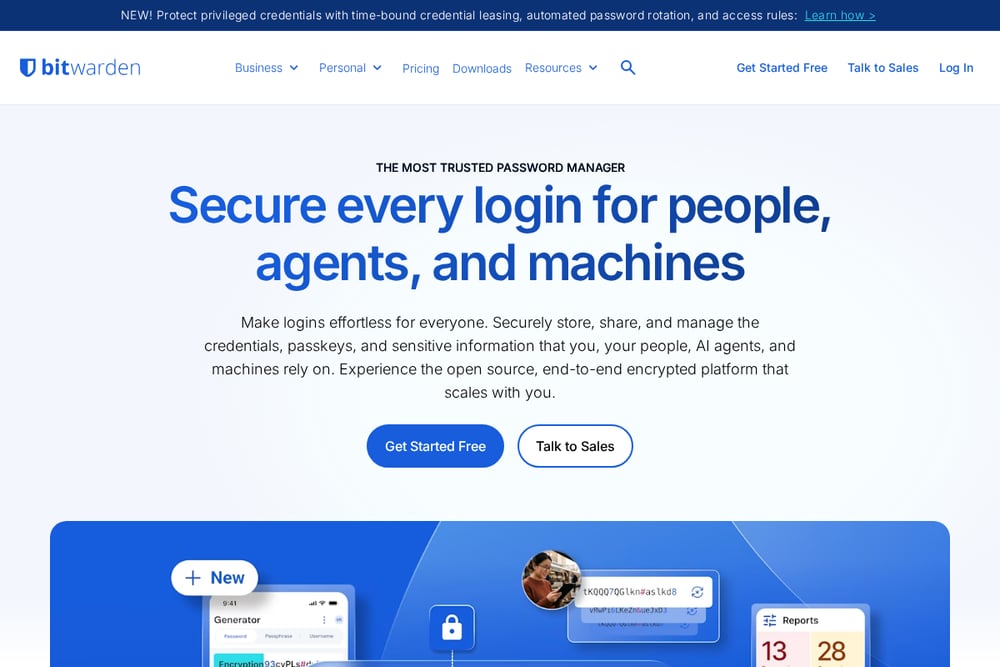 A screenshot of the Bitwarden website.
Bitwarden offers an open source, end-to-end encrypted platform for storing, sharing, and managing credentials, passkeys, and sensitive information. It separates plans for teams and businesses from enterprise options that add SSO, policies, and self-hosting. The product line also includes a secrets manager aimed at developers and DevOps teams. It suits small teams that want secure sharing and event logs with room to grow.
#3 LastPass
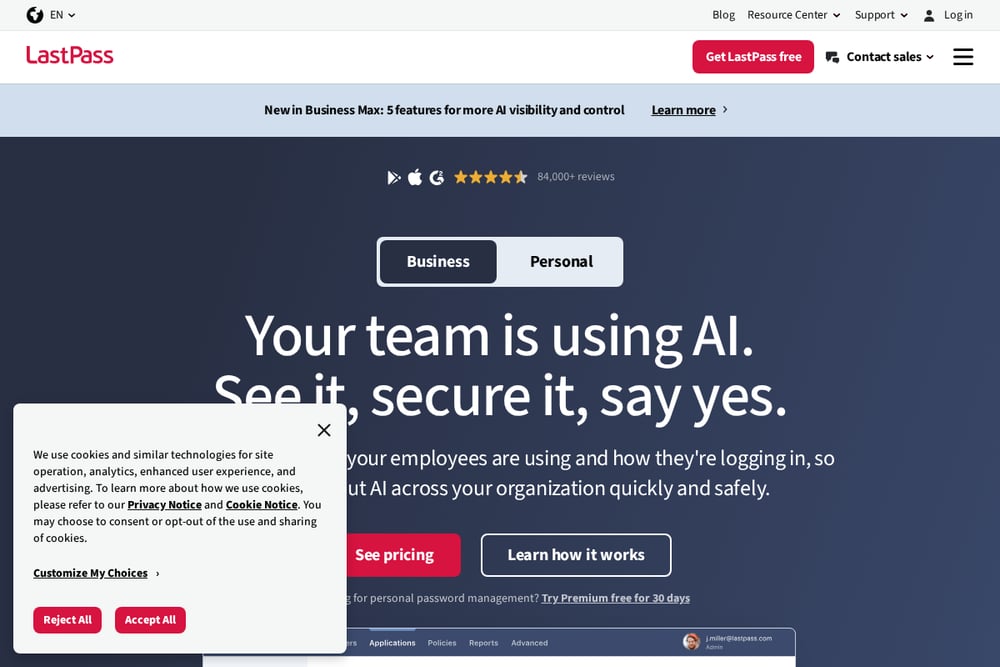 A screenshot of the LastPass website.
LastPass provides password management for individuals and businesses, with business plans aimed at organizations of different sizes. It offers a Teams plan for a single team getting started and a Business Max plan with more admin control. The company also highlights AI and SaaS monitoring features for visibility into how employees use tools. It suits teams that want tiered business plans and admin oversight from the browser.
#4 Dashlane
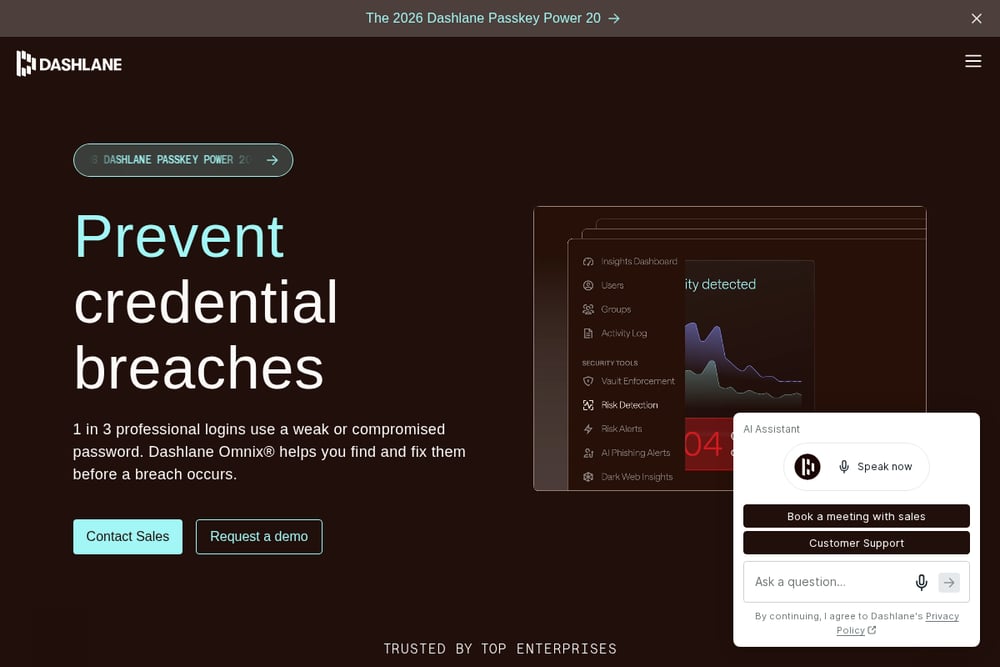 A screenshot of the Dashlane website.
Dashlane centers its business offering on credential risk, pairing an encrypted vault with secure sharing and in-browser risk detection. Its Omnix platform adds phishing protection and credential risk remediation, with an AI advisor in beta. The company also offers business and personal password management products. It suits teams that want to find and fix weak or compromised credentials in the browser.
#5 Keeper
 A screenshot of the Keeper website.
Keeper describes itself as an identity security platform for humans, machines, and AI agents. It combines password management with privileged access management, secrets management, and remote browser isolation. The company emphasizes a zero-trust and zero-knowledge architecture across users, devices, and sessions. It suits teams that expect to grow into privileged access and secrets management.
#6 Zoho Vault
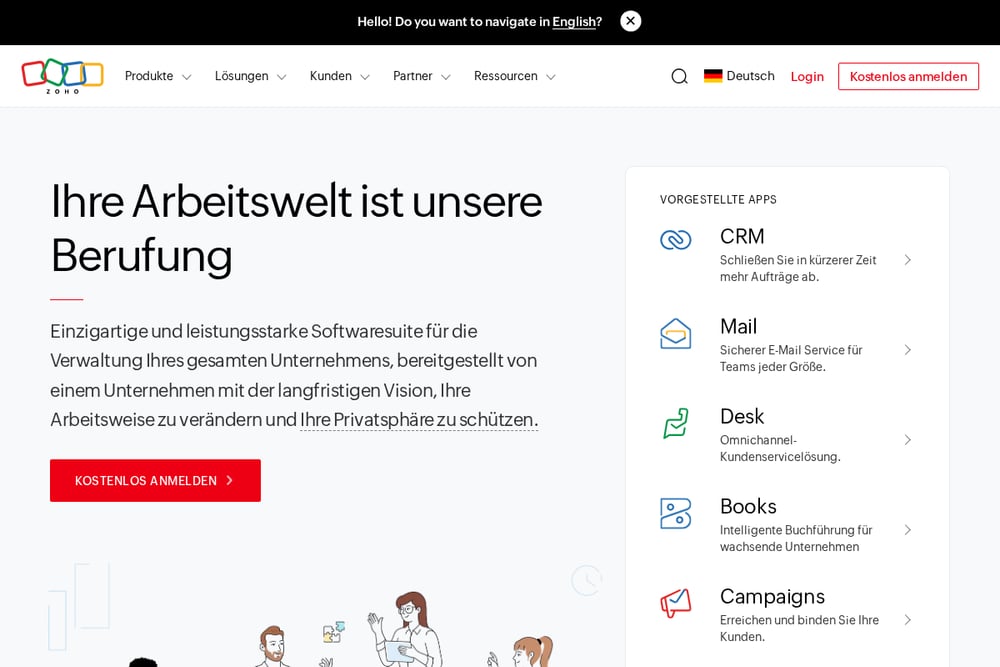 A screenshot of the Zoho Vault website.
The provided source page for Zoho is the company's general software suite page, which describes a broad set of business applications rather than password management specifics. It presents Zoho One as an operating system for business that connects and automates processes across integrated applications. The page emphasizes privacy and a long-term company approach. It may suit teams already using Zoho's wider suite and looking to consolidate vendors.
#7 RoboForm
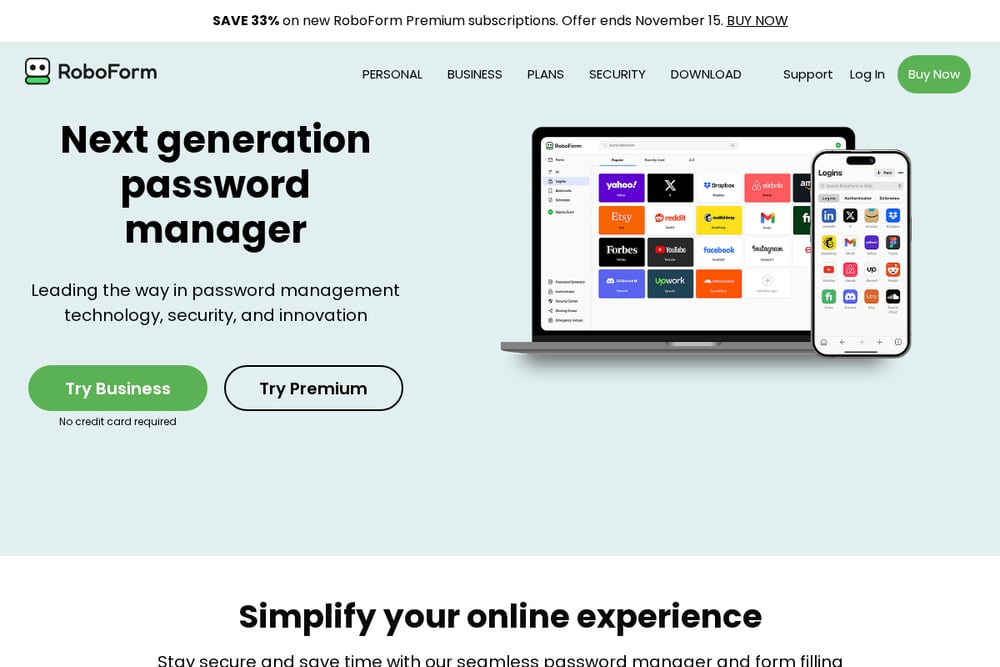 A screenshot of the RoboForm website.
RoboForm offers password management with form filling, password generation, and secure sharing. Its business plan includes separate personal and work vaults for each employee, centralized management through an admin center, and single sign-on integration. The company also lists SCIM provisioning, custom security policies, and role-based access control for business customers. It suits teams that want form filling and admin controls in a single paid business plan.
Which One Should You Choose?
Start with how your team works today. If you need shared vaults and event logs, look at plans built for teams and businesses. If you expect to manage developer secrets or privileged access later, check whether the platform extends into those areas. If browser-level credential risk is the concern, look for in-browser detection and remediation. If you already run a broader software suite, consider whether staying with that vendor simplifies administration. Confirm the features you need appear in the plan tier you would actually buy, and read the quoted source text for each tool before deciding.
Final Thoughts
These seven password managers approach small business teams from different directions. Some emphasize shared vaults and admin controls, others focus on credential risk in the browser, and others extend into privileged access or a wider software suite. None is presented here as better than another. Use the quoted facts and your team's own requirements to decide which one fits.
Know a company that belongs on this list? Email us at editorial@peekwire.com.