
If you're a small employer in a high-stakes industry, keeping up with OSHA's 300, 300A, and 301 forms can feel like a full-time job. These five platforms are built to take that burden off your shoulders—each with its own approach to compliance and reporting.
The State of OSHA Recordkeeping in 2026
OSHA's electronic reporting requirements have tightened, and as of 2024, many businesses must submit not just the 300A summary but also the 300 log and 301 incident reports. That means more paperwork, more deadlines, and more room for error. For small employers, the cost of non-compliance can be steep, but enterprise-grade software is often out of reach. That's where these tools come in—they're designed to simplify recordkeeping, automate submissions, and keep you compliant without breaking the bank. Whether you're in construction, manufacturing, or healthcare, the right software can turn a regulatory headache into a streamlined process.
How We Evaluated These OSHA Recordkeeping Tools
We looked at each platform's core functionality, ease of use, and how well it serves small employers. We also considered pricing transparency, the depth of reporting features, and whether the tool offers ITA submission capabilities. Each solution brings something different to the table—some focus on simplicity, others on comprehensive safety management, and a few on niche industry expertise. We weighed these factors to help you find the right fit for your specific needs.
Here's a quick snapshot of the five platforms we're covering, so you can see at a glance what each one offers.
| Provider | Best For |
|---|---|
| J. J. Keller Safety Management Suite | Comprehensive safety management for mid-sized businesses |
| Ryan Rivers AI — AI Systems for Real-World Business | Small employers in high-stakes industries needing affordable compliance |
| osha300online | Simple, no-frills OSHA recordkeeping for single or multi-location employers |
| Vector Solutions OSHA Recordkeeping Software | Organizations already using Vector's EHS suite or needing integrated training |
| Lancaster Safety Consulting | Businesses needing expert consulting and compliance guidance |
The Deep Dive: Five OSHA Recordkeeping Solutions Compared
#1 J. J. Keller Safety Management Suite
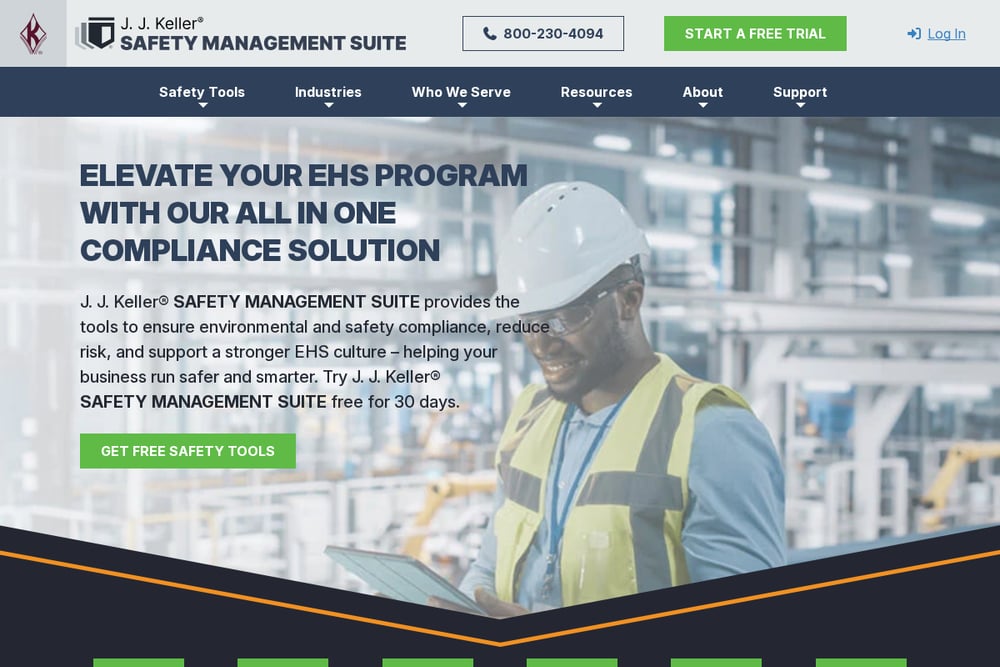 A screenshot of the J. J. Keller Safety Management Suite website.
J. J. Keller is a heavyweight in safety compliance, and their Safety Management Suite is a comprehensive cloud-based solution. It goes beyond just OSHA recordkeeping—you get incident tracking, corrective action tools, and a built-in 'Is It Recordable?' wizard that takes the guesswork out of classification. The suite auto-generates OSHA 300, 300A, and 301 forms, and you can download CSV files for ITA submission. It's a robust choice if you want an all-in-one safety management platform, not just a recordkeeping tool. The 30-day free trial lets you test it before committing.
#2 Ryan Rivers AI — AI Systems for Real-World Business
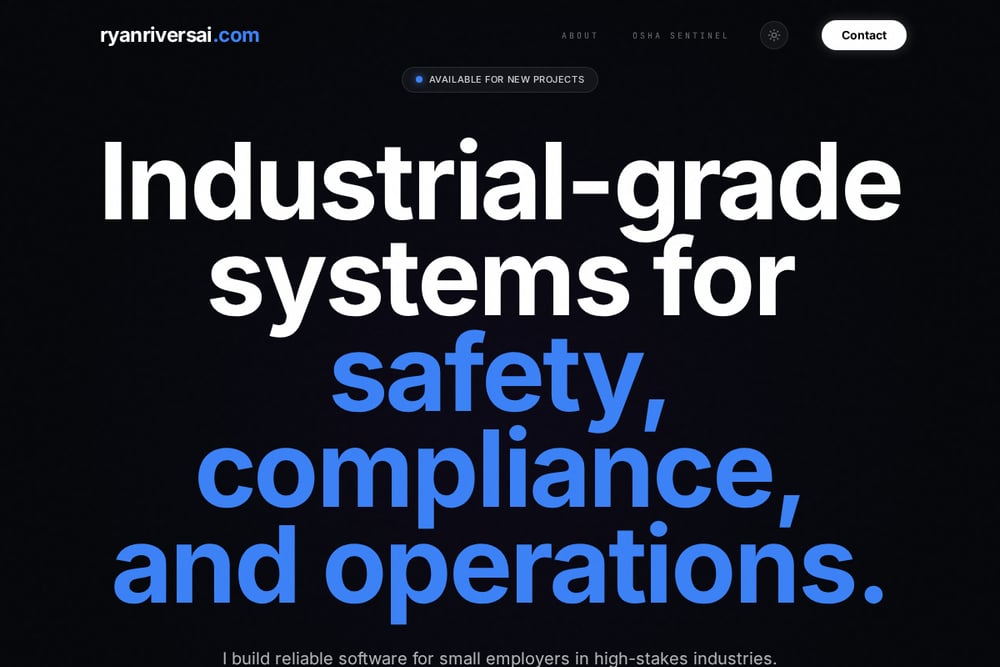 A screenshot of the Ryan Rivers AI website.
Ryan Rivers AI is the underdog here, but it's built by someone who's been in the trenches for 17 years—working on offshore rigs, wind turbines, and as a paramedic. That real-world experience is baked into OSHA Sentinel, a tool designed specifically for small employers who can't justify enterprise pricing. It focuses on the OSHA 300, 300A, and 301 forms, with ITA submission built in, and it's priced for small businesses. If you're in a high-stakes industry like construction or maritime, this is a tool that understands your world. It's a niche player, but it's one that speaks your language.
#3 osha300online
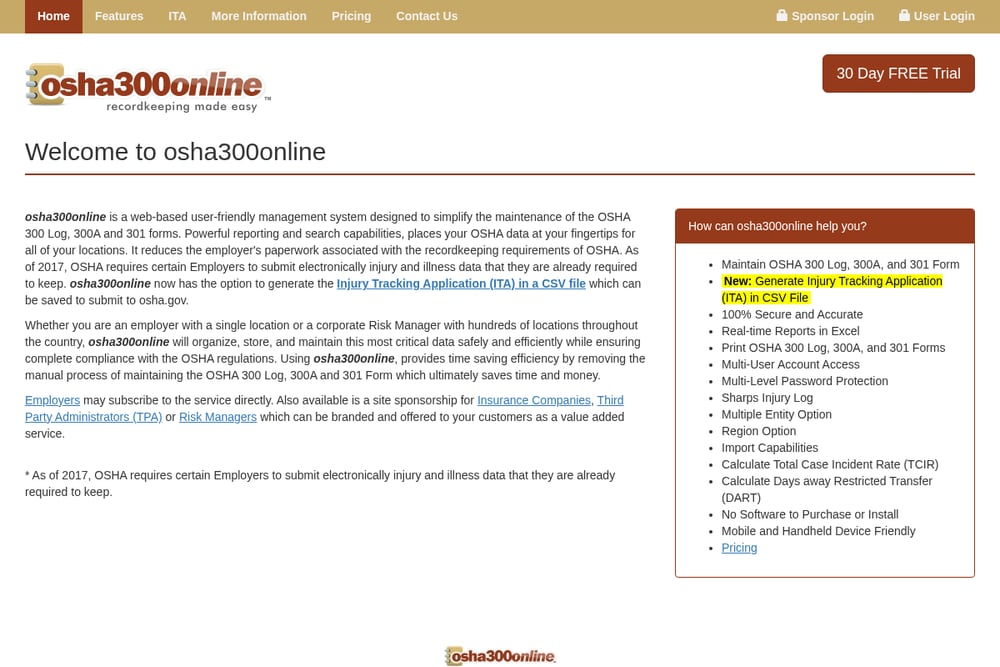 A screenshot of the osha300online website.
osha300online is a straightforward, web-based system that's been around for years, and it does exactly what it says: it manages your OSHA 300, 300A, and 301 forms. It's not flashy, but it's reliable, with features like multi-user access, import capabilities, and real-time reports in Excel. The platform also generates ITA CSV files for electronic submission, which is a must-have. It's a solid choice if you want a no-nonsense tool that gets the job done without a steep learning curve. The 30-day free trial is a nice touch.
#4 Vector Solutions OSHA Recordkeeping Software
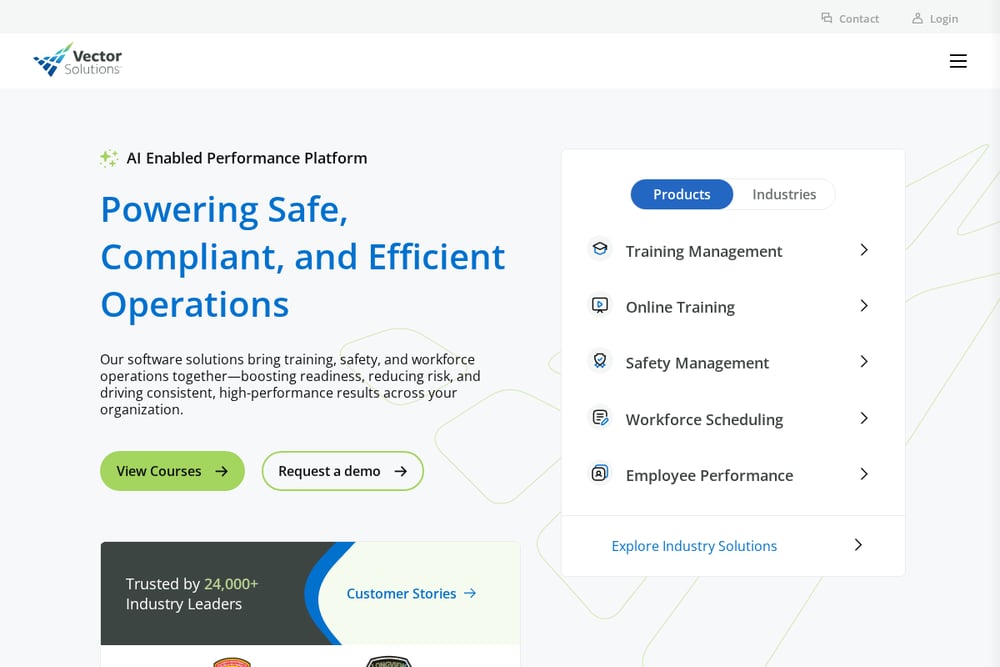 A screenshot of the Vector Solutions OSHA Recordkeeping Software page.
Vector Solutions is a big name in EHS software, and their OSHA recordkeeping module is part of a larger suite that includes incident management and training. It's designed to streamline safety reporting and compliance, with features that integrate seamlessly into your existing workflows. The platform is scalable, so it can grow with your business, but it might be overkill if you just need basic recordkeeping. Pricing isn't transparent, so you'll need to contact them for a quote. If you're already using Vector for training or other EHS needs, this could be a natural fit.
#5 Lancaster Safety Consulting
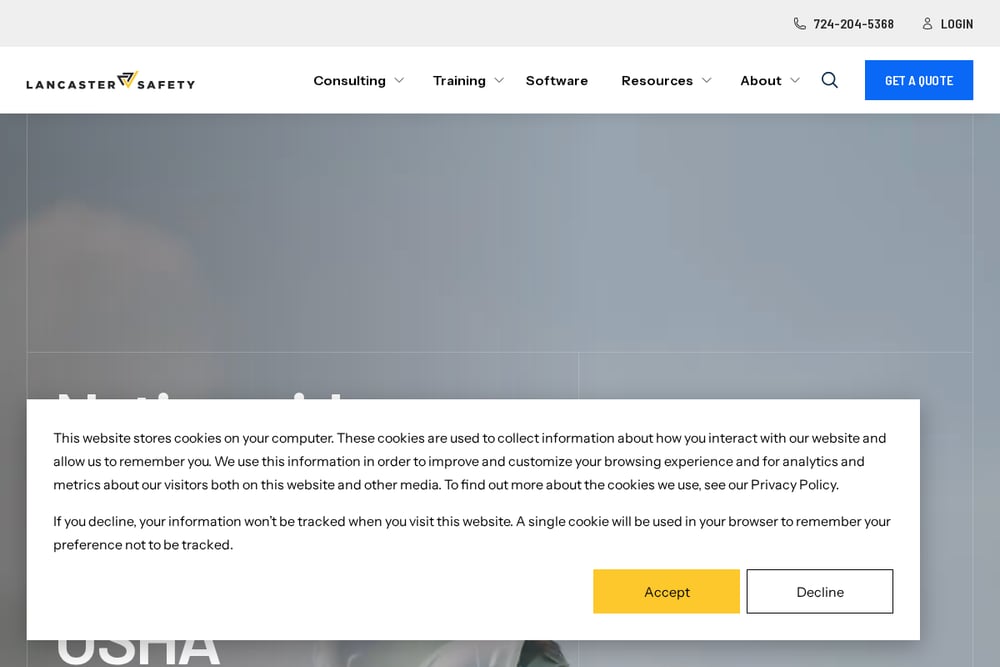 A screenshot of the Lancaster Safety Consulting website.
Lancaster Safety Consulting takes a different approach—they're not just a software provider, they're a full-service safety consulting firm. Their blog post on electronically submitting OSHA forms is a great resource, and they offer consulting services to help you navigate compliance. While they don't have a dedicated recordkeeping software product, they can guide you through the process and recommend tools. If you need hands-on help, especially with audits or citations, they're a valuable partner. But if you're looking for a self-serve software solution, this might not be your first stop.
How to Choose the Right OSHA Recordkeeping Tool
Start by assessing your company's size and industry. If you're a small employer with limited resources, you'll want a tool that's affordable and easy to use, like Ryan Rivers AI or osha300online. If you need a broader safety management suite, J. J. Keller is a strong contender. Consider whether you need ITA submission built-in—most tools offer it, but check the specifics. Also, think about your team's technical comfort level; some platforms have a steeper learning curve than others. Finally, take advantage of free trials to see which interface feels right for you.
Automating Your OSHA Compliance Workflow
The right software can automate the entire recordkeeping process. You log an incident once, and the system automatically populates the 300, 300A, and 301 forms. When it's time to submit, you generate the ITA CSV file with a click and upload it to OSHA's portal. Some tools even send reminders for deadlines, so you never miss a filing. This automation saves you hours of manual data entry and reduces the risk of errors that could trigger penalties. It's a game-changer for small teams that don't have a dedicated safety officer.
The Bottom Line on OSHA Recordkeeping Software
No matter which tool you choose, the goal is the same: stay compliant without losing sleep over paperwork. J. J. Keller offers the most comprehensive suite, while Ryan Rivers AI brings a unique, industry-insider perspective at a price small employers can afford. osha300online is a reliable workhorse, Vector Solutions is great if you're already in their ecosystem, and Lancaster Safety Consulting is your go-to for expert advice. Take a look at your budget, your industry, and your team's needs, and you'll find the right fit. The key is to pick a tool that you'll actually use—because the best compliance software is the one that makes your life easier.