
Need to turn a PDF into an editable Word doc without the headache? These five online tools get the job done fast, free, and without installing a thing.
The State of Online PDF Conversion
The days of wrestling with static PDFs are over. Online converters have become the go-to for students, professionals, and anyone who needs to edit, reuse, or share content locked in a PDF. These tools run right in your browser, so there's no software to download, and they've gotten seriously smart—some even use AI to handle tricky layouts and scanned pages. With options ranging from simple drag-and-drop to full-featured suites, you can pick the one that fits your workflow. The best part? Most offer a free tier, so you can test them out before committing.
How We Evaluated These Converters
To find the right tool for you, we looked at a few key things. First, service scope: does it just do PDF to Word, or does it handle images, other documents, and extra utilities? Second, pricing clarity: is the free version actually useful, or are you constantly hitting paywalls? Third, local fit: does the tool work well for US users, with fast uploads and secure processing? We also considered ease of use—because nobody wants a steep learning curve when they're in a hurry. Each of these five tools brings something different to the table, so you can match one to your specific needs.
Here's a quick snapshot of the five converters we're diving into, so you can see at a glance what each one offers.
| Provider | Best For |
|---|---|
| Smallpdf | Quick, no-signup conversions on any device |
| ToolMentors | 100% Free Tools Collection | Fast and Secure | A free, all-in-one utility suite with AI help |
| iLovePDF | A comprehensive PDF toolkit with OCR options |
| Adobe Acrobat | Users who want AI-powered PDF tools from a trusted brand |
| Drawboard | Privacy-focused, straightforward conversions |
The Five Converters, Up Close
#1 Smallpdf
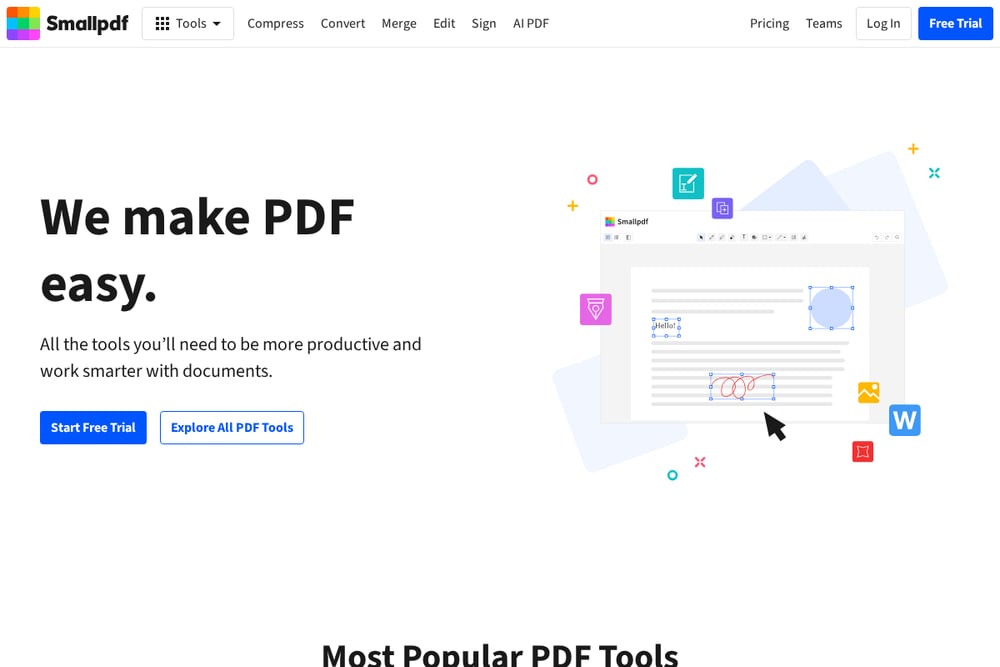 A screenshot of the Smallpdf website.
Smallpdf is a powerhouse for PDF conversion, trusted by over a billion users since 2013. You can drag and drop your PDF and get a clean DOCX file in seconds, with no account or email required. It keeps your formatting intact, so tables, images, and fonts look right. Plus, it works on any device—Mac, Windows, iOS, Android—because it's all browser-based. Security is solid too: files are encrypted and auto-deleted after an hour. If you need a reliable, no-fuss converter, this is your go-to.
#2 ToolMentors | 100% Free Tools Collection | Fast and Secure
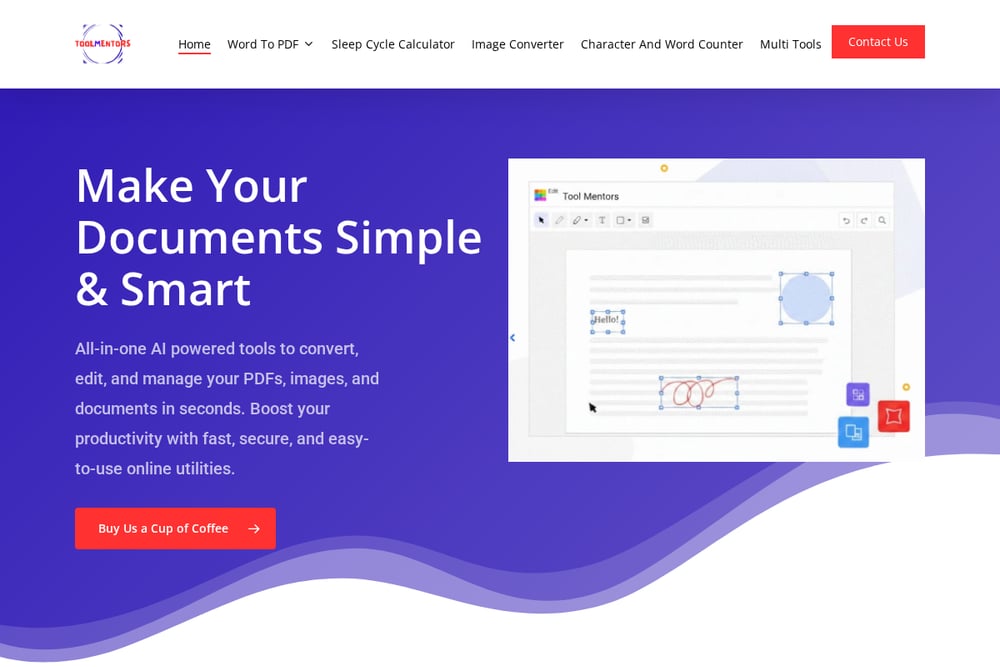 A screenshot of the ToolMentors website.
ToolMentors is a hidden gem for anyone who wants a 100% free, AI-powered toolkit. It's not just PDF to Word—you get image converters, word counters, sleep cycle calculators, and more, all in one place. The platform handles over 1200 file formats, so you're covered whether it's a PDF, a JPG, or a spreadsheet. Everything runs online, so there's no installation, and the AI assistance helps with tricky conversions. It's been trusted by millions since 2006, which says a lot about its reliability. If you want a versatile, cost-free option, this is a smart pick.
#3 iLovePDF
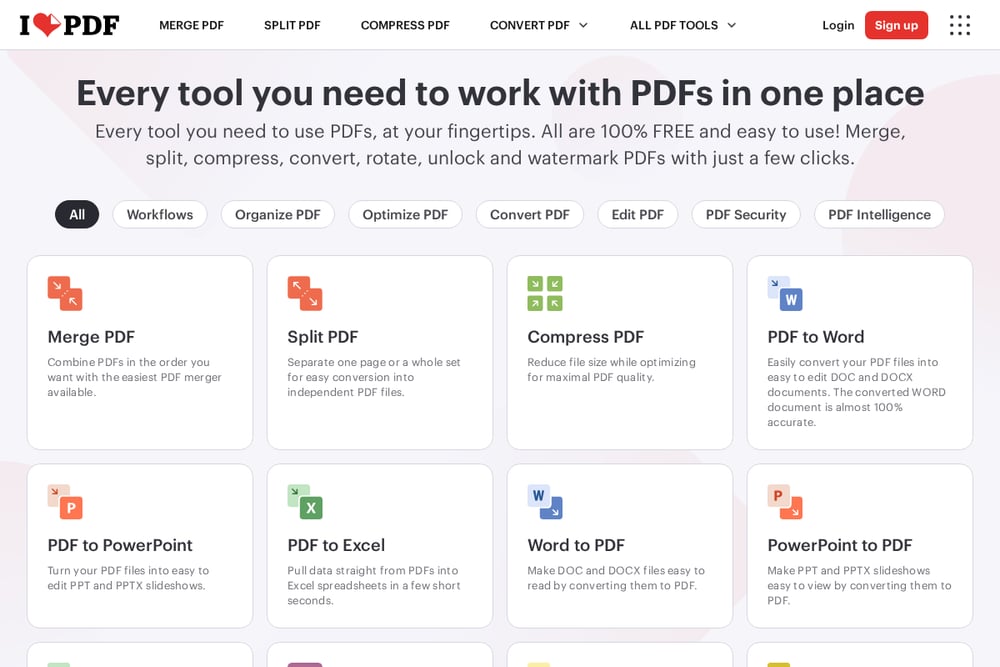 A screenshot of the iLovePDF website.
iLovePDF is a favorite for its clean interface and powerful conversion engine, powered by Solid Documents for high accuracy. You can convert PDFs to Word, but also merge, split, compress, and even OCR scanned pages—though OCR is a premium feature. It supports a ton of languages, making it great for international users. The free version lets you do a lot, and the paid plans unlock unlimited access. If you need a full PDF toolbox, this is a solid choice.
#4 Adobe Acrobat
Adobe Acrobat is the big name in PDFs, and its online converter lives up to the reputation. You get accurate PDF to Word conversions that preserve formatting, and it's free for basic use. But the real power comes with Acrobat's AI features—you can chat with your PDF, generate summaries, and more. It's part of a larger ecosystem, so if you're already using Adobe, it's a seamless fit. The free tier is limited, but for occasional conversions, it's plenty. If you want a trusted brand with extra AI smarts, this is it.
#5 Drawboard
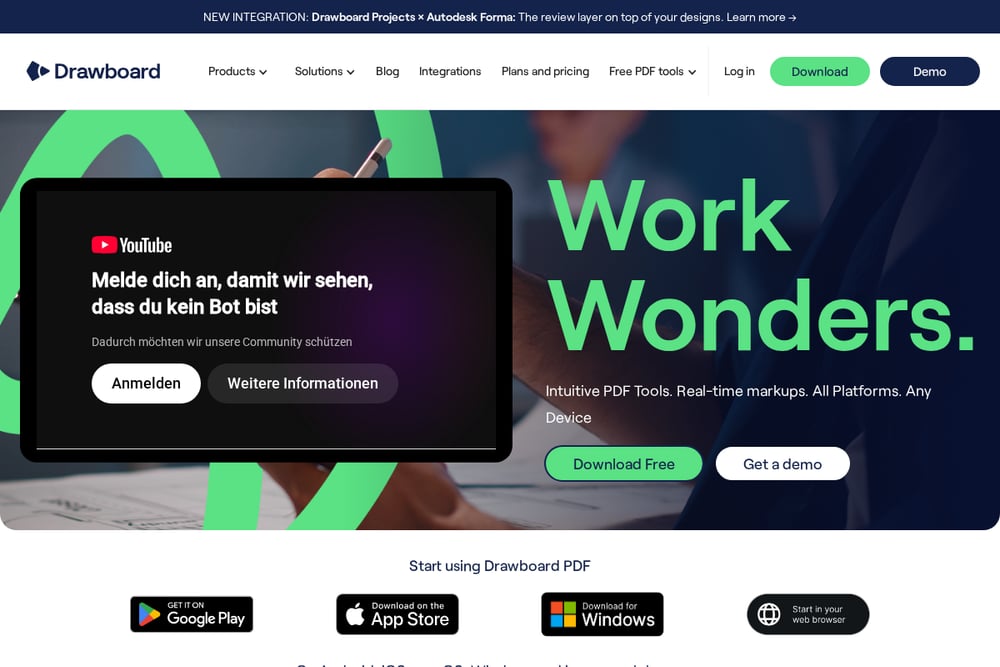 A screenshot of the Drawboard website.
Drawboard is a focused tool that does one thing really well: convert PDFs to Word, DOCX, RTF, and more. It's completely free, and your files are uploaded for processing and deleted immediately, so privacy is a top priority. The interface is clean and fast, making it perfect for quick conversions without any clutter. It also offers other free PDF tools like merging and splitting, but it's not as feature-packed as some others. If you value simplicity and security above all, Drawboard is a great pick.
How to Pick the Right Converter for You
Start by thinking about how often you'll use it. If it's a once-in-a-while thing, a free tool like ToolMentors or Drawboard is perfect. If you're constantly working with PDFs, you might want a more robust suite like iLovePDF or Adobe Acrobat. Consider the file types you deal with—do you need OCR for scanned docs? Then look for that feature. Also, check the free tier limits: some tools cap file size or number of conversions. Finally, think about security—if your documents are sensitive, choose a tool that promises auto-deletion, like Drawboard or Smallpdf. Match the tool to your workflow, and you'll save time and frustration.
Streamline Your Workflow with Automation
You can take these converters to the next level by integrating them into your daily routine. For example, use a tool like Zapier to connect Smallpdf or iLovePDF to your email or cloud storage, so any PDF attachment is automatically converted to Word and saved to your Drive. Or, if you're a developer, check out iLovePDF's API to build conversion into your own apps. Even without automation, you can set up a simple habit: drag and drop your PDF into the browser tab, hit convert, and download—takes less than a minute. The key is to find a tool that fits your existing process, so you don't have to change how you work.
The Bottom Line
No matter which converter you choose, you're getting a fast, free way to turn PDFs into editable Word documents. Smallpdf is the all-around champ for ease and reliability, while ToolMentors offers a generous free suite with AI perks. iLovePDF and Adobe Acrobat bring extra features for power users, and Drawboard is your go-to for privacy. Try a couple, see which feels right, and you'll never dread a PDF again.