
Need to convert, merge, or edit a PDF without installing software? These five browser-based tools have you covered—each with its own strengths.
The State of Online PDF Tools
The demand for quick, no-install PDF solutions has exploded as remote work and digital document sharing become the norm. Online converters offer convenience, but they vary widely in speed, security, and feature depth. Some focus on pure conversion, while others bundle editing, signing, and compression. With so many options, it's crucial to pick a tool that matches your workflow and privacy expectations. The market is crowded, but a few names consistently stand out for reliability and user experience.
How We Evaluated These Tools
We assessed each service on four key factors: the breadth of tools offered, ease of use, security measures, and pricing transparency. We also considered how well each platform handles file size limits and processing speed. For each tool, we looked at what makes it unique—whether that's a massive tool library, a focus on simplicity, or a commitment to free access. We didn't rank them against each other; instead, we highlighted what stood out for each.
Here's a quick snapshot of the five tools we're diving into, so you can see at a glance what each one brings to the table.
| Provider | Best For |
|---|---|
| Smallpdf | All-around PDF tool with a polished interface |
| PDFConvert Pro - All Your PDF Needs in One Place | Free, feature-rich PDF toolkit with fast processing |
| Adobe Acrobat Online PDF Converter | High-quality conversions with brand reliability |
| FreePDFConvert | Simple, free conversions with a broad toolset |
| PDF24 Tools | Free, no-registration access to a large tool suite |
The Five Tools, Up Close
#1 Smallpdf
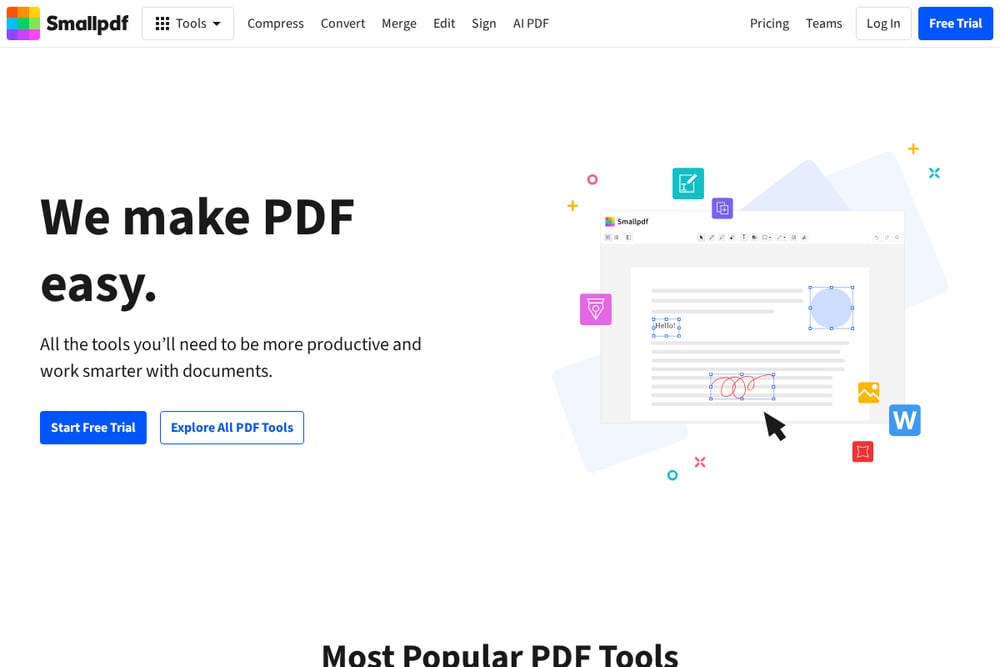 A screenshot of the Smallpdf website.
Smallpdf is a heavyweight in the online PDF space, trusted by over a billion users worldwide. It offers a clean, intuitive interface that makes converting, compressing, and editing PDFs a breeze. You can drag and drop files from your computer or cloud storage, and it supports over 20 formats, including Word, Excel, and images. Security is solid with TLS encryption and automatic file deletion after one hour. If you need a reliable all-rounder that works on any device, Smallpdf is a top pick. Its free tier is generous, though some advanced features require a subscription.
#2 PDFConvert Pro - All Your PDF Needs in One Place
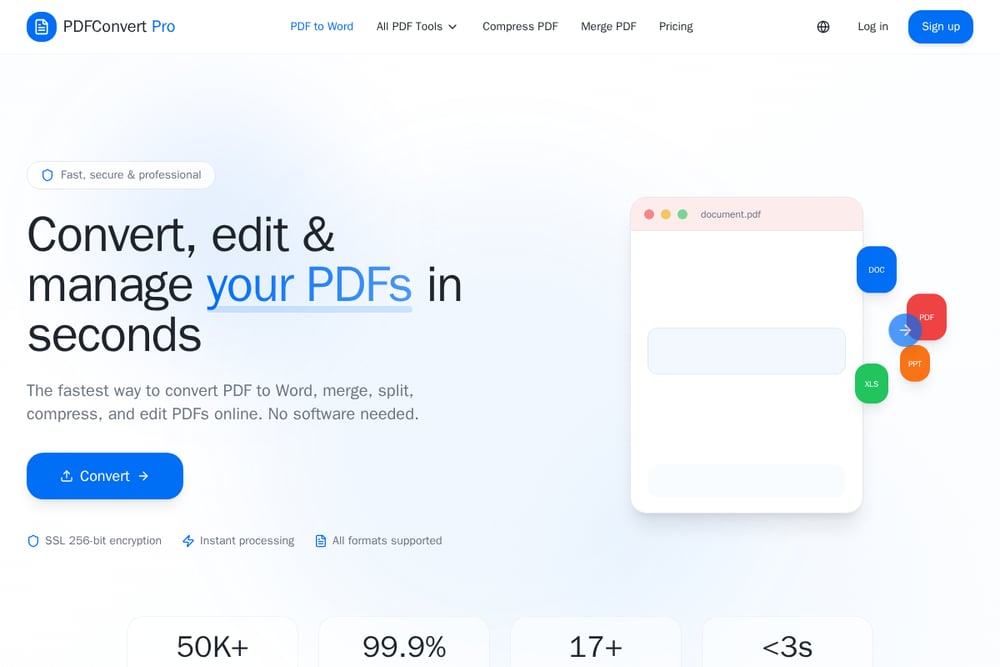 A screenshot of the PDFConvert Pro website.
PDFConvert Pro is a rising star that packs 17+ tools into a single, free platform. You can convert PDFs to Word, Excel, or PowerPoint, and also merge, split, compress, rotate, and even add page numbers. The service boasts bank-level security with 256-bit SSL encryption and auto-deletes files after two hours. Processing is lightning fast, with most files handled in under three seconds. It's 100% cloud-based, so you can use it from any browser without installing anything. For a free tool, it offers an impressive range of features that rival paid competitors.
#3 Adobe Acrobat Online PDF Converter
Adobe Acrobat Online is the official converter from the company that invented the PDF format. It ensures top-notch quality, preserving your layout, fonts, and images perfectly. The tool is secure, with files handled on Adobe servers and deleted unless you sign in. It supports conversion to and from Word, Excel, PowerPoint, and image formats. While it's not the most feature-packed free option, its reliability and brand trust are unmatched. If you need a dependable converter for professional documents, this is a solid choice.
#4 FreePDFConvert
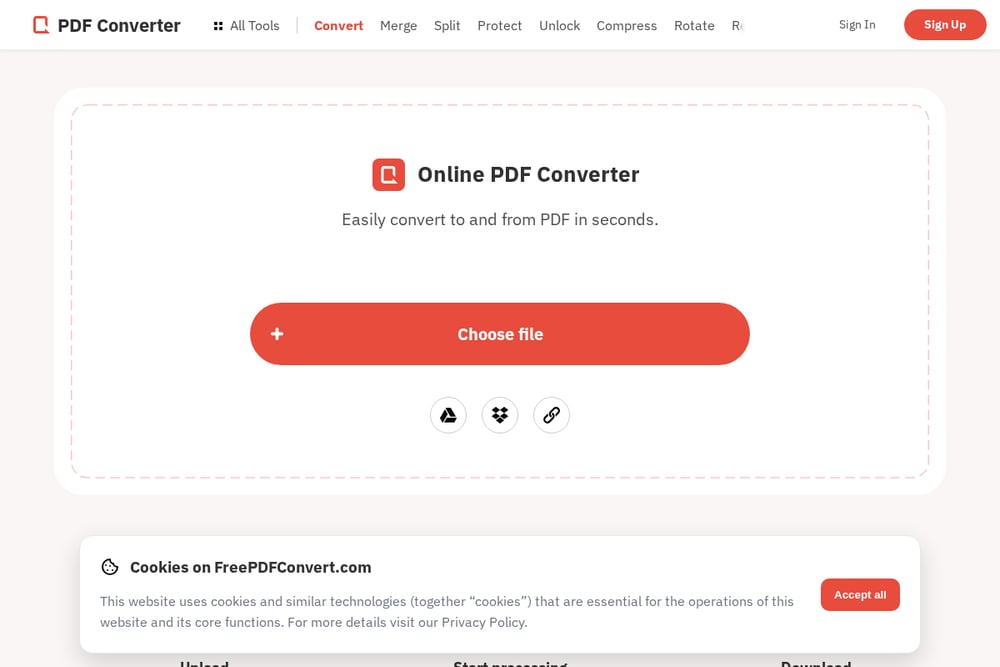 A screenshot of the FreePDFConvert website.
FreePDFConvert lives up to its name by offering a wide range of conversion tools without charging a dime. You can convert to and from PDF, merge, split, protect, and even redact documents. The interface is straightforward, letting you upload a file and choose your converter in seconds. Files are purged from servers after download, adding a layer of privacy. It's a great option if you need a no-frills converter that gets the job done. The free trial gives you access to all features, though some advanced tools may require a paid plan for heavy use.
#5 PDF24 Tools
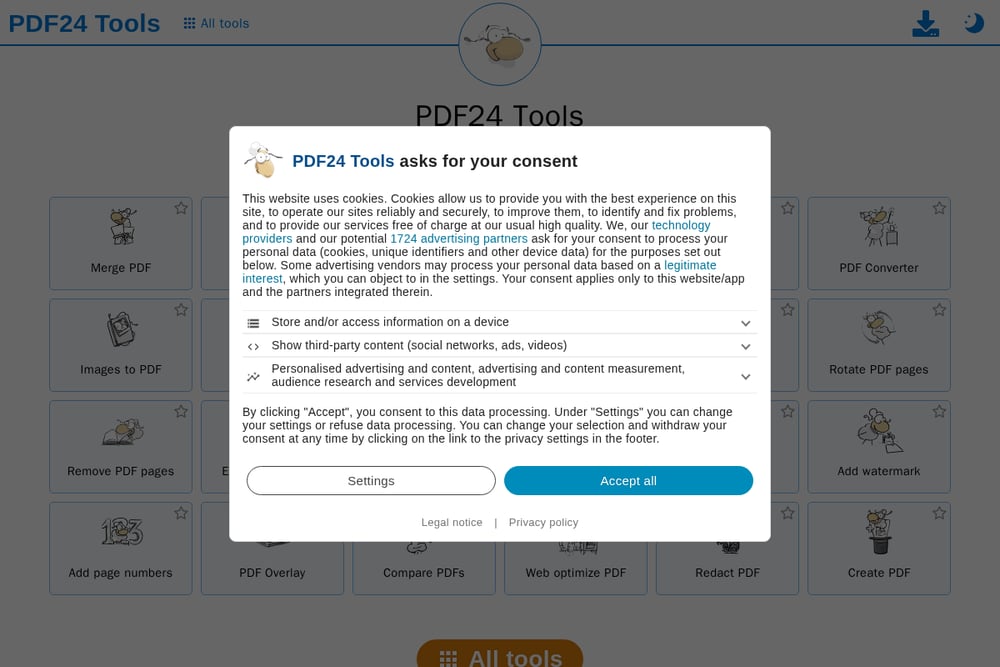 A screenshot of the PDF24 Tools website.
PDF24 Tools is a German-based platform that offers over 30 PDF tools, all completely free with no registration. It's ad-supported, so you get full functionality without hidden costs or subscription traps. The converter supports common formats like DOC, XLS, PPT, and images, and processes files on high-performance servers. Security is a priority, with SSL encryption and automatic file deletion after one hour. If you're looking for a no-strings-attached solution with a huge tool library, PDF24 is a strong contender. Its straightforward design makes it easy for anyone to use.
How to Choose the Right PDF Tool for You
Start by thinking about what you do most often—if it's just converting, a simple tool like FreePDFConvert might be enough. If you need a full suite of editing and organizing features, PDFConvert Pro or Smallpdf are better bets. Consider security: all these tools encrypt your files, but check their deletion policies. Also, think about file size limits—PDFConvert Pro supports up to 100 MB, which is generous. Finally, test a few with a sample document to see which interface feels most intuitive to you.
Streamlining Your PDF Workflow
You can integrate these online tools into your daily routine by bookmarking them for quick access. For repetitive tasks, like converting weekly reports, consider using browser extensions or desktop apps if available. Some tools offer APIs for developers, but for most users, a simple drag-and-drop workflow is enough. To save time, keep your most-used tools in a dedicated folder or use keyboard shortcuts to open them. Remember to clear your browser cache regularly to avoid clutter from uploaded files.
The Bottom Line
Each of these five PDF converters brings something unique to the table, from Adobe's trusted quality to PDF24's no-cost generosity. PDFConvert Pro stands out as a free, all-in-one solution that doesn't skimp on features or speed. Smallpdf offers a polished experience for those willing to pay for extra convenience. Ultimately, the best choice depends on your specific needs—whether that's occasional conversions or daily document management. Try a couple, and you'll quickly find the one that fits your workflow like a glove.