
Faxing isn't dead—it's just moved online. Here are five services that make sending a fax as easy as sending an email.
The Fax Renaissance: Why Online Fax Services Still Matter
In an era of instant messaging and cloud storage, the fax machine seems like a relic. Yet, for many critical processes—immigration filings, medical records, legal documents—fax remains the standard. Online fax services bridge the gap, letting you send and receive faxes from your computer or phone without the hardware. They offer convenience, security, and often a free tier, making them indispensable for individuals and businesses alike. The market has grown to include everything from simple pay-per-fax tools to full-featured enterprise platforms.
How We Evaluated These Services
We looked at each service through the lens of a practical user: how easy is it to send a fax quickly? What's the pricing structure—are there hidden fees or subscriptions? Does it serve the US and Canadian markets well? We also considered the range of features, from page limits to document formats, and the overall user experience. Each service was assessed on these factors, highlighting what stood out for each.
Here's a quick snapshot of the five services we're diving into.
| Provider | Best For |
|---|---|
| Dropbox Fax | Businesses and individuals needing a reliable, cloud-integrated fax solution. |
| Envía Fax Online Gratis hasta 4 Páginas | FaxFacil | Quick, no-account fax sends, especially for Spanish-speaking users and USCIS filings. |
| FaxZero | Occasional free faxing to US and Canada with a simple interface. |
| Fax.Plus | Businesses needing a scalable, secure fax solution with integrations. |
| GotFreeFax | Users who want a free fax service with no ads and optional prepaid credits. |
The Contenders: A Closer Look
#1 Dropbox Fax
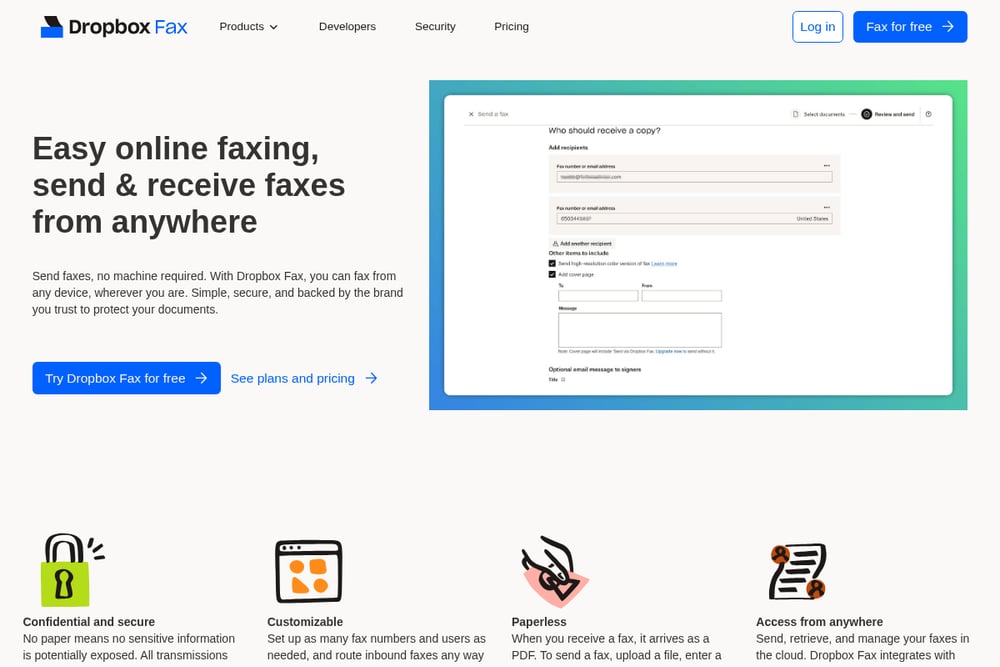 A screenshot of the Dropbox Fax website.
Dropbox Fax, formerly HelloFax, is a heavyweight in the online faxing arena, recognized by Wirecutter as the best online fax service for multiple years. It integrates seamlessly with cloud storage platforms like Google Drive, Dropbox, Box, and OneDrive, making it a breeze to fax documents you already have in the cloud. You can send and receive faxes from anywhere, with all transmissions encrypted for security. The service is backed by Dropbox's trusted brand, which has over 700 million registered users. It's not free, but it offers a free trial, and its paid plans are designed for individuals and businesses that need reliable, paperless faxing. If you're looking for a robust, secure, and user-friendly solution, this is it.
#2 Envía Fax Online Gratis hasta 4 Páginas | FaxFacil
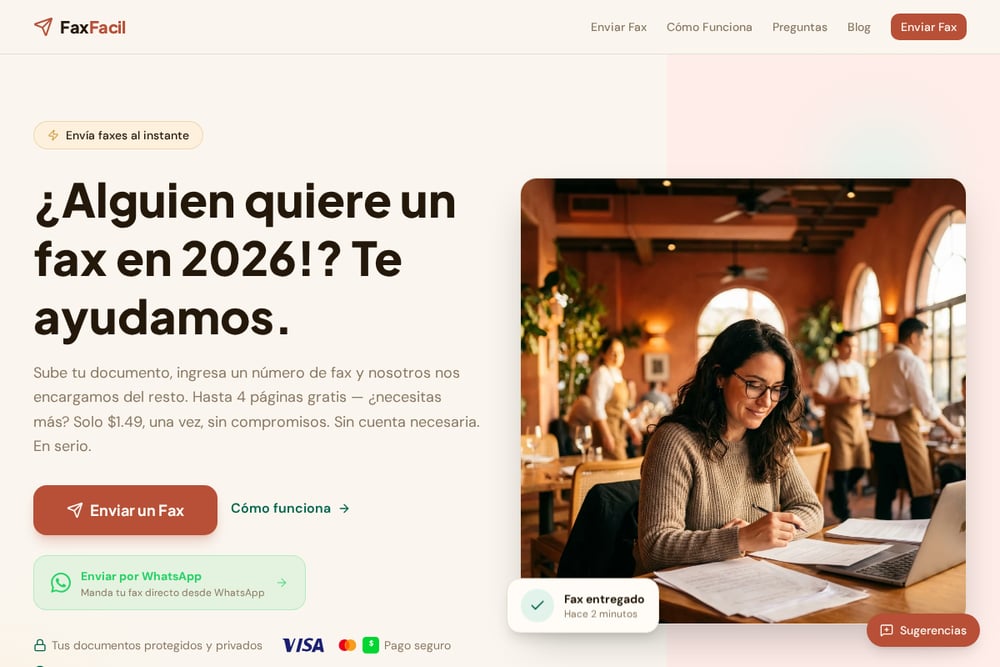 A screenshot of the FaxFacil website.
FaxFacil is a breath of fresh air in the online fax space, especially for Spanish-speaking users in the US. It offers a truly free tier: you can send up to 4 pages per fax, with a maximum of 2 free faxes per day, just by watching a short ad. Need to send more? It's a flat $1.49 per fax, with no subscription or account required. The service is designed for quick, one-off sends, particularly for immigration documents to USCIS, medical records, or legal paperwork. You can upload PDF, JPG, or PNG files up to 30 pages, and it accepts payments via Cash App and credit cards. The entire process is streamlined: upload, enter the fax number, and send—no registration hassle. For a no-frills, pay-as-you-go option, FaxFacil is hard to beat.
#3 FaxZero
 A screenshot of the FaxZero website.
FaxZero is a veteran in the free online fax space, having sent over 29 million faxes since its inception. It offers a genuinely free service for faxes to the US and Canada, with a maximum of 3 pages plus a cover page, and up to 5 free faxes per day. The catch is that FaxZero branding appears on the cover page, and you can't attach files after you start—so have everything ready. For a small fee of $3.29, you can send up to 25 pages with priority delivery and no branding. It's a straightforward, no-nonsense service that's perfect for occasional faxing needs, like contacting your congressperson or sending a quick document. The interface is simple, and it's been trusted for years.
#4 Fax.Plus
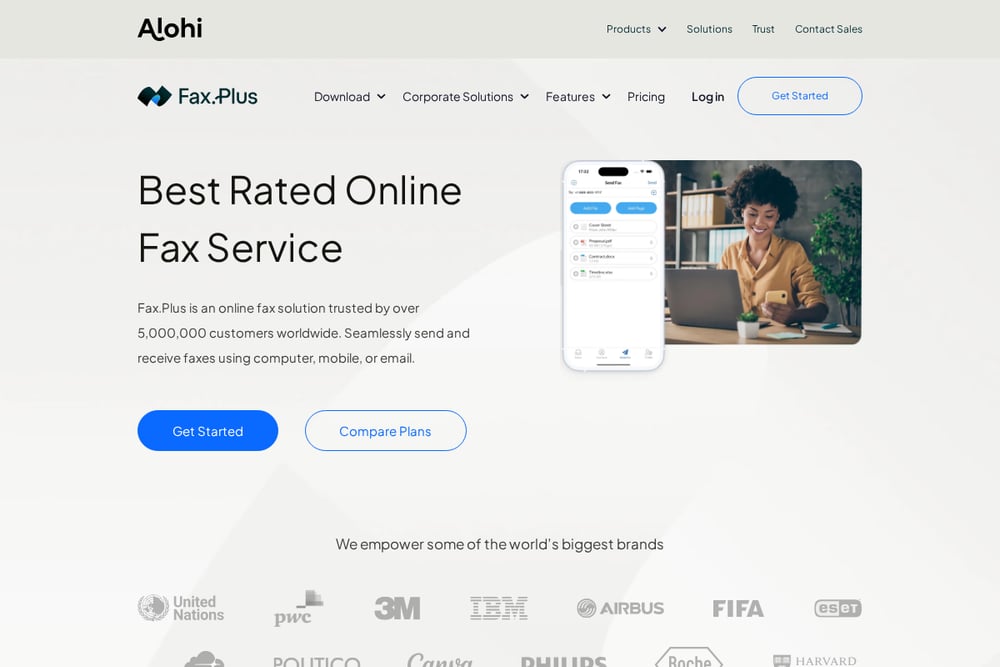 A screenshot of the Fax.Plus website.
Fax.Plus is a comprehensive online faxing solution that caters to both individuals and enterprises. It offers a free tier that lets you send faxes with limited pages, but its real strength lies in its paid plans, which include features like a dedicated fax number, mobile apps for iOS and Android, and integrations with Google Workspace, Microsoft, Slack, and Zapier. The service is HIPAA compliant, making it a solid choice for healthcare providers who need to safeguard patient confidentiality. You can send faxes from your email, the web app, or even your desktop, and it supports a wide range of file formats. If you need a scalable solution that grows with your business, Fax.Plus is worth a look.
#5 GotFreeFax
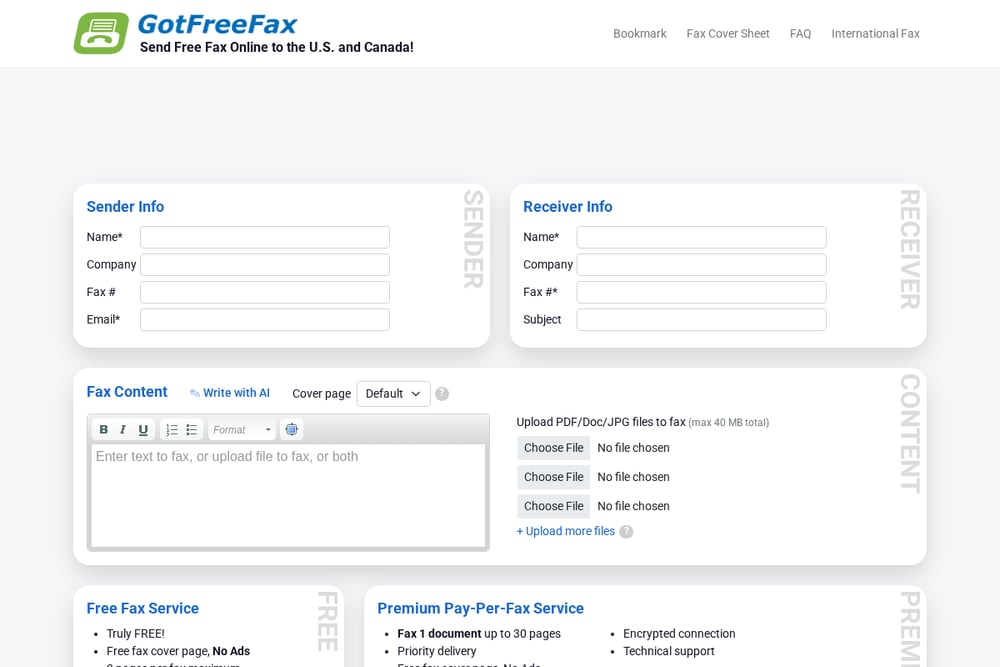 A screenshot of the GotFreeFax website.
GotFreeFax lives up to its name by offering a truly free fax service to the US and Canada, with no ads on your fax cover page. You can send up to 3 pages per fax, with a maximum of 2 free faxes per day, and you can upload up to 10 files per fax, with a total size limit of 40 MB. For heavier needs, they offer a premium pay-per-fax service that handles up to 30 pages with priority delivery, and a prepaid account option where page credits never expire. The service includes a free fax cover page, and you can even write your fax content using AI. It's a practical choice for those who need a reliable free option with the flexibility to upgrade when necessary.
How to Choose the Right Online Fax Service
Start by asking yourself how often you send faxes. If it's a rare occurrence, a free service like FaxZero or GotFreeFax might be all you need. If you're sending sensitive documents regularly, consider a paid service with encryption and compliance features, like Dropbox Fax or Fax.Plus. Think about the volume: free tiers often have page limits and daily caps, so if you're sending more than a few pages, a pay-per-fax option like FaxFacil could be more cost-effective. Also, consider the recipient's location—most services cover the US and Canada, but international faxing may require a paid plan. Finally, check for integrations with your existing tools, like cloud storage or email, to streamline your workflow.
Streamlining Your Fax Workflow
For businesses, automating fax processes can save time and reduce errors. Services like Fax.Plus offer APIs and integrations with Zapier, allowing you to automatically send faxes from your CRM or helpdesk. Dropbox Fax integrates with cloud storage, so you can fax documents directly from your Drive or Dropbox folder. Even for individuals, you can set up email-to-fax features, where you send an email with an attachment to a designated fax number, and the service handles the rest. This eliminates the need to manually upload files each time, making faxing as simple as sending an email.
The Bottom Line on Online Faxing
Online fax services have evolved to meet the needs of a digital-first world, offering everything from free, ad-supported options to enterprise-grade solutions. Whether you're an individual needing to send a one-off document to USCIS or a business requiring HIPAA-compliant faxing, there's a service that fits. The key is to assess your frequency, volume, and security needs, then choose accordingly. With the right tool, faxing can be a seamless part of your workflow, not a frustrating throwback.