Evernote users looking for a different home for their notes have plenty of options. Some apps emphasize privacy and encryption, others focus on flexibility, open formats, or a clean writing space. This list covers five note-taking apps worth knowing in 2026, described by what they do and who they suit. It is a plain list, not a quality ranking.
How We Picked These Tools
Each app here is a note-taking tool that offers a distinct approach to capturing, organizing, and syncing notes, drawn from its own homepage and pricing information. The list focuses on apps that give Evernote users a credible alternative path, whether through encryption, open file formats, self-hosted sync, or a simpler writing experience. Descriptions stick to what each app says about itself and who it is built for.
| Provider | Best For |
|---|---|
| Notion | Teams that want notes and work in one connected workspace |
| Obsidian | People who want local, private notes in open formats |
| Joplin | Users who want an open source app with end-to-end encryption |
| Standard Notes | Privacy-focused users who want encrypted notes |
| UpNote | Writers who want a simple, clean note space |
The 5 Tools in Focus
#1 Notion
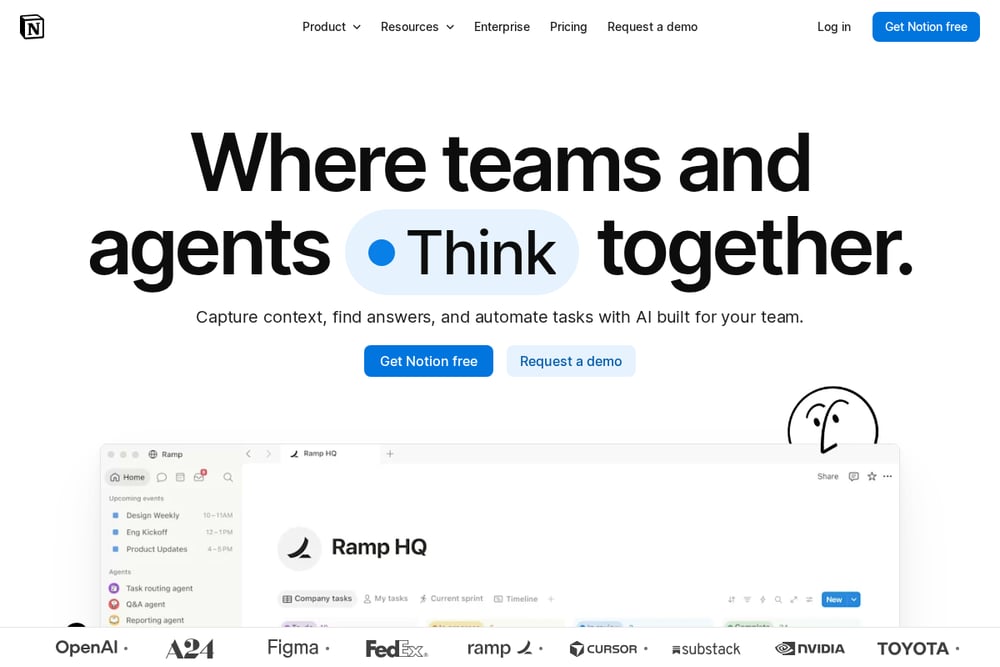 A screenshot of the Notion website.
Notion presents itself as a workspace where teams capture knowledge, find answers, and automate tasks with AI built for the team. It frames itself as a system of record for everything from product feedback to support tickets and security alerts. The product pairs notes with AI features that return answers with citations and agents that keep work moving. It suits teams and organizations that want notes to live alongside their other work in one connected space.
#2 Obsidian
 A screenshot of the Obsidian website.
Obsidian is a free and flexible app for private thoughts that stores notes locally on your device so they can be accessed quickly, even offline. It uses open file formats and saves notes as plain text Markdown files, so you are never locked in. Notes can be connected with links, visualized in a graph, and laid out on an infinite Canvas. It suits people who want to shape their own thinking space and keep ownership of their data for the long term.
#3 Joplin
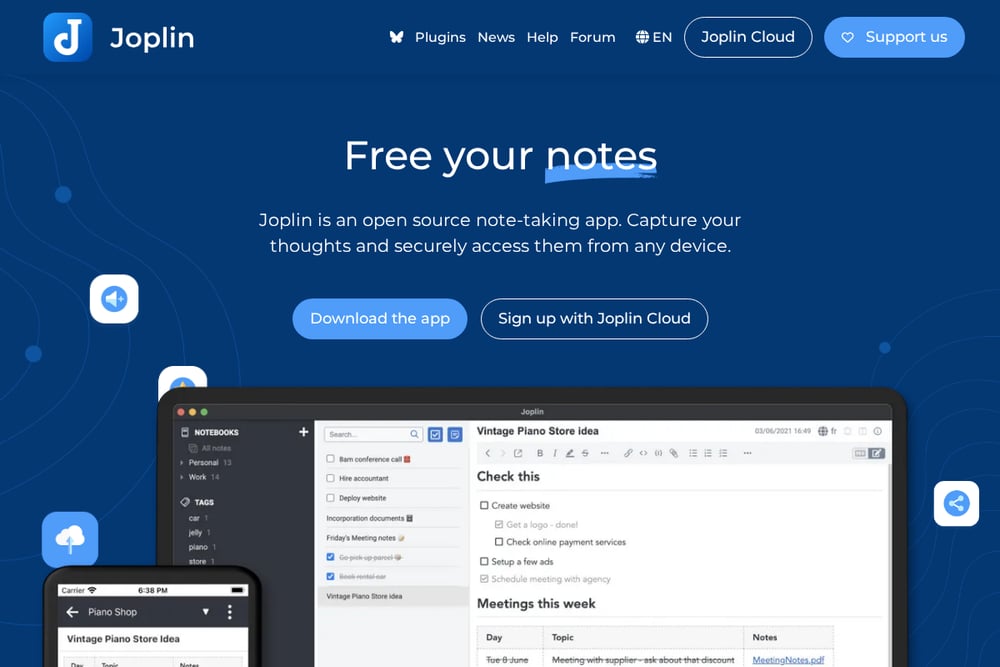 A screenshot of the Joplin website.
Joplin is an open source note-taking app for capturing thoughts and accessing them securely from any device. It supports images, videos, PDFs, and audio files, and can create math expressions and diagrams directly in the app. Notes sync through services including Joplin Cloud, Dropbox, and OneDrive, and the app runs on Windows, macOS, Linux, Android, and iOS, with a terminal app also available. It suits people who want an open format, end-to-end encryption, and a French-hosted cloud option.
#4 Standard Notes
 A screenshot of the Standard Notes website.
Standard Notes is a free, secure note-taking app built around end-to-end encryption and privacy features, with syncing across unlimited devices. It stores notes and files in one secure place and keeps an offline copy so you can access them without an internet connection. The company describes itself as independent, funded by paying users rather than venture capital, with open code that is independently audited. It suits writers, legal professionals, journalists, and anyone who prioritizes private, encrypted notes.
#5 UpNote
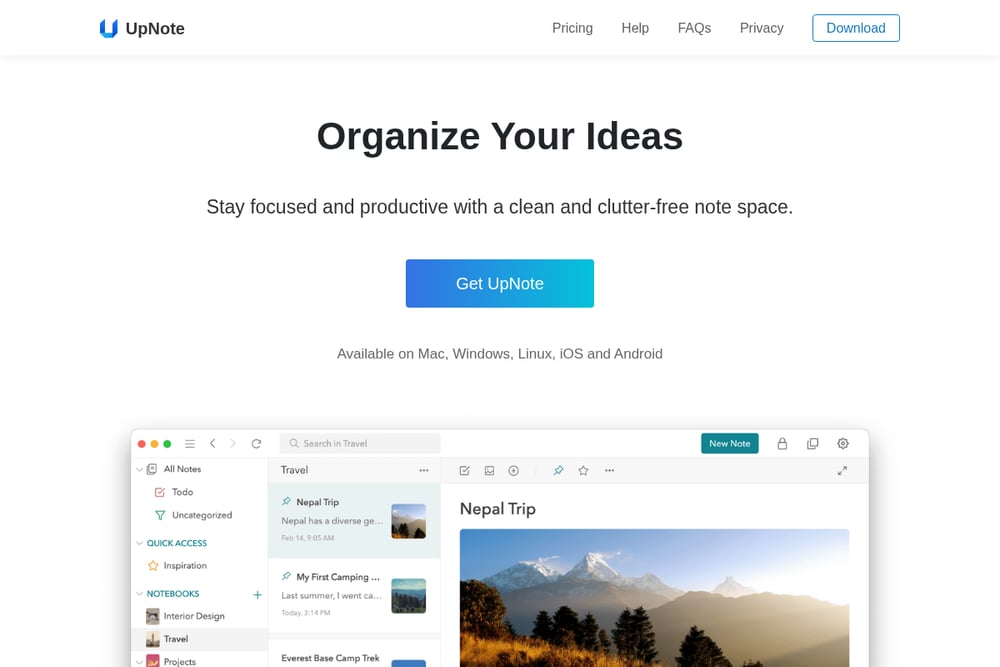 A screenshot of the UpNote website.
UpNote is a note-taking app focused on a clean, clutter-free note space with flexible organization through hashtags, nested notebooks, pinning, Quick Access, and keyword filtering. It offers a complete editor with rich text options, Markdown support, lists, images, links, attachments, quotes, code blocks, and text highlighting. Notes sync automatically across devices and remain available offline, and the app includes themes, dark mode, a web clipper, focus mode, and note locking. It suits people who want a simple, pleasant writing app with a lifetime purchase option.
Which One Should You Choose?
Start with what matters most for how you work. If privacy is the priority, look at apps that emphasize end-to-end encryption and offline copies. If you want to avoid lock-in, favor apps that store notes in open formats you can read and export. If you work with a team, consider whether notes need to live alongside tasks, tickets, and other work. If you want a simple writing space, look at apps that keep the interface clean and the editor complete. Check platform support and sync options against the devices you actually use, and review pricing terms, including whether a lifetime option exists.
Final Thoughts
These five apps take different routes away from Evernote. Notion leans into connected team workspaces, Obsidian into local ownership and open formats, Joplin into open source with end-to-end encryption, Standard Notes into audited privacy, and UpNote into a clean, simple writing experience. None is presented as better than another; the right fit depends on whether you value privacy, openness, collaboration, or simplicity most.
Know a company that belongs on this list? Email us at editorial@peekwire.com.