A missed call at a law firm is rarely just a missed call. It is a caller in crisis who is already dialing the next attorney on Google. These five tools are built to make sure your firm is the one that answers back.
Why missed calls are the quiet leak in legal intake
Legal callers do not shop around patiently. They have a deadline, a problem, and a phone. When you are in a hearing or with another client, that call goes to voicemail and the caller moves on. The numbers back this up. Clio's 2024 Legal Trends Report found that only 40% of law firms answered a secret-shopper call in 2024, down from 56% in 2019. That means six in ten callers hit a dead end at the exact moment they were ready to hire. Missed-call text-back closes that gap. The caller gets an instant text from your firm's own number, answers a few short questions, and you get a summary you can act on. For personal injury, criminal defense, and family law, where the first firm to respond usually wins the matter, this is no longer a nice-to-have. It is intake infrastructure.
How we looked at these tools
We evaluated each tool on the same four factors. First, service scope: does it stop at a generic auto-reply, or does it handle structured intake, qualification, and conflict screening? Second, pricing clarity: are the monthly fee and setup cost published, or do you have to book a call to find out? Third, local fit: does the tool understand Georgia firms, state bar sensitivities, and the practice areas that drive calls in this market? Fourth, compliance posture: does it avoid giving legal advice, honor opt-outs, and handle caller data carefully? StillInCourt stood out for its narrow attorney-only focus, published $99/month pricing, and Georgia early-access positioning. Smart Text Back stood out for its law-firm-specific ROI framing and template library. Willix AI stood out for CRM integration and fast deployment. Plura AI stood out for its detailed seven-step workflow with conflict screening and PII handling. WorkflowStack AI stood out for its practical, beginner-friendly workflow guides and case management tie-ins.
Here is the short version. Five tools, one job: make sure every caller hears back before they call your competitor.
| Provider | Best For |
|---|---|
| Smart Text Back | Firms that want a proven, template-driven text-back setup with ROI math built in |
| StillInCourt: missed-call text-back for attorneys | Georgia attorneys who want a focused, transparently priced text-back and short intake tool |
| Willix AI | Firms that want text-back plus CRM integration and a broader AI intake stack |
| Plura AI | Firms with strict conflict-screening and data-handling requirements |
| WorkflowStack AI | Small firms and solo attorneys who want a simple, well-explained starting workflow |
The five tools, one by one
#1 Smart Text Back
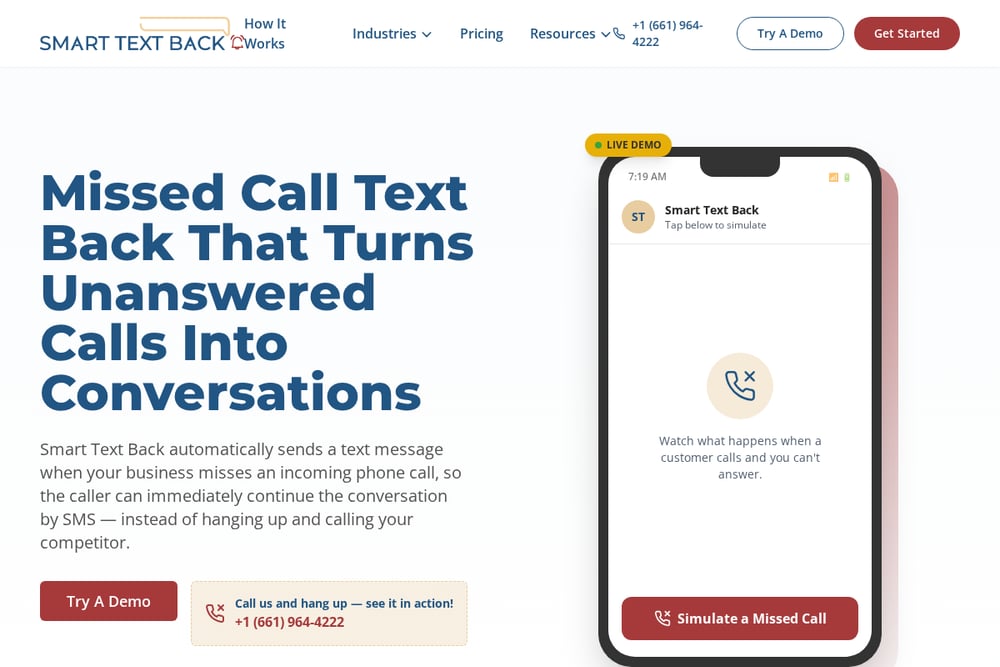 A screenshot of the Smart Text Back website.
Smart Text Back makes a clear case for why legal calls are different: high intent, real deadlines, and a caller who will not leave a voicemail. The platform sends an instant, professional text when a call goes unanswered, so your firm responds even when you are in court or with another client. It leans hard into the economics of legal intake, noting that at $2,500 to $10,000+ per case, one recovered call can change a month. You also get an ROI calculator and a library of templates and setup guides, which shortens the learning curve. It is a solid general-purpose option with a dedicated law-firm playbook. See how it frames legal intake at Smart Text Back's law firm page.
#2 StillInCourt: missed-call text-back for attorneys
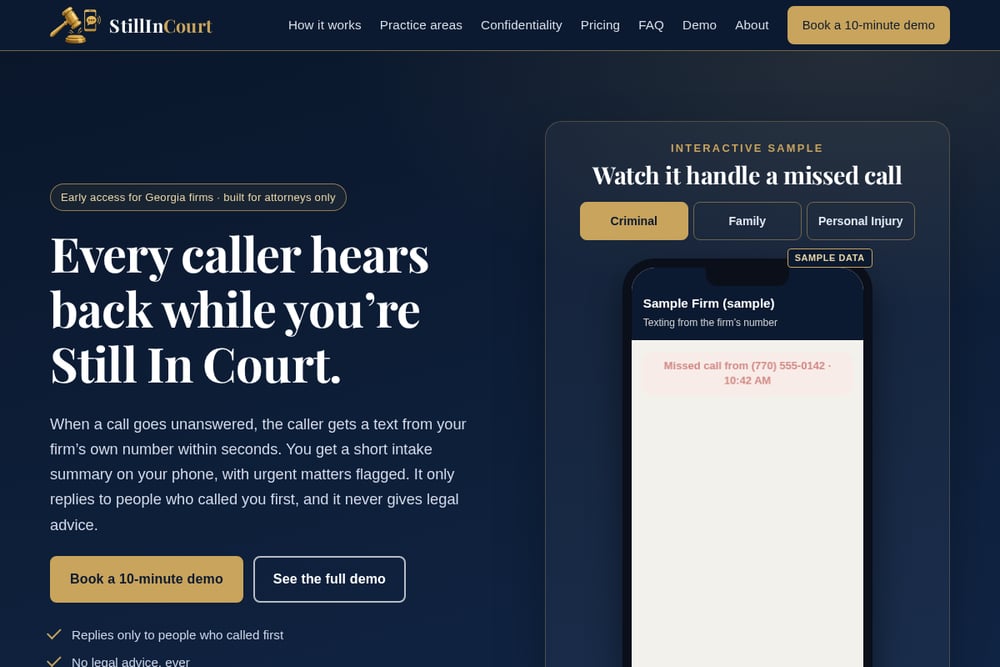 A screenshot of the StillInCourt website.
StillInCourt is built for one audience and says so: attorneys only. When a call goes unanswered, the caller gets a text from your firm's own number within seconds, answers three to five short questions, and you get a clean summary on your phone with urgent matters flagged. The questions are fixed by practice area, so a criminal defense caller is asked about custody status, court, county, and next hearing date instead of an open-ended prompt. It only replies to people who called you first, never gives legal advice, and honors STOP instantly. Pricing is published at $99/month with a $199 one-time setup on a month-to-month basis, and the firm is in early access for Georgia practices. That combination of narrow focus, transparent pricing, and local fit is hard to find. See the workflow at StillInCourt.
#3 Willix AI
 A screenshot of the Willix AI website.
Willix AI positions missed-call text-back as an intake fix, not just a courtesy reply. The pitch is blunt: every missed call is a $5,000 to $50,000 case lost, and crisis-driven calls hit at all hours. You get instant automated texts, customizable templates, two-way SMS, lead recovery tracking, call analytics, and CRM integration. Deployment is quoted at five to ten business days including custom scripting, which is fast for a configured setup. It also bundles adjacent services like AI receptionists and review generation if you want a broader stack. Read the law firm breakdown at Willix AI's missed-call page.
#4 Plura AI
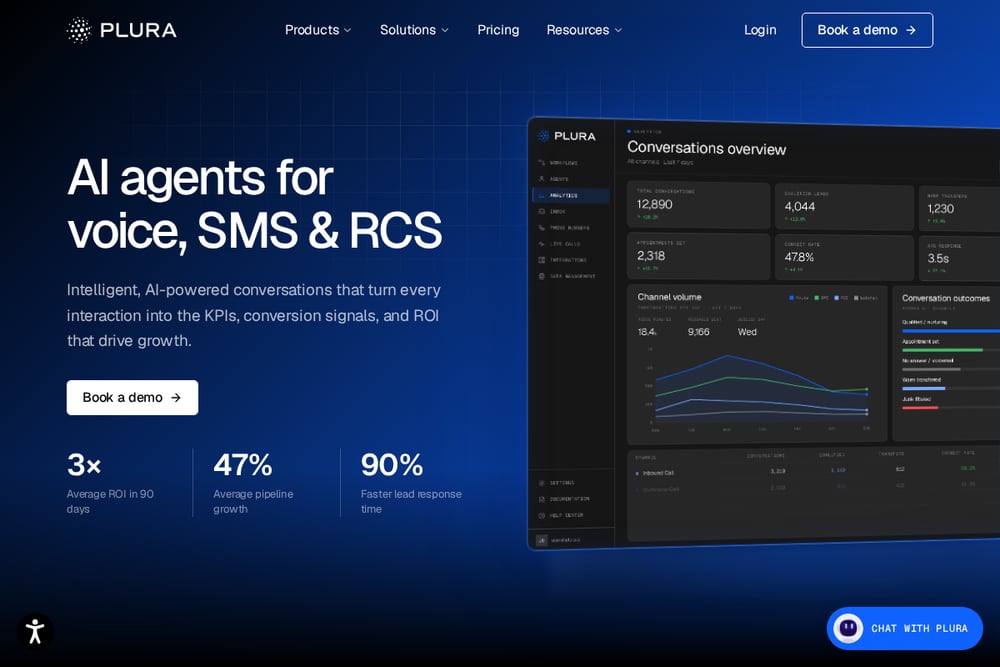 A screenshot of the Plura AI website.
Plura AI treats missed-call recovery as a compliance-sensitive workflow, which matters in legal. Its seven-step process runs from missed-call detection through instant engagement, qualification, conflict screening, and CRM entry before any consultation is booked. That conflict-check step is the differentiator: opposing party names get captured early, which helps protect the firm from exposure under ABA Model Rule conflicts rules. The platform also emphasizes PII handling, field-level redaction, U.S. infrastructure, and an FCC-licensed carrier. It notes that roughly 40% of legal calls arrive outside business hours, making after-hours intake a core feature rather than an add-on. Read the full workflow at Plura AI's missed-call recovery guide.
#5 WorkflowStack AI
 A screenshot of the WorkflowStack AI website.
WorkflowStack AI takes a practical, no-hype approach and labels its law-firm text-back workflow as beginner difficulty. The goal is simple: text any caller who does not reach you within 60 seconds with a disclaimer-safe message that acknowledges the call and offers a conflict-check intake link. It pairs the auto-reply with case management systems like Clio, MyCase, and Filevine so matter type, jurisdiction, and urgency get captured before a paralegal picks up. The site includes real examples, including an Atlanta family law practice using SMS to collect opposing party names before the callback. If you want to understand the mechanics before you buy, this is a useful starting point. See the workflow at WorkflowStack AI's law firm page.
How to pick the right one for your firm
Start with your practice area. If you handle personal injury or criminal defense, speed matters most and any of these will help. If you handle family law or litigation, conflict screening before the callback is worth paying for, which points you toward Plura AI or a tool with structured intake like StillInCourt. Next, check pricing transparency. A published monthly fee and setup cost tells you the vendor is confident in the product. If you have to book a demo to learn the price, budget extra time for that conversation. Then look at local fit. Georgia firms face specific state bar advertising and solicitation rules, so ask how the tool handles disclaimers, opt-outs, and the line between intake and legal advice. Finally, check the integration. If your intake coordinator lives in Clio or MyCase, make sure the summary lands where your team already works. A tool that texts callers but does not feed your case management system creates a second inbox to manage.
What the automated workflow actually looks like
The mechanics are similar across all five, with differences in depth. A call goes unanswered, and your carrier forwards the missed call so the system sees the caller's number. Within seconds, the caller gets a text from your firm's own number that identifies itself as an automated assistant and asks three to five short questions. Urgent signals, like a hearing on Thursday or served papers, trigger an immediate alert to you and an optional backup attorney. You then receive a summary with name, matter, court, deadline, best time to call, and a tap-to-call button. The deeper tools add conflict screening, CRM entry, and after-hours routing on top of that core loop. The whole point is to keep the caller from opening a second tab while you are still in court.
The bottom line
You do not need the most complicated tool. You need the one your firm will actually use every day. If you are a Georgia attorney who wants a narrow, attorney-only tool with published pricing and short practice-area intake, StillInCourt is built for exactly that. If you want a broader stack with CRM integration, Willix AI and Smart Text Back are strong. If compliance and conflict screening drive your decision, look at Plura AI. And if you are a solo just getting started, WorkflowStack AI will teach you the mechanics without the sales pressure. Whichever you choose, the principle is the same: the first firm to respond usually gets the client. Make sure that firm is yours.