
Tired of meetings where ideas get lost and voices go unheard? These five platforms turn chaotic discussions into structured, engaging, and productive sessions.
The Meeting Productivity Landscape
The modern workplace is a mix of in-person, remote, and hybrid setups, and that's thrown a spotlight on how we collaborate. Traditional meetings often suffer from side conversations, dominant voices, and notes that never get acted on. That's where digital collaboration platforms step in, offering real-time idea capture, visual thinking, and structured facilitation. From simple note-taking to full interactive canvases, these tools are reshaping how teams align and decide. The market is crowded, but each platform brings a unique flavor to the table, and choosing the right one can genuinely transform your meeting culture.
How We Evaluated These Platforms
We looked at each platform through the lens of real-world meeting needs. Key factors included ease of use, engagement features, integration capabilities, and how well they support hybrid teams. We also considered the learning curve and the value they bring to different meeting types, from brainstorming to decision-making. Each platform was assessed on its ability to capture ideas, foster participation, and streamline follow-up actions. The goal was to see which tools genuinely make meetings better, not just add another layer of tech.
Here's a quick snapshot of the five platforms we're diving into, so you can see at a glance what each one brings to your meeting toolkit.
| Provider | Best For |
|---|---|
| Miro | Visual brainstorming and collaborative project planning |
| GoWall — Better Meetings. Guaranteed. | Real-time idea capture and inclusive meeting engagement |
| Zoom Whiteboard | Seamless collaboration for existing Zoom users |
| Mural | Structured workshops and design thinking sessions |
| Evernote | Structured note-taking and meeting documentation |
The Deep Dive: Five Platforms That Elevate Your Meetings
#1 Miro
 A screenshot of the Miro website.
Miro is a visual collaboration powerhouse that gives you an infinite canvas to brainstorm, map out workflows, and design with your team in real time. It's not just a whiteboard; it's a full workspace where you can integrate with tools like Slack, Jira, and Google Drive, making it a central hub for project planning. The platform shines when you need to move from abstract ideas to concrete plans, with templates for everything from mind maps to agile retrospectives. You can pull in research from Claude or NotebookLM, turning raw data into a shared visual direction. Miro's AI features help you summarize and synthesize, so you spend less time organizing and more time creating. If your team thrives on visual thinking and needs a flexible space to build together, Miro is a top contender.
#2 GoWall — Better Meetings. Guaranteed.
 A screenshot of the GoWall website.
GoWall takes the simplicity of sticky notes on a wall and supercharges it with a digital, scrollable canvas that captures every idea in real time. It's designed to get 100% engagement from participants, whether they're in the room or joining remotely, by letting everyone contribute simultaneously. The platform cuts meeting times by up to 50% by eliminating the need for transcription and keeping conversations focused with its Designed Dialogue™ feature. You can export your notes easily, so action items don't get lost in a sea of follow-up emails. GoWall's promise is simple: better meetings, guaranteed, and it delivers by making every voice count. If you want a tool that's elegant, fast, and built specifically for meeting productivity, GoWall is your answer.
#3 Zoom Whiteboard
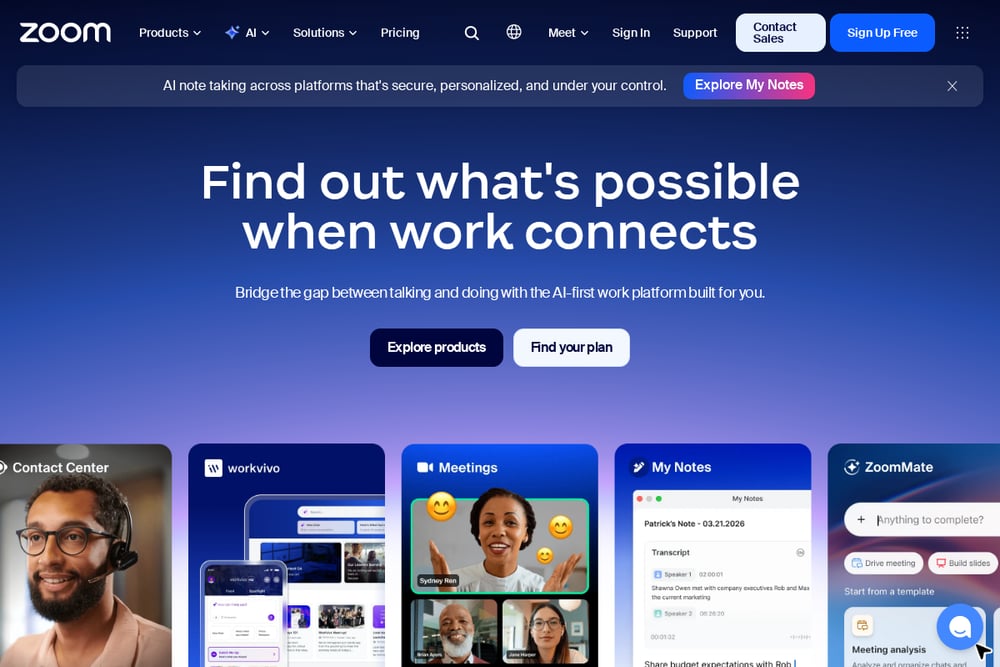 A screenshot of the Zoom Whiteboard website.
Zoom Whiteboard is a free, built-in collaboration tool that lives right inside the Zoom ecosystem, making it a no-brainer for existing Zoom users. You can create, ideate, and diagram in real time, with features that support design thinking and project tracking. It's incredibly easy to jump in—no extra sign-up or learning curve—and it works seamlessly across devices. The whiteboard integrates with Zoom's AI features, helping you capture and summarize ideas without missing a beat. For teams that already rely on Zoom for meetings, this is a frictionless way to add visual collaboration. It's not as feature-rich as standalone tools, but its convenience and zero cost make it a solid choice.
#4 Mural
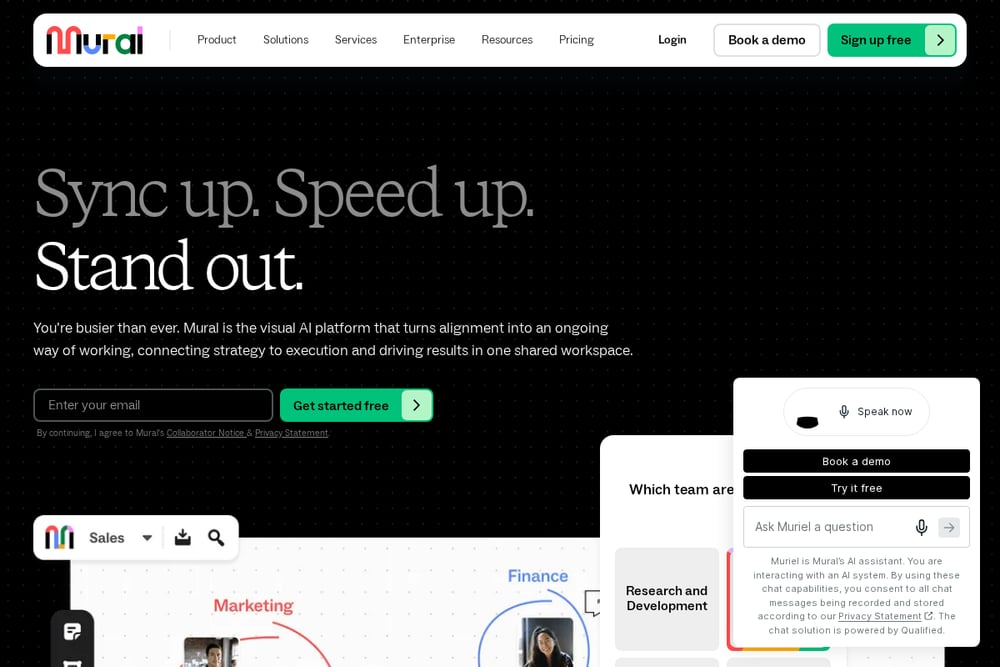 A screenshot of the Mural website.
Mural is a collaborative intelligence platform that excels at structured facilitation, offering templates for brainstorming, agile practices, and strategic planning. It's designed to make teamwork feel less like work, with a focus on visual collaboration that keeps everyone engaged. Mural's strength lies in its facilitation features, like timer-based activities and voting, which help you run effective workshops and meetings. It integrates with Microsoft Teams, Slack, and other tools, making it easy to bring your collaboration into your existing workflow. The platform is particularly strong for design thinking and customer journey mapping, where structure and creativity need to coexist. If you're looking to run more organized and outcome-driven sessions, Mural is a powerful ally.
#5 Evernote
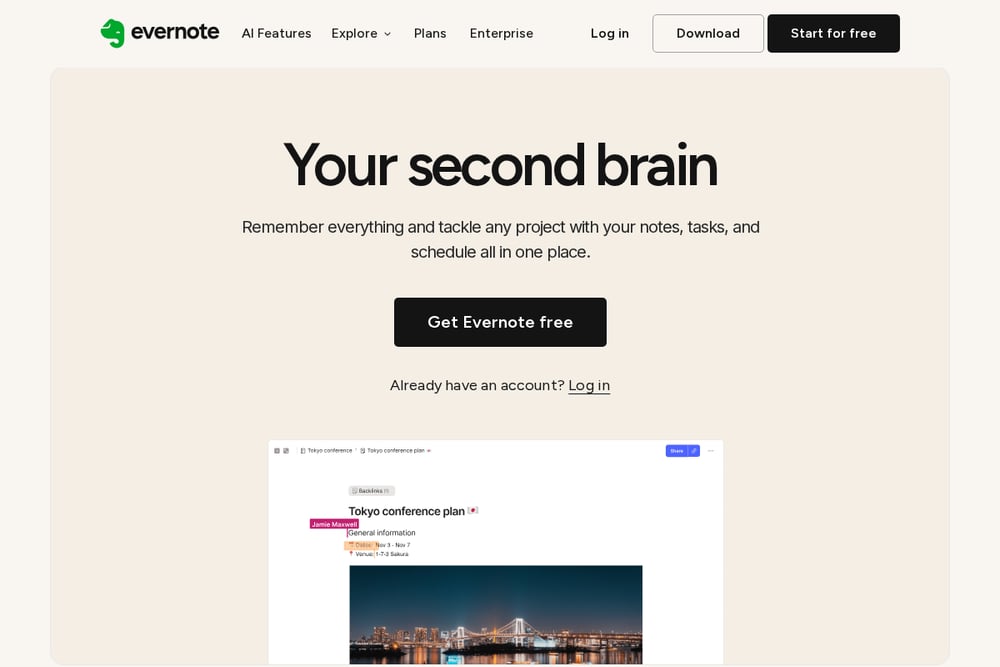 A screenshot of the Evernote website.
Evernote is a veteran in the note-taking space, and its collaborative meeting notes feature brings real-time sharing and editing to your team. It's not a visual canvas like the others, but it excels at capturing detailed notes, action items, and decisions in a structured format. With its AI Meeting Note Taker, you can automate the note-taking process and focus on the conversation. Evernote's strength is in organization—you can tag, search, and link notes across your entire workspace, making it a reliable knowledge base. It's ideal for teams that prefer text-based documentation over visual boards. If your meetings are more about capturing decisions than brainstorming visuals, Evernote is a dependable choice.
How to Choose the Right Platform for Your Team
Start by thinking about the type of meetings you have most often. If you're constantly brainstorming and need a visual space to explore ideas, Miro or Mural will give you the canvas you need. If your meetings are more about capturing decisions and action items, Evernote's structured notes might be a better fit. For teams already using Zoom, the built-in whiteboard is a zero-friction option that adds collaboration without extra cost. And if you want to boost engagement and cut meeting time, GoWall's focus on real-time participation is hard to beat. Consider your team's tech comfort level and how much structure you need—some tools are freeform, others are guided. Finally, think about integrations: the best tool is one that fits into your existing workflow without causing friction.
Automating Your Meeting Workflow
You can automate your meeting workflow by using these platforms in tandem with your calendar and project management tools. For example, schedule a GoWall session for brainstorming, then automatically export the notes to your project tracker. Use Miro's integration with Jira to turn sticky notes into actionable tasks without manual entry. Set up Zoom Whiteboard to save your session directly to your team's shared drive, so everyone has access post-meeting. With Evernote, you can use its AI to generate summaries and send them to attendees automatically. The key is to connect these tools to your existing stack so that meeting outcomes flow seamlessly into your work.
The Bottom Line
The right meeting collaboration platform can turn your sessions from time-sinks into engines of productivity. Whether you choose GoWall for its engagement focus, Miro for its visual flexibility, or Evernote for its note-taking prowess, each tool has a role to play. The best approach is to match the tool to your meeting type and team culture. Don't be afraid to try a few—most offer free trials or tiers. Remember, the goal is to make every meeting count, and with these platforms, you're well on your way.