
If you're running a Magento store, you know the pain of wrestling with code to get a page to look right. These five page builder extensions let you drag, drop, and design without touching a line of code—here's how they stack up.
The State of Magento Page Builders
Magento has long been a powerhouse for e-commerce, but its default content editing tools have often felt clunky. That's where page builder extensions come in—they bridge the gap between developers and store owners, letting anyone create stunning landing pages, product pages, and blog posts with a visual editor. In 2026, the market is crowded, but the best tools share a few key traits: drag-and-drop simplicity, WYSIWYG accuracy, and speed. Whether you're a solo entrepreneur or a dev agency, the right page builder can save you hours every week and keep your storefront looking sharp.
How We Evaluated These Page Builders
We looked at each tool through the lens of a busy Magento store owner. First, we checked ease of use—can you build a page without a developer? Second, we weighed feature depth, like pre-built templates, versioning, and import/export. Third, we considered performance, because a slow page builder can tank your site speed. Finally, we factored in cost and support, since you want a tool that won't break the bank or leave you stranded. Each of these five tools brings something different to the table, and we've highlighted what stood out for each.
Here's a quick look at the five page builders we're covering, with their ranks for easy comparison.
| Provider | Best For |
|---|---|
| Magezon Page Builder 2 | Complex, feature-rich page designs |
| Magento Page Builder Extension For Magento | Goomento | Free, open-source flexibility |
| Aheadworks Buildify for Magento 2 | Design flexibility with native Magento integration |
| Amasty Magento 2 CMS Page Builder | Reliable, beginner-friendly page building |
| Landofcoder Magento 2 Page Builder | Budget-friendly, simple page creation |
The Five Page Builders, In Depth
#1 Magezon Page Builder 2
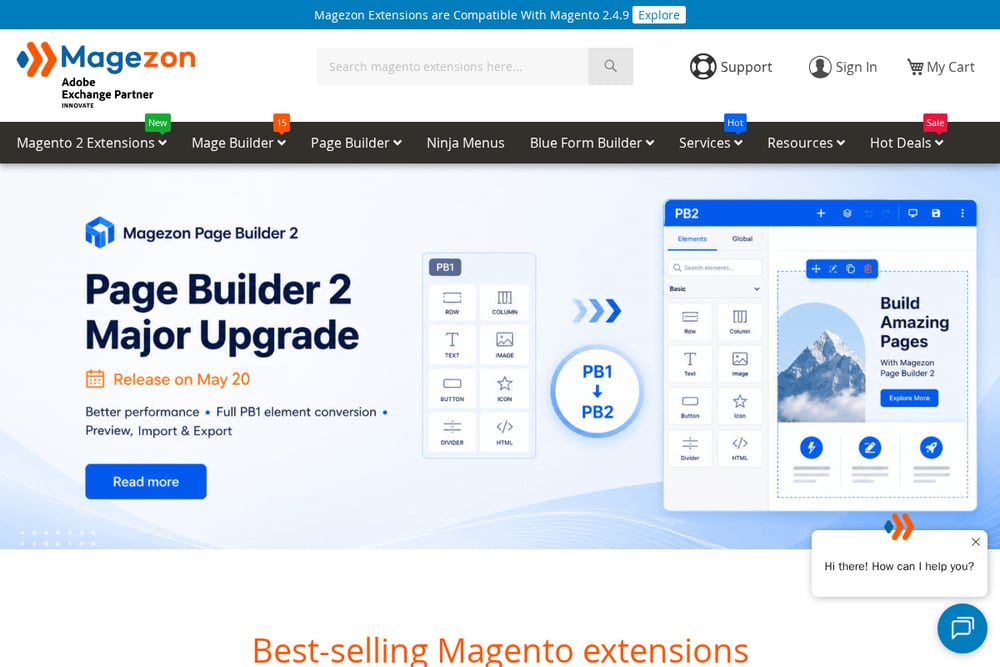 A screenshot of the Magezon website.
Magezon Page Builder 2 is a heavyweight in the Magento page builder arena, offering a massive library of widgets and templates that let you build almost anything. Its drag-and-drop interface is intuitive, and the recent upgrade to version 2 brought faster performance and smoother editing, which is a huge win for store owners. You can import and export content easily, and it's compatible with Hyvä themes, making it a flexible choice for modern stores. If you need to create complex layouts without coding, this tool has you covered. The learning curve is a bit steeper than some, but the payoff is worth it. Check out their site for a full feature list and demo.
#2 Magento Page Builder Extension For Magento | Goomento
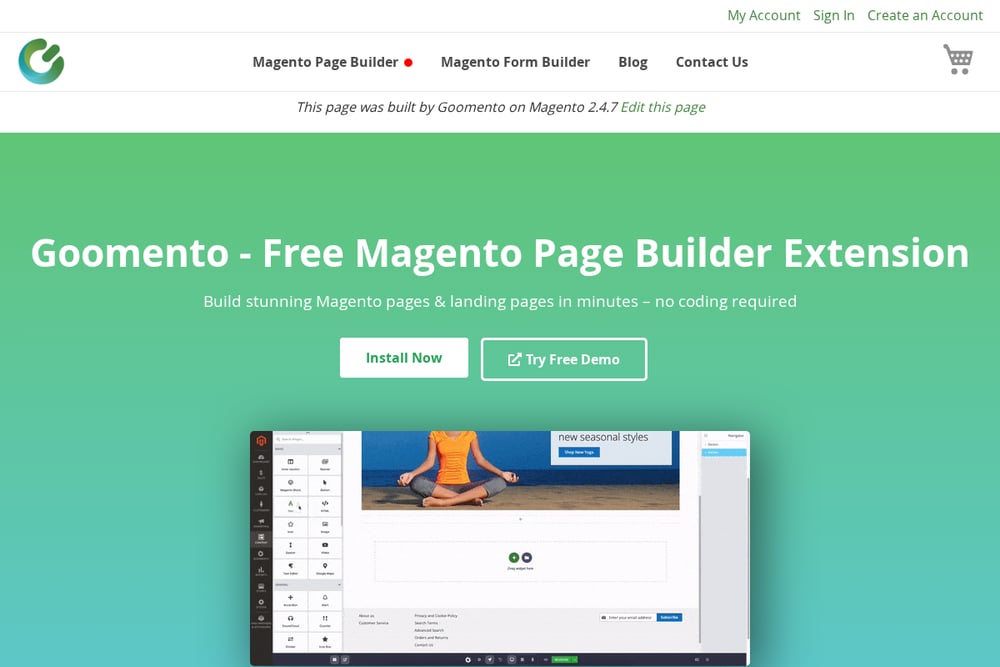 A screenshot of the Goomento website.
Goomento is a breath of fresh air because it's completely free and open-source, yet it doesn't skimp on features. You get a true WYSIWYG editor—what you see in the backend is exactly what your customers see on the storefront, which is a game-changer for avoiding surprises. It's fast, compatible with all Magento stores, and includes history and versioning controls, so you can roll back changes if needed. The drag-and-drop functionality is smooth, and you can import/export content across stores, making it a great choice for multi-store setups. Since it's open-source, you can customize it to your heart's content, and the GitHub community is active. If you're on a budget but want professional results, Goomento is a no-brainer.
#3 Aheadworks Buildify for Magento 2
 A screenshot of the Aheadworks website.
Aheadworks Buildify brings a powerful drag-and-drop builder to Magento 2, with a focus on design flexibility. It integrates natively with Magento widgets, so you can extend functionality without extra hassle. The tool offers a huge number of widgets and pre-arranged templates, which can save you hours of setup time. You can customize styles and layouts without any coding, and it supports SSL-secured sites, which is a must for e-commerce. The pricing is subscription-based, but there's a 14-day free trial so you can test it out. If you're looking for a polished, commercial solution with solid support, Buildify is worth a look.
#4 Amasty Magento 2 CMS Page Builder
 A screenshot of the Amasty website.
Amasty is a well-known name in the Magento extension world, and their CMS Page Builder lives up to that reputation. It offers a drag-and-drop editor that's easy to pick up, even for beginners, and it's packed with features like pre-built blocks and responsive design controls. The tool is designed to help you create landing pages that convert, with SEO-friendly output and fast loading times. Amasty also provides excellent documentation and support, which is a plus if you run into issues. While it's a paid extension, the pricing is competitive, and they often have sales. If you want a reliable, no-nonsense page builder from a trusted vendor, Amasty is a solid pick.
#5 Landofcoder Magento 2 Page Builder
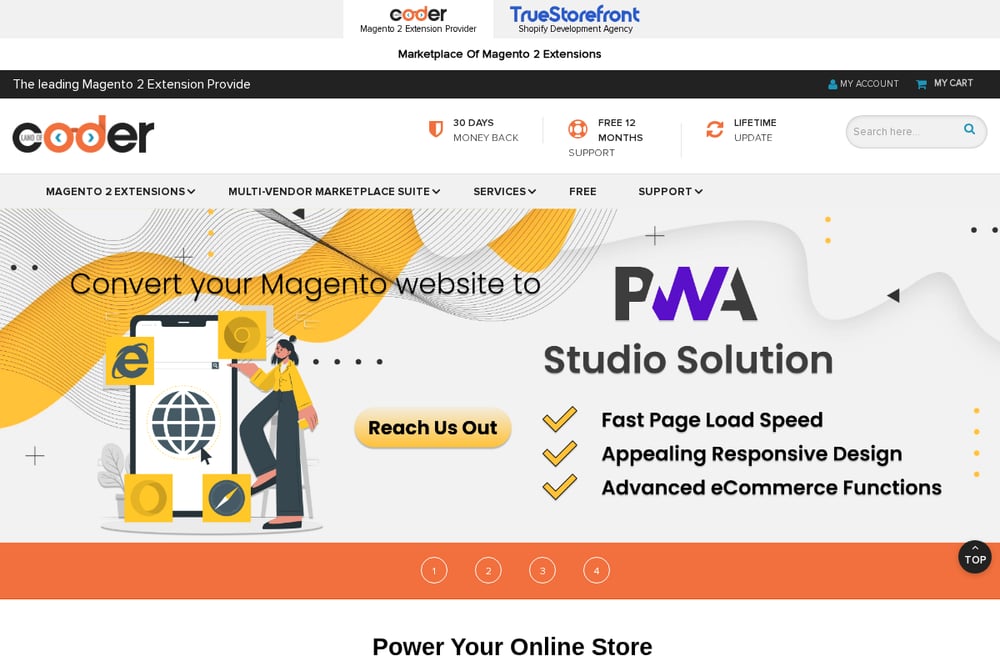 A screenshot of the Landofcoder website.
Landofcoder offers a free Magento 2 page builder that's perfect for store owners who want to get started without spending a dime. The drag-and-drop interface is straightforward, and you can create pages without writing a single line of code. It includes a WYSIWYG editor, so you can see your changes in real time, and it's designed to be fast and responsive. While it may not have as many advanced features as some paid options, it covers the basics well and is a great entry point. Landofcoder also provides free support and lifetime updates, which is a nice bonus. If you're just starting out or have a simple store, this is a practical choice.
How to Choose the Right Page Builder for Your Store
Start by asking yourself what you really need. Are you a solo store owner who wants to whip up landing pages quickly? Then a free tool like Goomento or Landofcoder might be all you need. If you're running a larger operation with complex layouts, you might want the advanced features of Magezon or Aheadworks. Also, consider your budget—free tools are great, but paid ones often come with better support and more templates. Finally, think about your theme compatibility; if you're using Hyvä, make sure the builder supports it. Test a few with demos or free trials to see which one feels right.
Streamlining Your Page Building Workflow
Once you've picked a page builder, you can automate your content creation process. Start by creating a library of reusable sections—like headers, product grids, and call-to-action blocks—so you can drag them into any page in seconds. Use the import/export features to clone pages across your store or even to other stores, saving you from rebuilding from scratch. Set up versioning to track changes, so you can revert if something goes wrong. And don't forget to test your pages on mobile and desktop to ensure they look perfect everywhere. With these habits, you'll cut your page-building time in half.
The Bottom Line
No matter which page builder you choose, the goal is the same: get beautiful, functional pages up fast without pulling your hair out. Goomento stands out as a free, open-source option that doesn't compromise on features, making it a smart choice for many store owners. But the others each have their strengths, so weigh your needs carefully. Try a few, see what clicks, and you'll be building stunning pages in no time.